genshin sddm theme
1.0.0

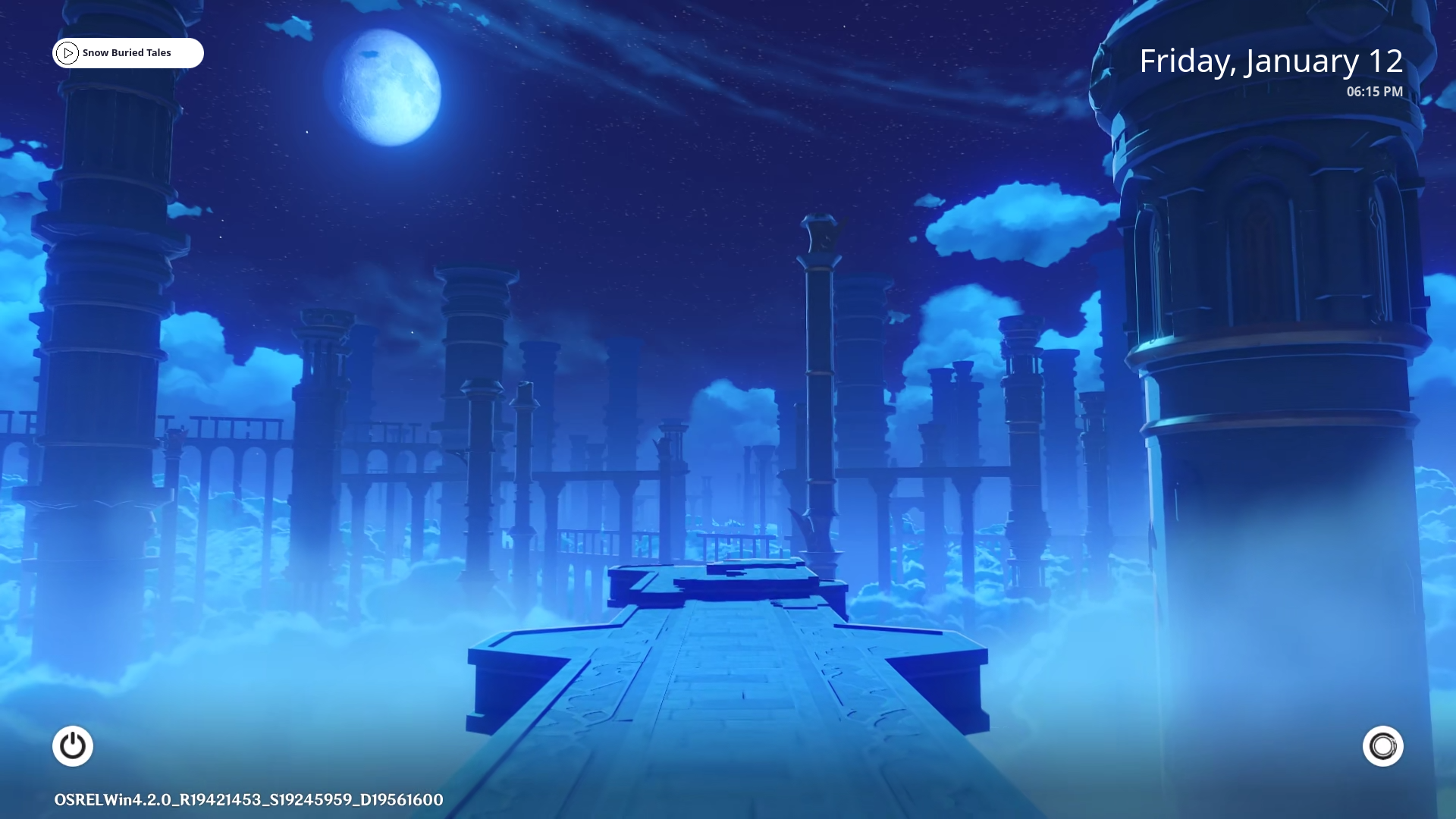
An animated genshin sddm-theme, comes with animated background implemented changing backgrounds for the time of day.With every login-session,new wallpaper will be shown based on the time on your OS.
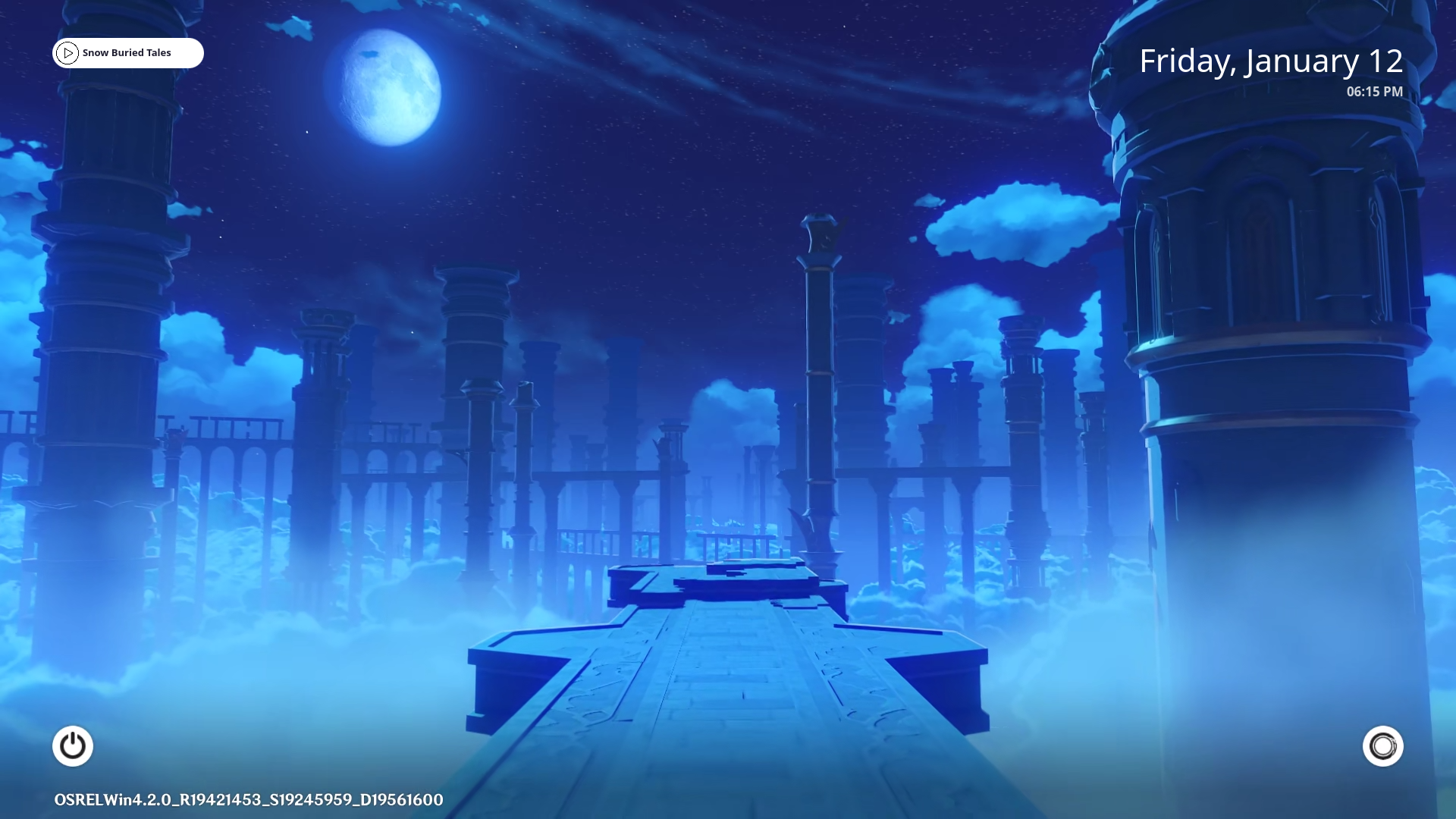
You can change almost all the colors within the 'theme.conf' file.More color options will be added in the future
Mouse Area
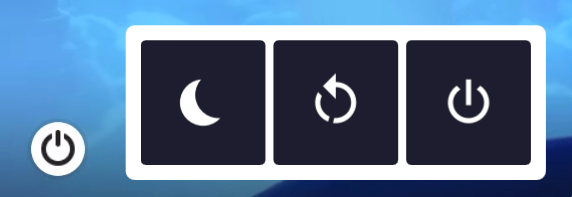
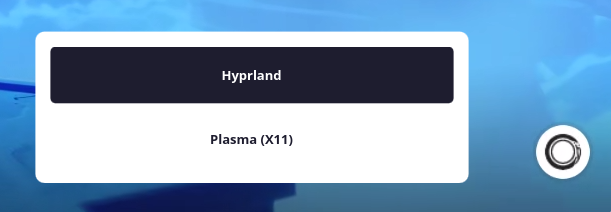
Pop Up Menu
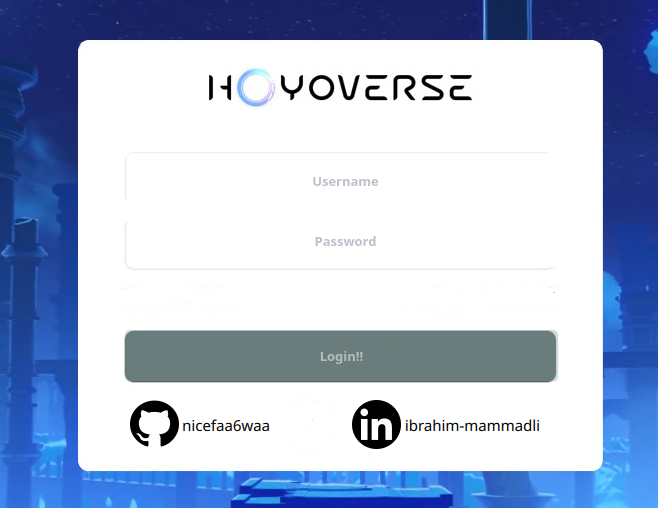
Function to validate Username and Password
fragmentShader config for Transparent videos
Door Videos
Transparent Videos
Encoded Videos
 Transparent MOV (Didn't work)

 Transparent Webm (Didn't work)

 Custom Function For Png Sequence (Didn't work)
✔️ Currently fragmentShader config with black background kind of works but looks weird.Will try to find a better solution in the future.
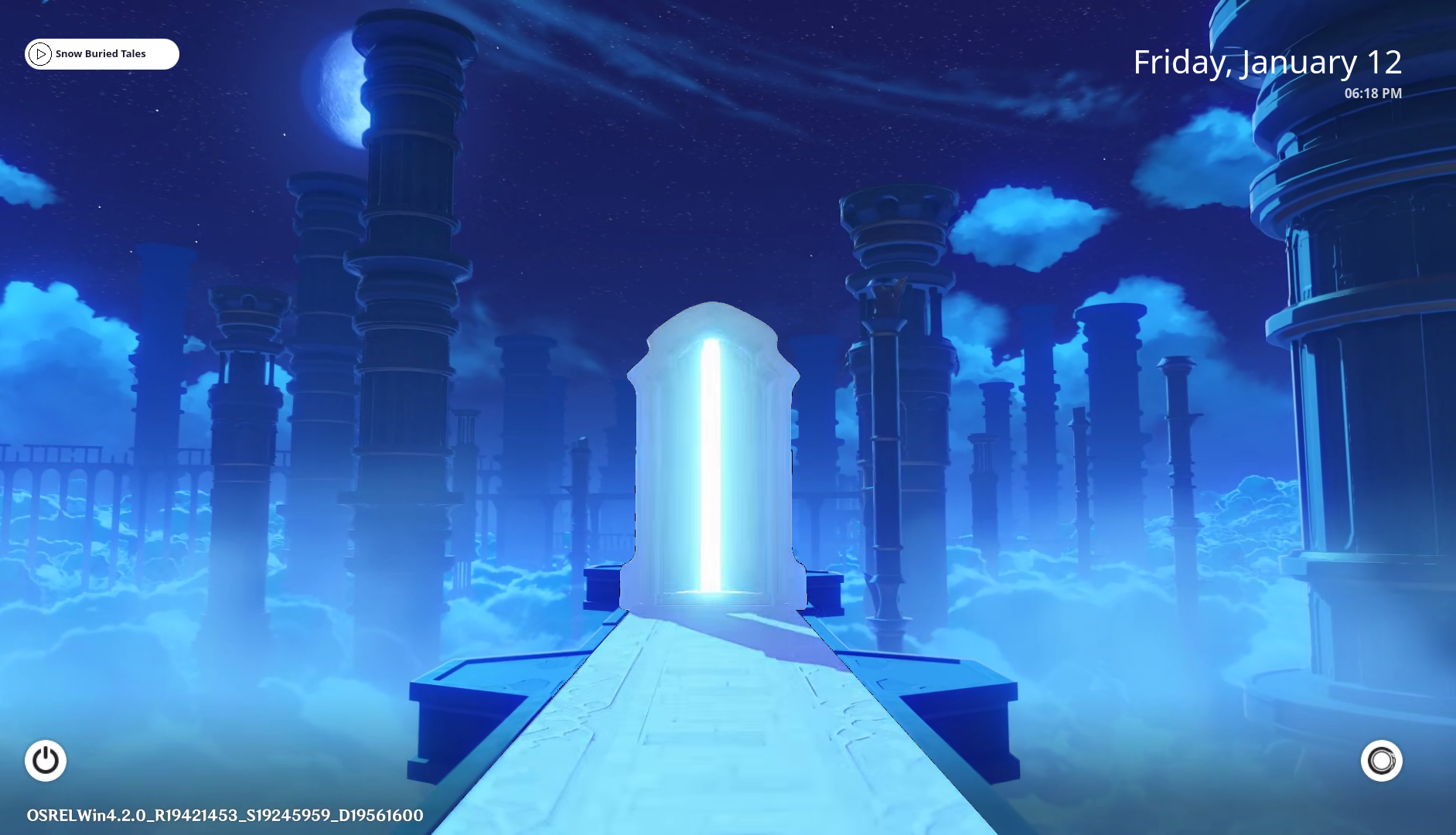
Currently most features doesn't work or removed for compatibility and transition to qt6.I will try to replace windows locksreen first then add removed features.
Custom plymouth theme (Maybe Later)
Custom wlogout theme (Maybe Later)
If you would like to contribute to this repo please do so by creating a PR. I am open to suggestions.
Install sddm(Simple Desktop Display Manager).You also need QT5 which includes Qt Quick Controls 2, Qt Graphical Effects, Qt SVG, Qt Quick Layouts with version 5.11 or new.In qt5 video loads so slow and late so you will also need qt6-base.Also megatools to download videos.To do so
For Arch based distros using pacman (Obarun/Artix/Manjaro/KaOS/Chakra etc.)
sudo pacman -S gst-libav phonon-qt5-gstreamer gst-plugins-base gst-plugins-good gst-plugins-bad gst-plugins-ugly qt5-quickcontrols2 qt5-graphicaleffects qt5-multimedia qt6-base megatools --overwrite '*'
For Debian based distros using apt (Ubuntu/Kali/Neon/antiX etc.Excluding Kubuntu)
sudo apt-get install gstreamer1.0-libav qml-module-qtmultimedia libqt5multimedia5-plugins qt6-base-dev megatoolsFor Kubuntu using apt
sudo apt install gstreamer1.0-libav phonon4qt5-backend-gstreamer gstreamer1.0-plugins-good qml-module-qtquick-controls qml-module-qtgraphicaleffects qml-module-qtmultimedia qt5-default qt6-base megatools Installation just got easier.Just clone this repo then cd into repo and run installer. Videos will be installed using megatools.If you are stuck on Login Screen check wiki
git clone https://github.com/nicefaa6waa/genshin-sddm-theme.git
cd genshin-sddm-theme
bash install-sddm-theme.sh
If door video and background video is slow then just add MinimumQtVersion=6.2.0 at the end of /etc/sddm.conf file.I assume that you have qt6 installed you can check it by qmake6 --version
After installing and testing if it says invalid credentials on log that means you mistyped the password while installing.To fix this just go to /usr/share/sddm/themes/genshin-sddm-theme/components/credentials.txt and correct the second password.
If you want manual installation:
#!IMPORTANT NOTE! edit credentials.txt like username:password to be able to login.
Follow the steps below to install and test it:
To test it before use you need to install this repo and copy it to your sddm themes folder.
In order to do this:
For Arch based distros:
cd
git clone https://github.com/nicefaa6waa/genshin-sddm-theme.git
sudo cp -r genshin-sddm-theme/ /usr/share/sddm/themes/
For Debian based distros:
cd
git clone https://github.com/nicefaa6waa/genshin-sddm-theme.git
sudo cp -r genshin-sddm-theme /usr/share/sddm/themes/
(!!!WITH LATEST VERSION MEGATOOLS DOWNLOADS VIDEOS AUTOMATICALLY!!!)
Google Drive
Then unzip the downloaded folder to your themes folder.In order to do so:
For Uncompressed zip
sudo unzip -q -d /usr/share/sddm/themes/genshin-sddm-theme/backgrounds/ ~/Downloads/Uncompressed*.zip
For Compressed zip
sudo unzip -q -d /usr/share/sddm/themes/genshin-sddm-theme/backgrounds/ ~/Downloads/Compressed*.zip
I HIGHLY RECOMMEND TESTING FIRST.
There may be some visual bugs on varying distros so before changing your theme test it first with the command. Now, assuming that you've installed it correctly to test it:
sddm-greeter --test-mode --theme genshin-sddm-themeIf background door and loading video loads so slow in your /etc/sddm.conf file add MinimumQtVersion=6.2.0 at the end.Make sure you have qt6 installed by runnig qmake6 --version.
If you are new and you don't know how to change the SDDM theme, follow these steps:
If you are on KDE Plasma you can easily change sddm theme from settings.If you use something else
Edit the config file in '/etc/sddm.conf'. If you don't have 'sddm.conf' file, then copy it from '/usr/lib/sddm/default.conf'. If you are on hyprdots, then the config file will be in '/etc/sddm.conf.d/kde_settings.conf'.Furthermore you may have kde_settings.conf in your current active sddm theme.
sudo nano /path/to/your/config/fileLook for the following section in the configuration file:
[Theme]
Current=
Change your theme to genshin-sddm-theme.
This is the modified version of aczw's corner theme
!DISCLAIMER ALL VIDEOS BELONGS TO HOYOVERSE.I DO NOT OWN ANY OF THEM
Thank you all!





