awesomewm config
1.0.0

Awesomewm, or the Awesome Window Manager, is a minimalist program based on dwm, an even more minimal program designed to manipulate, display, and manage clients in a Linux X server environment. Awesomewm provides a well-defined API for defining custom widgets, controlling windows, and responding to button presses. This allows for awesome to be used to create User Interfaces that are dynamic and beautiful while still remaining light weight. For more information, visit the awesomewm documentation at https://awesomewm.org/apidoc/
This theme was designed with the following set of standards:
Note: The following images are subject to change.
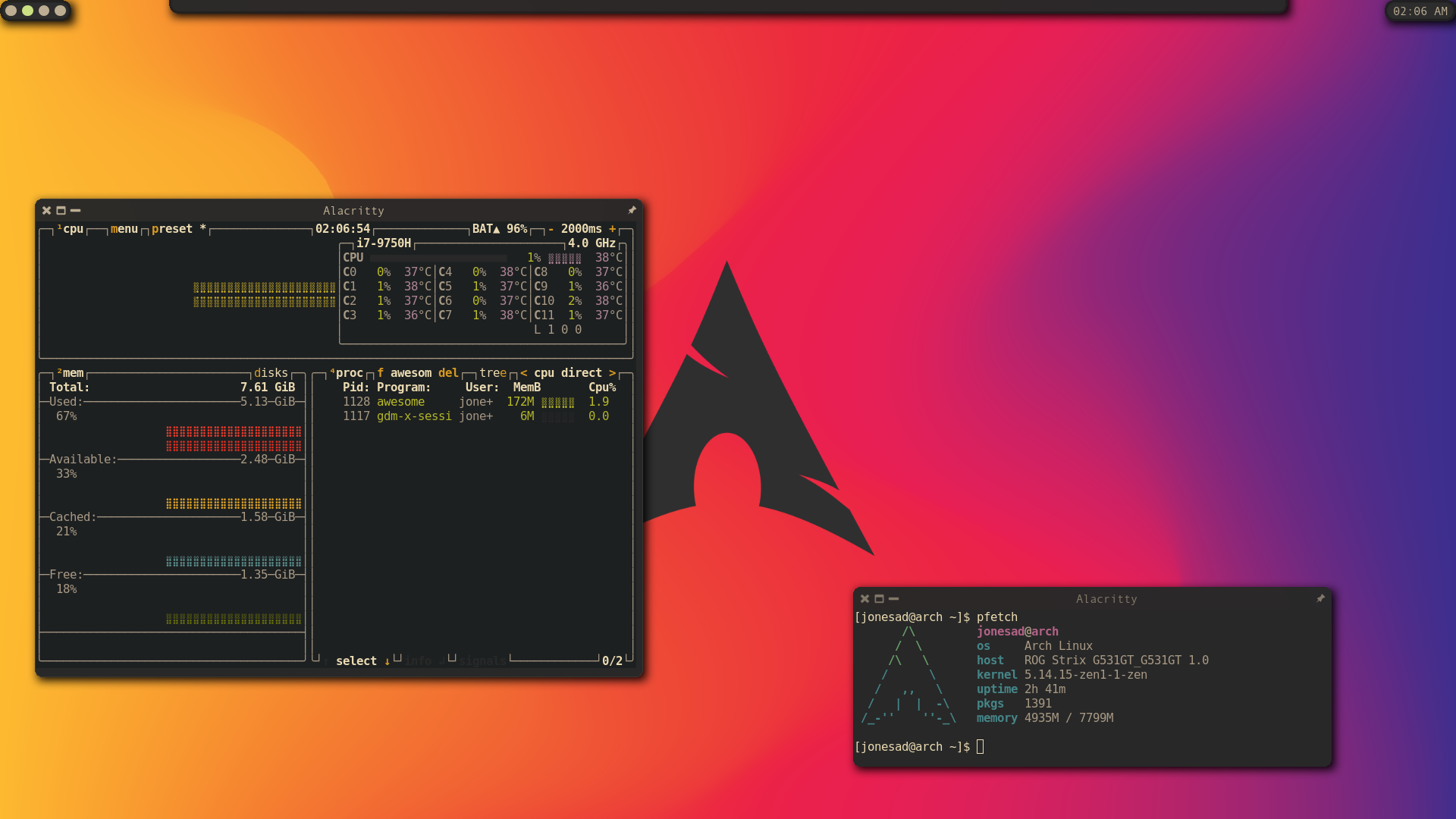
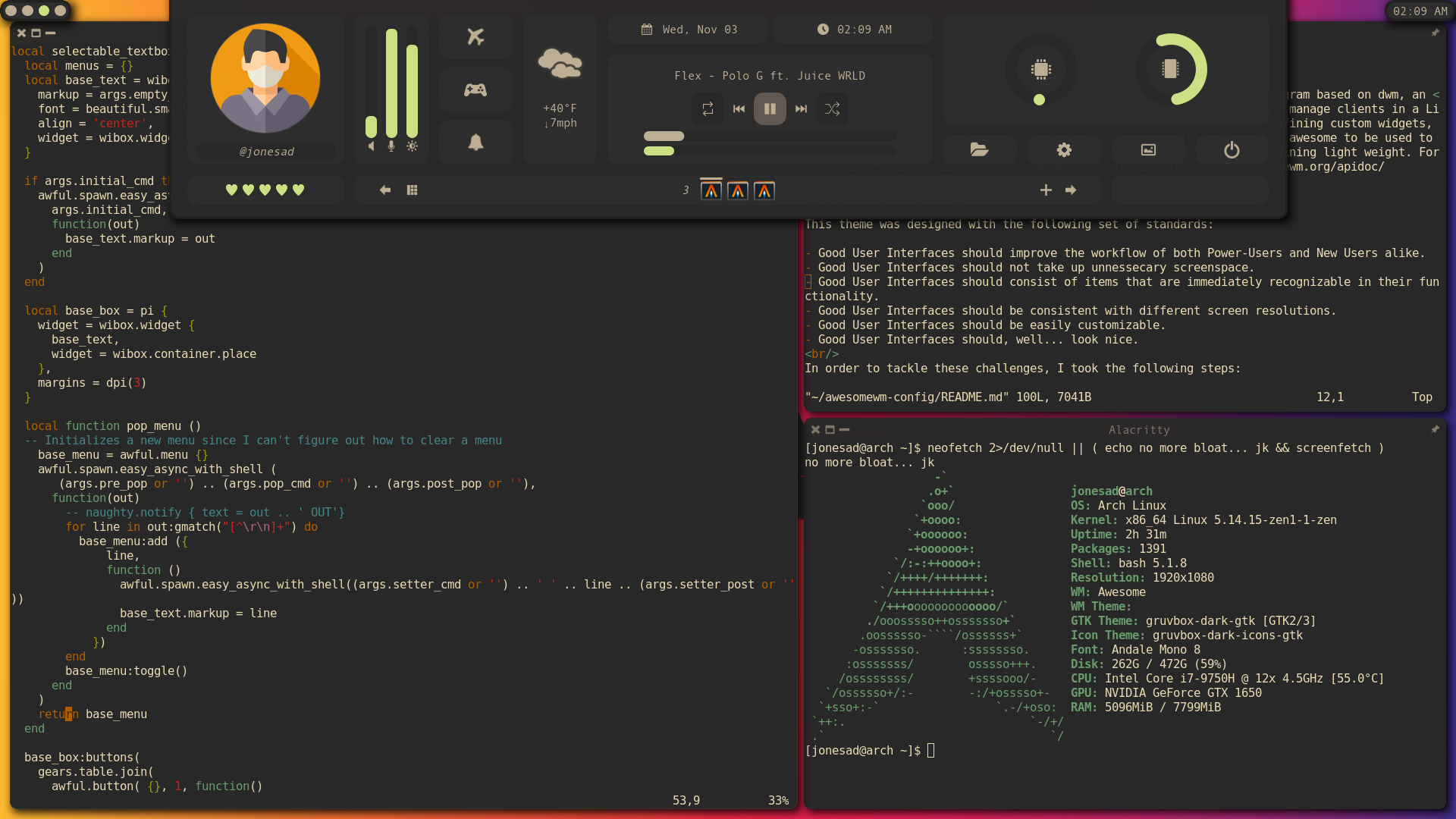
The following images use the Gruvbox-Dark GTK3+ theme:
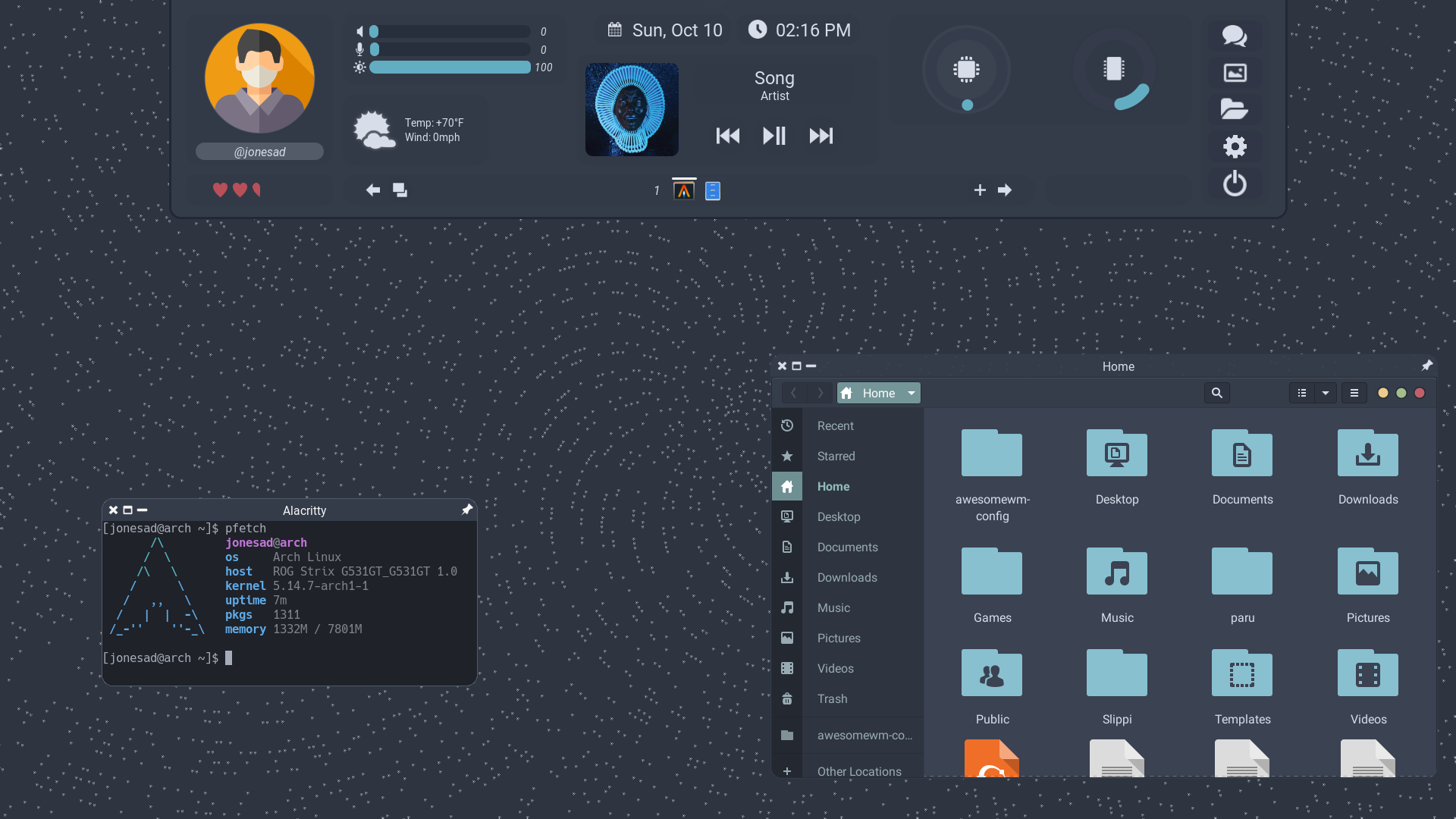
The following image uses the Nordic GTK3+ theme:
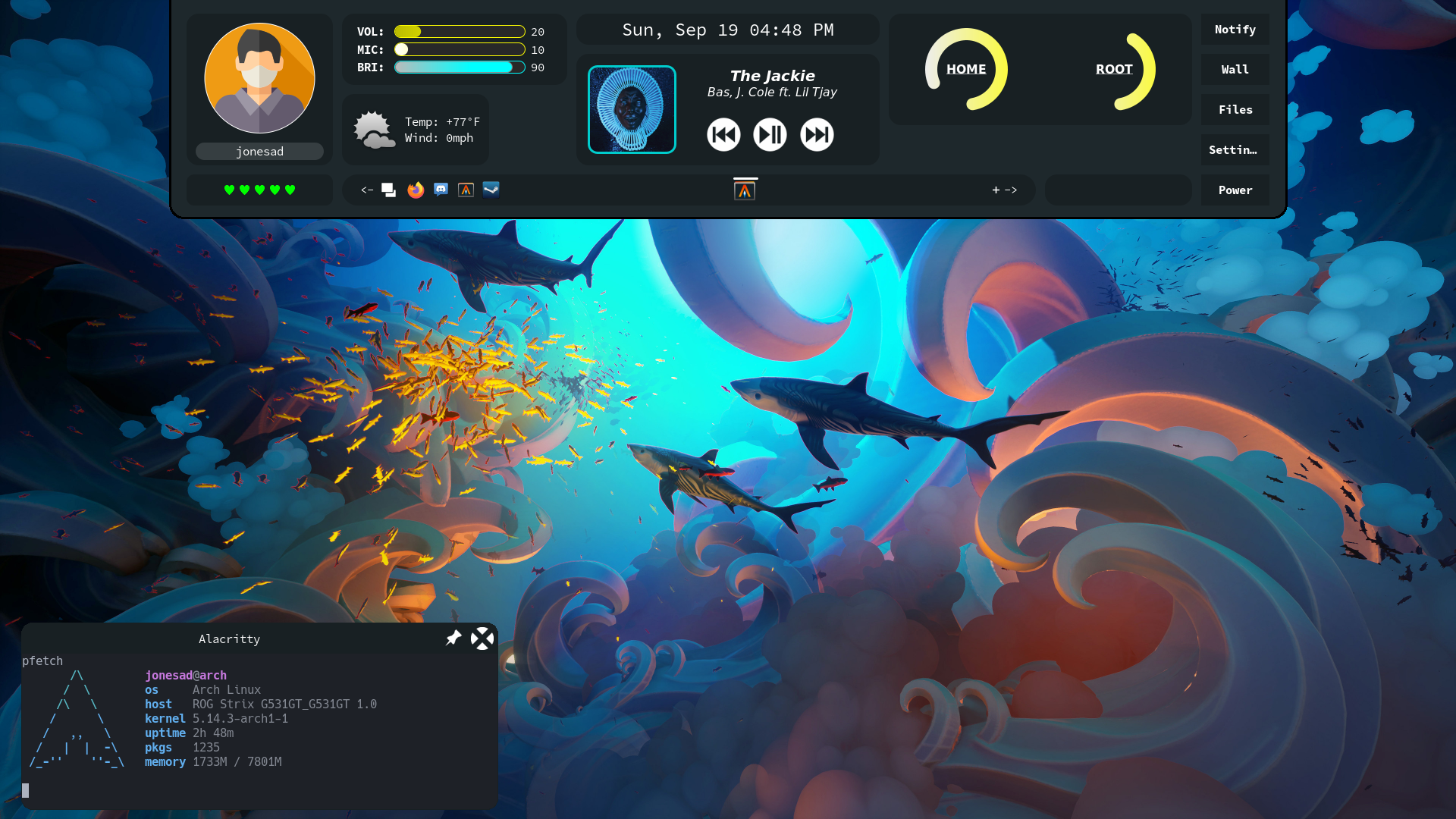
The following images uses the Juno GTK3+ theme:
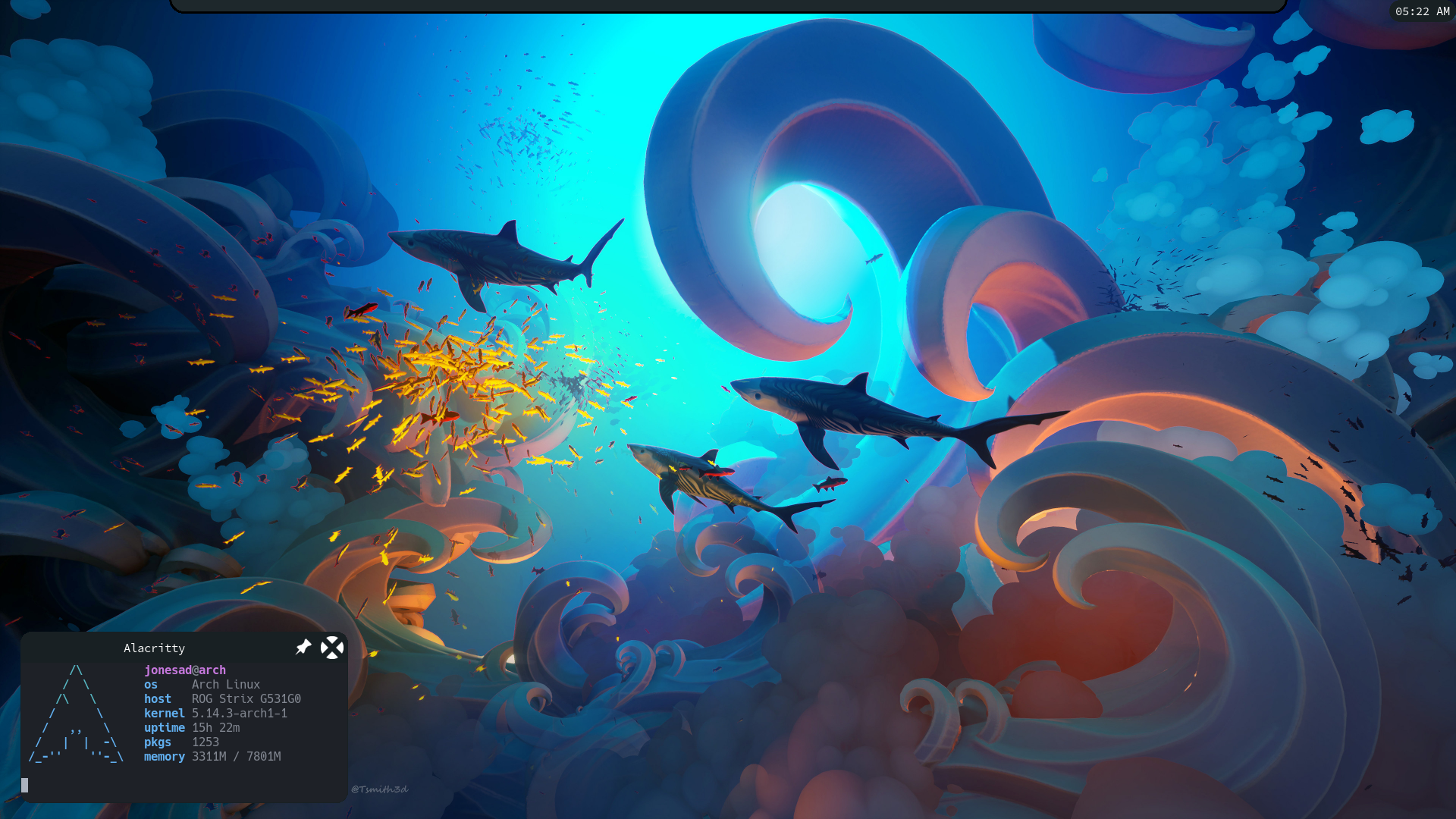
The following uses the Adwaita-Dark GTK3+ theme:
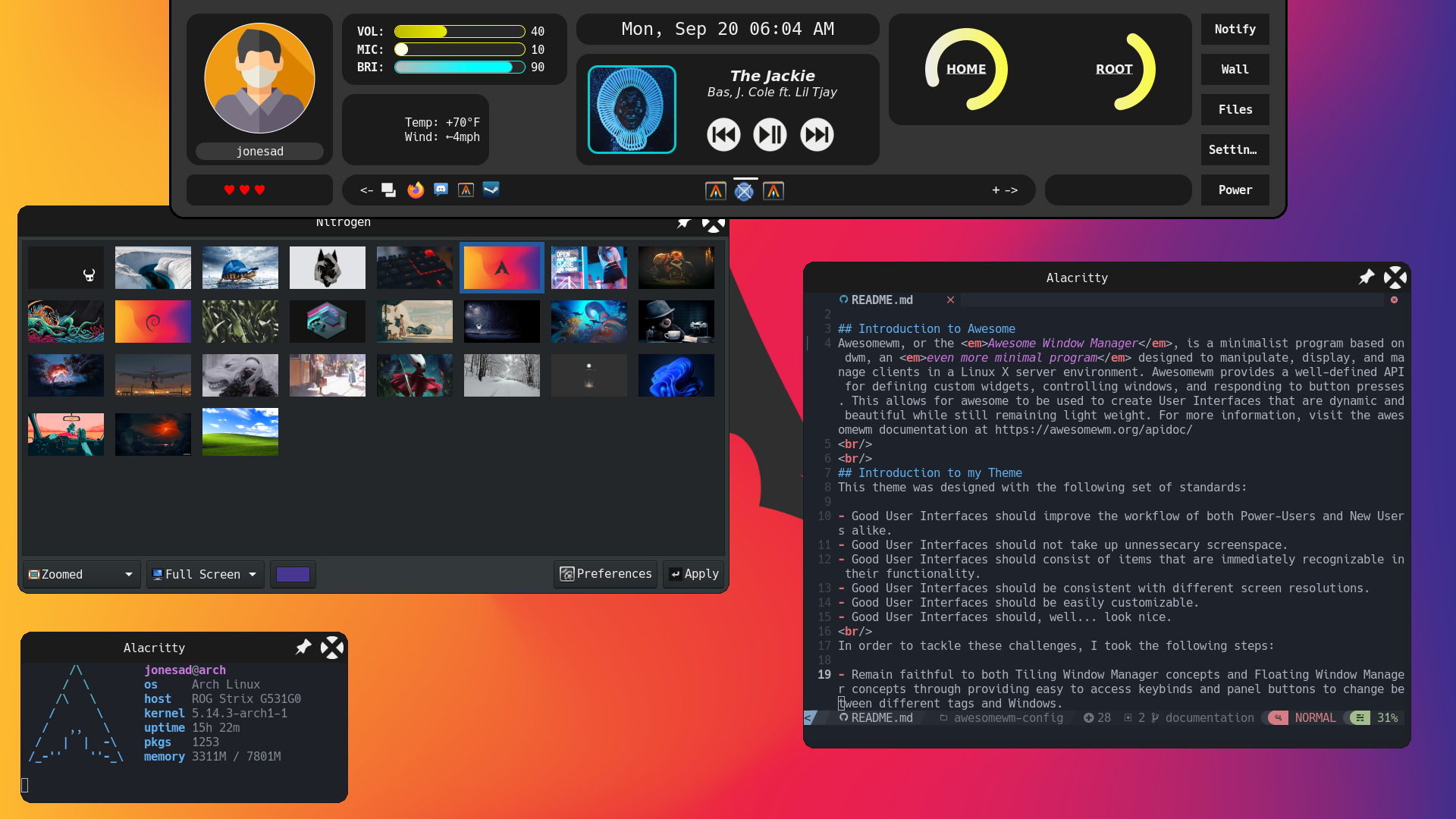
By default, Awesomewm comes with a set of fairly sane defaults. However, many aspects of modern desktop environments are left to the user to work around or designate to external programs. As an example, the default Awesomewm config does not have any way to modify the volume of the system or display the battery life. To do so, you would need to install a third-party systray application or make a custom configuration. Another example comes in the form of the panel not hiding for fullscreen applications by default. My configuration offers the following features over the basic awesomewm config:
| Name | Comment | Reason |
|---|---|---|
awesome-git |
Core Window Management | Core of UI. awesome-git needed for certain features. |
awestore |
Asynchronous Animations | Animates numeric values |
rofi |
Dmenu Replacement with CSS styling | Application Launcher/Fallback Alt-Tab |
sysstat |
System Monitoring tool | Used for measuring CPU util. |
mpc |
MPD Control Program | Music Widget Controls uses this |
pamixer |
PulseAudio/PipeWire Volume Controller | Volume and Microphone Volume Controls use this |
brightnessctl |
Screen Brightness Controller | Brightness Control uses this |
upower |
Power Daemon | Configures Power for System & Battery widget uses this |
redshift |
Blue Light Filter | Used by blue light filter button on panel |
One of my tenants for good UI is that it cannot be over overly-specialized. Overly-specialized UI's are generally amazing for what they are designed for and useless for everything else. Being useable for everyone is a core goal of the project. As such, the installation is designed to be simple with minimal dependencies.
git clone https://github.com/jonesad-etsu/awesomewm-config.git $HOME/.config/awesome




