plasma intel gpu monitor
v0.3.1

Plasma Widget that displays Intel GPU usage including wether or not video acceleration is being used
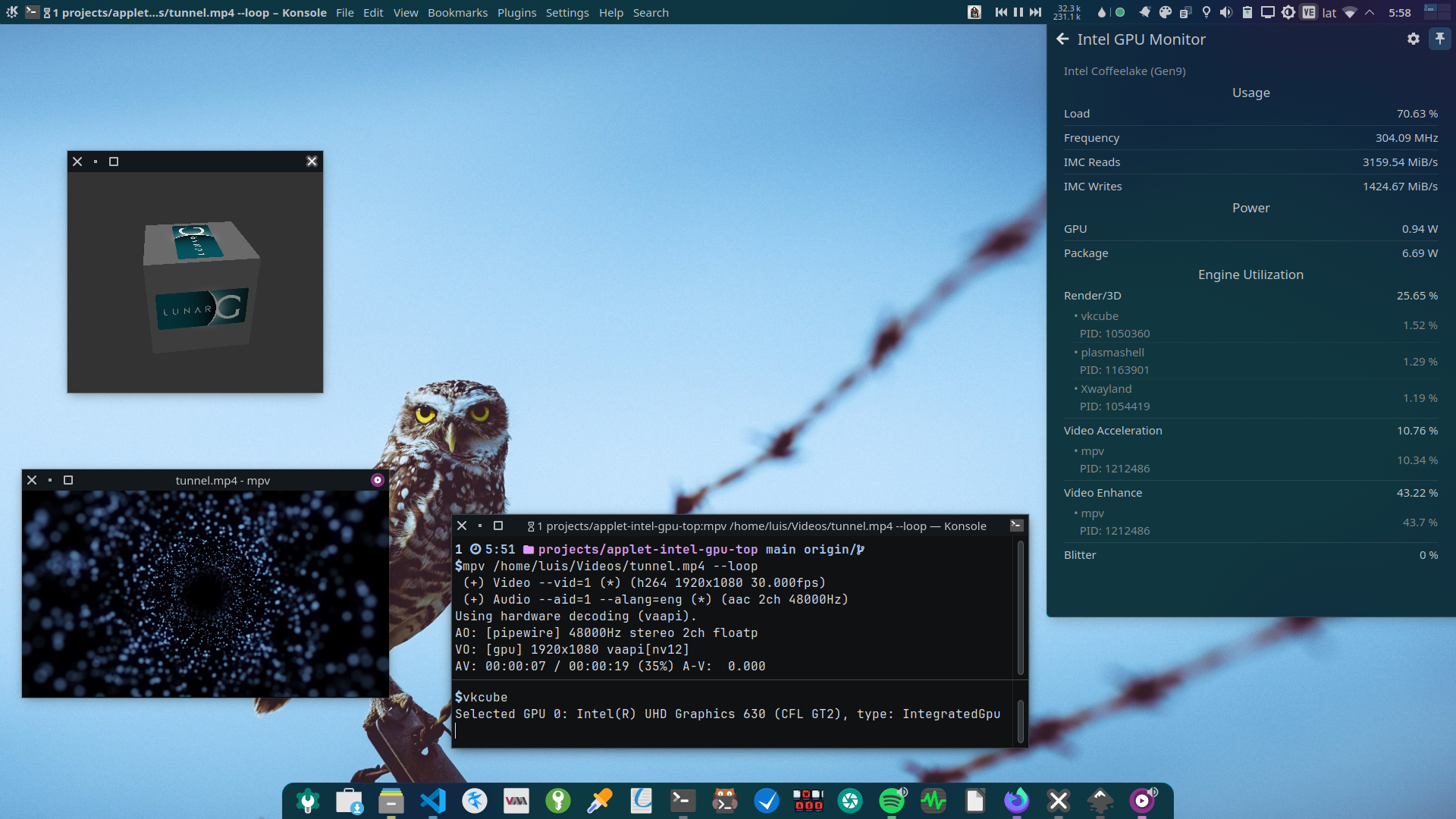
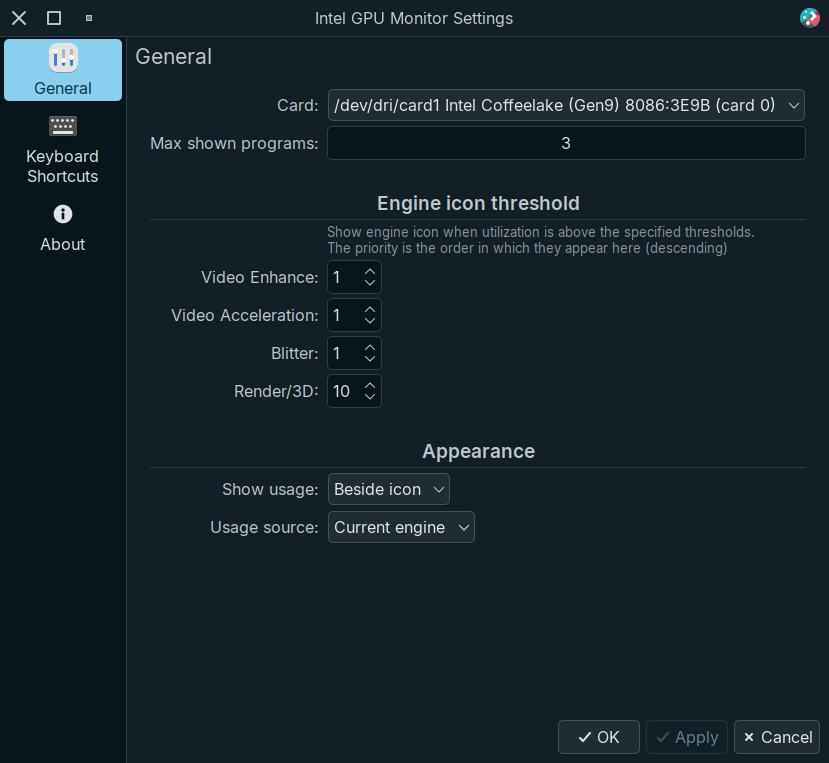
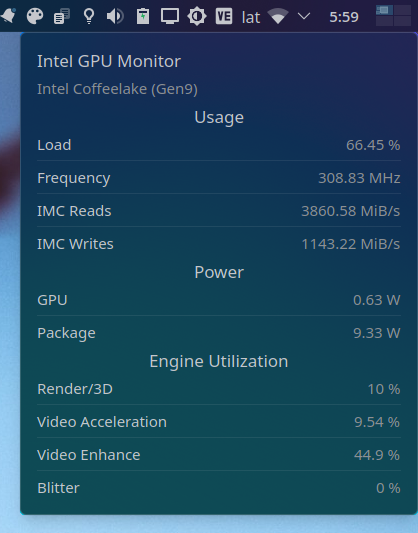
Tooltip
intel-gpu-tools package
Giving intel_gpu_top the ability to use performance monitoring features using sudo setcap cap_perfmon=+ep /usr/bin/intel_gpu_top every reboot, or you can use the following Systemd Unit
Create /etc/systemd/system/setcap_intel_gpu_top.service with the following:
[Unit]
Description=Set intel_gpu_top perfmon capabilities
After=graphical.target

[Service]
ExecStart=/sbin/setcap cap_perfmon=+ep /usr/bin/intel_gpu_top
Type=oneshot
RemainAfterExit=yes

[Install]
WantedBy=graphical.target
Start & enable the service
sudo systemctl enable --now setcap_intel_gpu_top.serviceIn systems such as Ubuntu, performance events monitoring are disabled by default. For intel_gpu_top to work without root you need to set /proc/sys/kernel/perf_event_paranoid to 2. Otherwise you may get an error like this:
 $ intel_gpu_top
 Failed to initialize PMU! (Permission denied)
 ...
To solve this, lower the paranoid level to 2 by running sudo sysctl kernel.perf_event_paranoid=2
To make it permanent create the file /etc/sysctl.d/99-sysctl-paranoid.conf with the following content
kernel.perf_event_paranoid = 2Finally, run intel_gpu_top to verify it works
Render/3D, Video & VideoEnhance, Blitter)Get new widgets..
Important
The main branch was updated to support Plasma 6, to install from source in plasma 5 run git checkout kf5 before the install script.
Install these dependencies (please let me know if I missed or added something unnecessary)
cmake extra-cmake-modules libplasma intel-gpu-toolsRun ./install.sh
If you like the project please consider donating/sponsoring this and my other open source work
Give it a star on GitHub
Rate/review in the KDE Store





