YandexMusicApp
1.0.0

Linux 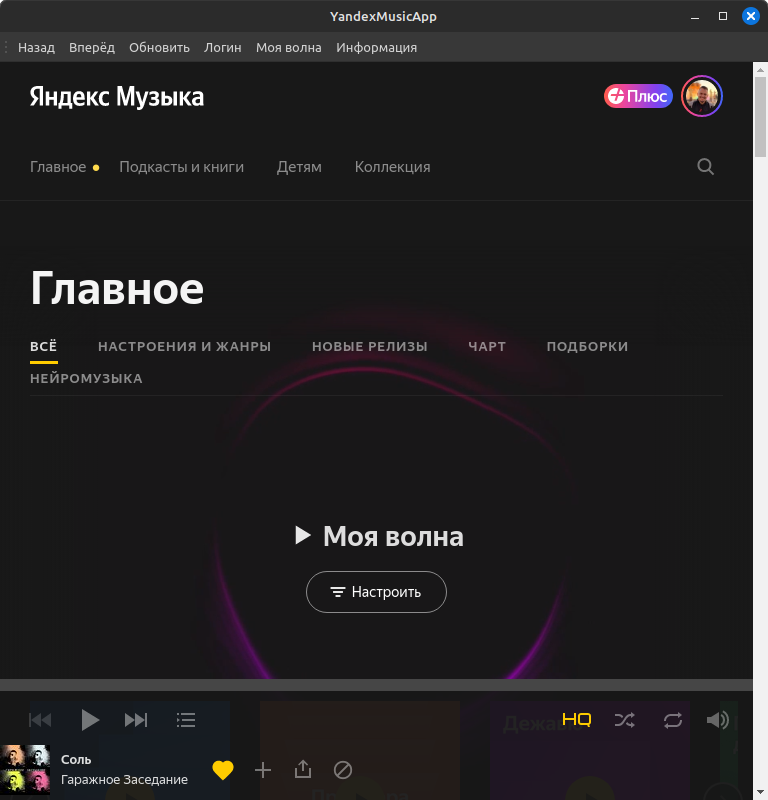
MacOS 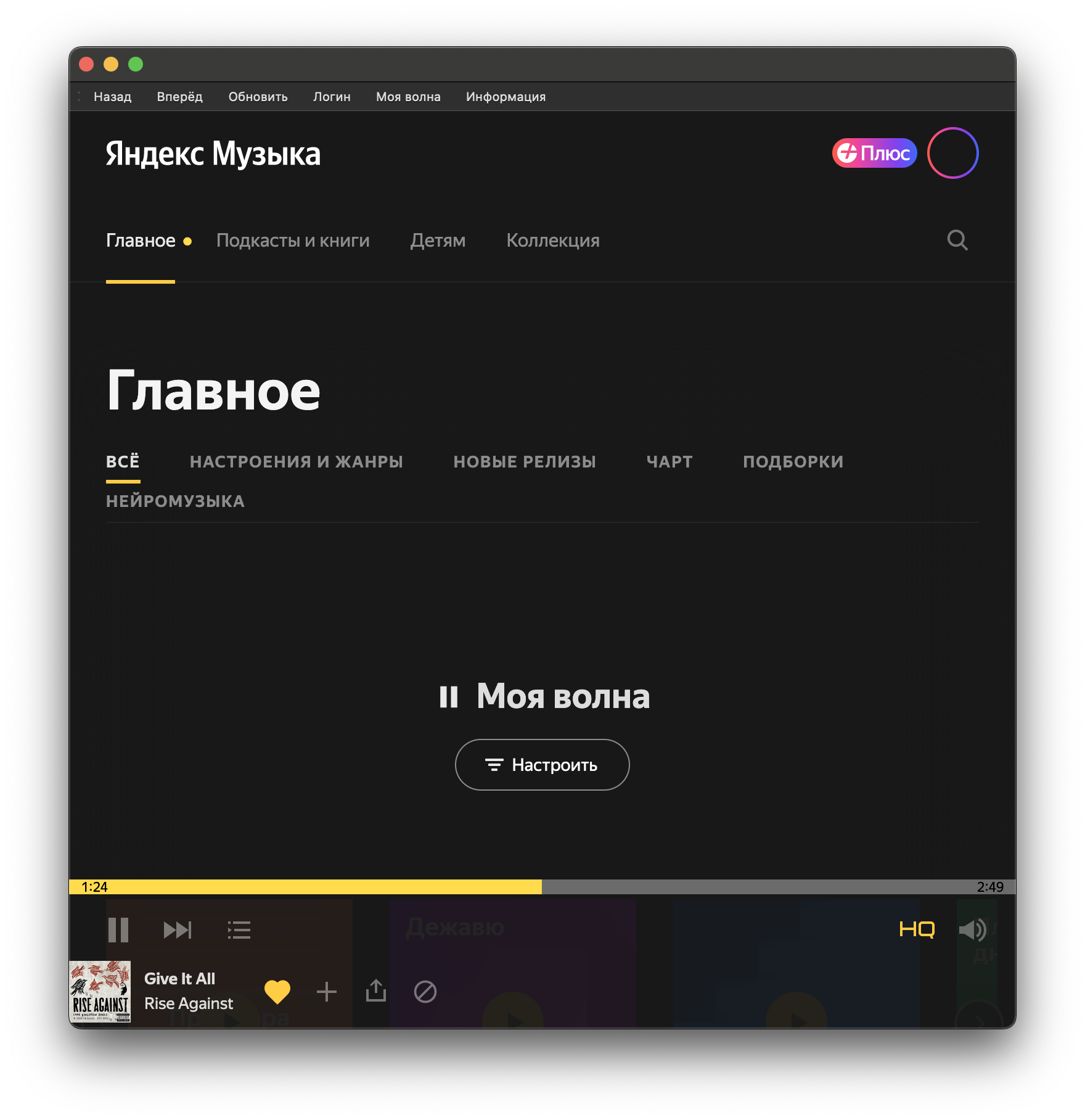
The usual application on Python 3, using Pywebengine and Pyqt5 to open the web version of Yandex Music.
He created for himself, since there are no official versions of Yandex Music for MacOS and Linux, but the public API was never provided.
Often it is not very convenient in the working profile of the browser to open additional tabs with a personal account for listening to tracks from Yandex music. This application solves such a problem.
WARNING
It is advisable to perform all commands in the terminal (not in IDE!) In order to avoid dependencies!
Python3 is required in the developer system and tools (GCC, Xcode Commandline Tools, etc.)
The assembly and performance are tested:
git clone https://github.com/vokash3/YandexMusicApp.gitpython3 -m pip install -r requirements.txtTwo options
Feature: the application can be added to the programs
Install PY2App:
python3 -m pip install py2app(Additionally) If there is no Setup.py in the project directory, perform its generation:
py2applet --make-setup YandexMusicAppAssembly App Packa:
python3 setup.py py2app --dist-dir=YandexMusicAppBuildThe usual YandexMusicApp.app package in the YandexmusicAppbuild submores of this project, which can be moved to programs and launched from Launchpad.
Understand the executable Bin file:
python3 -m nuitka --enable-plugin=pyqt5 --macos-create-app-bundle --macos-app-icon=icon.icns --output-dir=YandexMusicAppBuild YandexMusicApp.pyThe executable YandexmusicApp file in the YandexMusicAppbuild submarine will be created.
One option
Install development tools via APT (APT-GET):
sudo apt install build-essentialsudo apt install python3.10-devInstall an additional package via APT (APT-GET) (relevant on Ubuntu):
sudo apt-get install python3-pyqt5.qtwebengineUnderstand the executable Bin file:
python3 -m nuitka --enable-plugin=pyqt5 --linux-icon=icon.png --output-dir=YandexMusicAppBuild YandexMusicApp.pyThe executable YandexMusicApp.bin file in the YandexMusicAppbuild submarine will be created.
I do not advise this method. The program may not start. I leave this option for reference.
python3 -m pip install pyinstallerpyinstaller --onefile YandexMusicApp.pyThe executable YandexMusicApp file in the Dist subdractor of this project will be created.
On MacOS, you can create an App package:
pyinstaller --noconsole -i icon.icns YandexMusicApp.pypython3 YandexMusicApp.py




