minbian
1.0.0

Minbian is a FOSS install Bash script for Debian GNU/Linux (and derivatives) that implements automation during the post-install stage of the OS, to set up a lightweight minimal desktop for personal computers with low-end hardware, users with a taste for minimalism, developers or starters who want to try Debian without a bloated setup but still have an overall user-friendly experience.
Minbian lets you choose what to install, apart from the ready-to-go desktop tools, based on user input. You can get nice and solid setups up and running within minutes: from just a DE and browser on a netbook, or an office-oriented workstation, to a robust and powerful development environment.
"Minbian" setups are called this way since their goal is not to create "yet another Debian fork" but a minimal Debian installation that is flexible, fast and secure. The project's got a namesake pet on the logo showing a snow fox pup (or a wolf, dog, coyote, anyone the user sees it like since it's their computer) with the Debian spiral on the eye. Minbian represents how small yet powerful and easy the Debian experience can be, having an average of 1200 packages.
If you're an user who likes minimalism, stability, security, and customization (which is basically what most of GNU/Linux users appreciate to have) but don't like wasting hours installing (or removing) stuff on your own, Minbian can do wonders for you.
After installing the base system, you download and run the script, answer yes or no (y/n) a couple times, and let Minbian add everything you'll need automatically. No bloatware, ricing, nor tracking.
apt install sudo
sudo usermod -aG sudo your_name
su your_name
sudo apt-get install git
git clone https://github.com/alexmolinaws/minbian.git
cd /minbian
sudo ./main.sh
Do you need a code editor? (y/n)
Minbian works perfectly on both x86 and x64 architectures, it's been tested on both brand new and (very) old hardware (like Atom processors with 1 GB of RAM and no graphics card); same as in virtual machines (from versions 9 to 12 of Debian Stable). Testing on ARM64 and other processors has not been performed yet, but all chosen packages and settings have been studied to ensure compatibility.
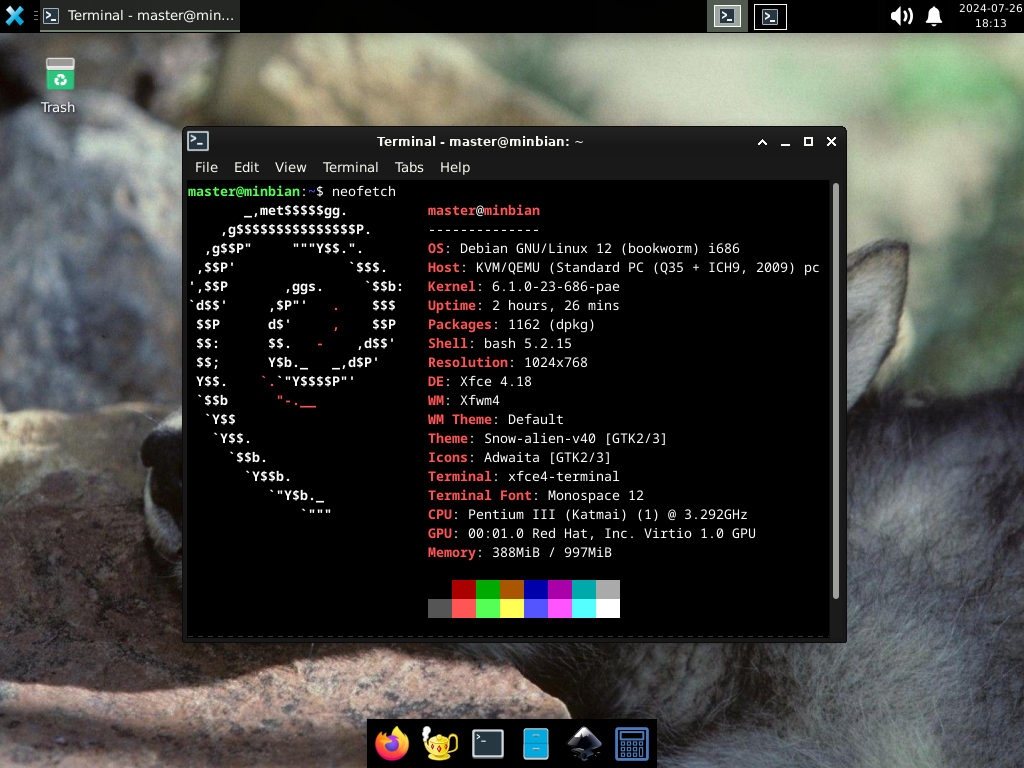
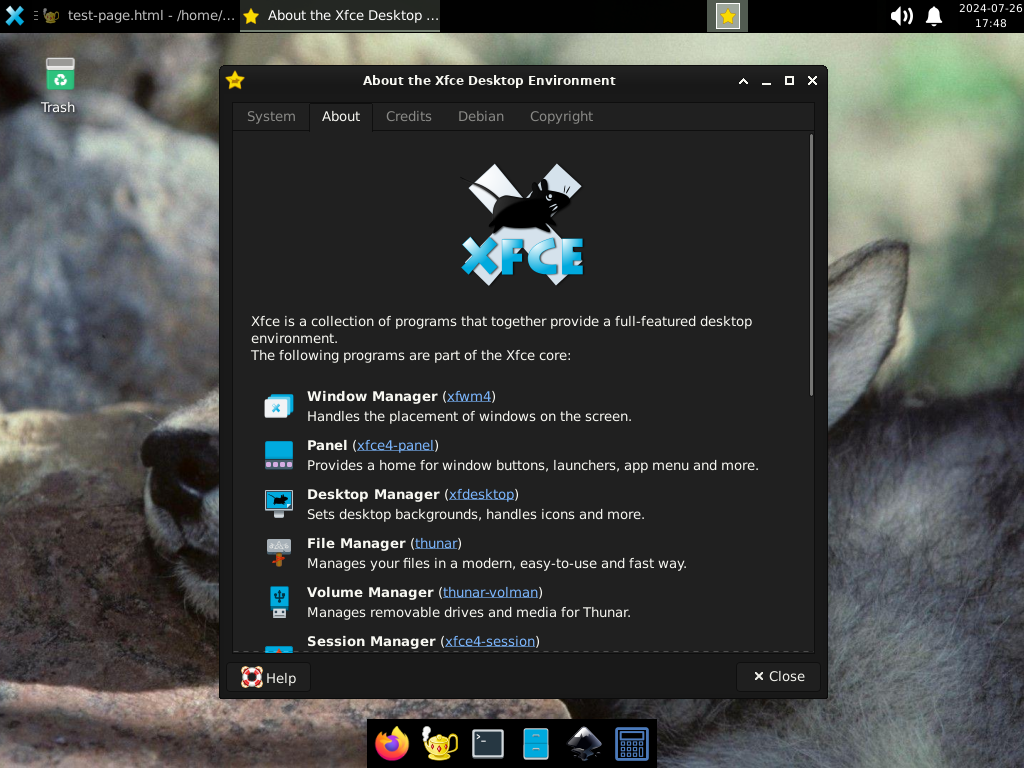
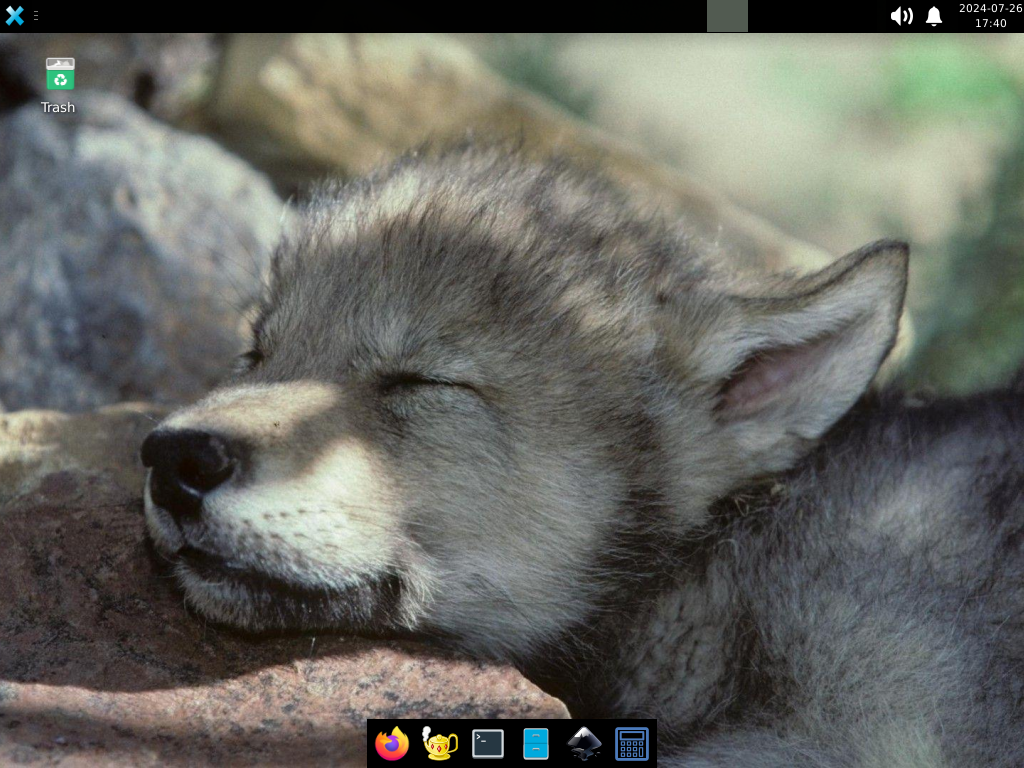
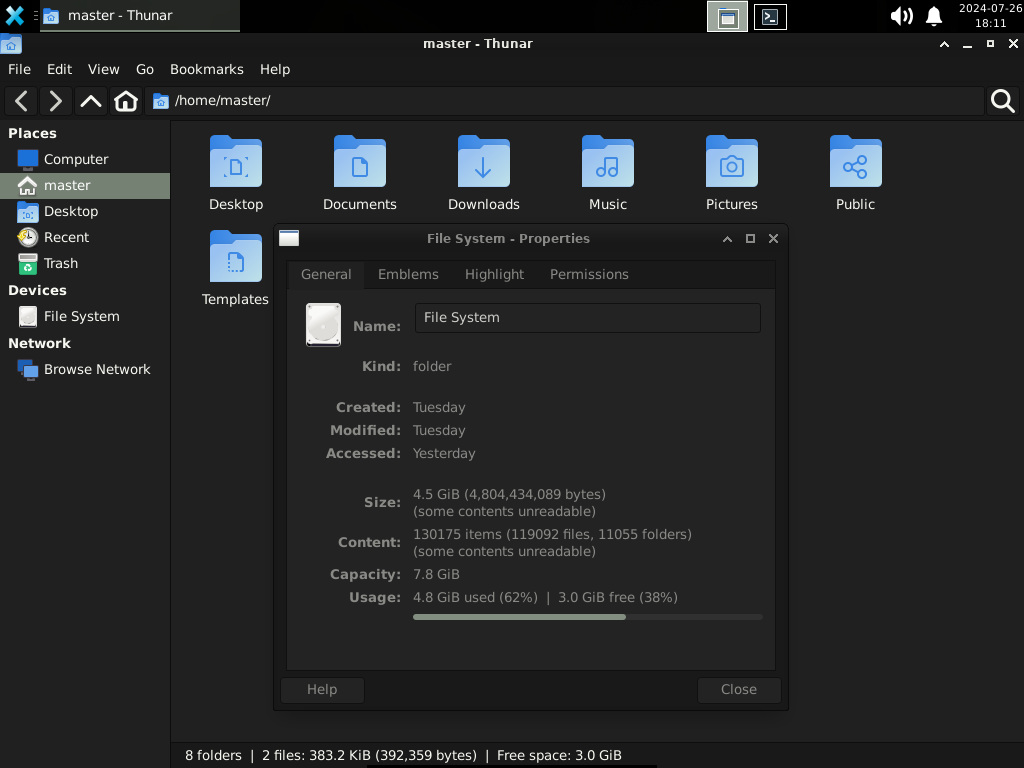
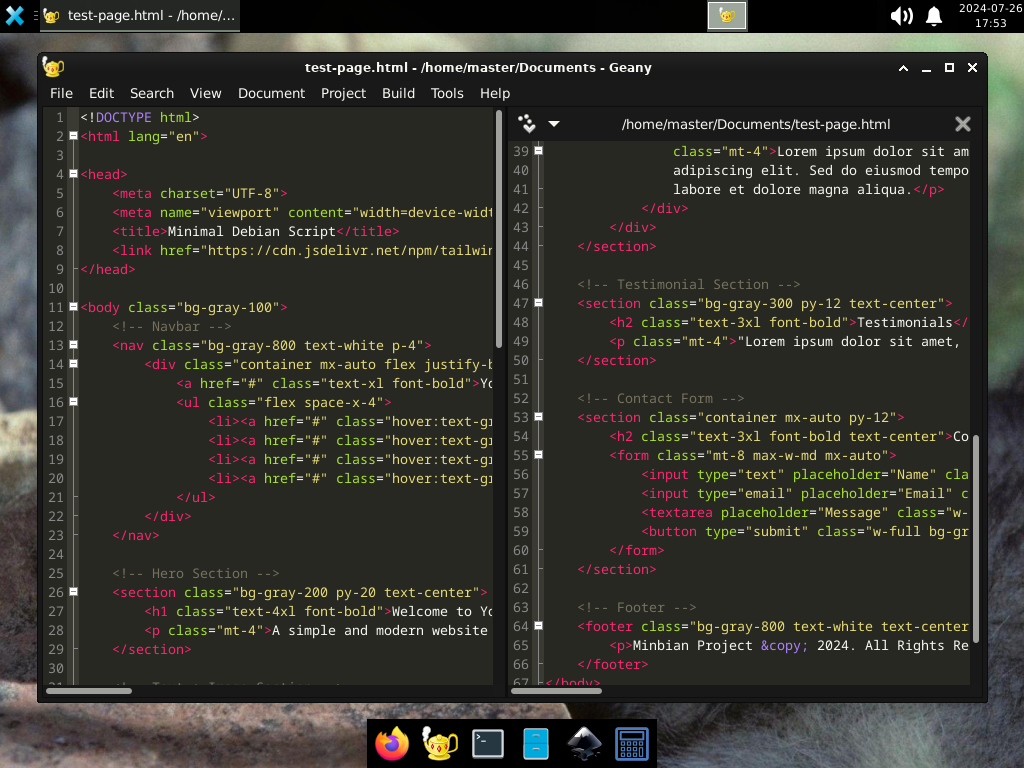
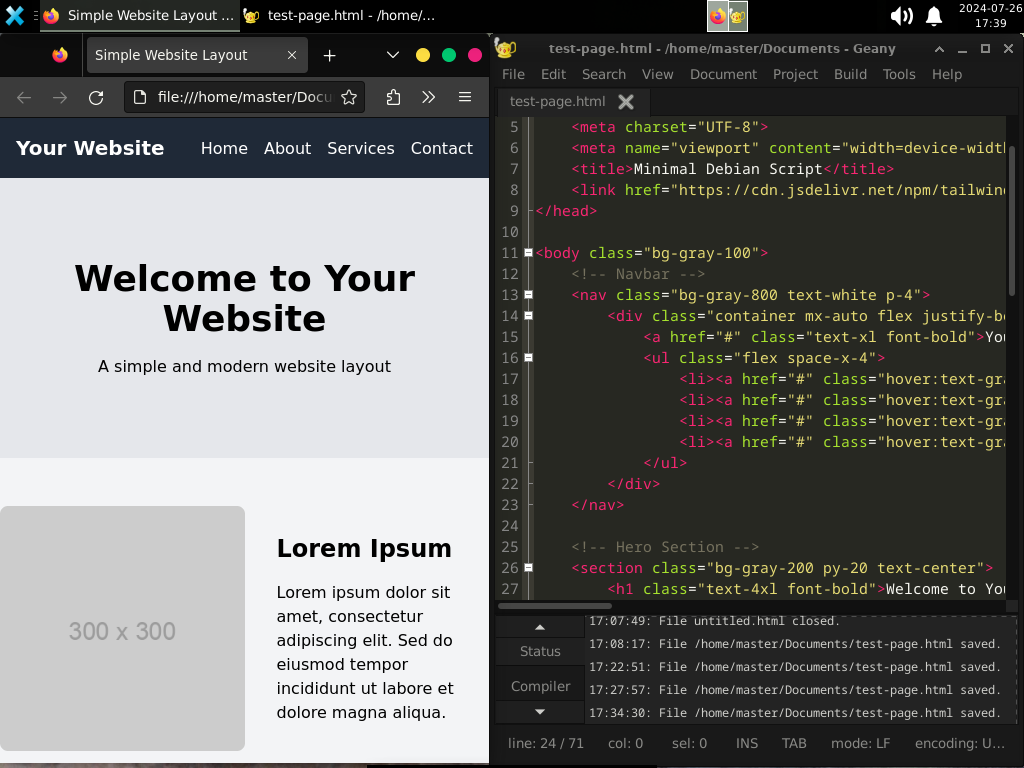
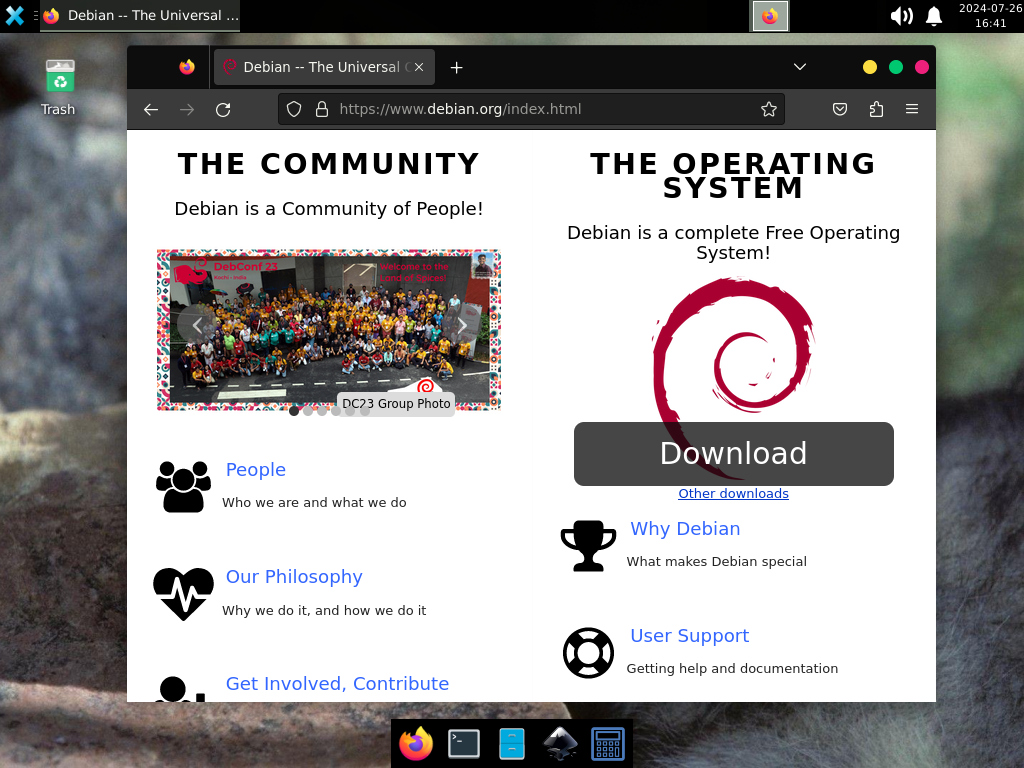
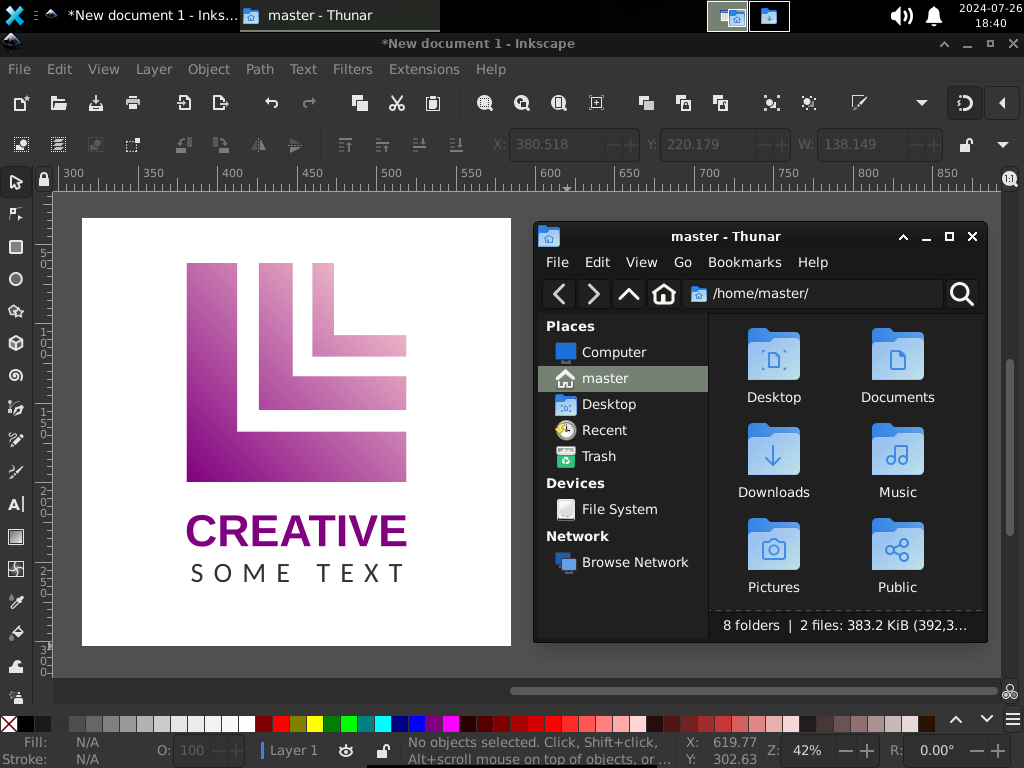
These packages form the Minbian setup core apps, tho things like the media player and browser are up to you to keep or replace. The installation includes Firefox ESR as the default browser since it's proven to be stable, secure, and resources-friendly. It also includes the Xfce Terminal and XTerm emulators for the command line; keeping both is recommended for practical reasons.





