Manager_v2
1.0.0

Qt Quick Linux Manager Utility - Application
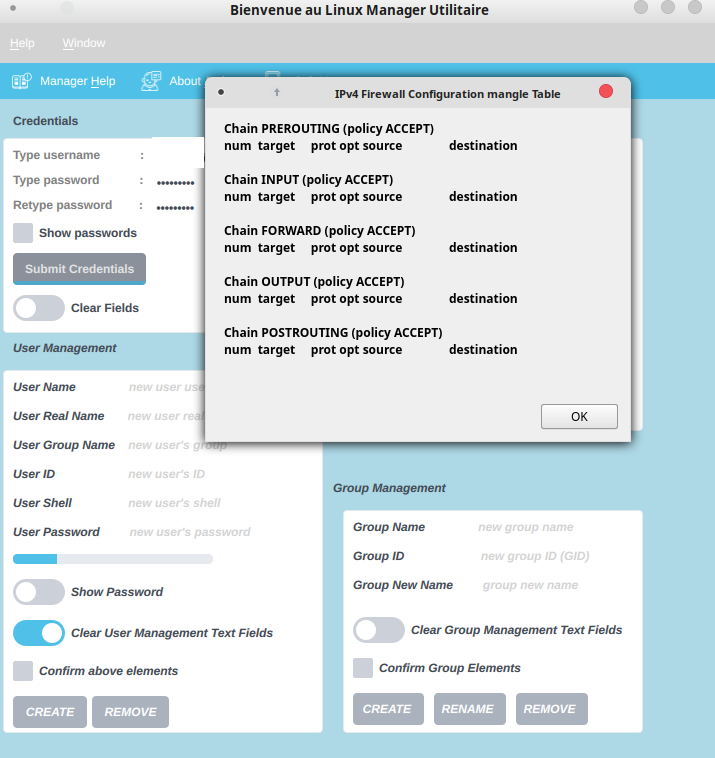
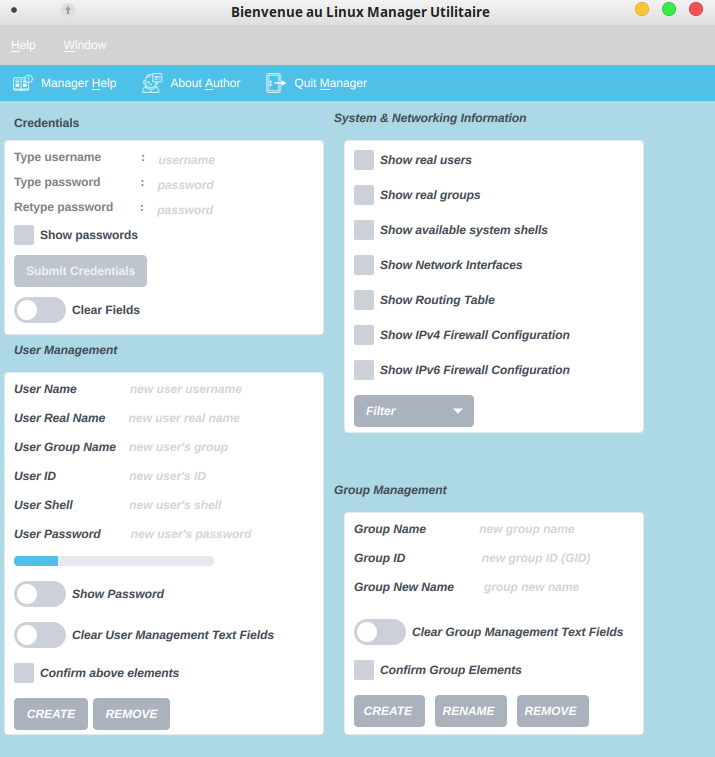
Description: This is a custom Qt Quick Application for Linux Desktop. User has the ability create or remove a new or existing user from its Linux Desktop by providing his/her credentials. Also, the user has the ability to create, rename or remove a group from the system. Last, there is provided an option for a few system related information, like for example: the current real users and groups that exist in the Linux system, the available shells of the target system, the Networking Interfaces, the Routing tableand the Firewall configuration of the system for every possible Firewall Table, like for example Filter, RAW, Security and Mangle.
Manager Interface:
Deployment via CQtDeployer :
Build in Qt Creator in 'Release' mode
Clean project
Enter terminal inside release folder where Manager_v2 is located
install CQtDeployer
Run next command to generate a Distribution/ folder for generate Distribution in out folder :
make deploy
Run this Distribution/bin/Manager_v2 executable to launch application
$ /home/$USER/Downloads/linuxdeployqt*.AppImage /path-to-this-build-Release-version/Manager_v2 -qmake=/path-to-Qt-qmake/qmake [-unsupported-allow-new-glibc]Create a Manager_v2.desktop file, like next one (also use a manager_v2.png (256x256) file to be used as the AppImage's icon):
[Desktop Entry]
Type=Application
Name=Linux Desktop Manager_v2 App
Comment=Qt Quick Controls 2 Linux Desktop Application
Exec=Manager_v2
Icon=manager_v2
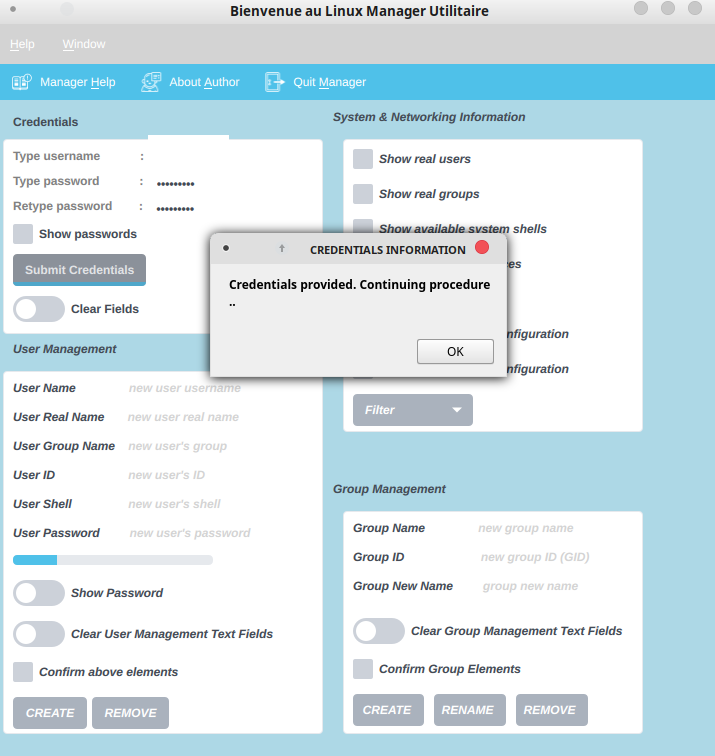
Categories=Settings;Development$ /home/$USER/Downloads/appimagetool-x86_64.AppImage /path-to-this-build-Release-version/Provide credentials, long press Submit to activate & press this button
List users before new user creation
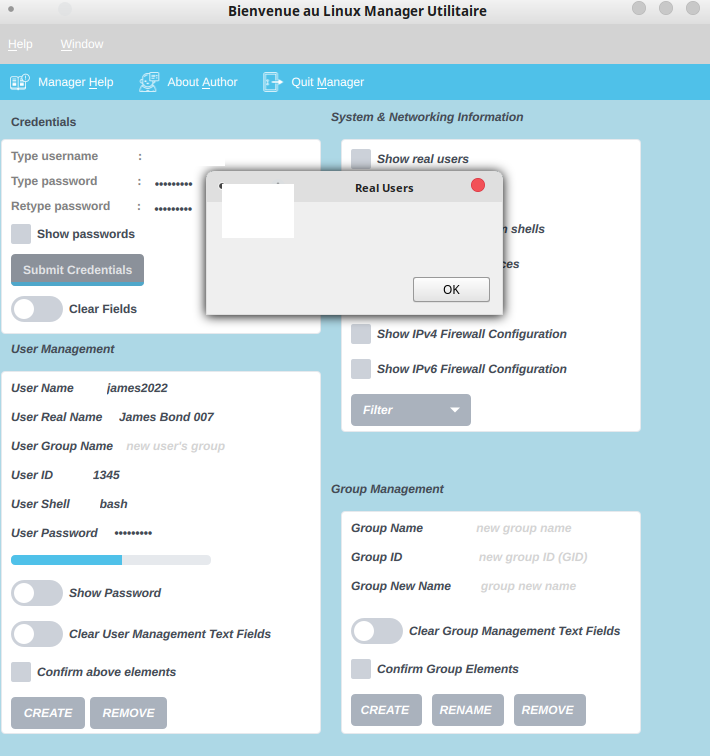
Type new user information and press the button CREATE
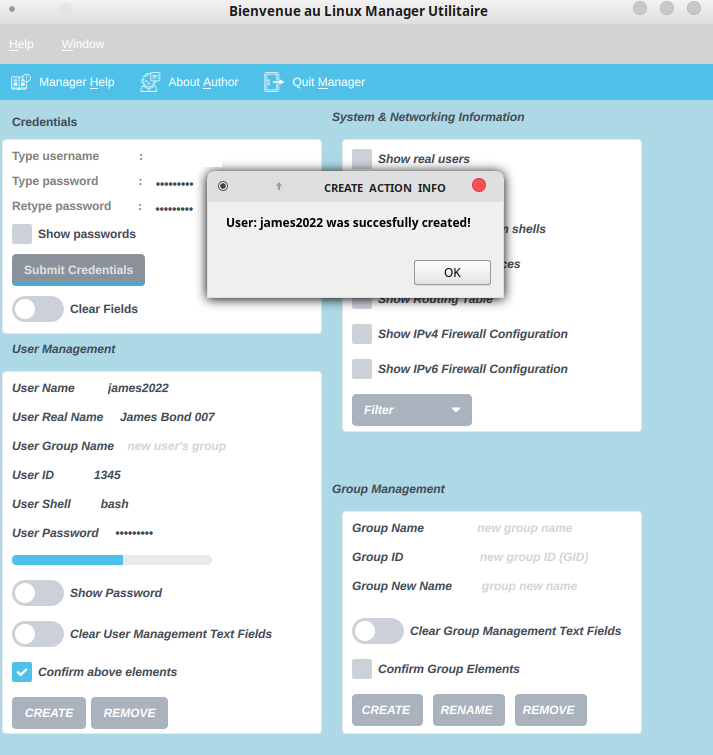
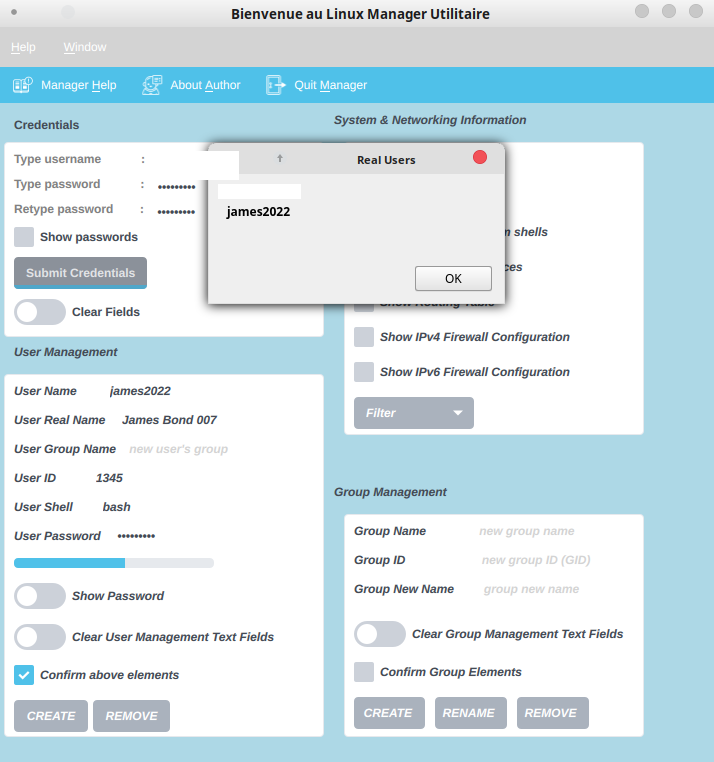
List users after new user creation
BONUS: Check IPv4 Firewall configuration for Mangle Table