waveterm
ve Terminal v0.10.4 Release


Wave is an open-source terminal that combines traditional terminal features with graphical capabilities like file previews, web browsing, and AI assistance. It runs on MacOS, Linux, and Windows.
Modern development involves constantly switching between terminals and browsers - checking documentation, previewing files, monitoring systems, and using AI tools. Wave brings these graphical tools directly into the terminal, letting you control them from the command line. This means you can stay in your terminal workflow while still having access to the visual interfaces you need.
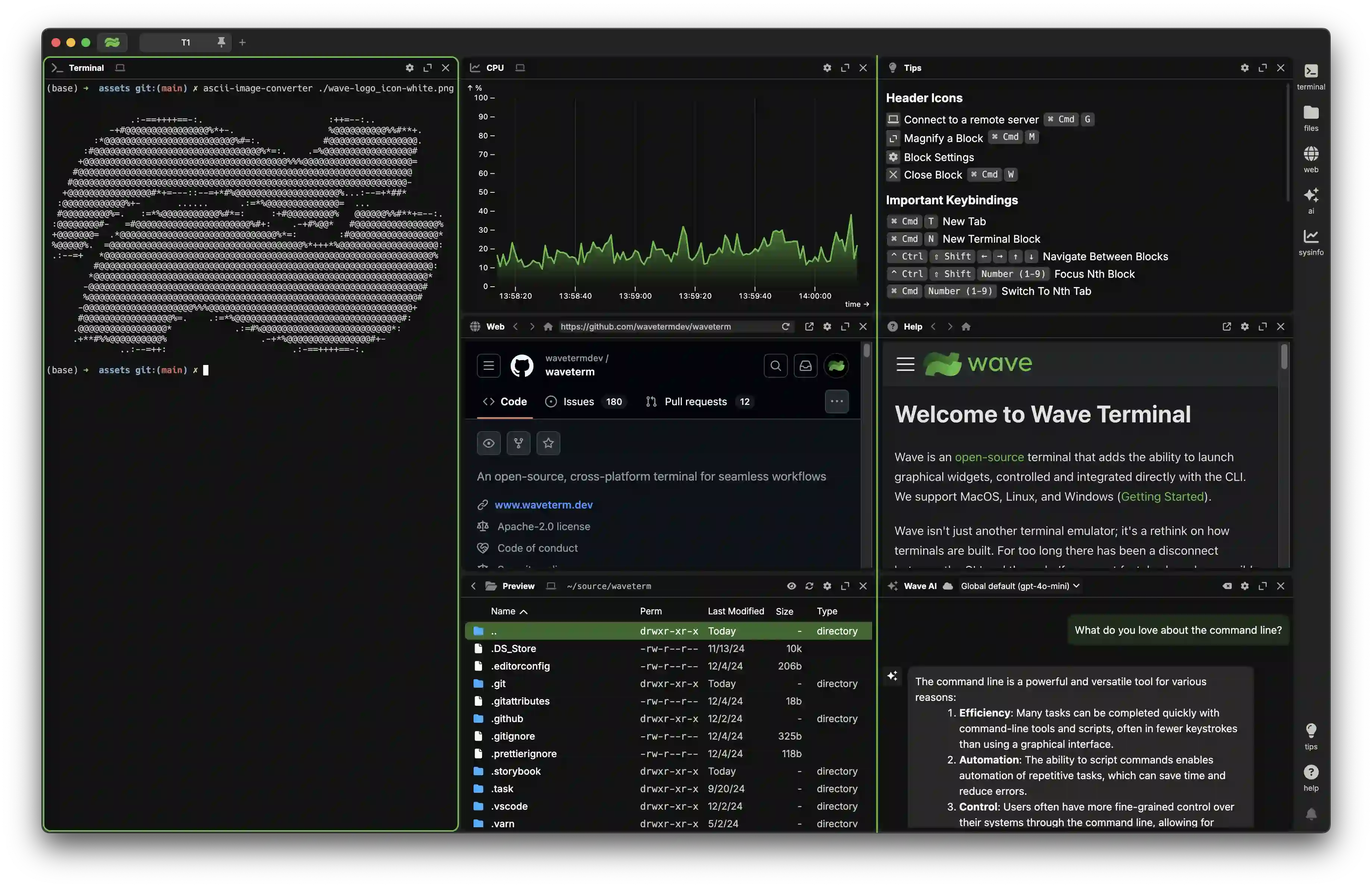
wsh command system for managing your workspace from the CLI and sharing data between terminal sessionsWave Terminal works on macOS, Linux, and Windows.
Platform-specific installation instructions can be found here.
You can also install Wave Terminal directly from: www.waveterm.dev/download.
Wave Terminal runs on the following platforms:
The WSH helper runs on the following platforms:
See Building Wave Terminal.
Wave uses GitHub Issues for issue tracking.
Find more information in our Contributions Guide, which includes:
Wave Terminal is licensed under the Apache-2.0 License. For more information on our dependencies, see here.





