wechat dump rs
v1.0.26

This tool is used to export the key of a running WeChat process and automatically decrypt all WeChat database files and to decrypt the database files offline after exporting the key.
There may be a risk of banning the account, and the consequences are at your own risk! ! !
Use need to know : After refactoring WeChat 4.0, we switched to the HMAC_SHA512 algorithm. The way to find keys is different from v3. The tool still uses memory brute force search. For v4 decryption, multi-thread acceleration will be used, which may cause the CPU to soar to 100%, depending on the distance between the key and the starting search point.
wechat-dump-rs (1.0.13) - REinject
A wechat db dump tool
Options:
  -p, --pid < PID >        pid of wechat
  -k, --key < KEY >        key for offline decryption of db file
  -f, --file < PATH >      special a db file path
  -d, --data-dir < PATH >  special wechat data dir path (pid is required)
  -o, --output < PATH >    decrypted database output path
  -a, --all              dump key and decrypt db files
      --vv < VERSION >     wechat db file version [default: 4] [possible values: 3, 4]
  -r, --rawkey           convert db key to sqlcipher raw key (file is required)
  -h, --help             Print help
If you do not have any parameters, the program only outputs key, WeChat account, mobile number, data directory, version and other information of all WeChat processes:
=======================================
ProcessId: 4276
WechatVersion: 4.0.0.26
AccountName: xxxxxx
NickName: xxxxxx
Phone: 15111611111
DataDir: C: U sers x xx D ocuments x wechat_files w xid_xxxx_xxa
key: f11fd83bxxxxxx4f3f4x4ddxxxxxe417696b4axx19e09489ad48c
=======================================
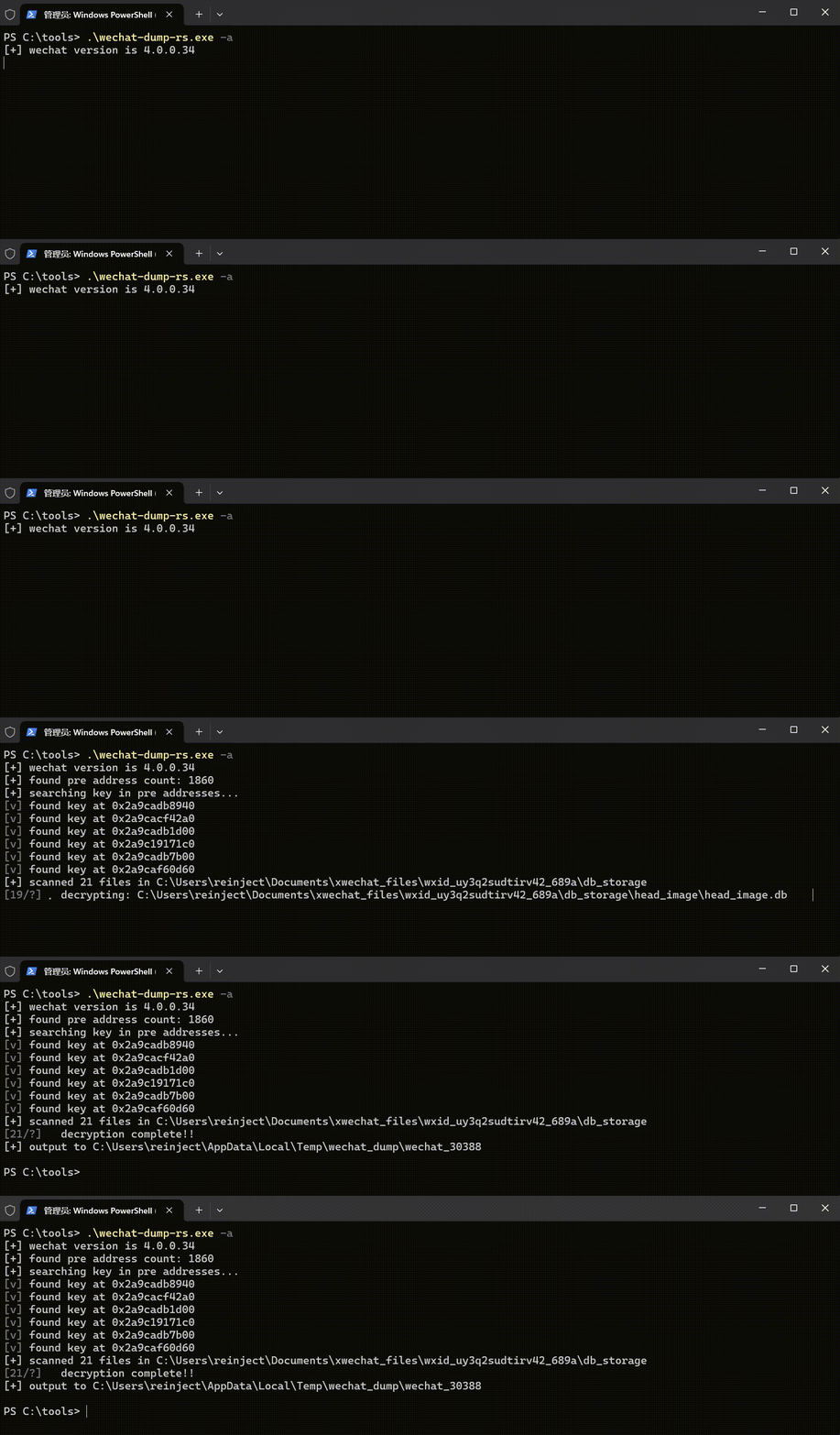
Use parameter -a to directly export all database files.
The files automatically decrypted by the tool may have deformities. You can use DB Browser for SQLCipher to browse the original database files directly.
When opening the sqlcipher database, select "original key", select custom on WeChat V3 (page size 4096/KDF iteration 64000/HMAC algorithm SHA1/KDF algorithm SHA1), and select sqlcipher4 by default. The original key corresponding to each database file is different, and the acquisition method is as follows:
WeChat V3 database file rawkey:
wechat-dump-rs.exe -k xxxxxxxxxxxxxxxxx -f c: u sers x xxx x xxx c ontact.db -r --vv 3WeChat V4 database file rawkey:
wechat-dump-rs.exe -k xxxxxxxxxxxxxxxxx -f c: u sers x xxx x xxx c ontact.db -r --vv 4Generally speaking, the key needs to be obtained in the memory of the running WeChat process. The memory offset is different in each version. Most tools maintain a set of offsets for each version, but when a new version appears, you must find the offset again. See the method for a simple record later.
In fact, in addition to this method, there is another more general method, which is to search memory brute force to find the key location that can be used for decryption. Of course, if you scan all the memory of the process, it will definitely not work. Therefore, the project uses the following method to narrow the key memory range to speed up the scanning speed:
There are some other small details, just look at the code.
Other untested versions do not mean they cannot be used. This list is just an environment I have in local.
4.0 Chat record content parsing reference example export chat record to TXT.





