WeChatPlugin MacOS
适配 2.3.22

English | Chinese
[Functions • Update Logs • Demo Demo • Use • Install • Uninstall • TODO ]
Other plug-ins: [wechat-alfred-workflow • QQ version]
If alfred is not used, you do not need to turn on the alfred switch.
Remote control:
If you want to remotely control NetEase Cloud Music, please add WeChat and script editor in "System Preferences ==> Security and Privacy ==> Privacy ==> Accessibility Functions"
For details, please see CHANGELOG
Prevent retraction of news
Automatic reply
Open WeChat more
Remote control (test to turn off Chrome, QQ, turn on screen saver)
No authentication & bottom set & multiple choice deletion
Quick reply from the Notification Center 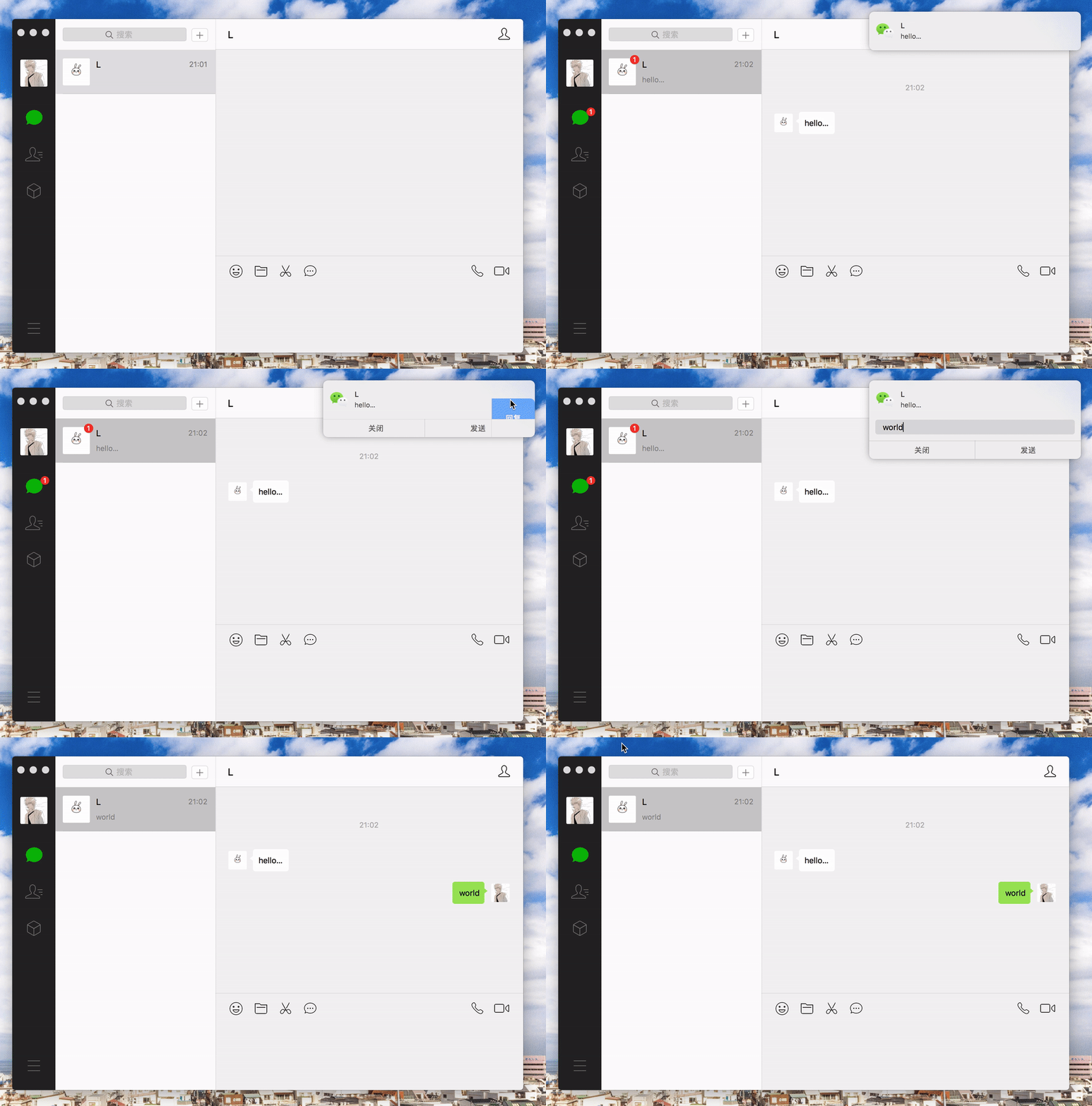
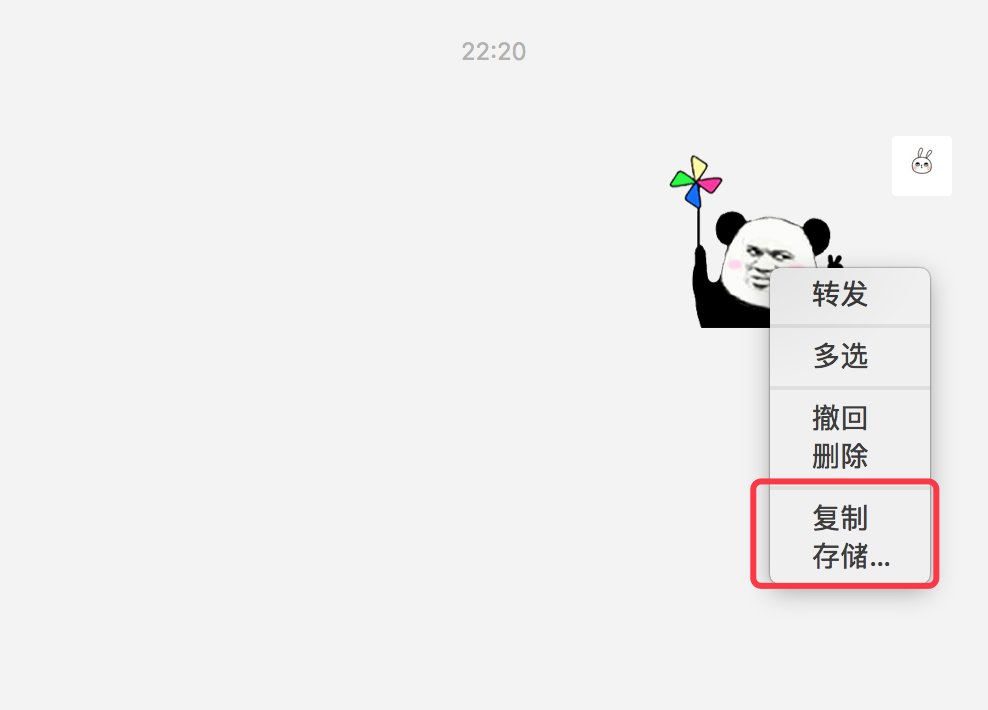
Chat Window Expression Copy & Storage
Remote control of voice mac 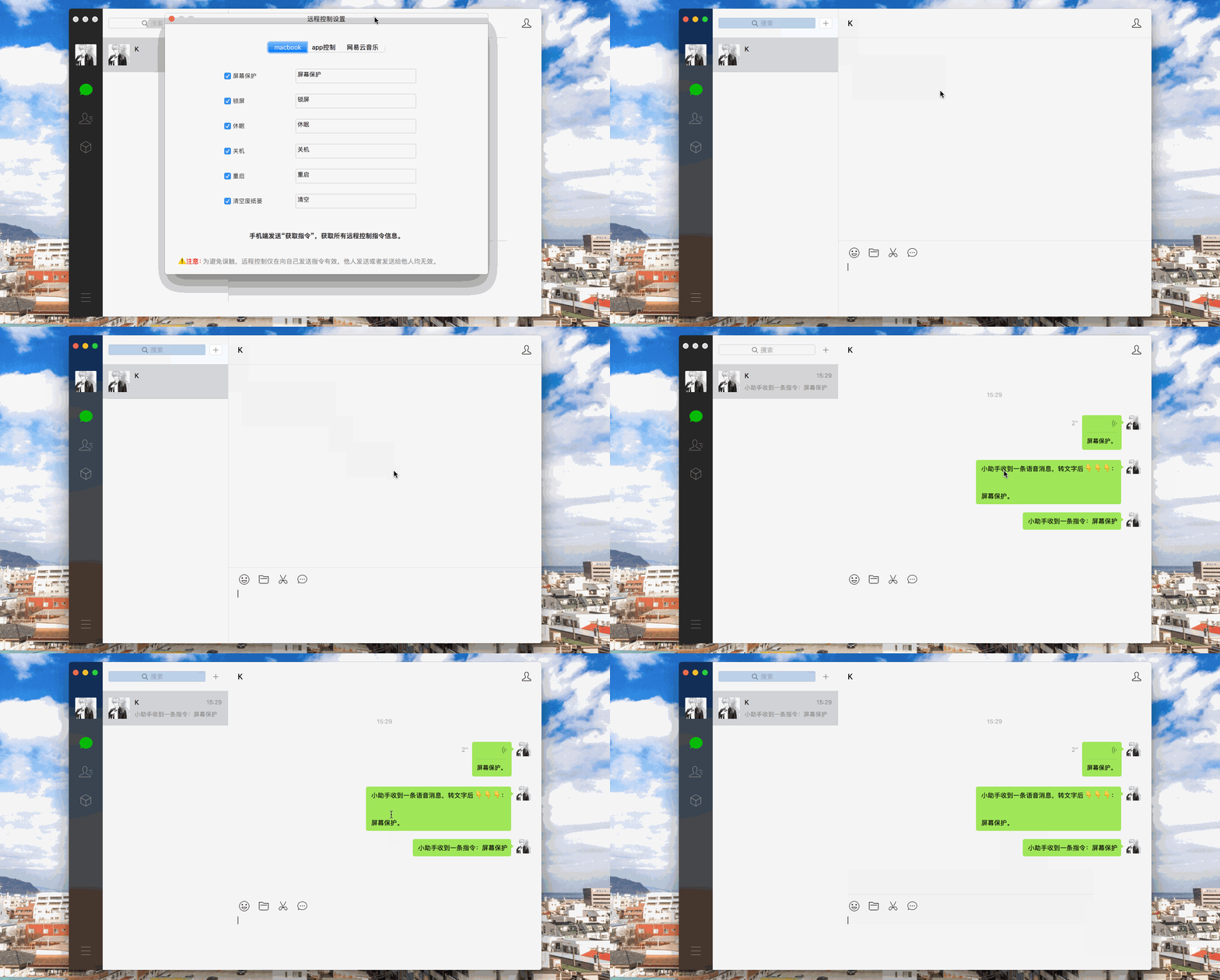
Alfred Quick Search Wechat-alfred-workflow 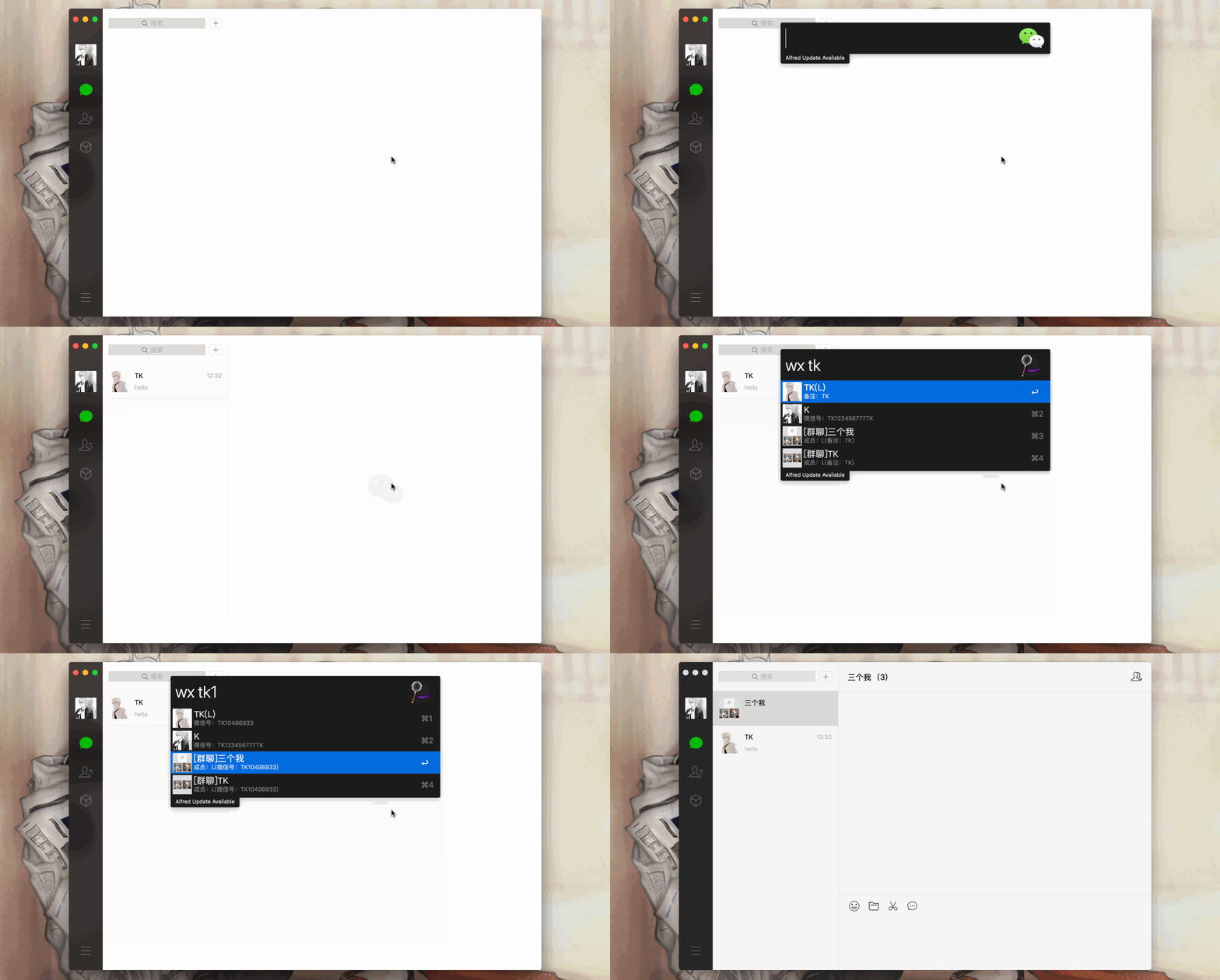
Alfred Search for recent chat lists & view chat history 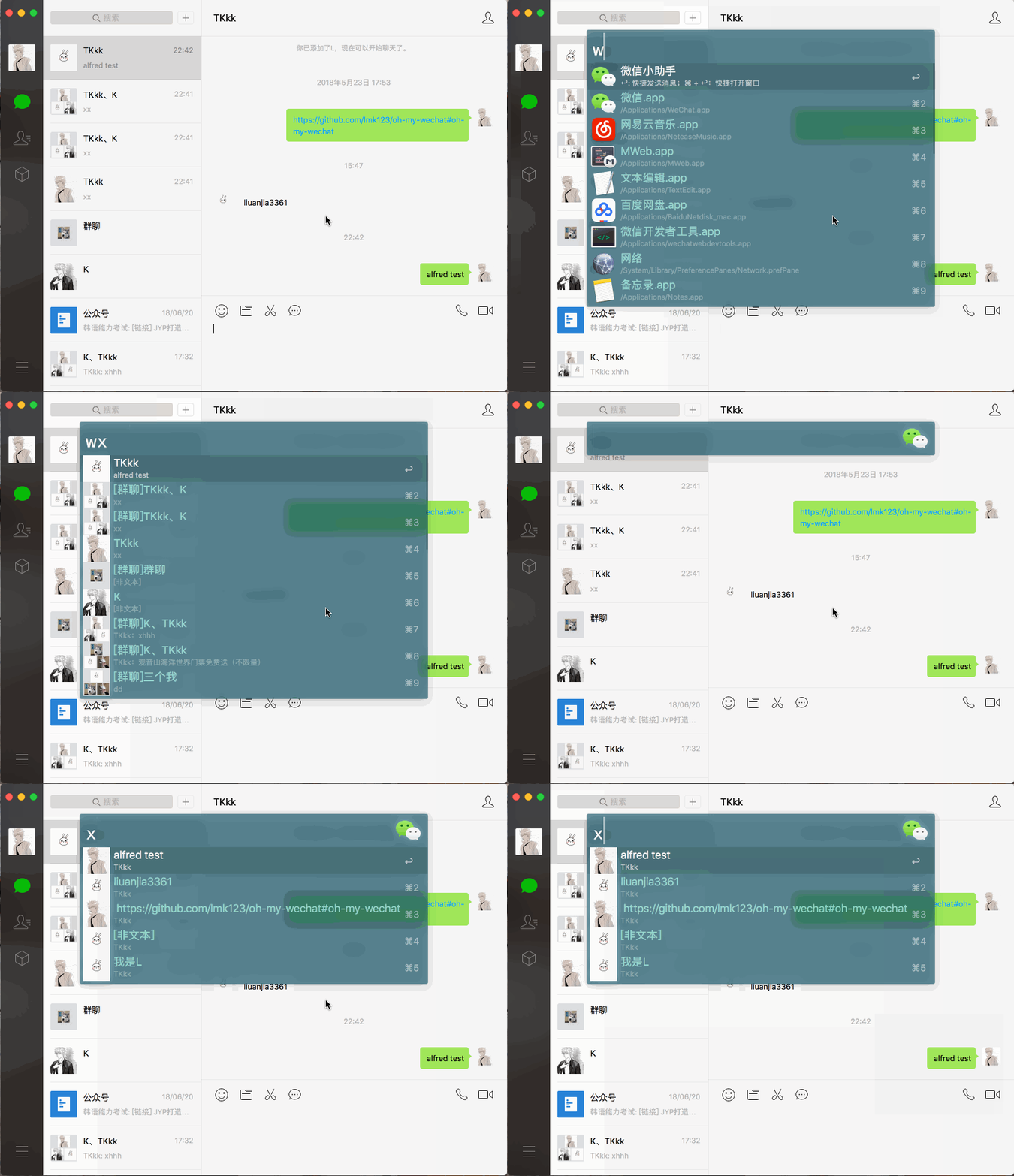
One-click read & One-click clear empty reply 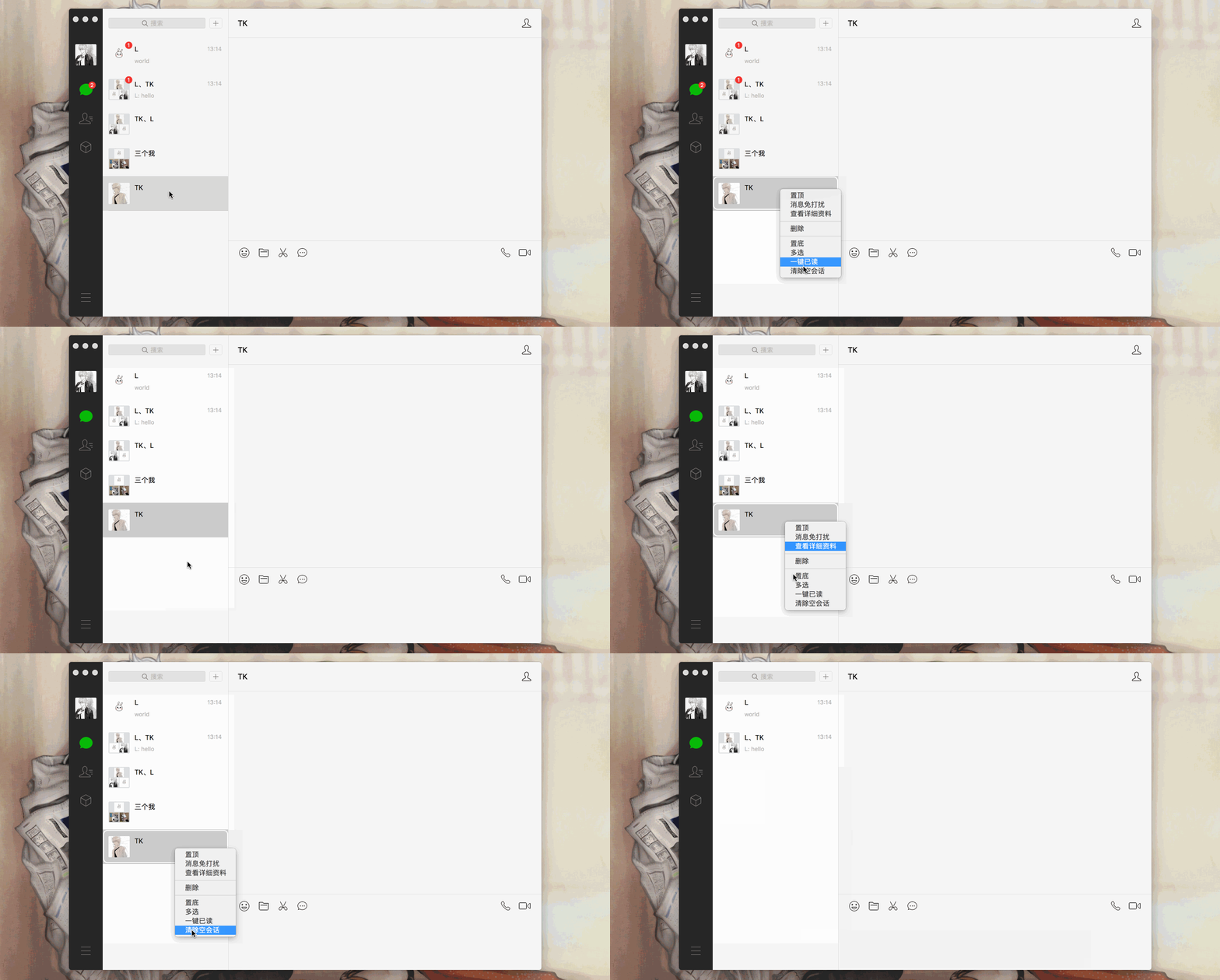
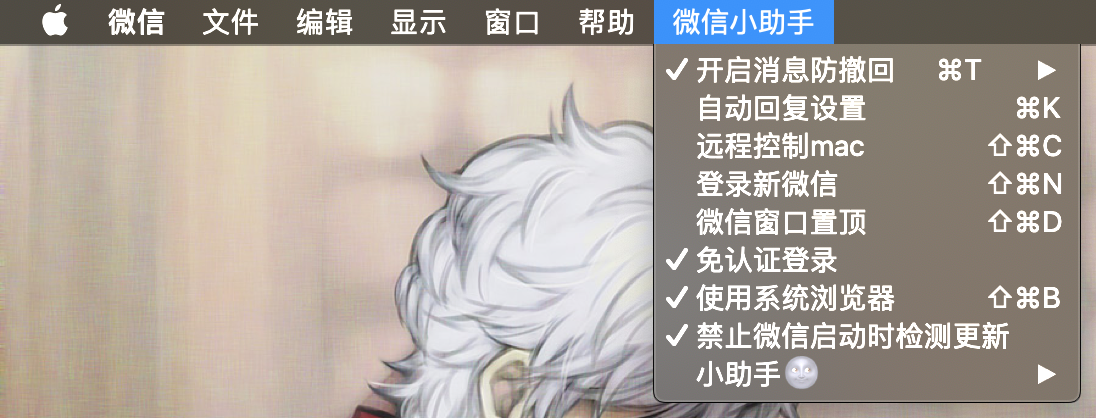
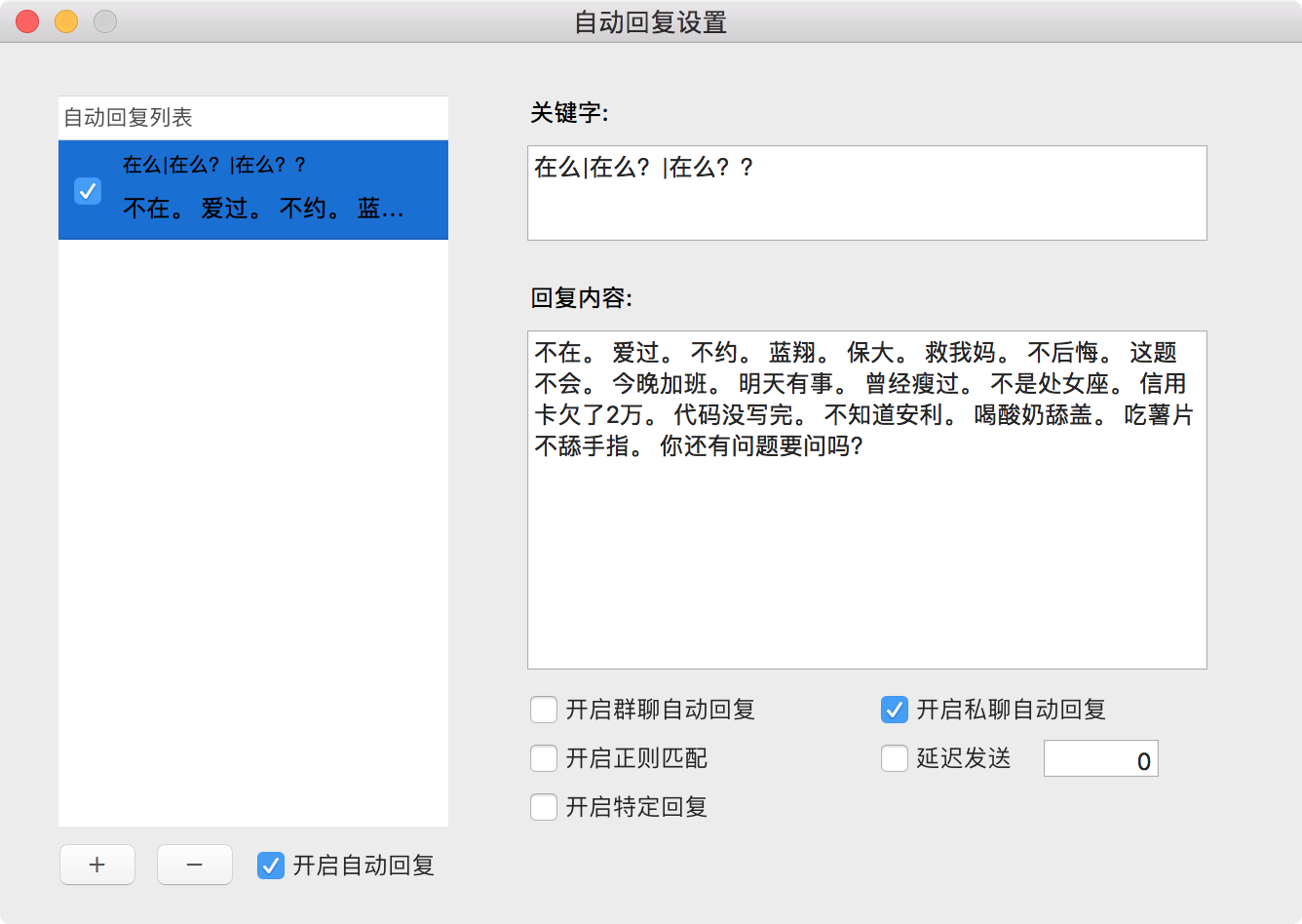
开启消息防撤回or shortcut key command + t to turn on and off.开启自动回复or shortcut key conmand + k , and the automatic reply setting window will pop up. Click the button setting switch with the red arrow.If the keyword is
*, then any information will be replied; if the keyword isx|y, then both x and y will be replied; If the keyword or automatic reply is empty, then the automatic reply will not be enabled; Delay reply can be set, unit: seconds; If the regular expression is enabled, please confirm that the regular expression is written correctly. If the online regular expression test is enabled, the original group chat & private chat reply will be invalid.
Open WeChat more: Click登录新微信or shortcut key command + shift + n to open WeChat more.
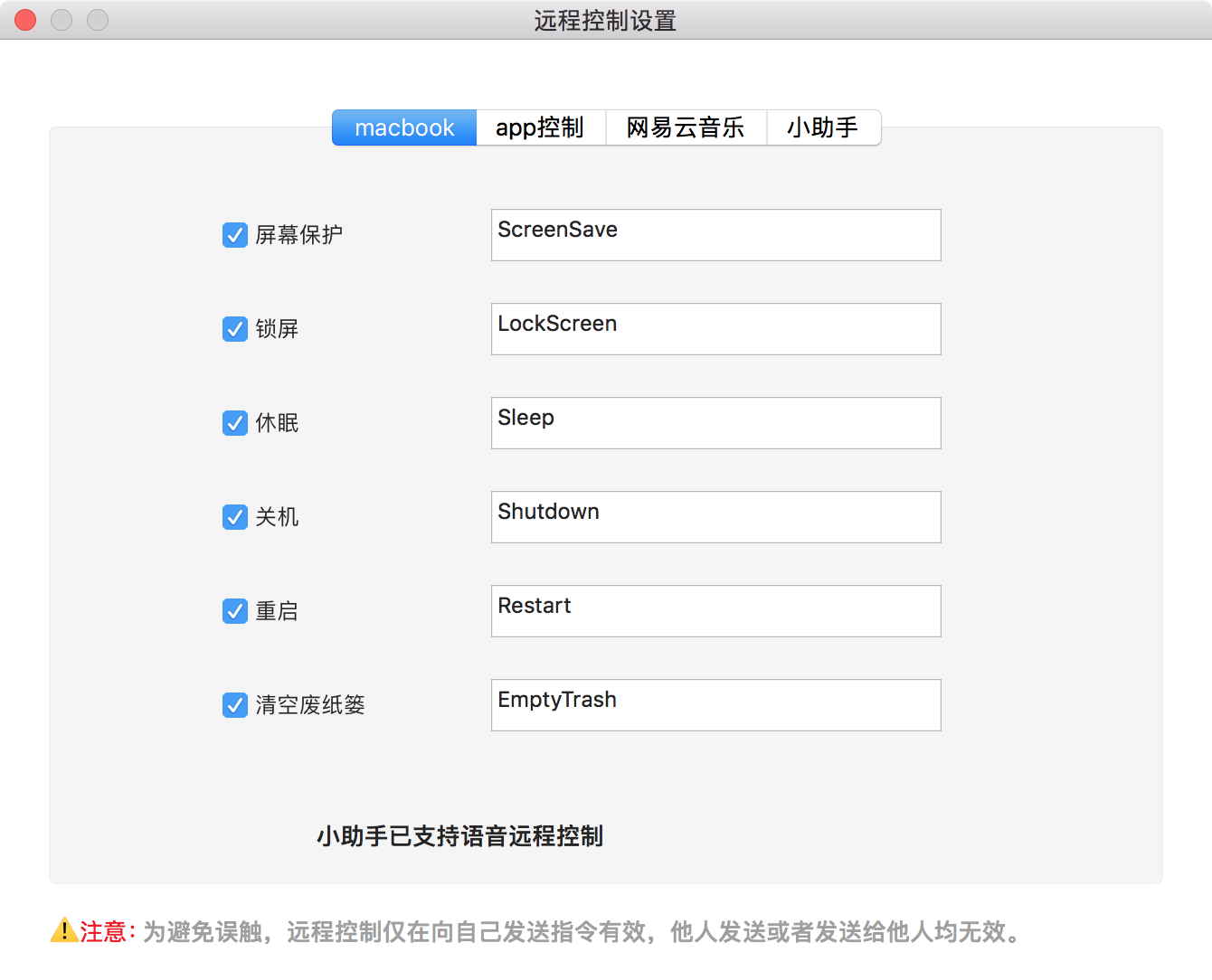
Remote control: Click远程控制Mac OS or the shortcut key command + shift + c to open the control window.
Note: Only sending commands to your account is valid
For detailed installation methods (or recompilation is required), please refer to Install.md
If the prompt has no permission: Permission denied , execute sudo chmod -R 777 /Applications/WeChat.app
Open应用程序-实用工具-Terminal(终端) and execute the following command to install
cd ~/Downloads && rm -rf WeChatPlugin-MacOS && git clone https://github.com/TKkk-iOSer/WeChatPlugin-MacOS.git --depth=1 && ./WeChatPlugin-MacOS/Other/Install.sh
clone or download button to download WeChatPlugin and decompress, open Terminal, drag the Install.sh file (in Other folder) to Terminal and press Enter.
Open Terminal, drag the Uninstall.sh file (in Other folder) and press Enter.
Alfred Search 




