nylas mail
2.0.31

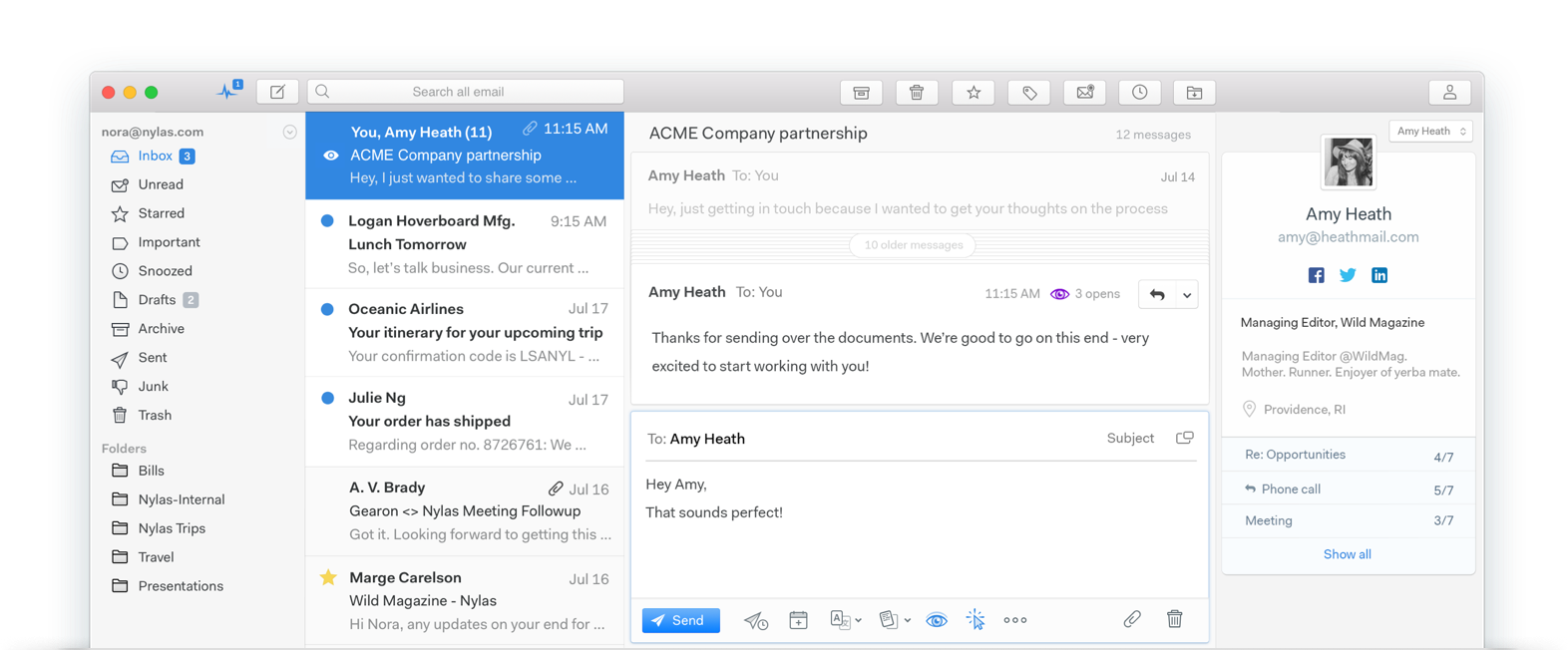
Nylas Mail was an open-source mail client built on the modern web with Electron, React, and Flux. It was designed to be easy to extend, and many third-party plugins are available that add functionality to the client.
brew install nvm redisnvm install 6npm installcurl -sL https://deb.nodesource.com/setup_6.x | sudo -E bash -sudo apt-get install -y nodejssudo apt-get install -y redis-server redis-tools
benefit of letting us use subdomains.npm installnpm run client: Starts the appnpm run test-client: Run the testsnpm run lint-client: Lint the source (ESLint + Coffeelint + LESSLint)This repository contains the full source code to the Nylas Mail client and it's backend services. It is divided into the following packages:
See /packages for the separate pieces. Each folder in /packages is
designed to be its own stand-alone repository. They are all bundled here
for the ease of source control management.
In early 2016, the Nylas Mail team wrote extensive documentation for the app that was intended for plugin developers. This documentation lives on GitHub Pages and offers a great overview of the app's architecture and important classes. Here are some good places to get started:
The team has also given conference talks and published blog posts about the client:
ReactEurope: How React & Flux Turn Apps Into Extensible Platforms
ForwardJS: Electron, React & Pixel Perfect Experiences
Blog: Splitting from Atom
Blog: Building Plugins for React Apps
Blog: Nylas Mail Build Process
Blog: Low level Electron Debugging
Blog: A New Search Parser
Blog: Developers Guide to Emoji
Blog: Nylas Pro
Blog: Nylas Mail & PGP
Blog: Calendar Events and RRULEs
When you download and build Nylas Mail from source it runs without its cloud components. The concept of a "Nylas ID" / subscription has been removed, and plugins that require server-side processing are disabled by default. (Plugins like Snooze, Send Later, etc.)
In order to use these plugins and get the full Nylas Mail experience, you need to deploy the backend infrastructure located in the cloud-* packages. Deploying these services is challenging because they are implemented as microservices and designed to be run at enterprise scale with Redis, Postgres, etc. Because these backend services must access your email account, it is also important to use security best-practices (at the very least, SSL, encryption at rest, and a partitioned VPC). For more information about building and deploying this part of the stack, check out the cloud-core README.
The Nylas Mail user interface is styled using CSS, which means it's easy to modify and extend. Nylas Mail comes stock with a few beautiful themes, and there are many more which have been built by community developers
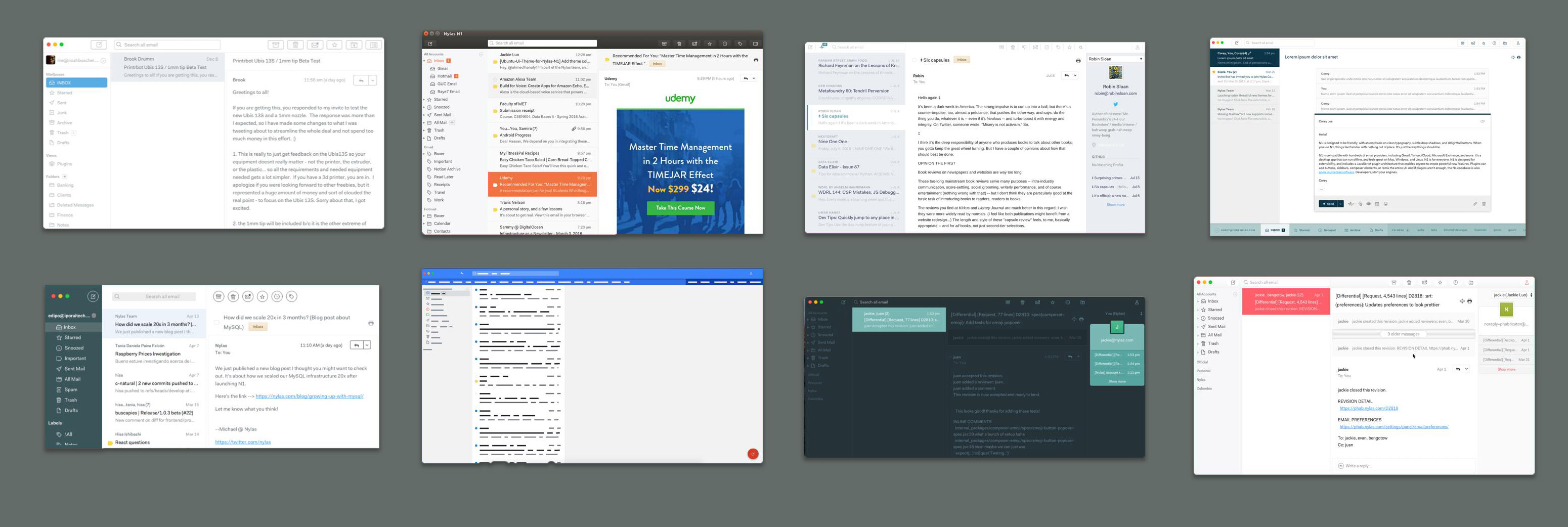
| ToogaBooga | Material | Monokai |
| Agapanthus—Inbox-inspired theme | Stripe | Kleinstein—Hides account sidebar |
| Arc Dark | Solarized Dark | Darkish |
| Predawn | Ido—Polymail-inspired theme | Berend |
| ElementaryOS | LevelUp | Sunrise |
| BoraBora | Honeyduke | Snow |
| Hull | Express | DarkSoda |
| Bemind | Dracula | MouseEatsCat |
| Sublime Dark | Firefox | Gmail |
Developer > Install a Package Manually... ~/.nylas-mail folder for your convinenceChange Theme... from the top level menu, and you'll see the newly installed theme. That's it!Want to dive in more? Try creating your own theme!
Some plugins come pre-installed, and are a great starting points for creating your own:
Note these are not tested or officially supported by Nylas, but we still think they are really cool! If you find bugs with them, please open GitHub issues on their individual project pages, not the Nylas Mail (N1) repo page. Thanks!
| Jiffy—Insert animated GIFs | Weather | Todoist |
| Unsubscribe | Squirt Speed Reader | Website Launcher—Opens a URL in separate window |
| Cypher—PGP Encryption | Avatars | Events Calendar (WIP) |
| Mail in Chat (WIP) | Evernote | Wunderlist |
| Participants Display | GitHub |
When you install packages, they're moved to ~/.nylas-mail/packages, and Nylas Mail runs apm install on the command line to fetch dependencies listed in the package's package.json
There are several forks of Nylas Mail that you should check out. If you're just learning about Nylas Mail, it is highly recommended you use one of these instead.





