mactop
v0.2.3

mactop is a terminal-based monitoring tool "top" designed to display real-time metrics for Apple Silicon chips written by Carsen Klock. It provides a simple and efficient way to monitor CPU and GPU usage, E-Cores and P-Cores, power consumption, and other system metrics directly from your terminal!
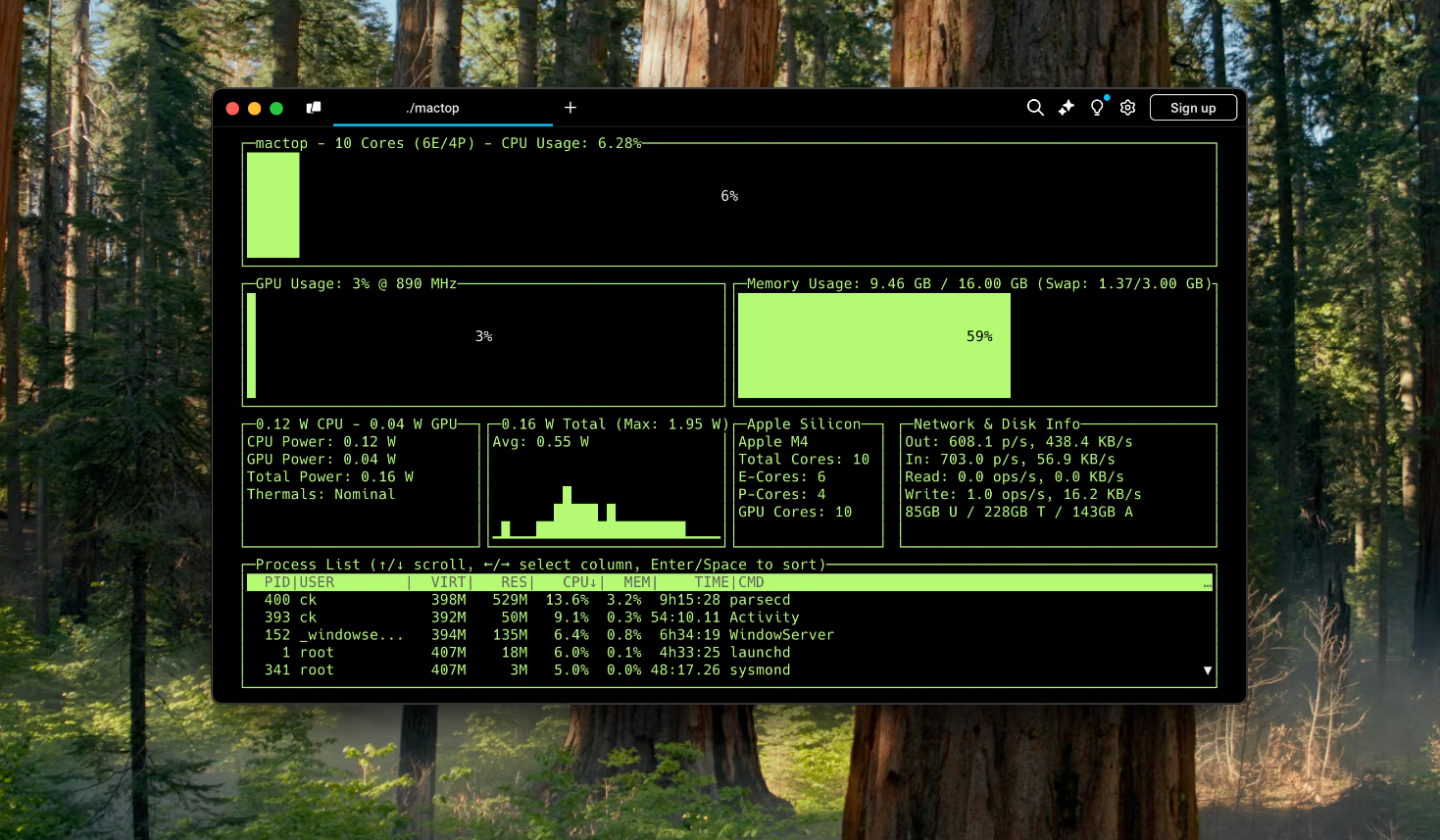
You can install mactop via Homebrew! https://brew.sh
brew install mactopsudo mactopbrew updatebrew upgrade mactopTo install mactop, follow these steps:
Ensure you have Go installed on your machine. If not, you can install it by following the instructions here: Go Installation Guide.
Clone the repository:
git clone https://github.com/context-labs/mactop.git
cd mactop
Build the application:
go buildRun the application:
sudo ./mactopAfter installation, you can start mactop by simply running:
sudo ./mactopsudo is required to run mactop
Example with flags
sudo mactop --interval 1000 --color green--interval or -i: Set the powermetrics update interval in milliseconds. Default is 1000. (For low-end M chips, you may want to increase this value)--color or -c: Set the UI color. Default is white.
Options are 'green', 'red', 'blue', 'cyan', 'magenta', 'yellow', and 'white'. (-c green)--prometheus or -p: Set and enable the local Prometheus metrics server on the given port. Default is disabled. (e.g. -p 2112 to enable Prometheus metrics on port 2112)--version or -v: Print the version of mactop.--help or -h: Show a help message about these flags and how to run mactop.Use the following keys to interact with the application while its running:
q: Quit the application.r: Refresh the UI data manually.c: Cycle through the color themes.p: Party Mode (Randomly cycles through colors)l: Toggle the main display's layout.h: Toggle the help menu.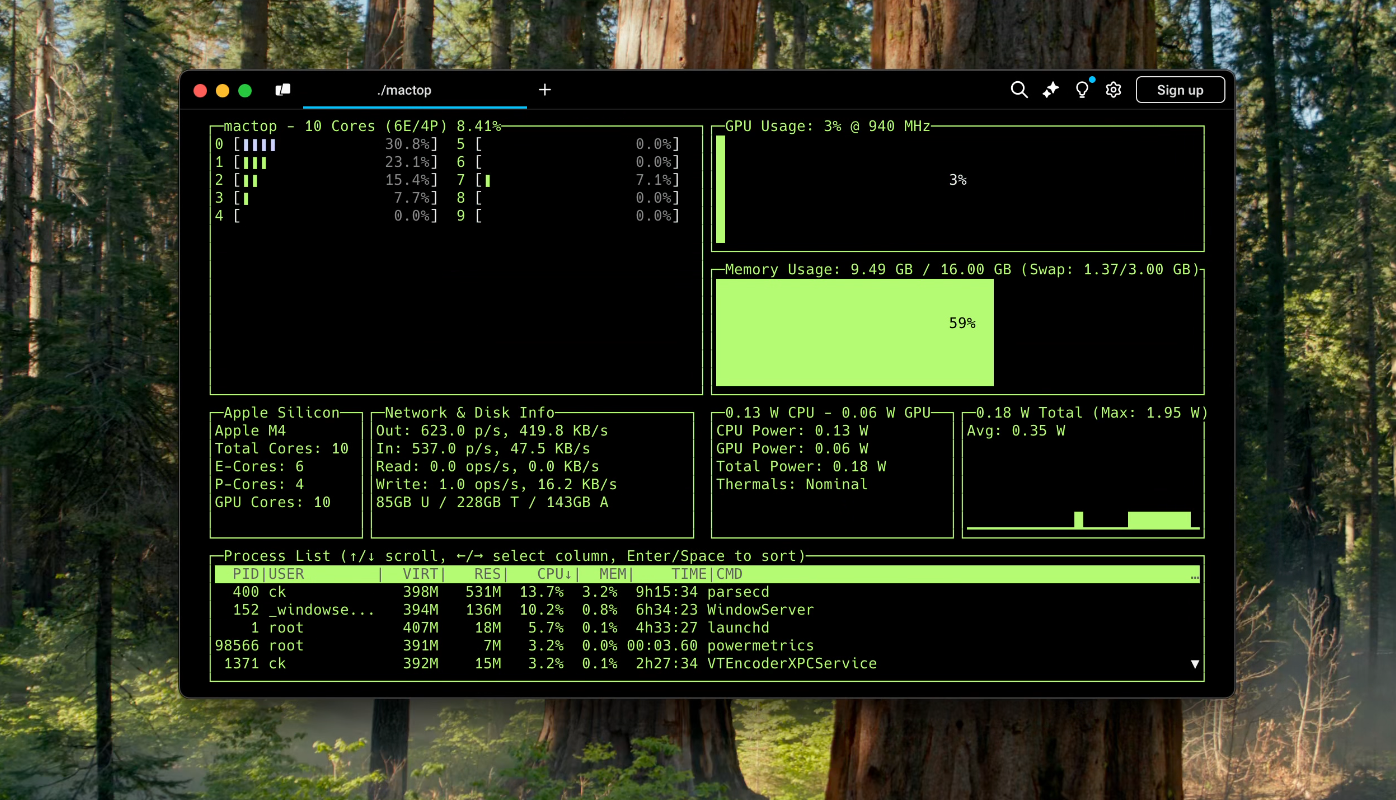
(If you have a confirmed working M series chip that is not listed, please open an issue, so we may add it here!)
Contributions are what make the open-source community such an amazing place to learn, inspire, and create. Any contributions you make are greatly appreciated.
git checkout -b feature/AmazingFeature)git commit -m 'Add some AmazingFeature')git push origin feature/AmazingFeature)sysctl: For CPU model informationsystem_profiler: For GPU Core Countpsutil: For memory and swap metricspowermetrics: For majority of GPU, Network, and Disk metricshost_processor_info: For CPU metrics (E and P cores) Apple Mach Kernel API in CGODistributed under the MIT License. See LICENSE for more information.
Carsen Klock - @carsenklock
Project Link: https://github.com/context-labs/mactop
This tool is not officially supported by Apple. It is provided as is, and may not work as expected. Use at your own risk.





