HeliumOS
1.0.0

██   ██ ███████ ██      ██ ██    ██ ███    ███  ██████  ███████
██   ██ ██      ██      ██ ██    ██ ████  ████ ██    ██ ██
███████ █████   ██      ██ ██    ██ ██ ████ ██ ██    ██ ███████
██   ██ ██      ██      ██ ██    ██ ██  ██  ██ ██    ██      ██
██   ██ ███████ ███████ ██  ██████  ██      ██  ██████  ███████
HeliumOS, a hobby x86_64 operating system whose main goals are learning and testing random ideas from other operating systems.
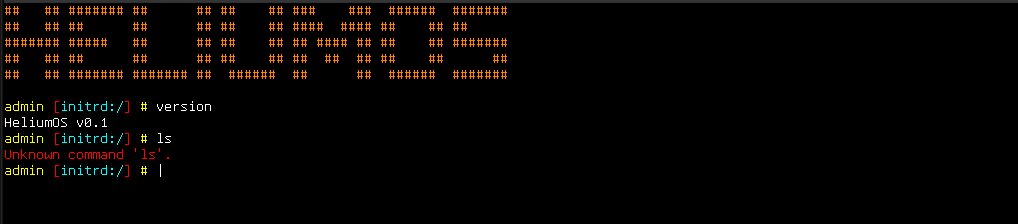
Picture taken before Rust rewrite, the OS does not look like this yet again.
As HeliumOS is hosted in github you can clone the sources with git using:
git clone https://github.com/yarml/HeliumOS.git.
Otherwise you can download the sources in a zip file.
The build system is completely containerized, meaning as long as you have Docker installed on your system, you will not need to manage further dependencies.
To build the kernel, run docker compose run build. Note however, that in the first run, it will download and compile binutils which can be resource heavy for some users. The container for the build machine is (currently) 2.17Gib.
The output of the above command are the files in the out/ directory, the most interesting of which is out/helium.img, which can be burned on a USB stick, or tossed into a VM.
To ease the debugging of the development, you can run a Qemu in container alongside gdb, and see all debug output of the operating system
with docker compose run debug. Recommendation: Do this on a large enough terminal window.
Documentation for the different sub-components of HeliumOS can be found in docs/, albeit it is not always up to date.
While the code for HeliumOS is completely original, transforming this source code into binaries that can boot on bare metal is a task which is handled by a number of 3rd party tools developped indepedently from HeliumOS:
This project is only possible because of the following resources:





