Windows 11 CSS
thanks for the stars...
the code isn't the best, I know but unfortunately,
I won't edit this repo, to keep it simple for junior devs (like I was 2 years ago)
because if is starred a lot I think is good as it is.
sorry (you can change it if you want to, to make it even better)
online website
w11-clone.vercel.app
User Interface
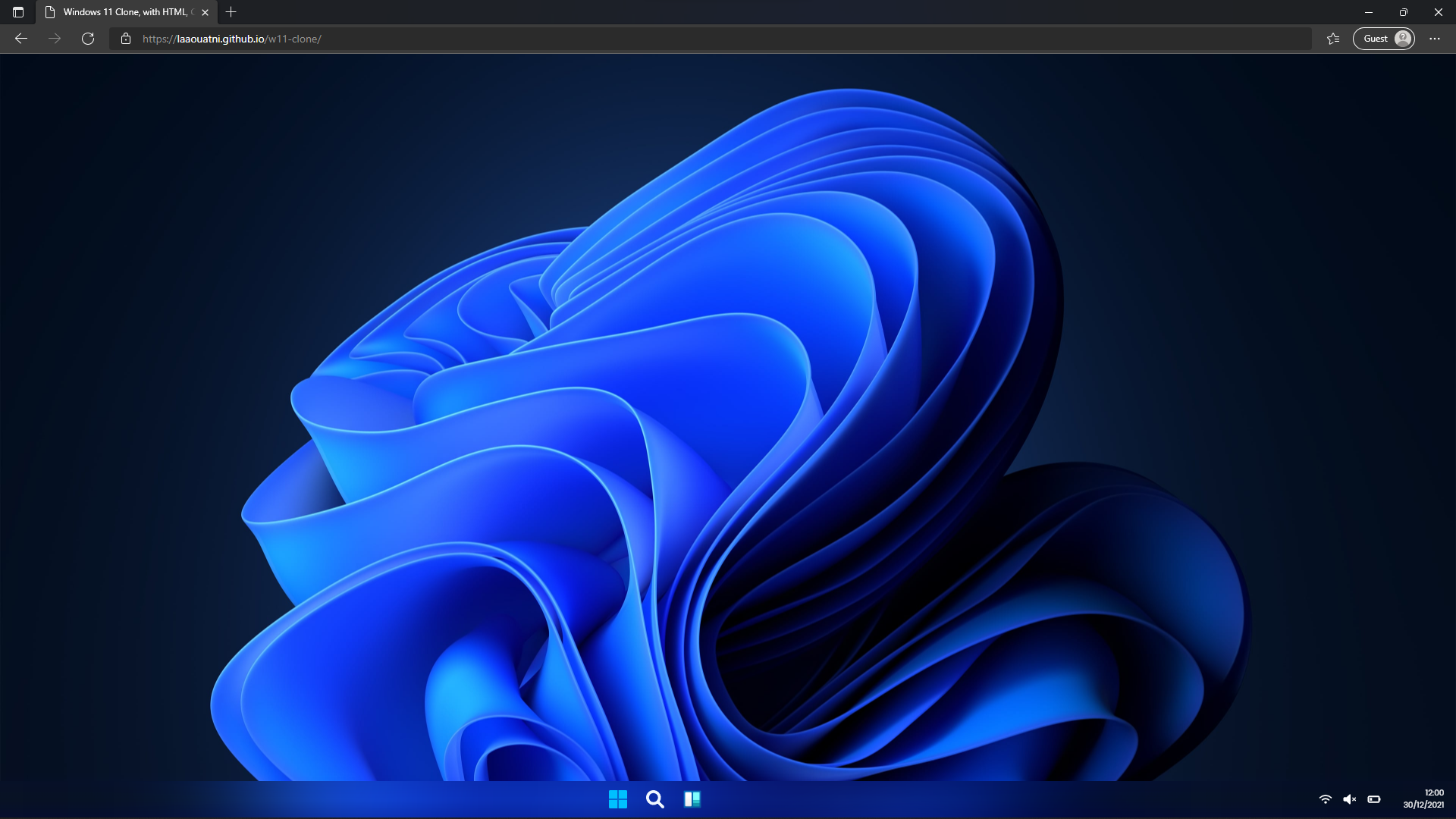
table of contents
- Windows 11 Clone
- Image of Windows 11 Clone
- table of contents
- on mouse_move, it will create a dinamic selection drag
- START MENU
- static image
- gif animation
- WIDGET section
- static image
- gif animation
- CREATE NEW WINDOW on click
- static image
- gif animation
- MOVABLE and RESIZABLE window
- static image
- gif animation
- MOVABLE window functionality
- RESIZABLE window functionality
- SNAP FUNCTIONALITY
- LEFT snap
- static image
- gif animation
- RIGHT snap
- FULL_SCREEN snap
- static image
- gif animation
- if window minimized, the icon is in NavBar (all this is centered automatically)
- static image
- gif animation
✅NEW FEATURE: on mouse_move, it will create a dinamic selection drag

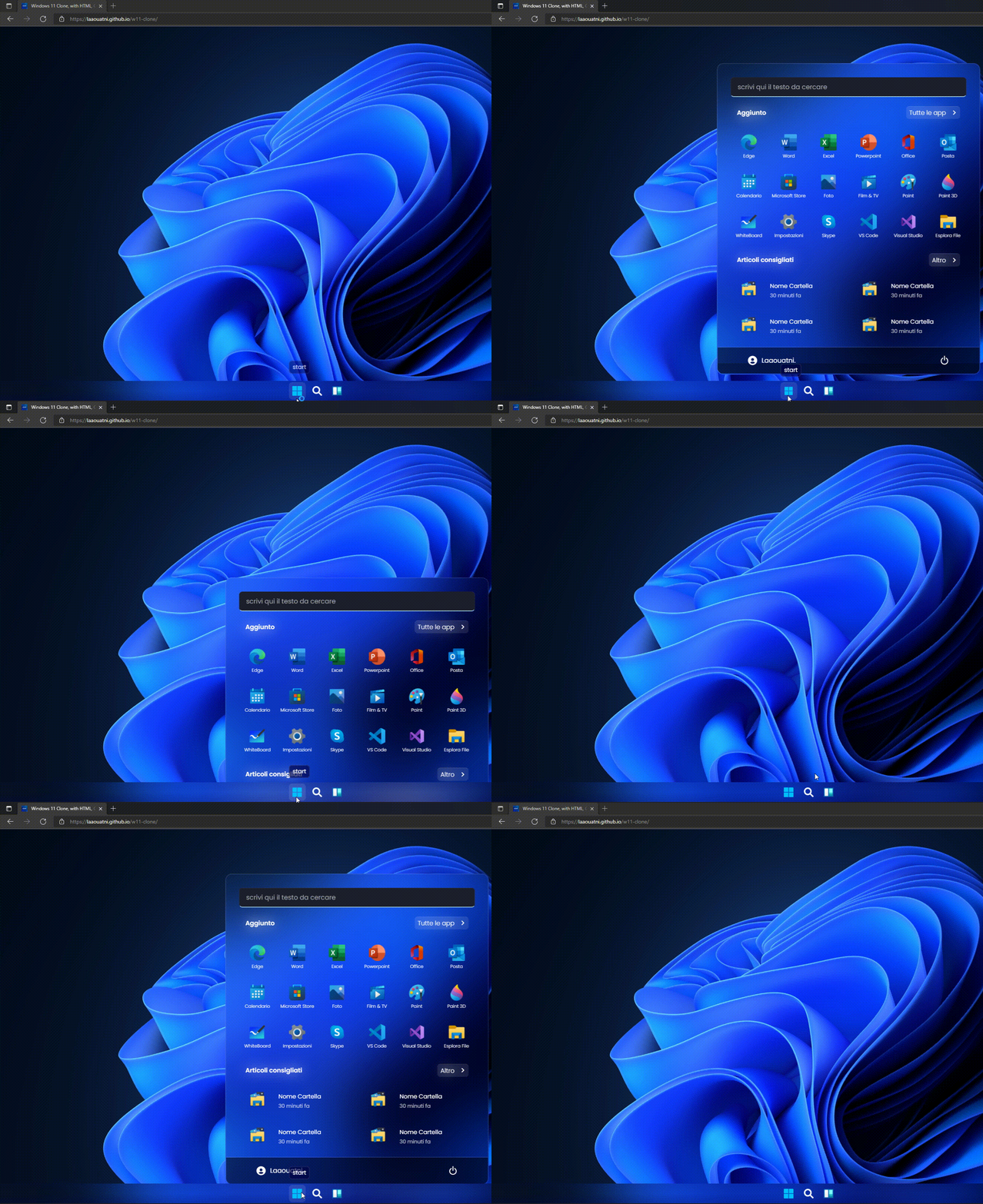
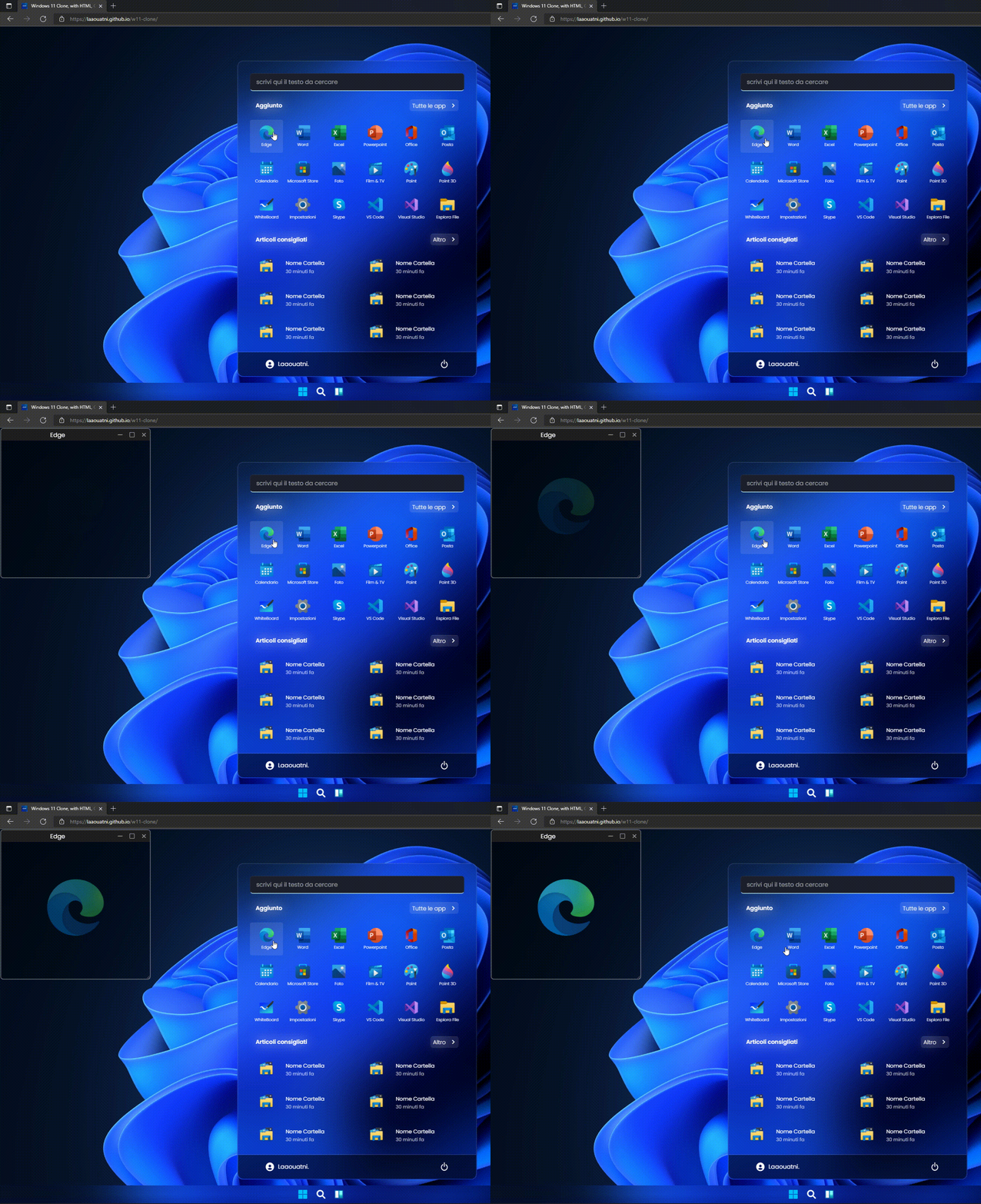
Start Menu (with Animations)
static image of START menu (windows 11)
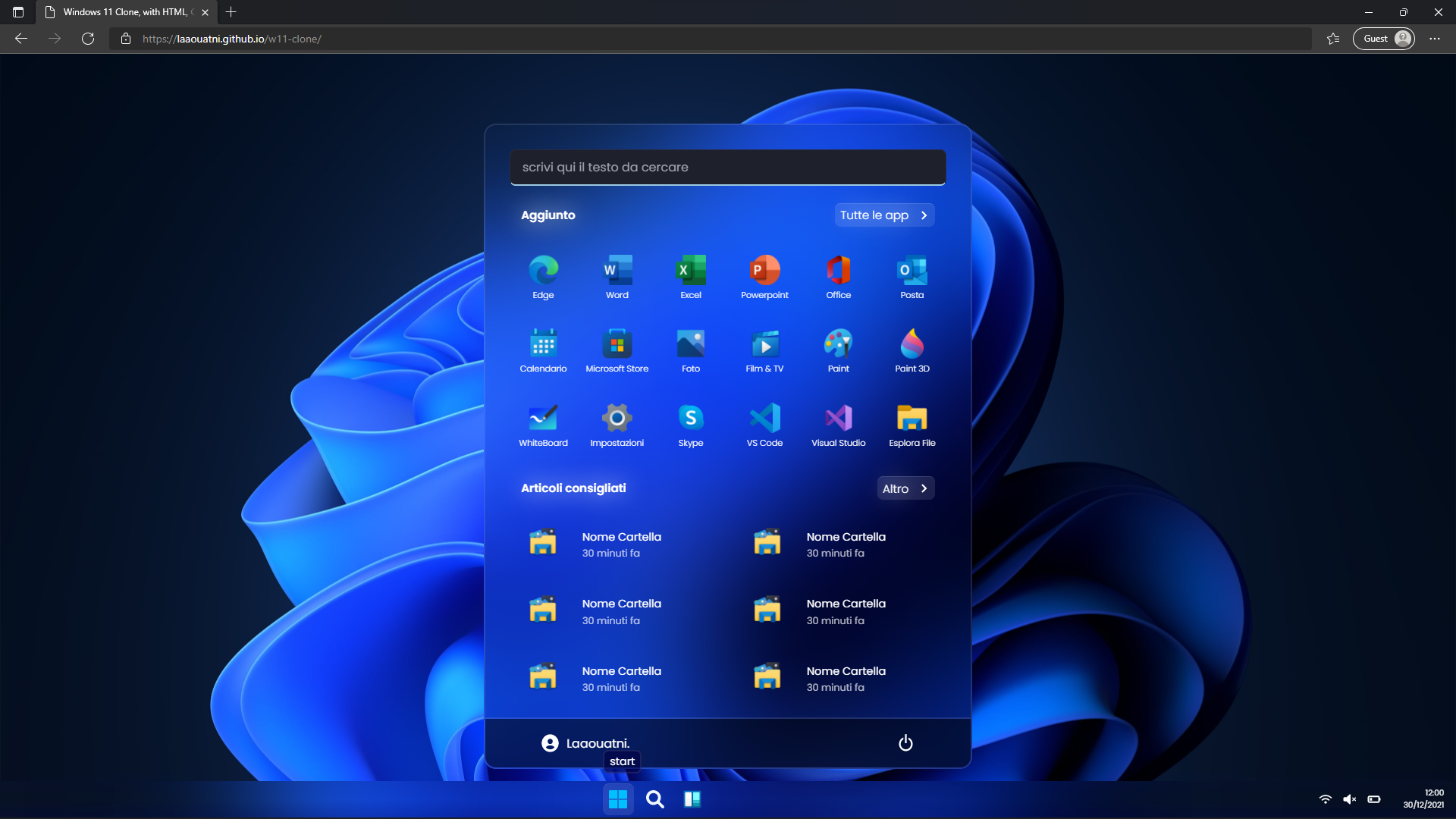
gif of the animation on START menu (Windows 11)
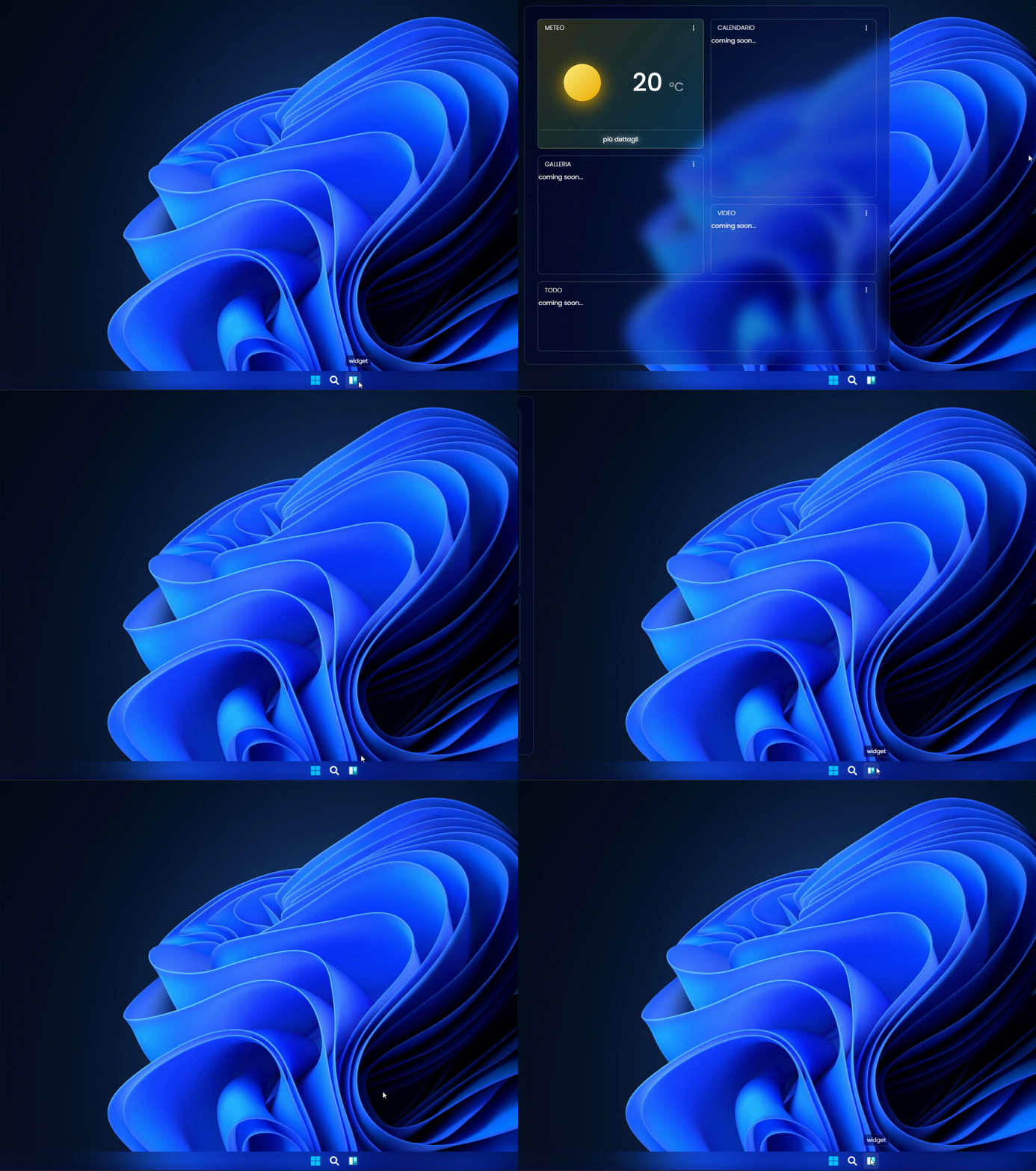
Widget TaskBar Section of windows 11
static image of WIDGET section when is Active (windows 11)
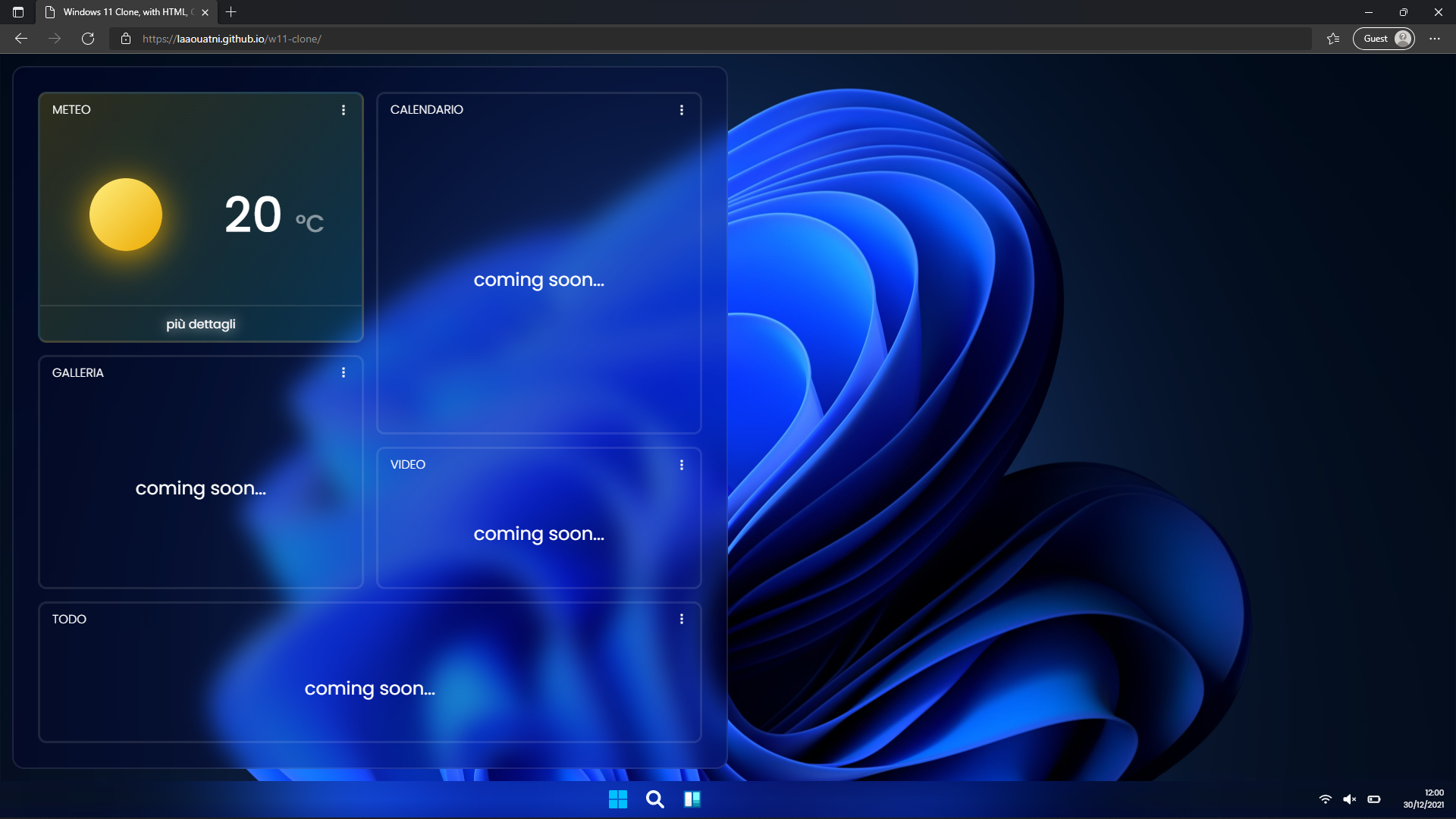
gif of the animation on WIDGET section (Windows 11)
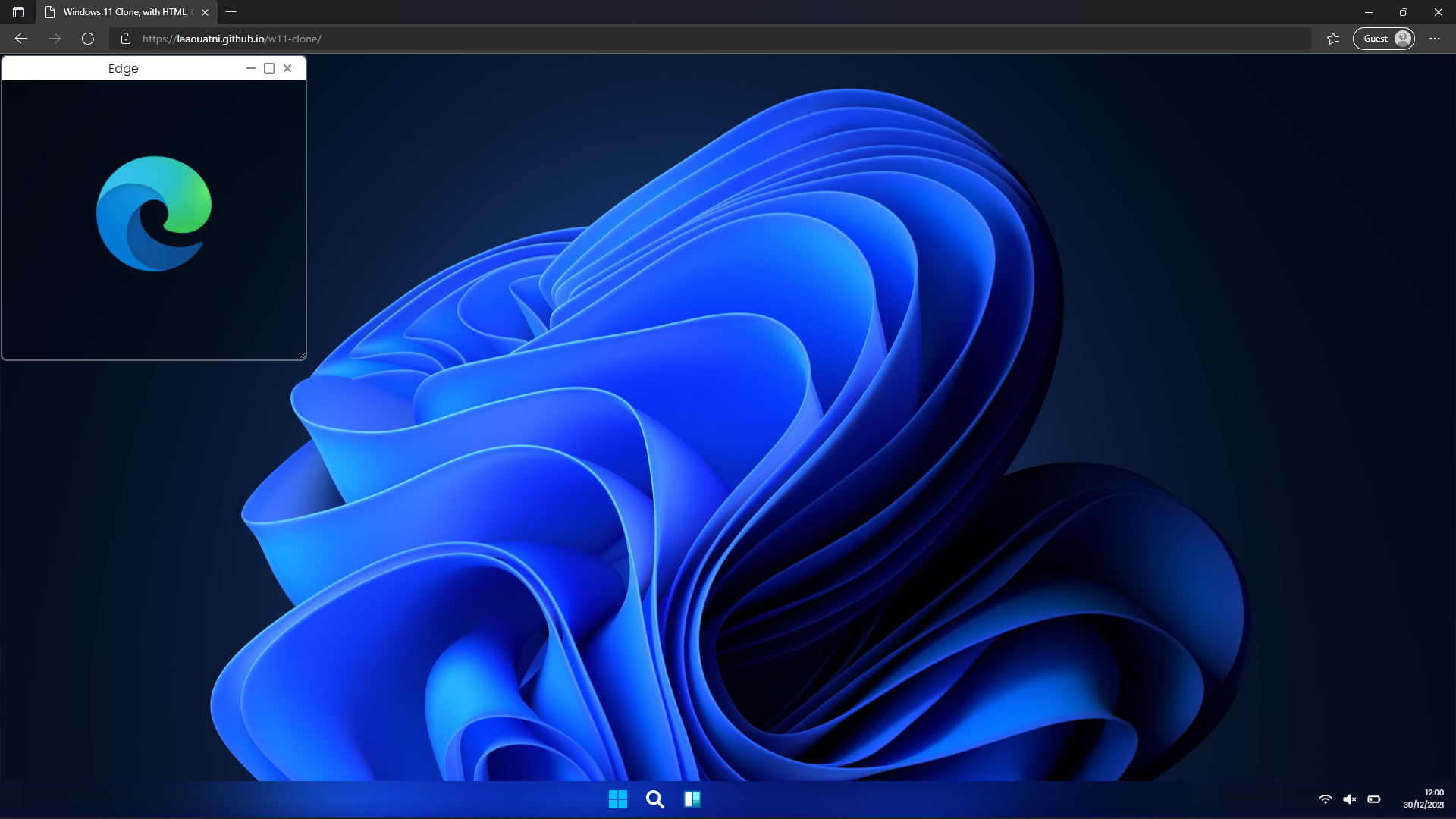
create new windows tab on click of any icon
static image of new tab when generated (Windows 11)
gif of the animation of new tab when generated (Windows 11)
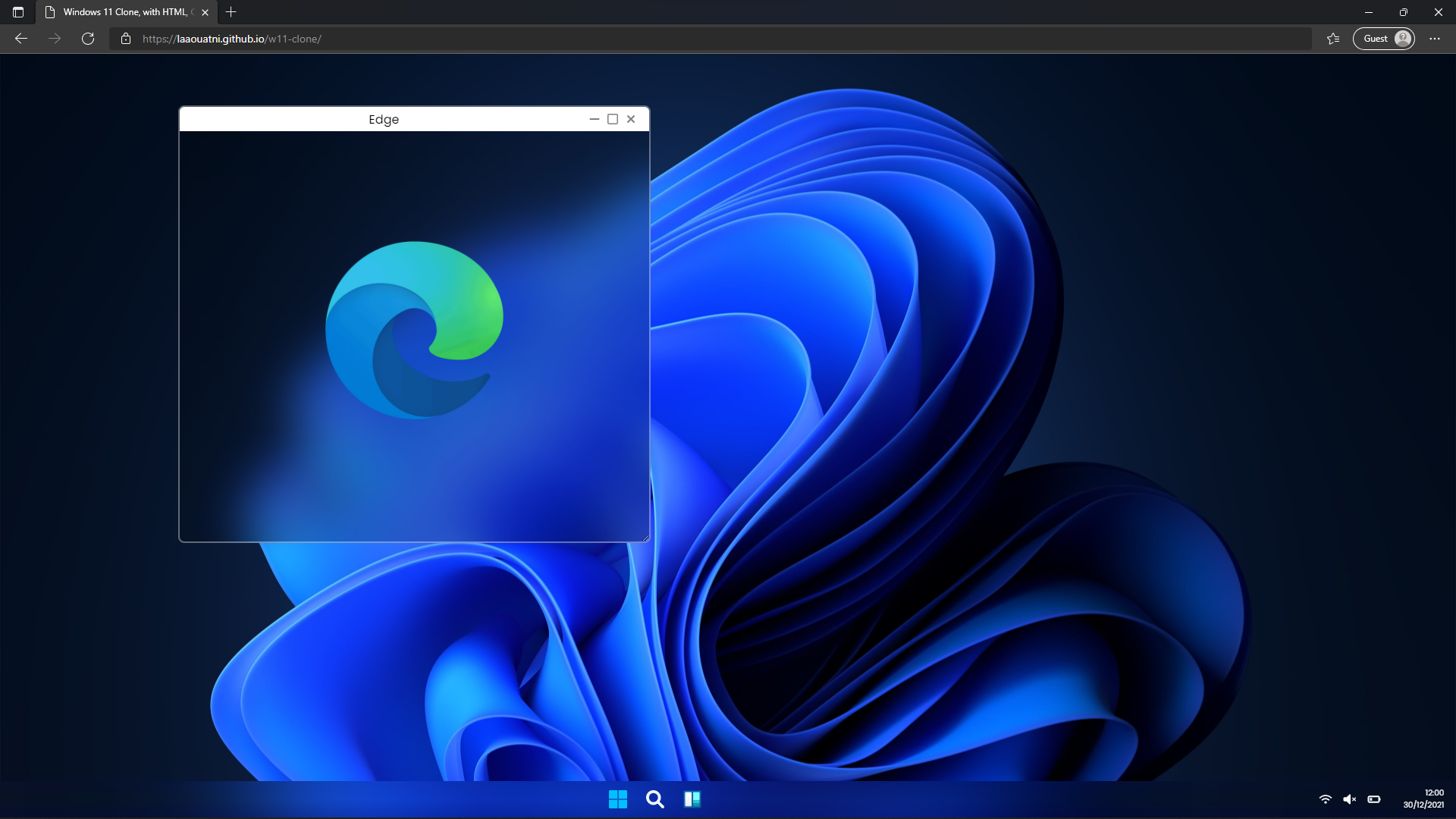
movable and resizable tab window
static image of movable and resizable tab window (Windows 11)
gif with animation of this functionality
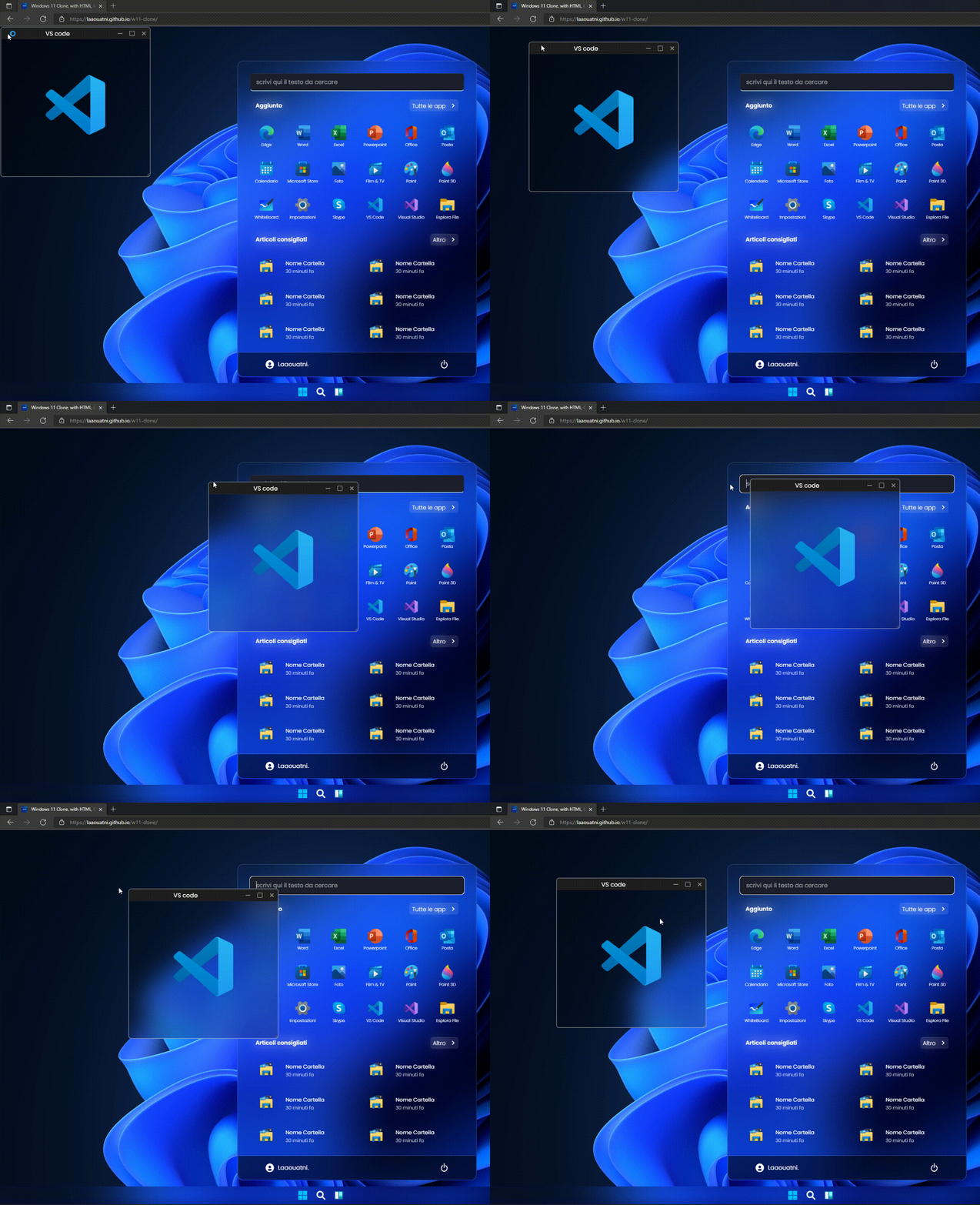
movable window functionality (onmousemove)
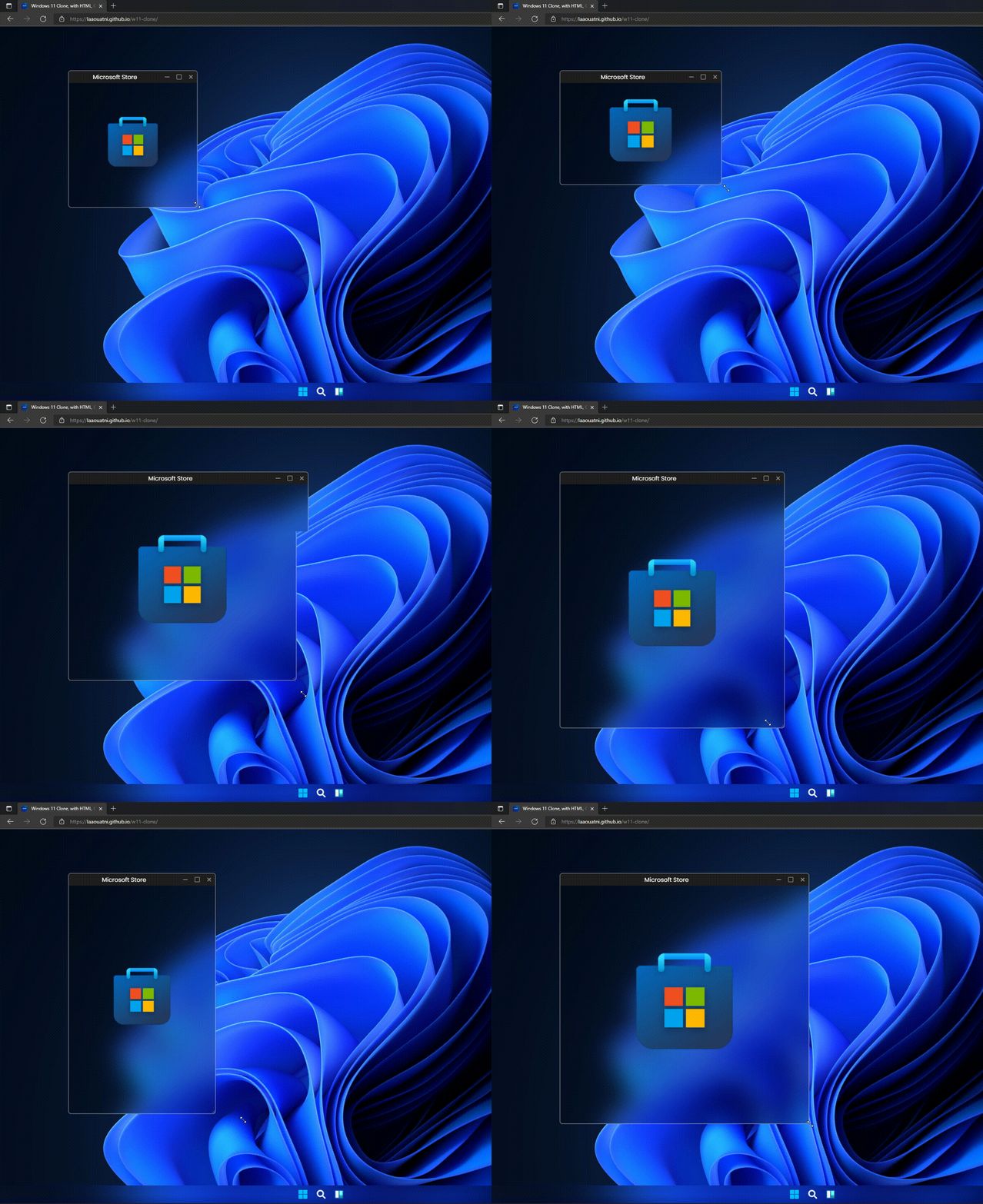
RESIZE window functionality (without using Javascript)
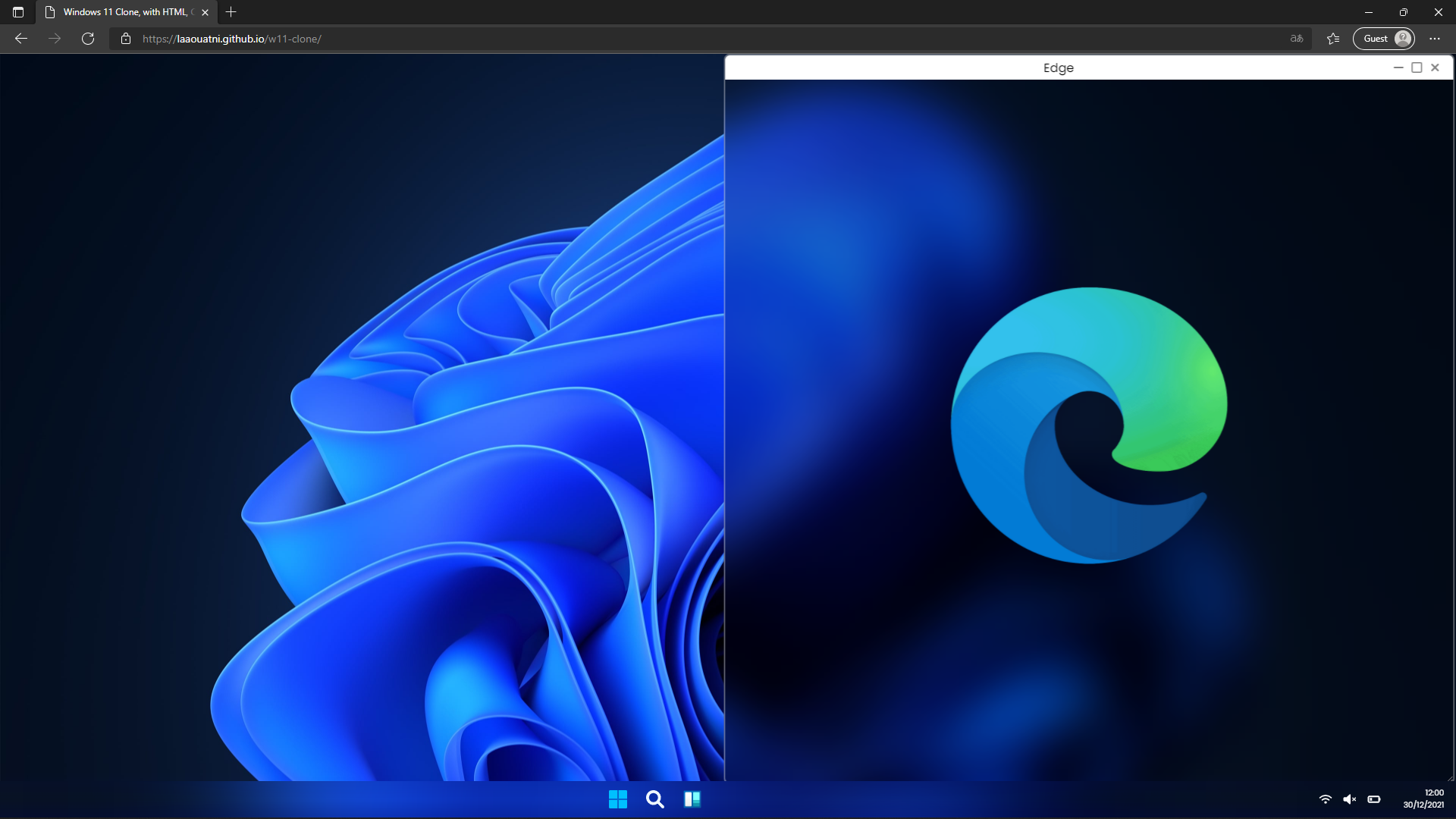
windows 11 snap functionality
left snap
static image of LEFT SNAP functionality
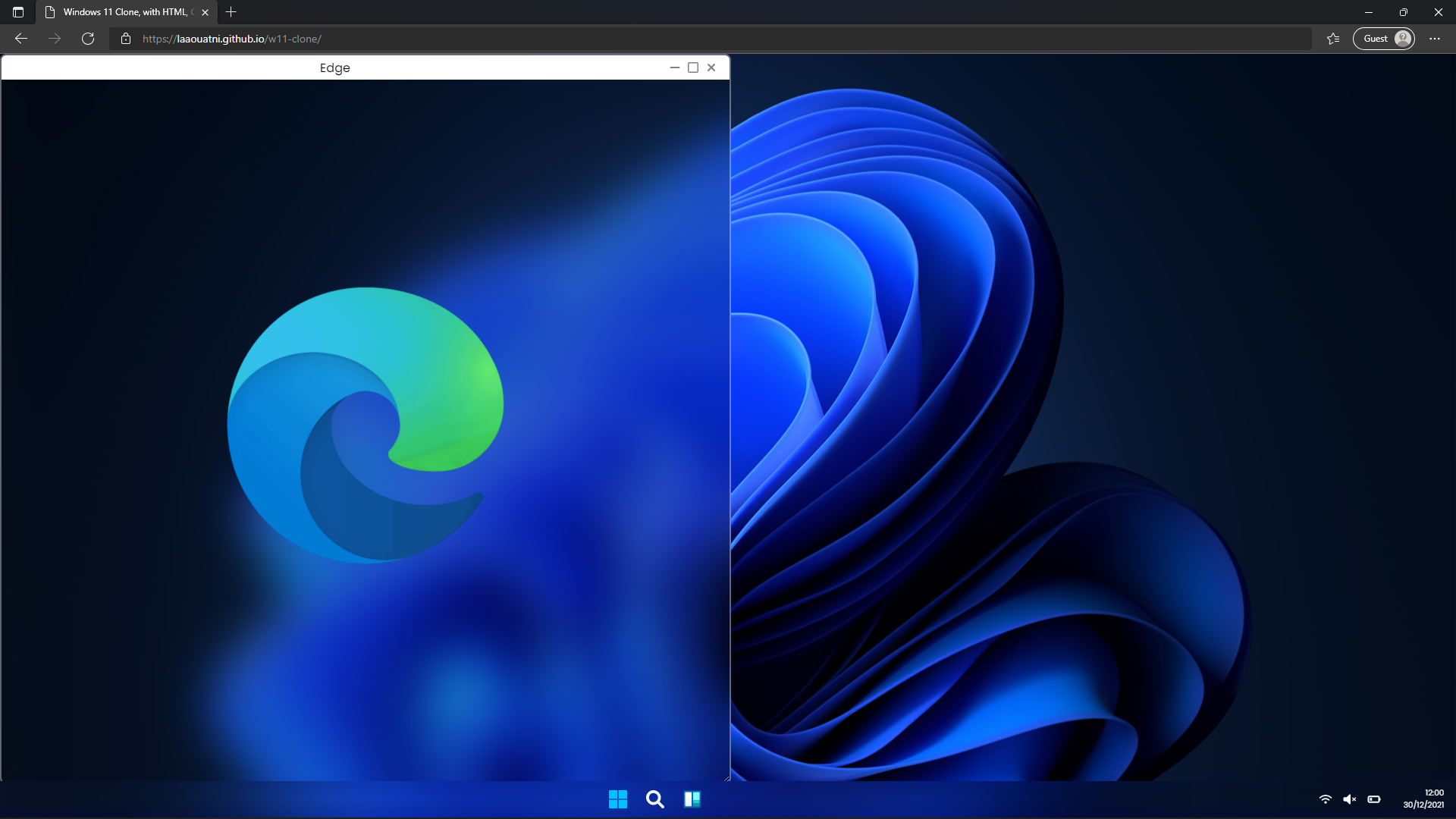
animated gif of LEFT SNAP functionality
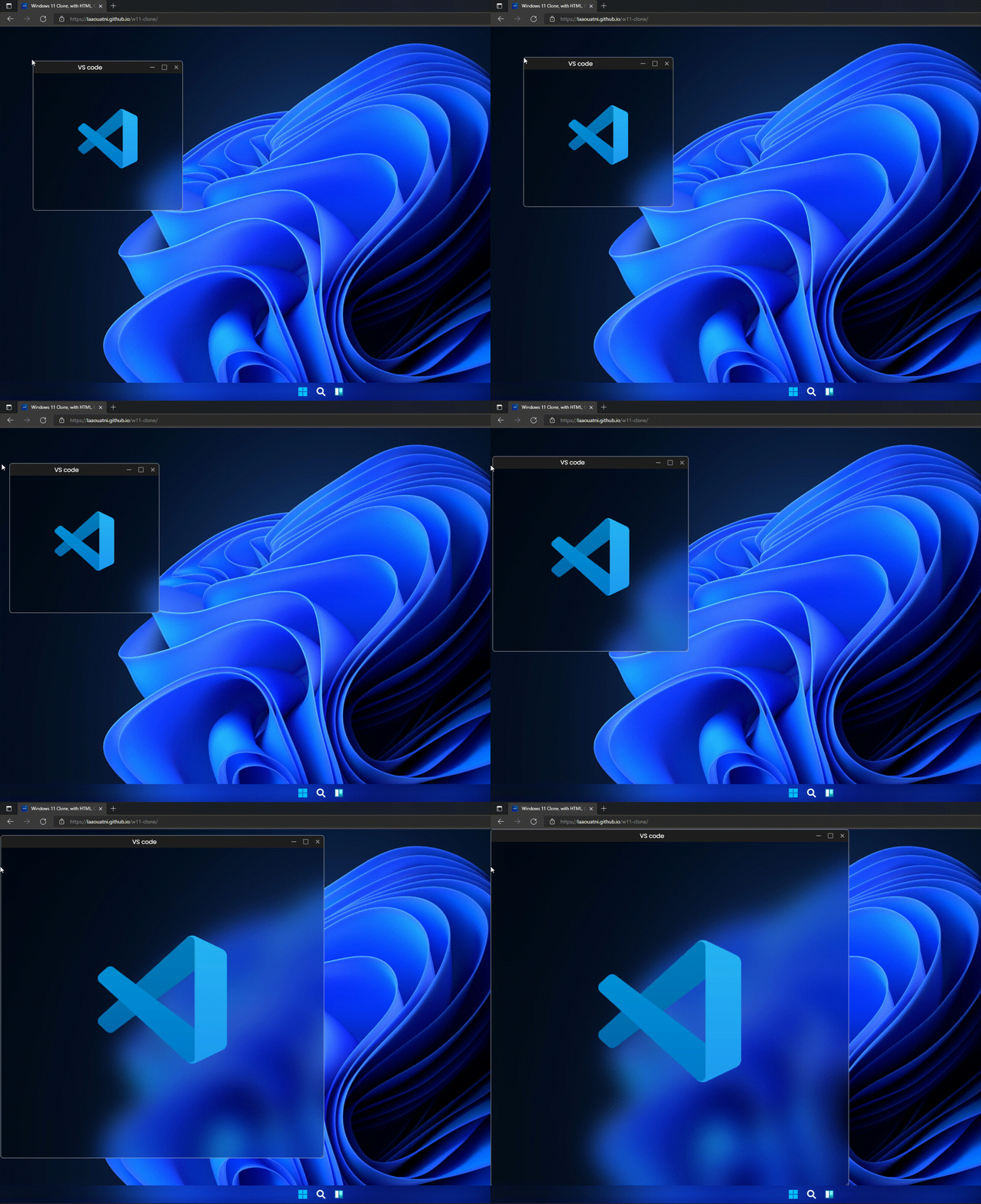
right snap
static image of RIGHT SNAP functionality
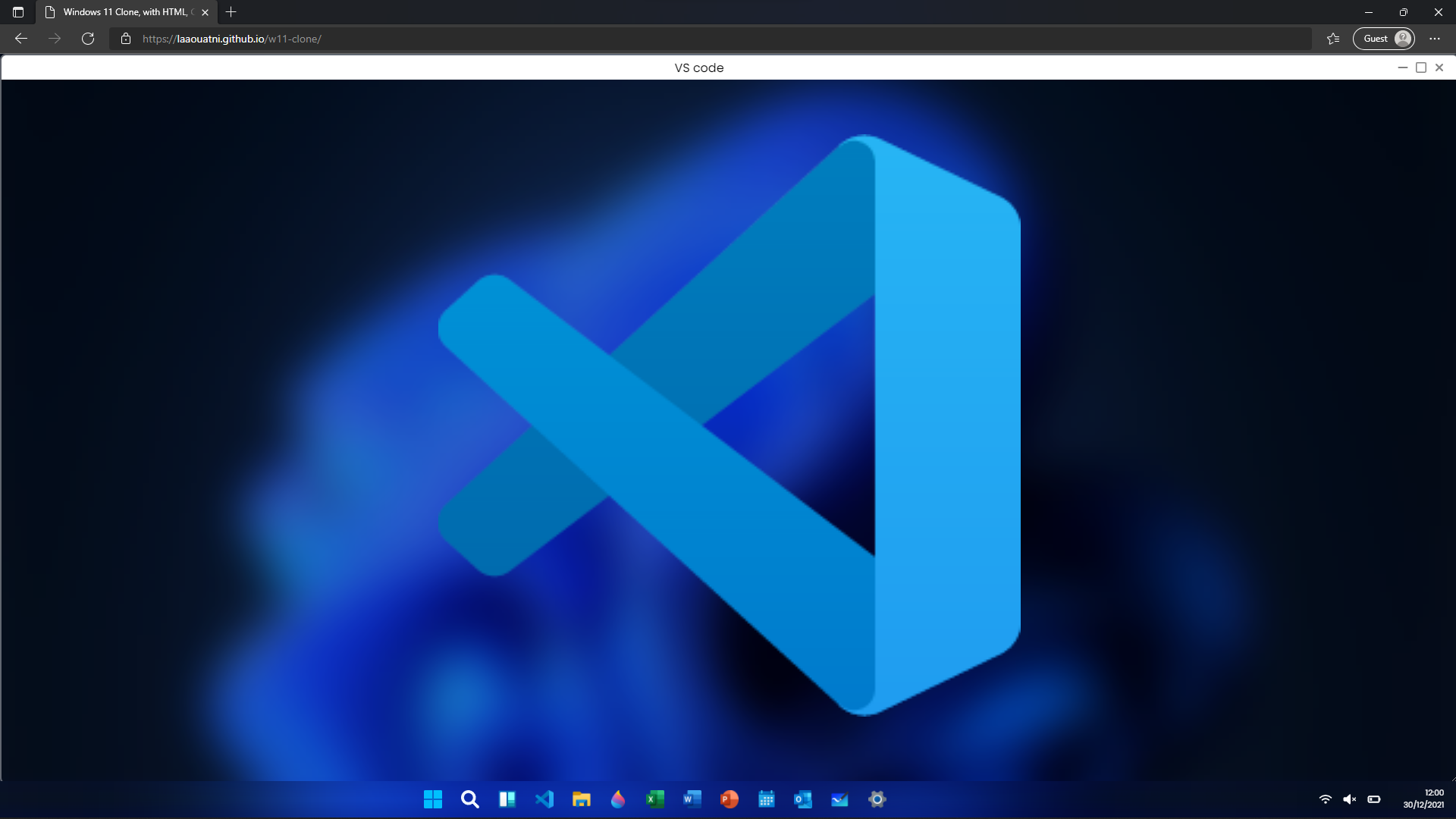
all_screen snap
static image of FULL_SCREEN snap functionality
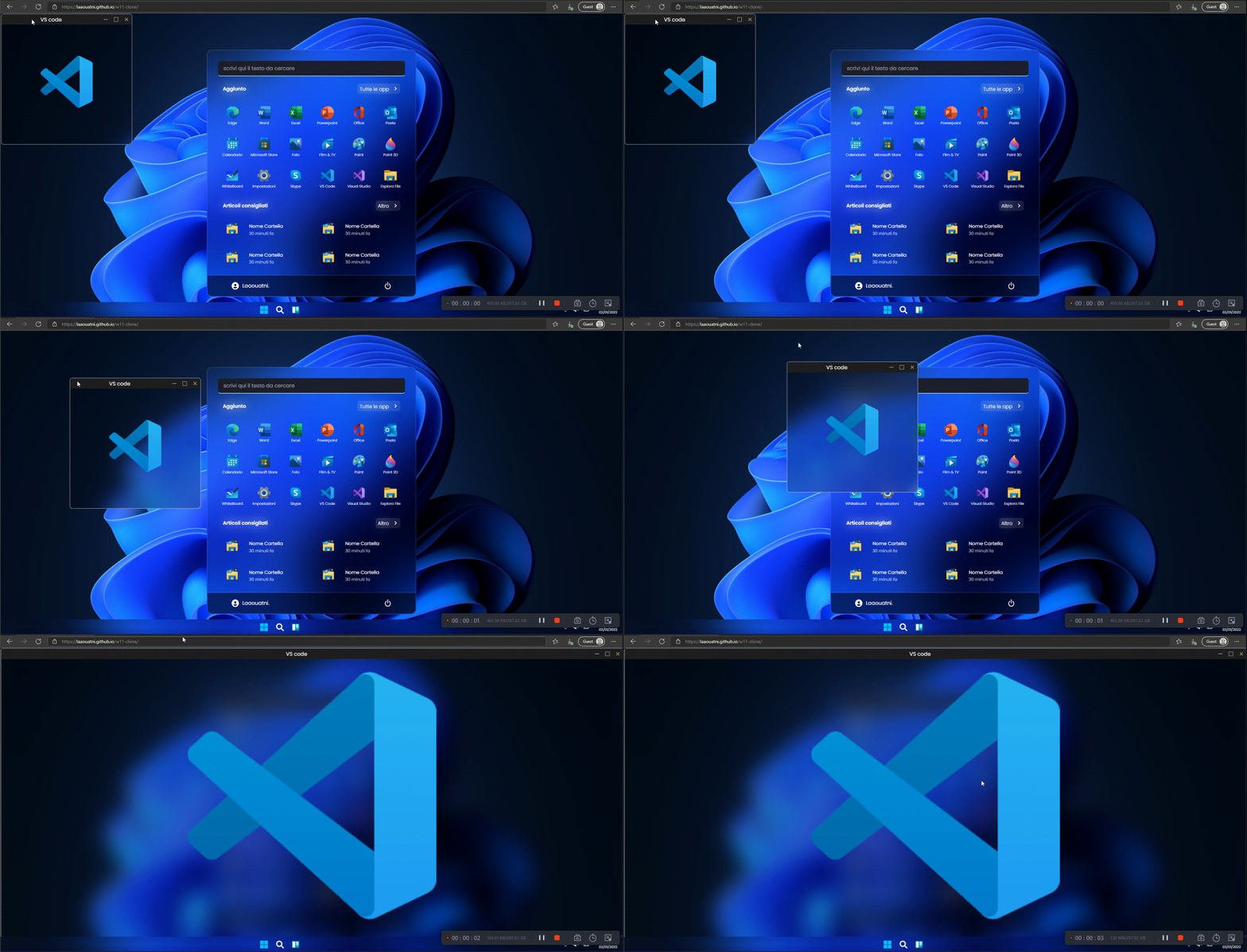
animated gif of FULL_SCREEN snap functionality
if window minimized, the icon is in NavBar (all this is centered automatically)
static image

animated gif

views count started from 3 February, but the project is uploaded on december.






