yagura
1.0.0

A Unix-like operating system for x86
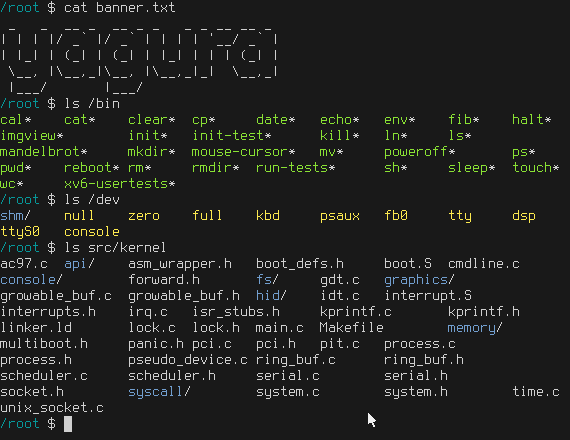
See Gallery for more screenshots.
First, install dependencies:
# on Ubuntu
sudo apt install gcc-multilib cpio qemu-system-x86
Then run the following command to build and run:
make runThe following commands start the system with different options:
make shell # run in text mode

make test # run self-testYou will need additional dependencies:
# on Ubuntu
sudo apt install grub2 mtools xorriso
The following command creates a disk image file called disk_image. You can simply copy it onto a disk and boot it.
make disk_image




