SayoriOS
SayoriOS

Read English Version
A simple operating system for computers in the X86 architecture. Written in the languages of Assembler, C and C ++.
The project has a site: https://sayorios.piminoff.ru
Content:
Many thanks to those who support the project with stars to our project and counterbutors:
A miniature experimental operating system with a graphic user interface, memory protection and a set of tools for systemic and applied OS inside.
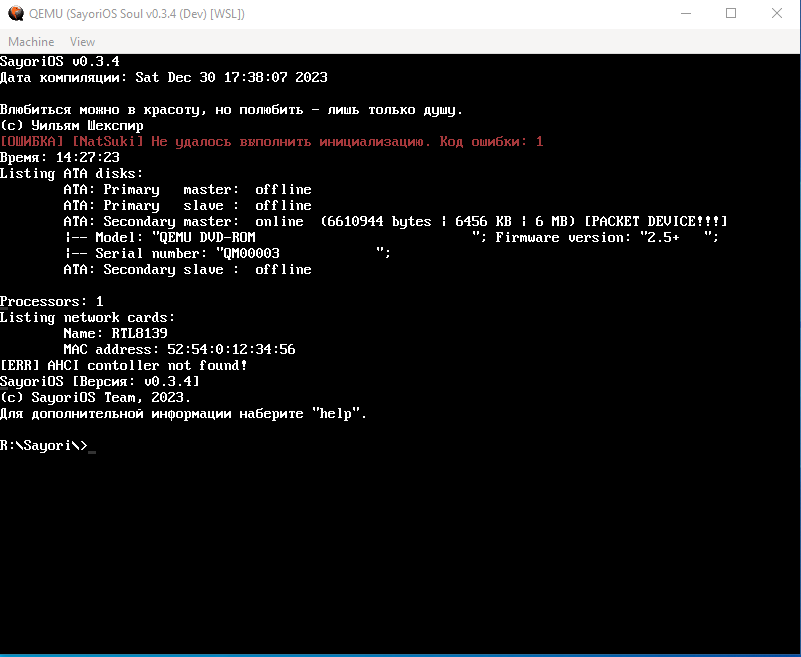
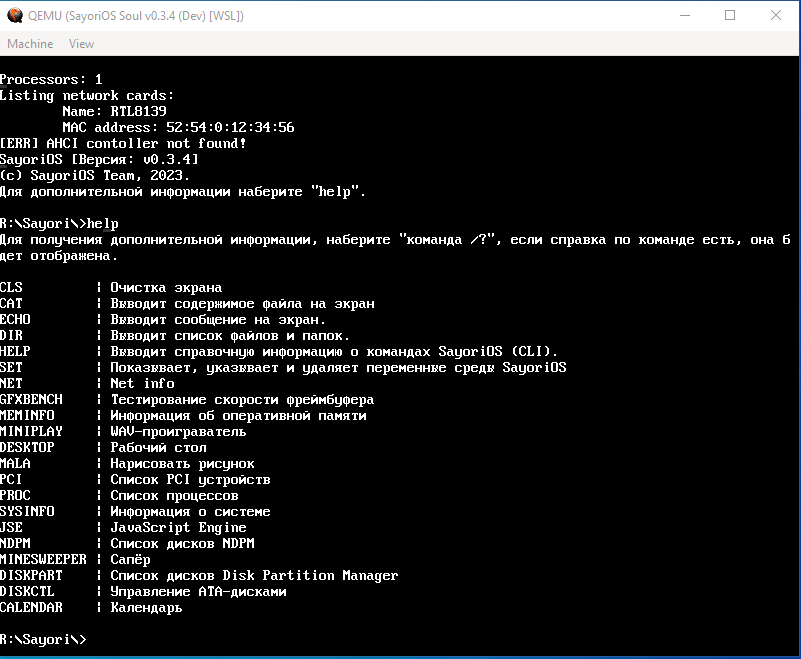
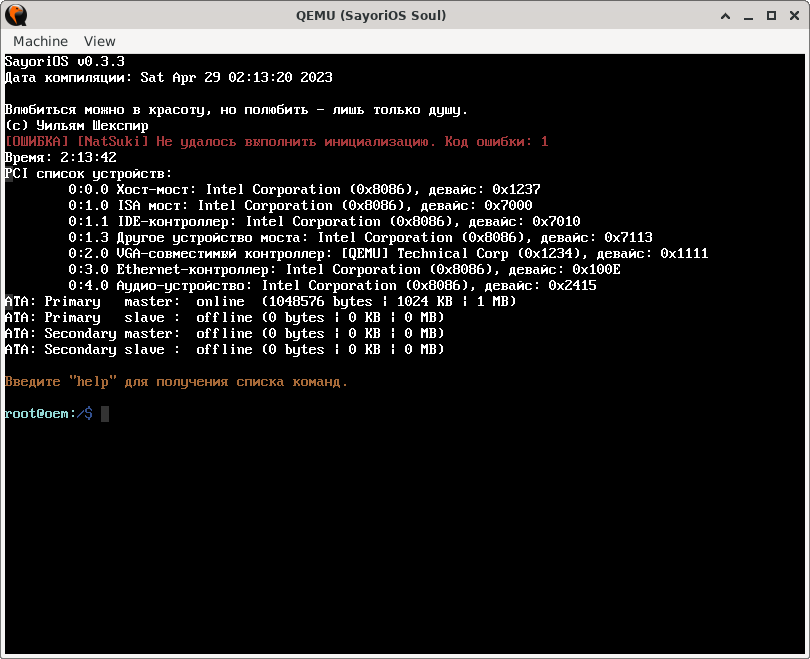
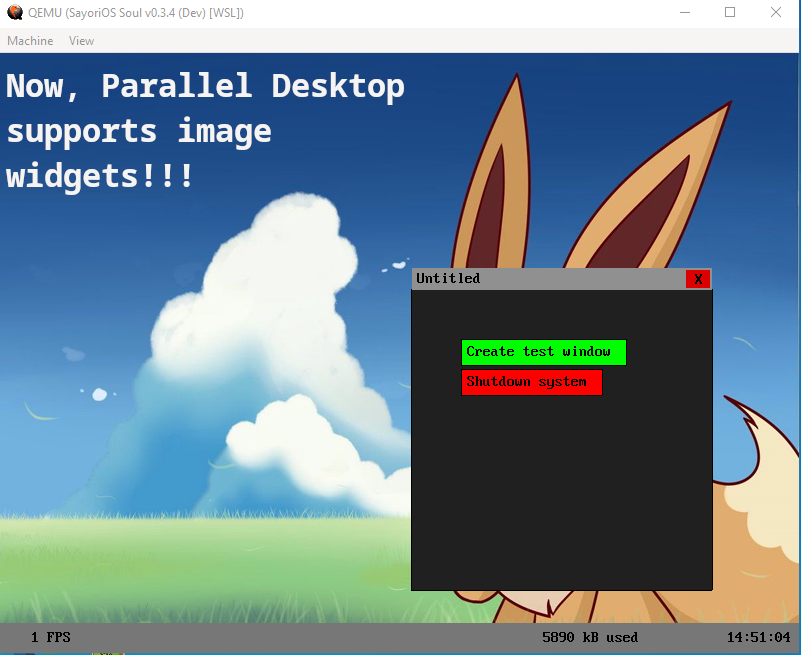
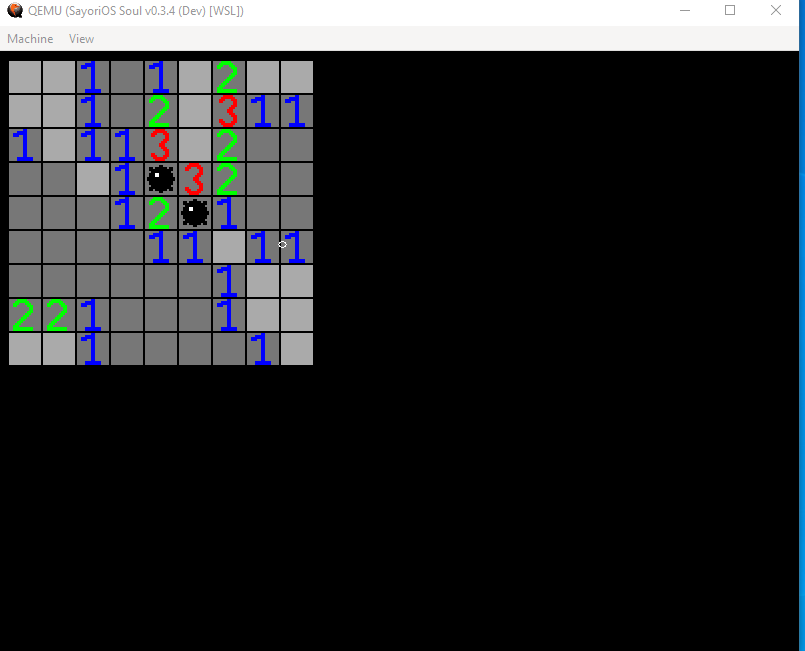
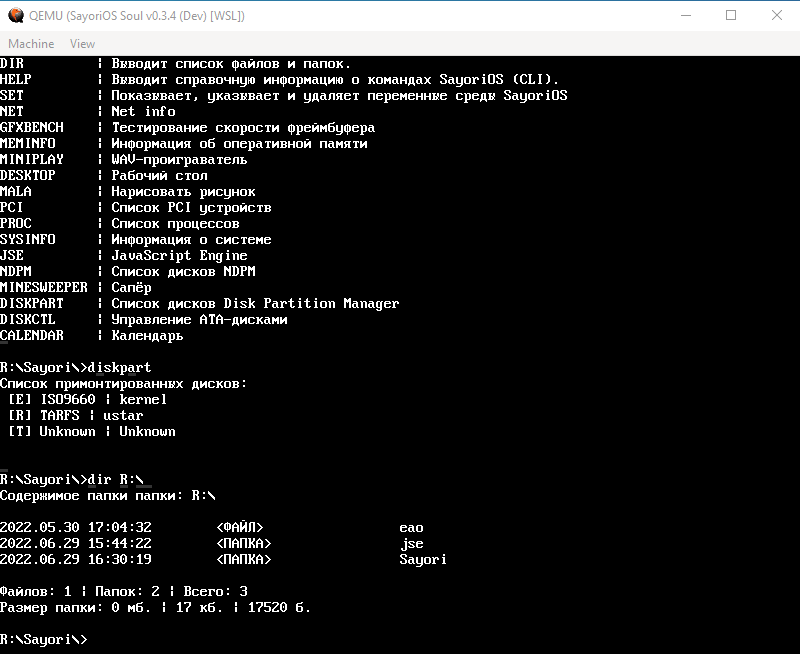
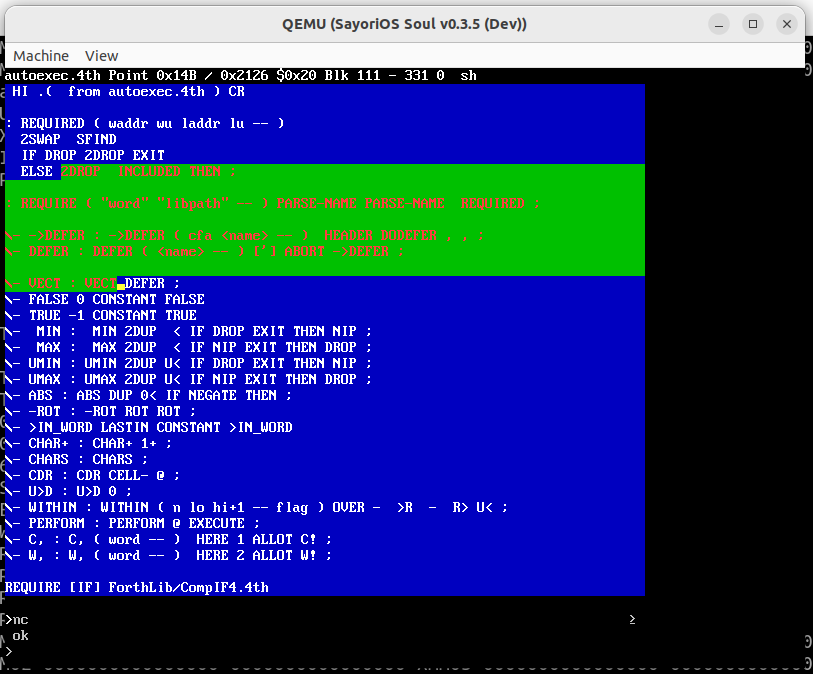
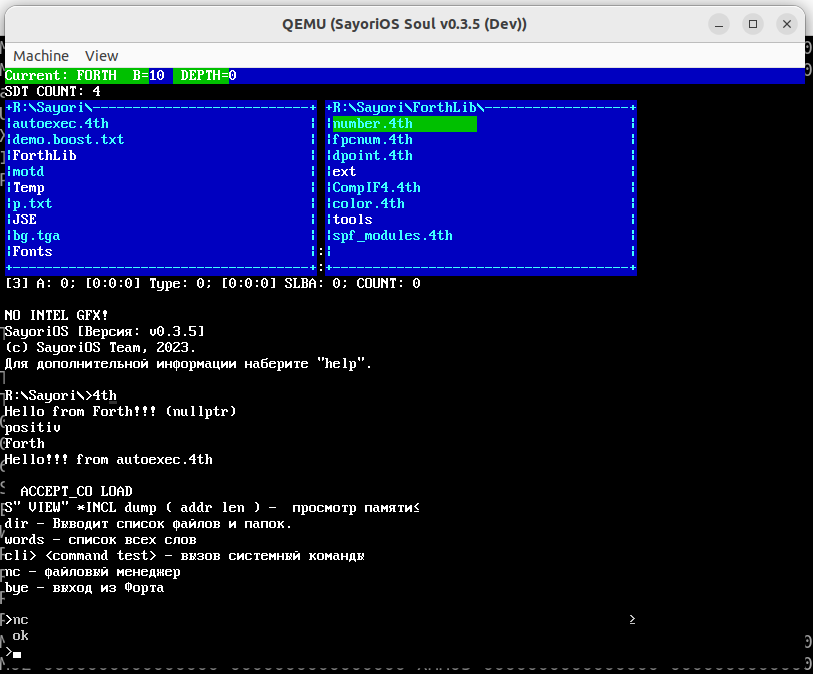
The core does not require many resources:
 | Компонент | Готовность | Примечания         |
|-----------|------------|--------------------|
| Ядро      |        50% | Выполнено 10 из 20 |
| Драйвера  |        90% | Выполнено 9 из 10  |
| Файлы     |        80% | Выполнено 8 из 10  |
| Сеть      |        33% | Выполнено 1 из 3   |
| Прочее    |        66% | Выполнено 6 из 9   |
Components:
Sayorisdk may be required to write programs under Sayorios: https://github.com/pimnik98/sayorisdk
For compilation, you will need the Linux operating system, in which it is preinstalled by software for development. You can install the following team:
sudo apt-get install python3 clang llvm grub-pc-bin xorriso mtools lld git fasm make g++
And also you need to install software for testing in Linux environment
sudo apt-get install libvirt-daemon libvirt-clients bridge-utils virt-manager qemu-kvm qemu virt-manager
Cloning the repository:
git clone https://github.com/pimnik98/SayoriOS.git
We go to the folder:
cd SayoriOS
Compile:
make
Launch:
make bir
List of goals for MAKE:
 make - Классическая сборка
make run - Обычный запуск в QEMU с выводом отладки в Qemu.log
make runlive - Обычный запуск в QEMU с выводом отладки в консоль
make uefi - Запуск эмулятора в UEFI режиме
make geniso - Классическая сборка ISO
make genuefi - Сборка ядра с UEFI
make clean - Удаляет ISO в папке
make clean-objs - Удаляет все скомпилированные файлы
make link - Линк файлов ядра
make bir - Сборка ISO и запуск ядра
make WSL - Сборка ISO и запуск ядра через WSL
Create a folder, load the fresh version of the nucleus there, install it by:
sudo apt-get install libvirt-daemon libvirt-clients bridge-utils virt-manager qemu-kvm qemu virt-manager
Go to the folder and run the emulator
qemu-system-i386 -cdrom kernel.iso -serial file:Qemu.log -accel kvm -m 128M -name "SayoriOS Soul" -d guest_errors -rtc base=localtime -soundhw pcspk
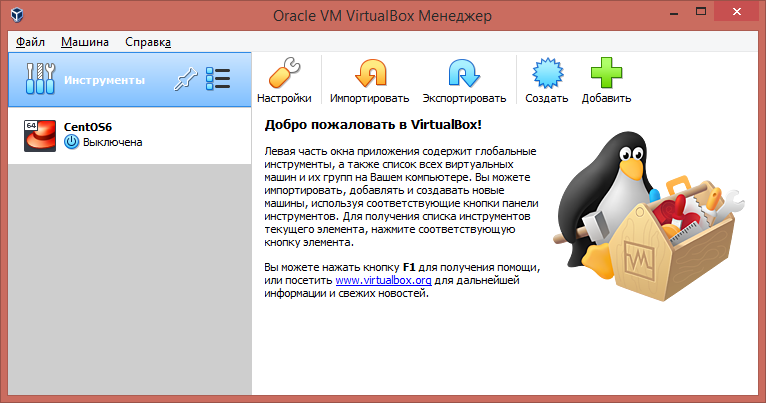
Download the last stable kernel image Launch Oracle VM Virtual Box and click the Create button
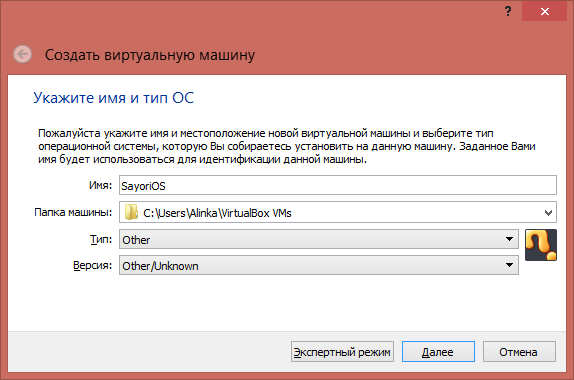
Switch to detailed mode, not expert. If you have the same screen as below, then you are in a detailed mode. Indicate the convenient name of your virtual machine and the path of its placement and click on. As an example, Sayorios Type Set OTER and OTHER/UnKnown version
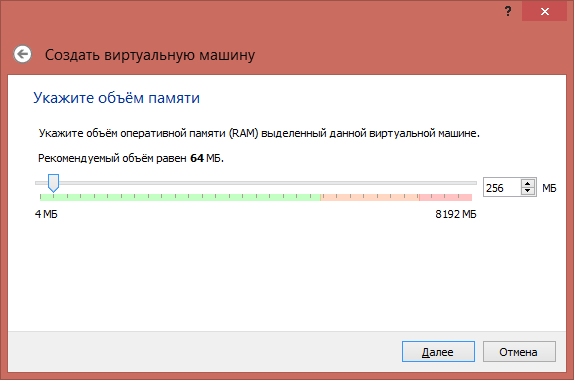
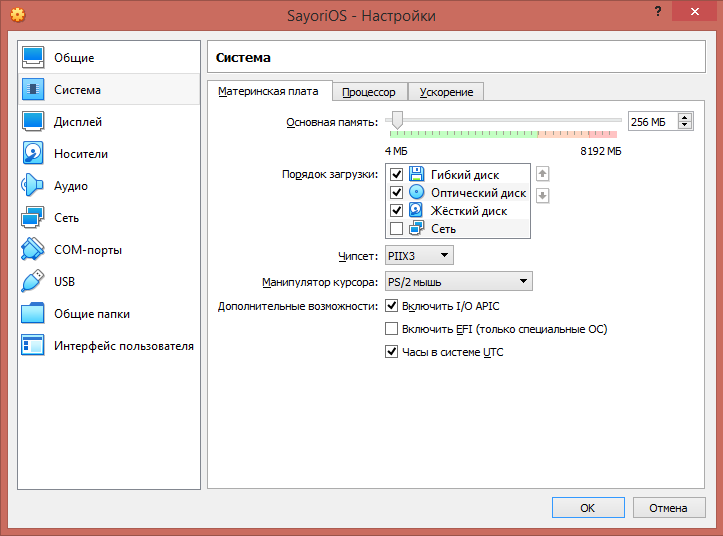
Choose the amount of RAM, which will be allocated by a virtual machine. You can leave the recommended 64 MB, but we recommend allocating 256 MB with a margin.
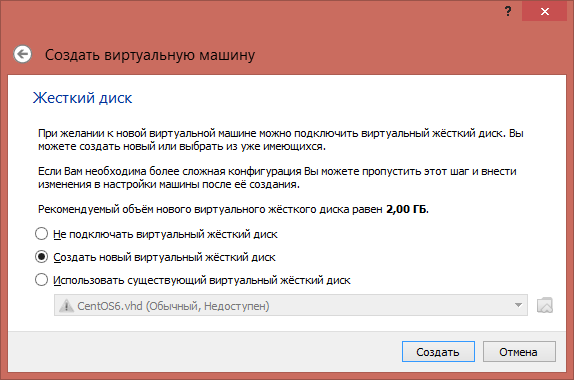
Choose a hard drive, it is better to create a new one.
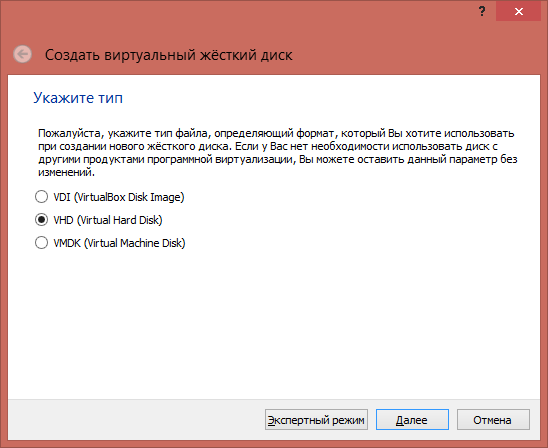
Choose a convenient format of a hard drive file, we recommend VHD (Virtual Hard Disk)
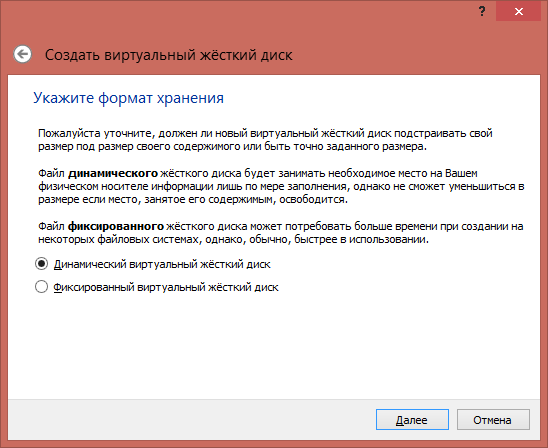
Choose dynamic, so it will not occupy a place until it is used.
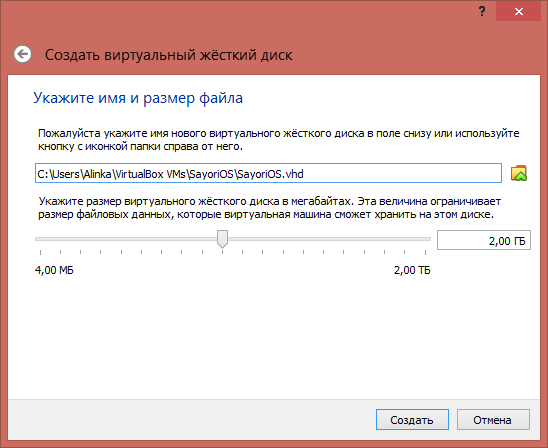
Now we indicate the size of the hard drive. 2 GB will be quite enough.
After creating a virtual machine, we do not start but go into the settings.
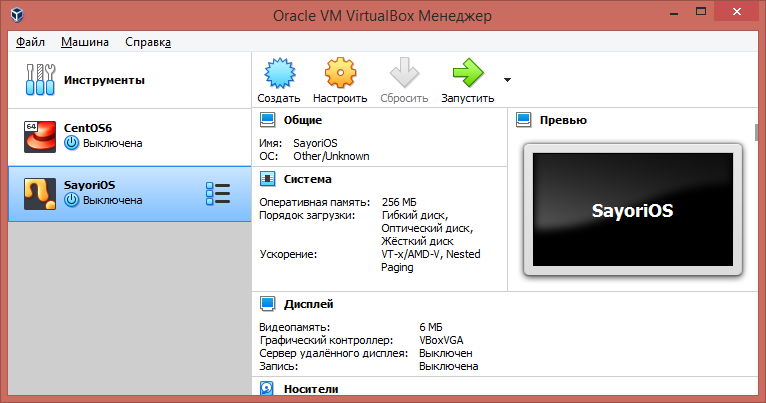
We use the following settings:
System> Maternal payment> Additional opportunities> include I/o Apic
System> Maternal payment> Additional capabilities> Clock in the UTC system
without a Nested Paging mark - the core works very slowly
System> Acceleration> hardware virtualization> enable nested paging
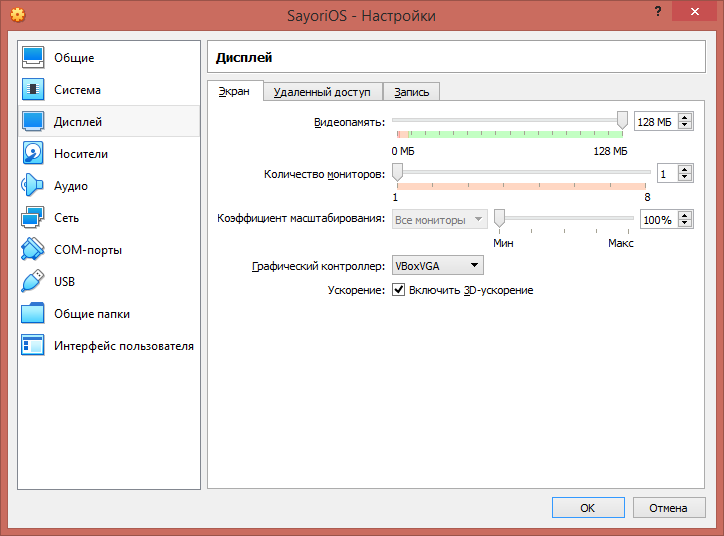
Display> screen> video memory> put 128 MB
Display> Screen> Acceleration> Turn on 3D-acceleration
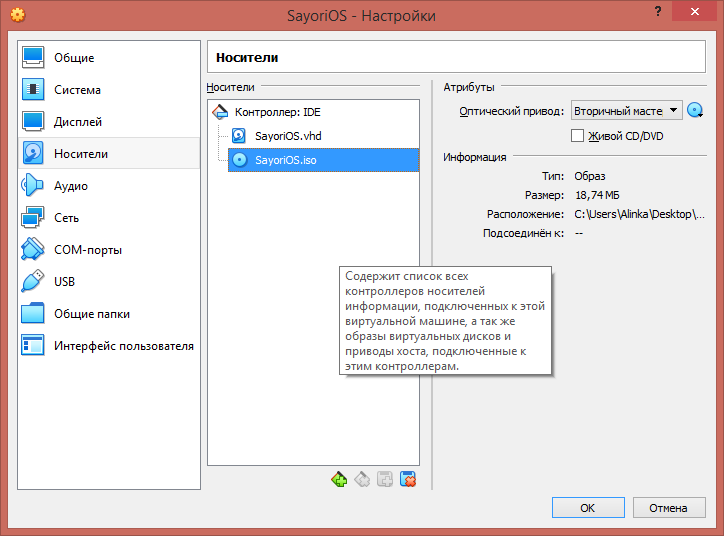
Harshes> Disk> Disco -drive> optical drive. Select a core file
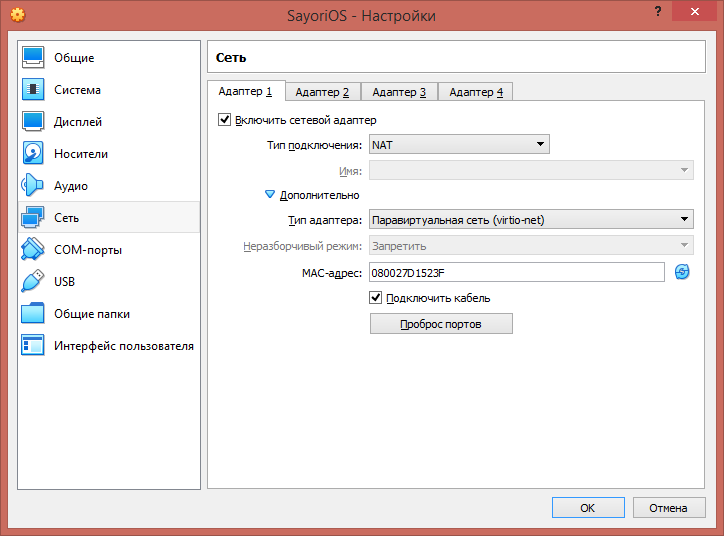
Network> Adapter 1> Type of adapter> Virtio-Net Palirtual Network
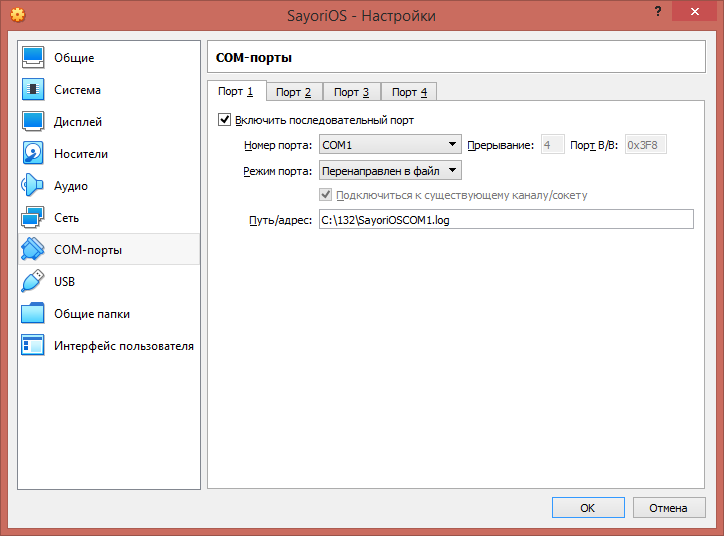
To receive logs from the operating system
Com ports> Port 1> Turn on the sequential port
COM ports> Port 1> Port mode> redirect to file
COM ports> Port 1> Path/Address> Way to the file (if it is not, then it will be created)
We are happy for the new developers and users of Sayorios! There are several ways in which you can contribute to the project:
If you are a developer, you can help by adding new functions by eliminating errors or improving the existing code. To do this, you need to do the following:
We will be happy with your contributions and are ready to consider your Pull Request'y.
If you find an error in the project or you have a proposal to improve, please create a new Issue in the project repository. Describe the problem or sentence in detail so that we can understand and consider them.
Another way to help the project is testing. You can test new functions, error corrections and inform about the problems found.
Last release: https://github.com/pimnik98/sayorios/releases
The contribution of Technical Writers is welcome!
If you are ready to make an OS review or write about it somewhere, please contact the project coordination group.
Sayorios is not a Linux distribution, this is a completely-non-null project that does not have a company or organization that could give guarantees.
The Sayorios core has open source code, you can make sure that there are no malicious ones in studying the files of this repository.
When using materials, you undertake to observe copyright.
Project participants are not responsible for the damage caused as a result of the use of the project. Use at your own risk.
The launch of the nucleus is possible on real equipment, there were tests and on some devices it really started, albeit with restrictions





