xv6 k210
v6-k210-nightly

Run xv6-riscv on k210 board
English | 中文
 (`-')           (`-')                   <-.(`-')
 (OO )_.->      _(OO )                    __( OO)
 (_| _)--.,--.(_/,-.  ,--.    (`-')    '-'. ,--.  .----.   .--.   .----.
   `.'  /     / (_/ /  .'    ( OO).-> |  .'   / _,-.  | /_  |  /  ..
      .')     /   / .  / -.  (,------. |      /)    .' .'  |  | |  /    .
  .'      _      /_)'  .-.   `------' |  .   '   .'  /_   |  | '    /  '
 /  .'.   -'   /     `-' /           |  |    |      |  |  |    `'  /
`--'   '--'    `-'     `----'            `--' '--' `------'  `--'   `---''
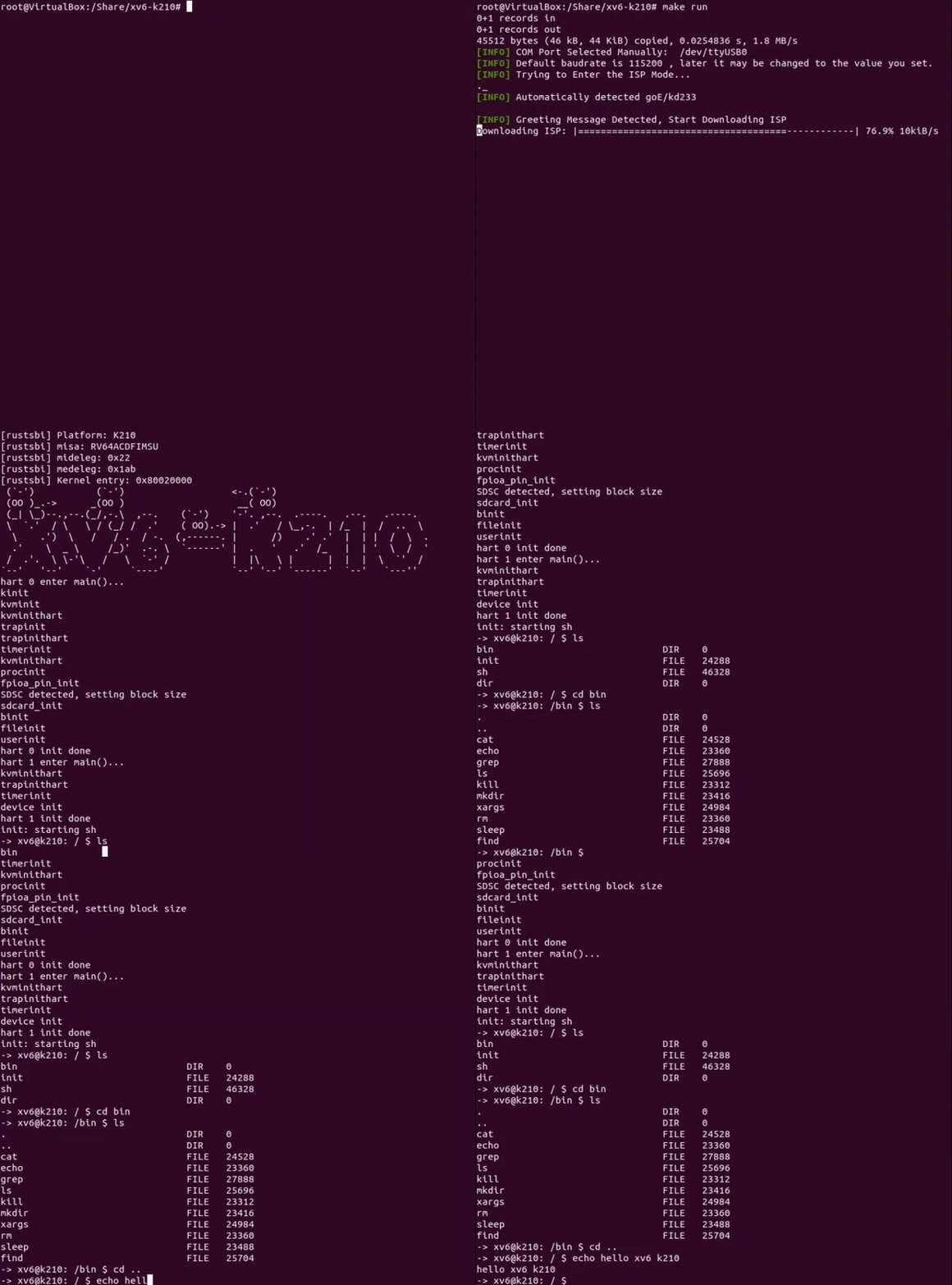
k210 board or qemu-system-riscv64git clone https://github.com/HUST-OS/xv6-k210First you need to connect your k210 board to your PC.
And check the USB serial port (In my situation it will be ttyUSB0):
ls /dev/ | grep USBBuild the kernel and user program:
cd xv6-k210
make build
Instead of the original file system, xv6-k210 runs with FAT32. You might need an SD card with FAT32 format.
Your SD card should NOT keep a partition table. To start shell and other user programs, you need to copy them into your SD card.
First, connect and mount your SD card (SD card reader required).
ls /dev/ # To check your SD device
mount <your SD device name> <mount point>
make sdcard dst="SD card mount point"
umount <mount point>
Then, insert the SD card to your k210 board and run:
make runSometimes you should change the USB serial port:
make run k210-serialport=`Your-USB-port`(default by ttyUSB0)Ps: Most of the k210-port in Linux is ttyUSB0, if you use Windows or Mac OS, this doc may help you: maixpy-doc
First, make sure qemu-system-riscv64 is installed on your system.
Second, make a disk image file with FAT32 file system.
make fsIt will generate a disk image file fs.img, and compile some user programs like shell then copy them into the fs.img.
As long as the fs.img exists, you don't need to do this every time before running, unless you want to update it.
Finally, start running.
make run platform=qemuPs: Press Ctrl + A then X to quit qemu.
The shell commands are user programs, too. Those program should be put in a "/bin" directory in your SD card or the fs.img.
Now we support a few useful commands, such as cd, ls, cat and so on.
In addition, shell supports some shortcut keys as below:
xv6-user/ like myprog.c, and put your codes;user.h to use the functions declared in it, such as open, gets and printf;$U/_myprog" in Makefile as below:
UPROGS=
    $U/_init
    $U/_sh
    $U/_cat
    ...
$U/_myprog # Don't ignore the leading '_'make userprogs_myprog in xv6-user/ if no error detected. Finally you need to copy it into your SD (see here)
or FS image (see here).Fix the bugs of U-mode exception on k210.





