os_filesystem - a virtual file system (C++)
Introduction
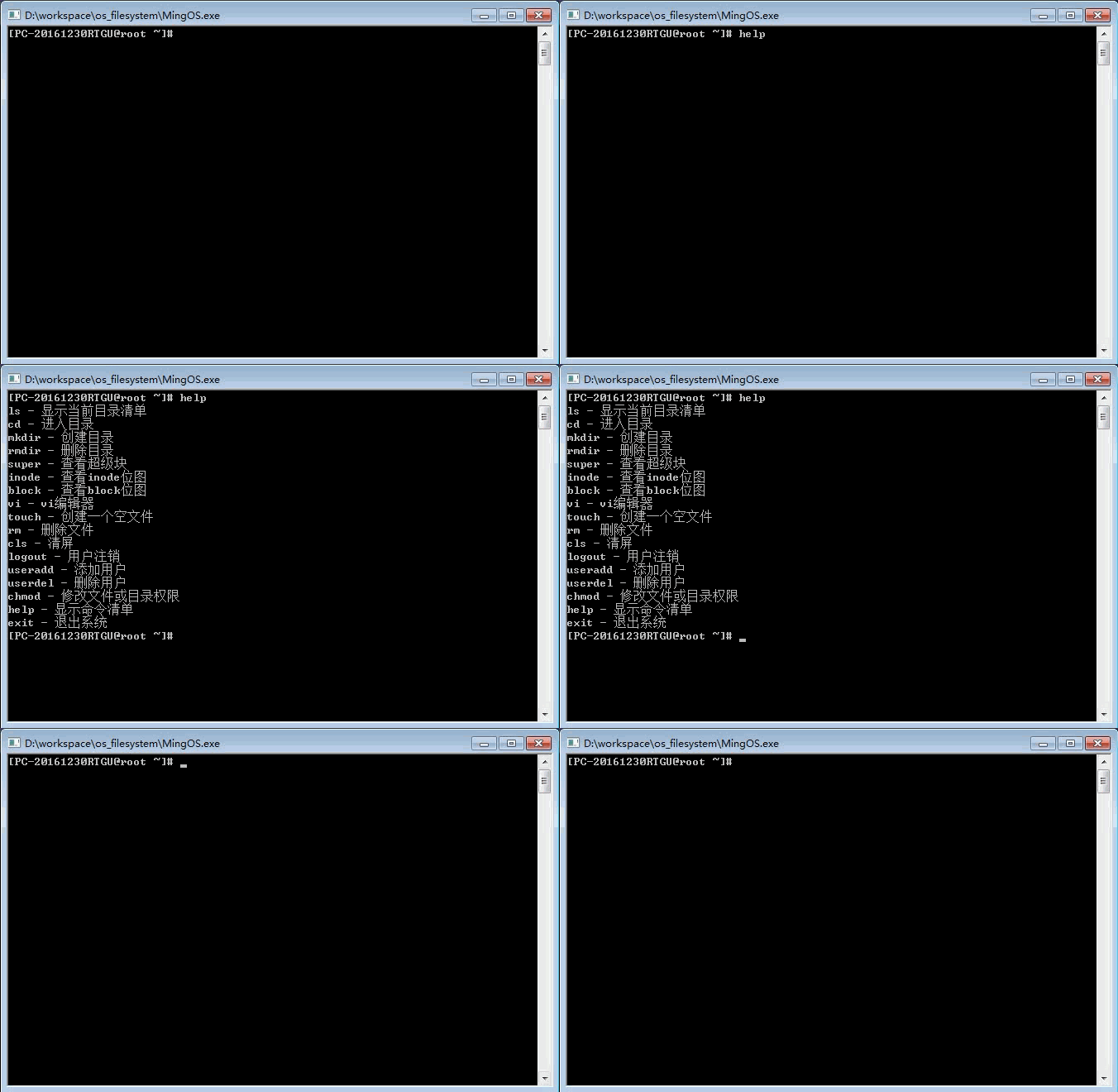
This is a virtual file system that imitates Linux. The system is hosted by a virtual disk file. It simulates disk reading and writing with file reading and writing without involving the underlying driver.
To write a simple imitation linux file system, you must first design a basic framework that includes inode, block, superblock, virtual disk layout, space allocation and other information. The beginning of the file system is a superblock that contains important information about the system, including the number and size of the inode and blocks. For inode, it generally needs to occupy one percent of the disk space, but this is a small system with a total size of only 5M, so there is very little space allocated to the inode area, and most of the remaining space is the block area.
The overall plan for this file system is as follows:
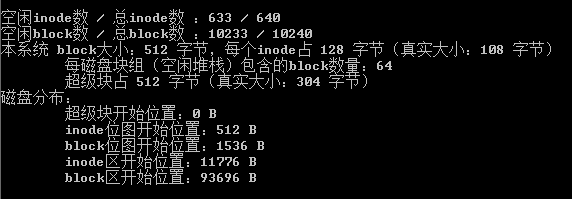
Because the time is tight when writing the program, I only wrote it for 4 days before accepting it, so the code did not have time to optimize it, and some places will appear redundant, so don't be surprised.
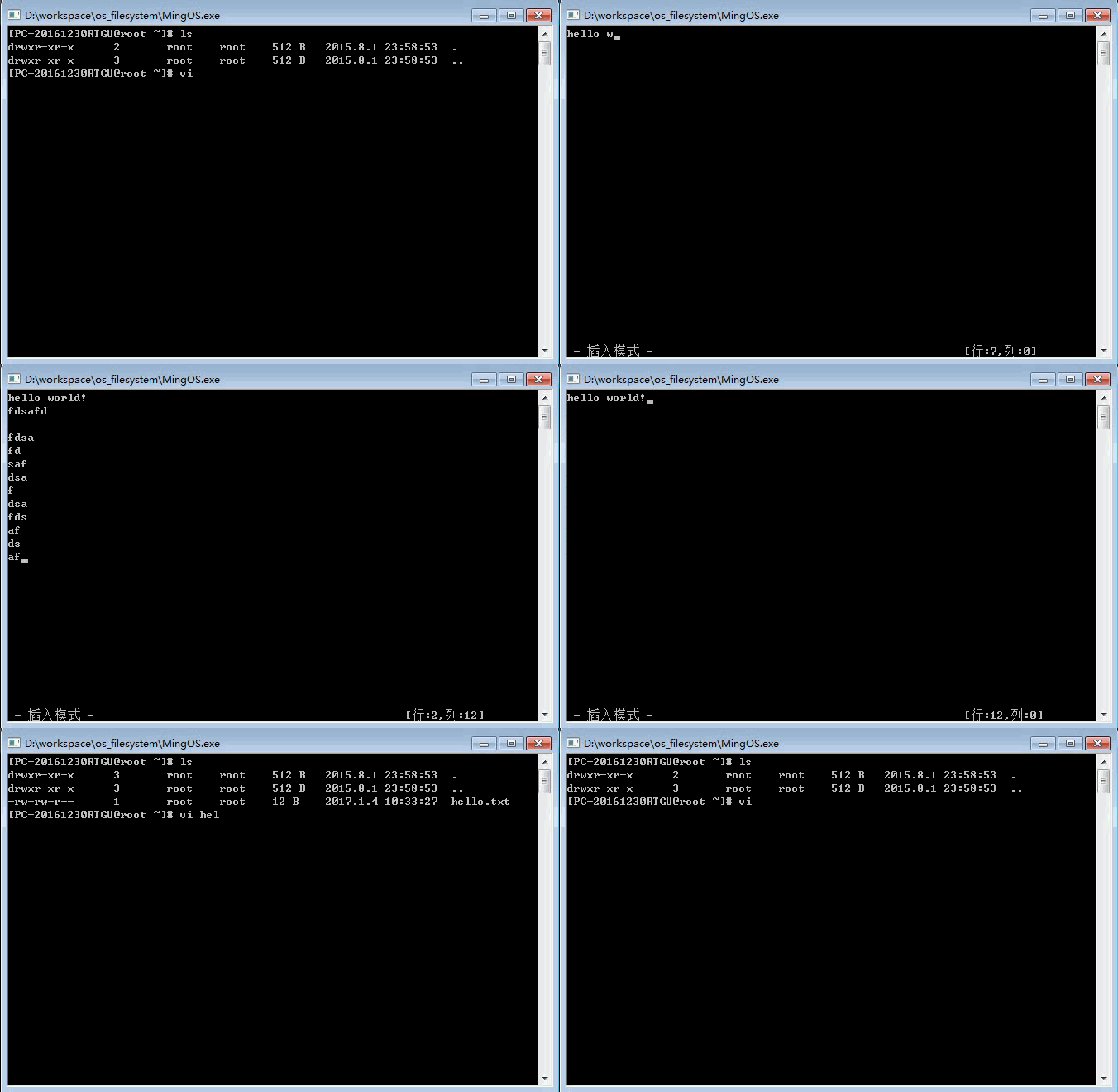
Although the time is limited, it also implements the function of a vi editor. The writing is relatively simple and the code is very messy. If you have time to improve it.
In general, the code still needs to be optimized. Welcome to give more suggestions and find more faults.
How to use
step 1: Download the project
git clone https://github.com/windcode/os_filesystem.git
step 2: Open the project with VC++6.0
Double-click the MingOS.dsw file in the directory, or drag the file into the VC++6.0 interface.

step 3: Compile, link, run

or
step 1: Run the MingOS.exe file directly in the /Debug folder
characteristic
- First run, create virtual disk files

The default user is root and the password is root
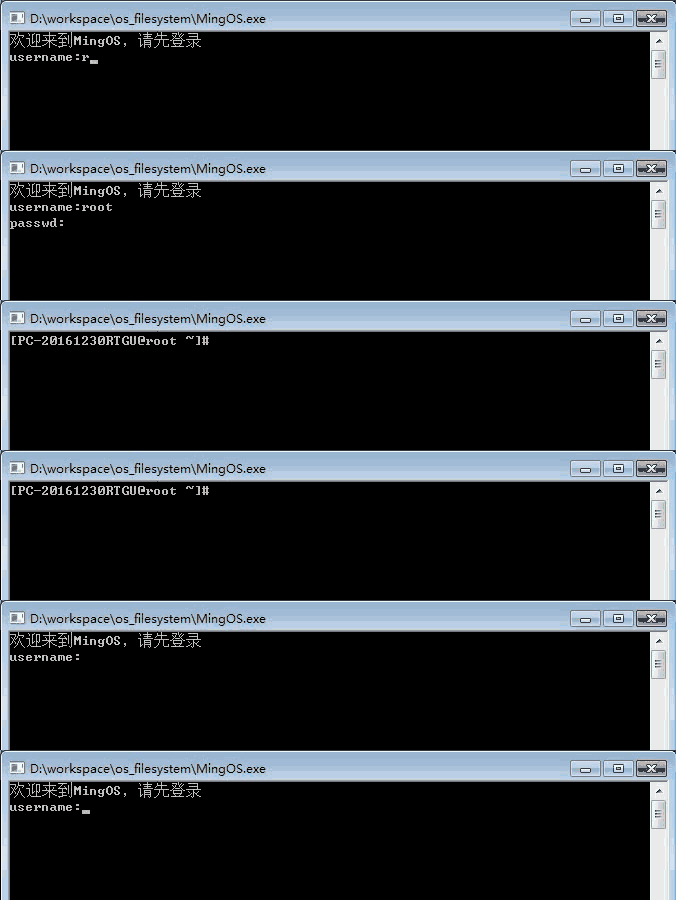

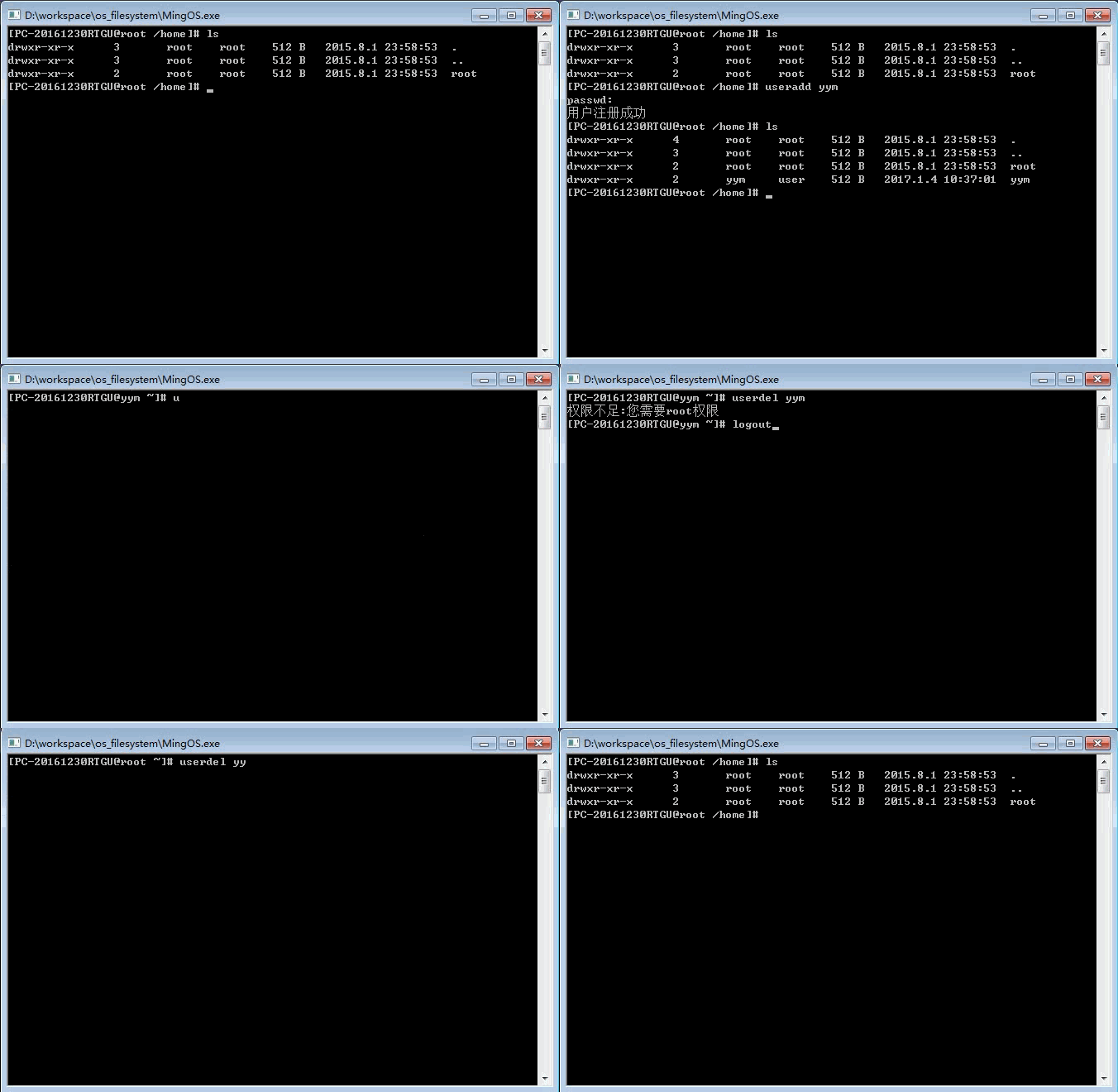
- User add, delete, log in, log out (useradd, userdel, logout)

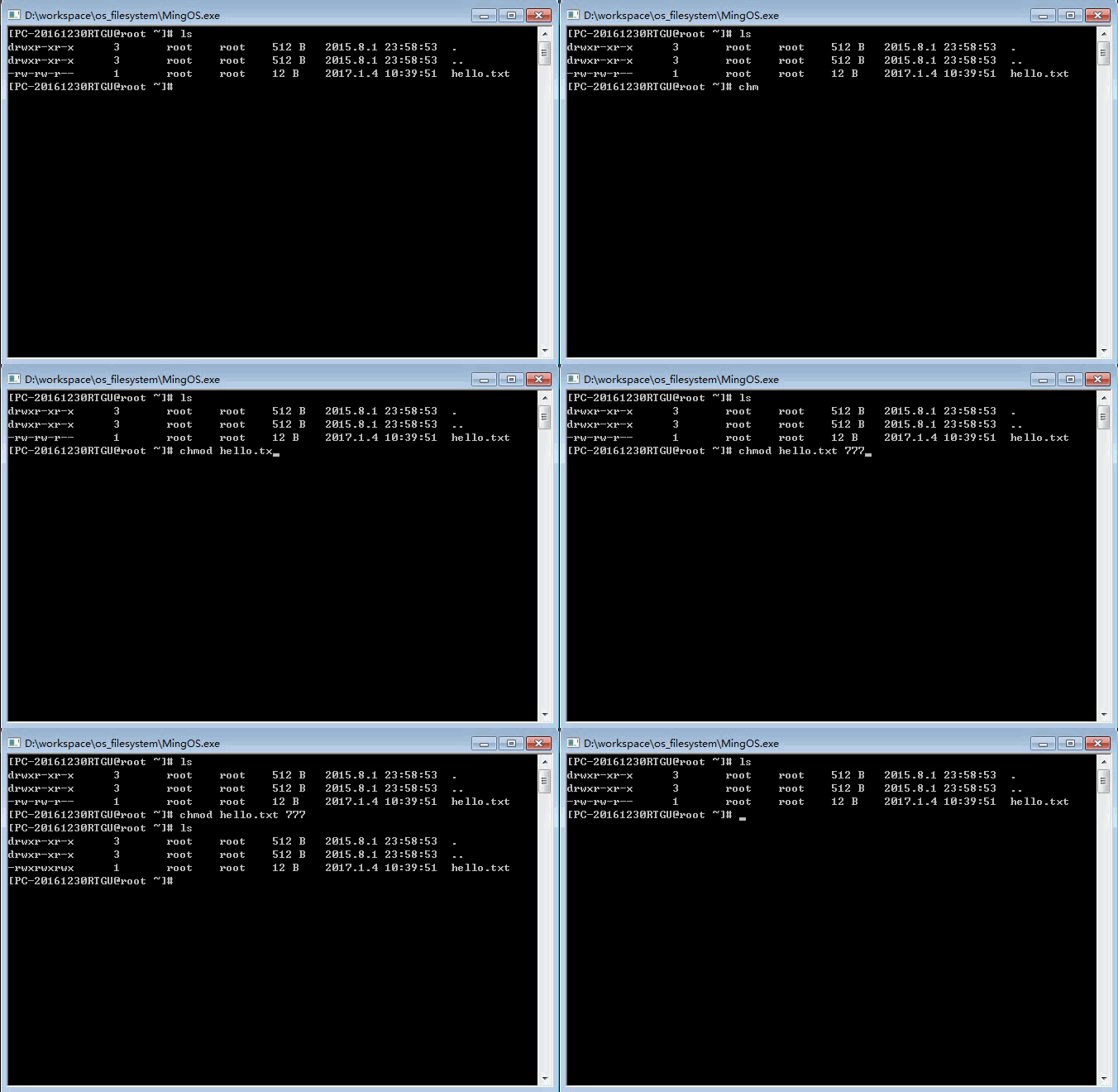
- Modify file or directory permissions (chmod)

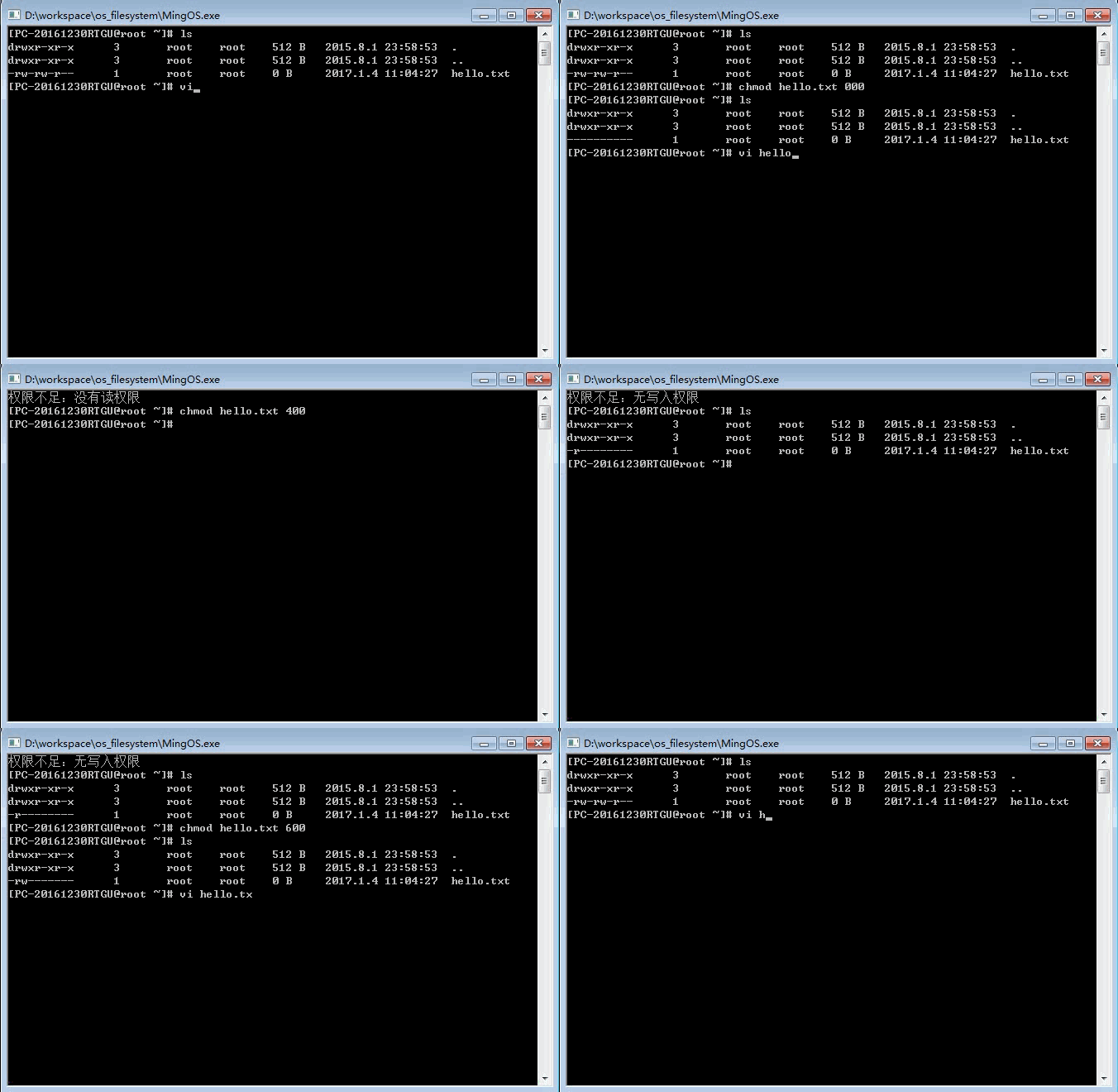
- Write and read are restricted by permissions

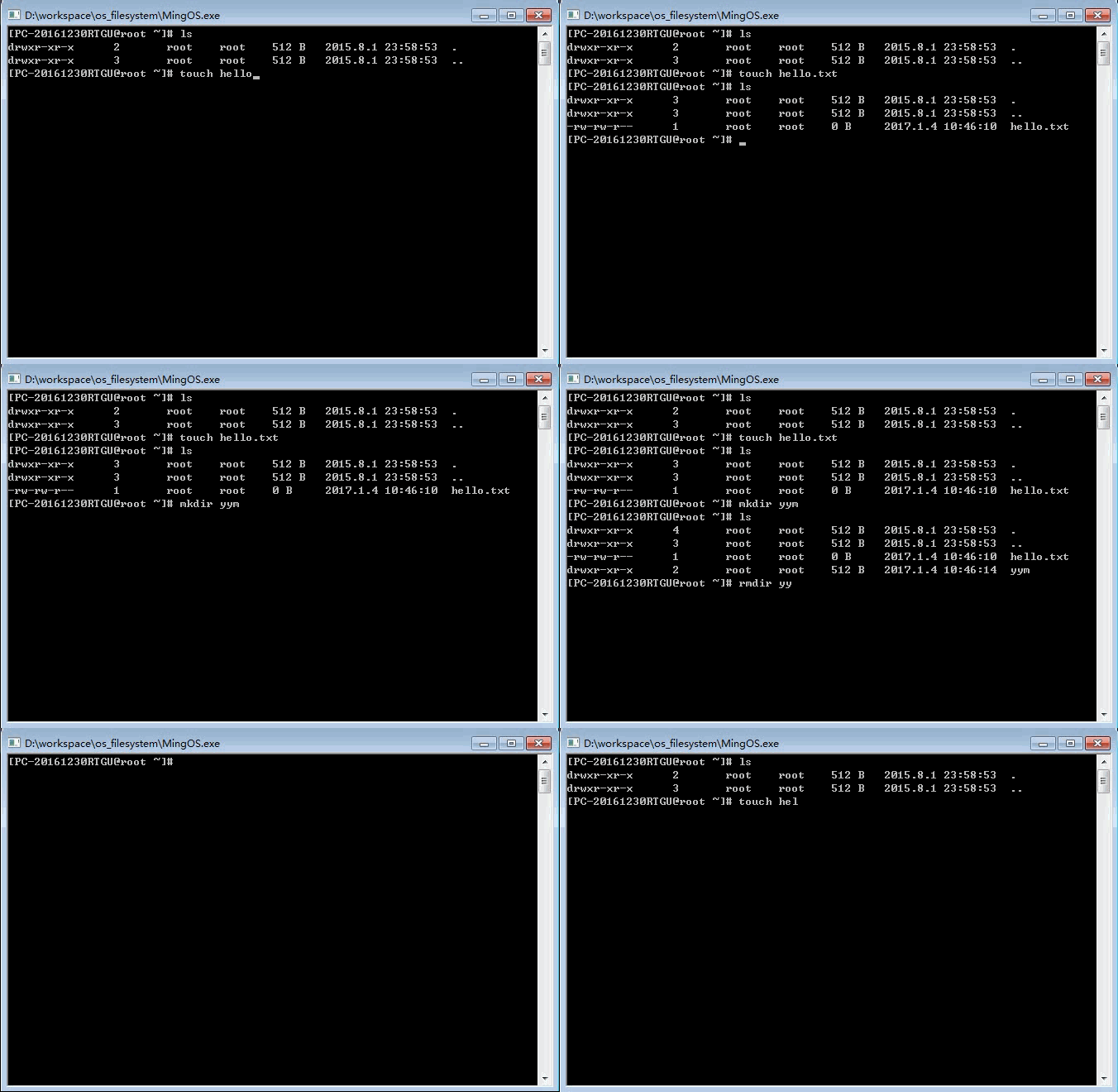
- Add and delete files/folders (touch, rm, mkdir, rmdir)

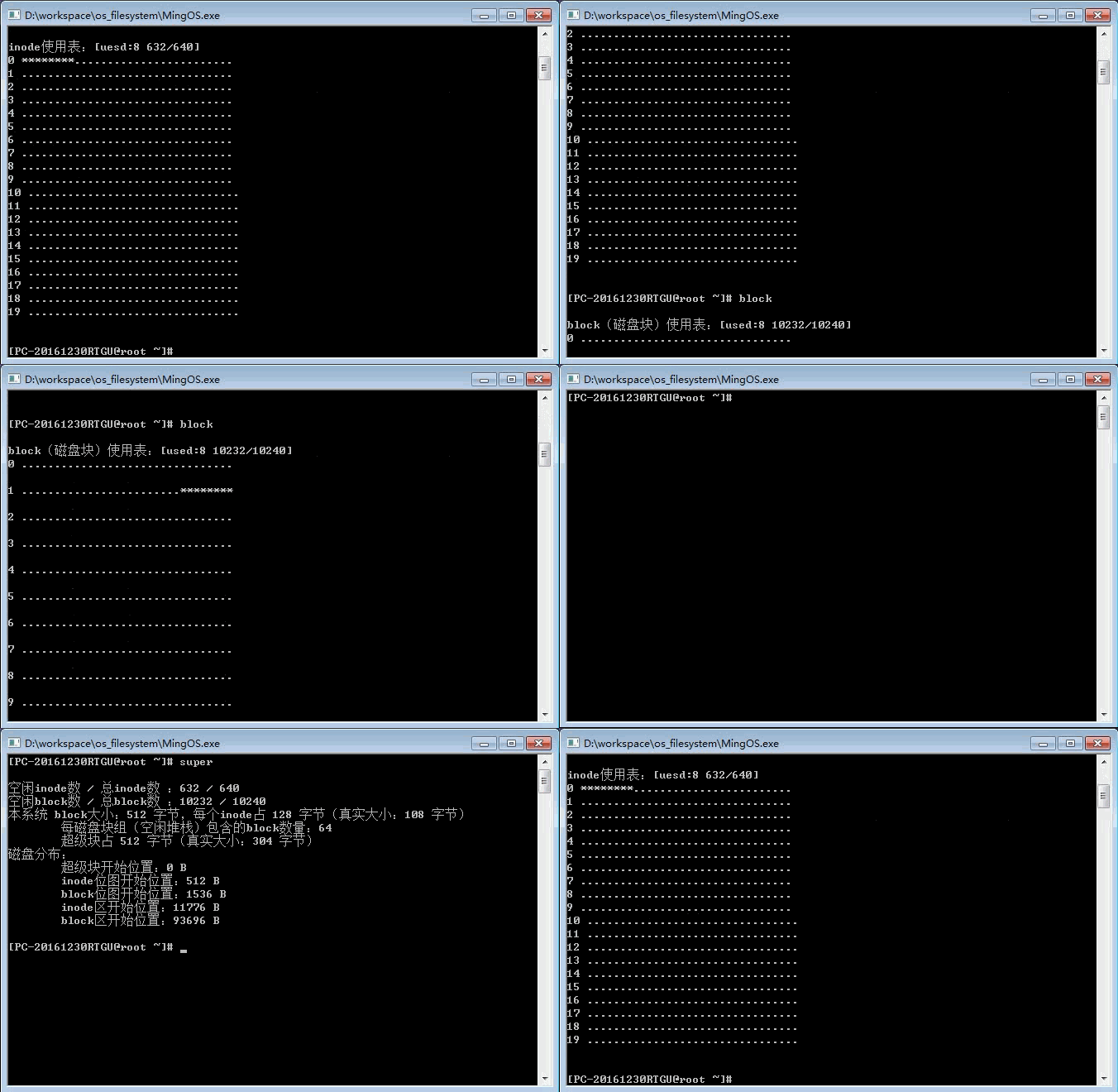
- View system information (super, inode, block)

- Imitate a vi text editor (vi)

Inode manages file and directory information
Use group linking method to manage the allocation of idle blocks
- Block allocation process: When a block needs to be allocated, the top of the free block stack takes out an idle block address as the newly allocated block. When the stack is empty, the stack in the free block represented by the bottom stack address is used as the new free block stack.
- Block recycling process: When recycling a block, check whether the stack is full. If it is not satisfied, the current stack pointer will be moved up and the block address to be recycled is placed on the top of the new stack. If the stack is full, the block to be recycled will be used as the new free block stack, and the bottom element address of this free block stack is set to the free block stack just now.
- The block bitmap and superblock need to be updated while allocating and recycling.
Distribution/Recycling of inode
- The allocation and recycling of inode is relatively simple, and sequential allocation and recycling are adopted.
- When allocation is required, find an idle inode from the inode bitmap in order, and find the number that returns the inode successfully.
- When recycling, just update the inode bitmap.
- Both allocation and recycling require update of the inode bitmap.
Notice
- The running environment is VC++6.0