tiny_os
1.0.0

Tiny OS is an operating system running on the x86_64 architecture.
This project is developed on linux system. On windows systems, you can run linux subsystem by installing WSL .
If you are using WSL :
windows ; it is recommended to install Xming or VcXsvr.-ac , or check disable access control through the GUI.WSL :WSL (version 1): export DISPLAY=:0WSL2 (version 2): export DISPLAY= $( cat /etc/resolv.conf | grep nameserver | awk ' {print $2} ' ) :0~/.bashrc or ~/.profile file.Could not initialize SDL (No available video device) ... or any errors about GTK, check if your X Server is started and if the environment variable DISPLAY is set correctly. Rust is a modern system-level programming language, and this project is mainly developed using Rust language. Download and install it through the Rust official website. Note: This project requires the installation of nightly version of the toolchain.
After the installation is complete, install llvm-tools via rustup :
rustup component add llvm-tools-preview Install some useful tools through cargo for development:
cargo install cargo-binutilsbochs emulator Simulation via bochs simulator. Source code download link: Source Forge -- Bochs x86 PC emulator. After downloading, compile and install.
The command is as follows:
cargo run --release The compiled kernel image path is target/os.img .
Create an os.img file in the ./bochs directory through bximage :
bximage -func=create -hd=10M -imgmode=flat ./bochs/os.img -q Engrave ./target/os.img into ./bochs/os.img through the dd tool:
 # 注意下面的参数 count 要根据生成的 target/os.img 文件的大小进行调整
dd if=target/os.img of=bochs/os.img bs=512 count=250 conv=notruncbochs bochs/conf has the following configuration files in the directory:
bochsdbg-gdb.bxrc : You can remotely debug through gdb and bind localhost:1234 (you need to enable --enable-gdb-stub when compiling bochs )bochsdbg-win : Open bochs debugger with graphical interface on the window platformbochsrc.bxrc : The most basic bochs configuration file, without debug function Run bochs to enable simulation:
bochs -q -f bochs/conf/bochsrc.bxrcqemu Unlike bochs , qemu can directly load the generated target/os.img :
qemu-system-x86_64 -drive format=raw,file=bochs/os.img -boot c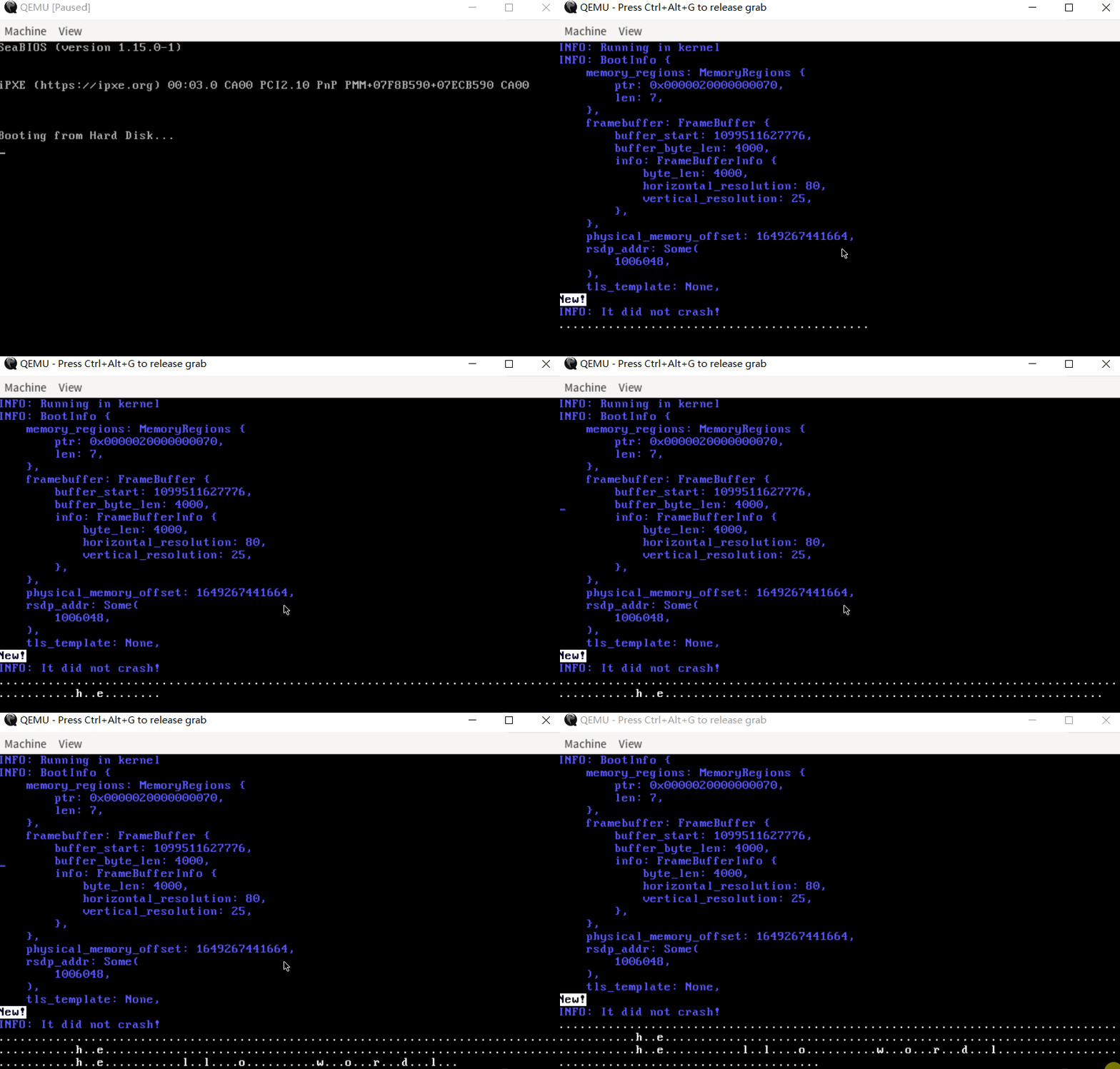
There is a Makefile file in the root directory of the project, which defines some running and debugging commands:
clean : used to clean the generated filesbuild-release : used to compile release version kernel imagesbuild-debug : used to compile debug version kernel images (not completed)run-bochs : Used to compile kernel images and start bochs simulationrun-qemu : Used to compile kernel images and start qemu simulationdebug-bochs : Used to compile kernel images, start bochs and remote debug via rust-gdbdebug-qemu : Used to compile kernel images, start qemu and remote debug via rust-gdb This project is mainly divided into 4 parts:
builder : Located in the src directory, it is mainly used to compile and build kernel imagesboot : Located in the boot directory, it is bootloader for tiny OSboot_info : Located in the boot_info directory, it provides BootInfo structurekernel : Located in the kernel directory, it is the kernel code of tiny OS long mode BootInfo structure for passing information from bootloader stage to kernel elf file logger (used to implement tiny os printing functions and debug during kernel development) Page Fault GP Fault Double Fault linked_list_allocator buddy system memory allocator spawn FAT32 file system shellBuilder (you can choose to compile debug and release images) bochs can be loaded directly, instead of engraving it into bochs/os.img through the dd tool 




