Bare metal OS RaspberryPi
1.0.0

This project includes 2 versions of bare metal operating systems for the Raspberry Pi 3 Model B+. Version 1 is more about interracting with the Rasp using UART and Mailbox, while Version deals more with the graphical interface.
This version mainly uses the CLI to interract with the OS using the provided commands. Compile and run the image, type help to see all the available commands
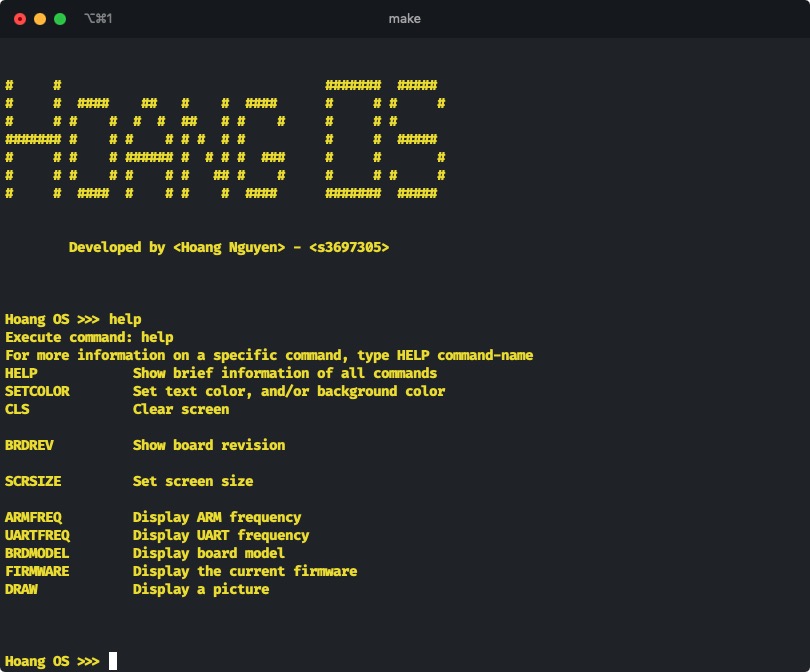
Welcome screen with help command
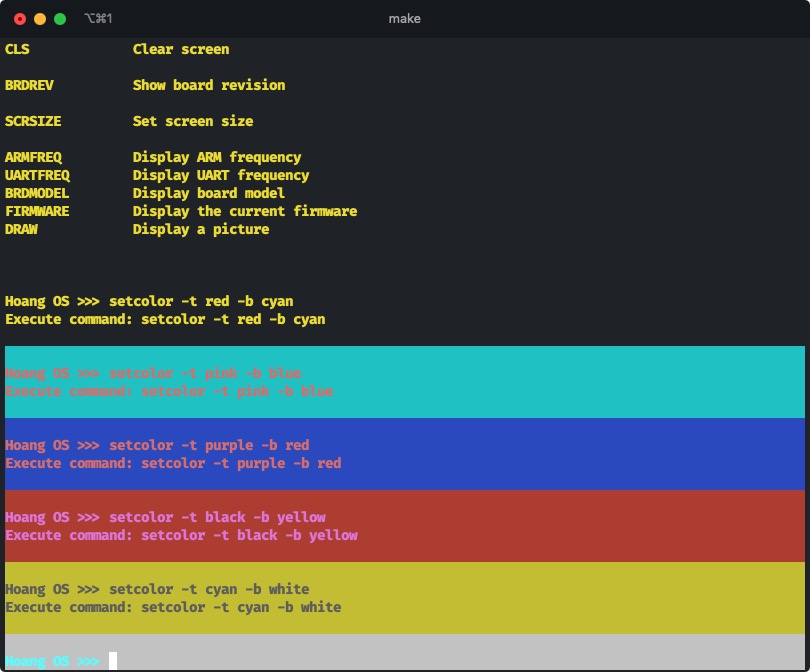
Set terminal text and background colors
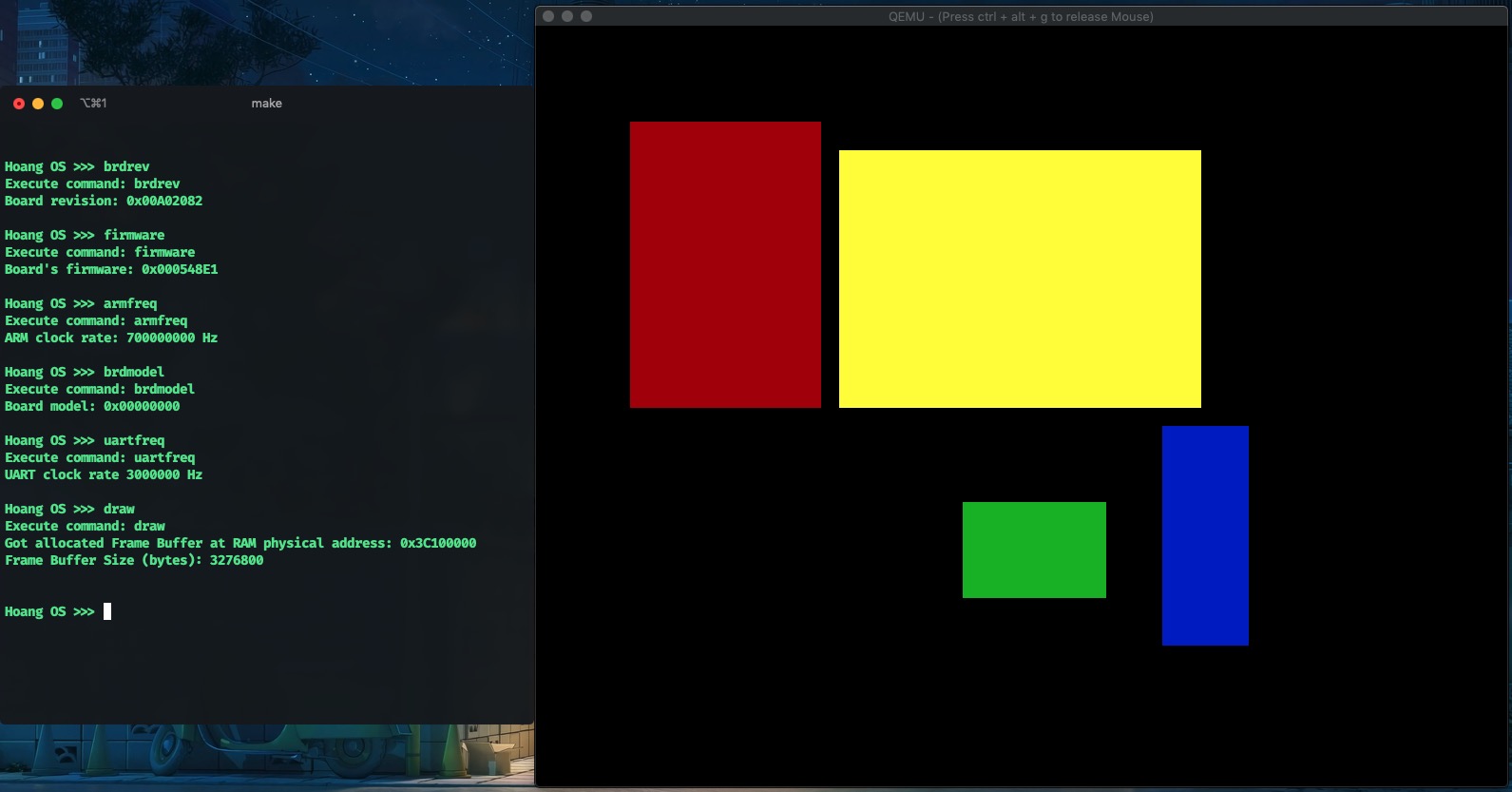
Draw graphic on screen
This version concerns more about the Graphical User Interface, allowing the user to control what being displayed on screen, and even play a mini game called "Rescue the Pink-cess". Use the CLI to control the screen
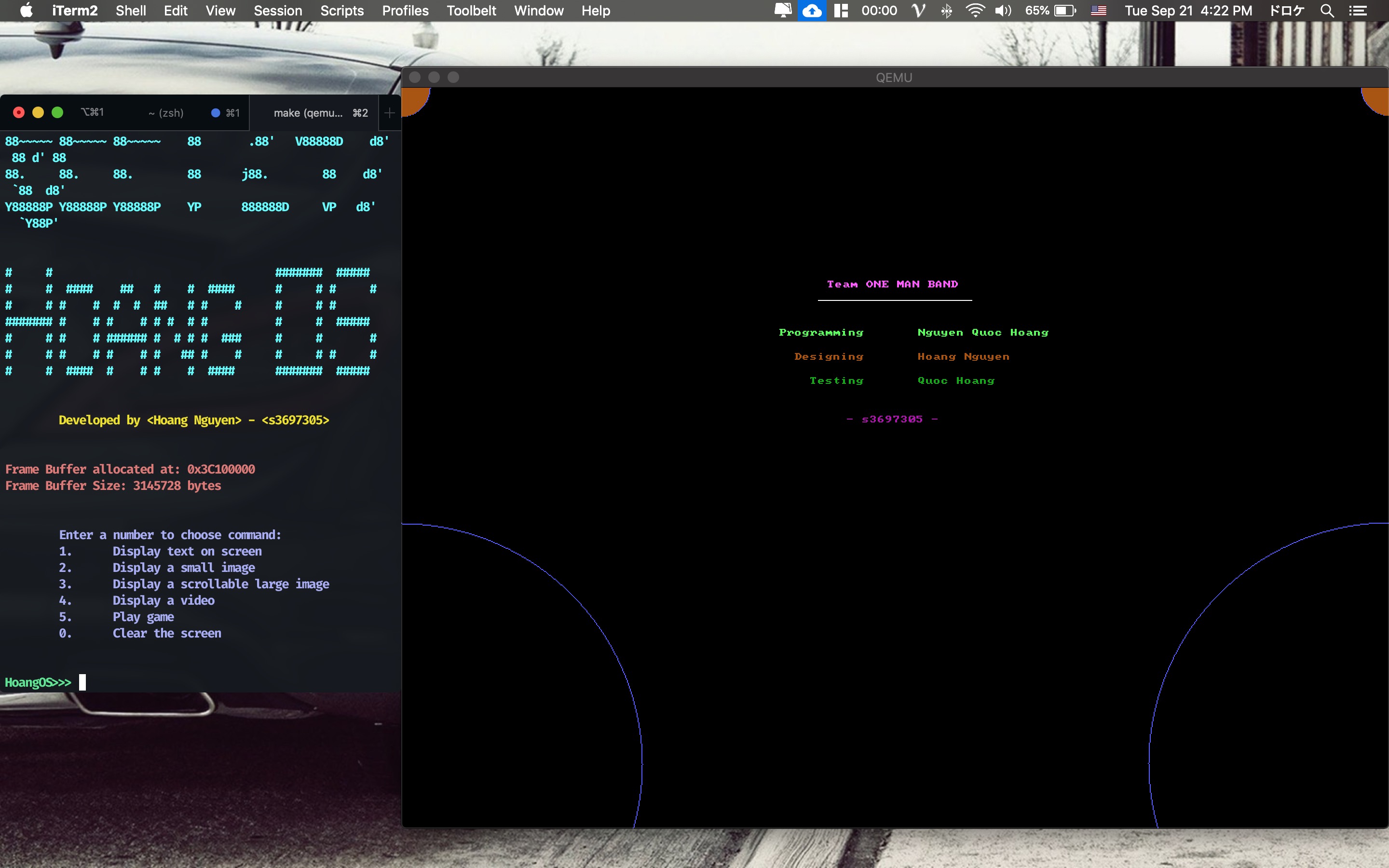
Welcome screen with text display
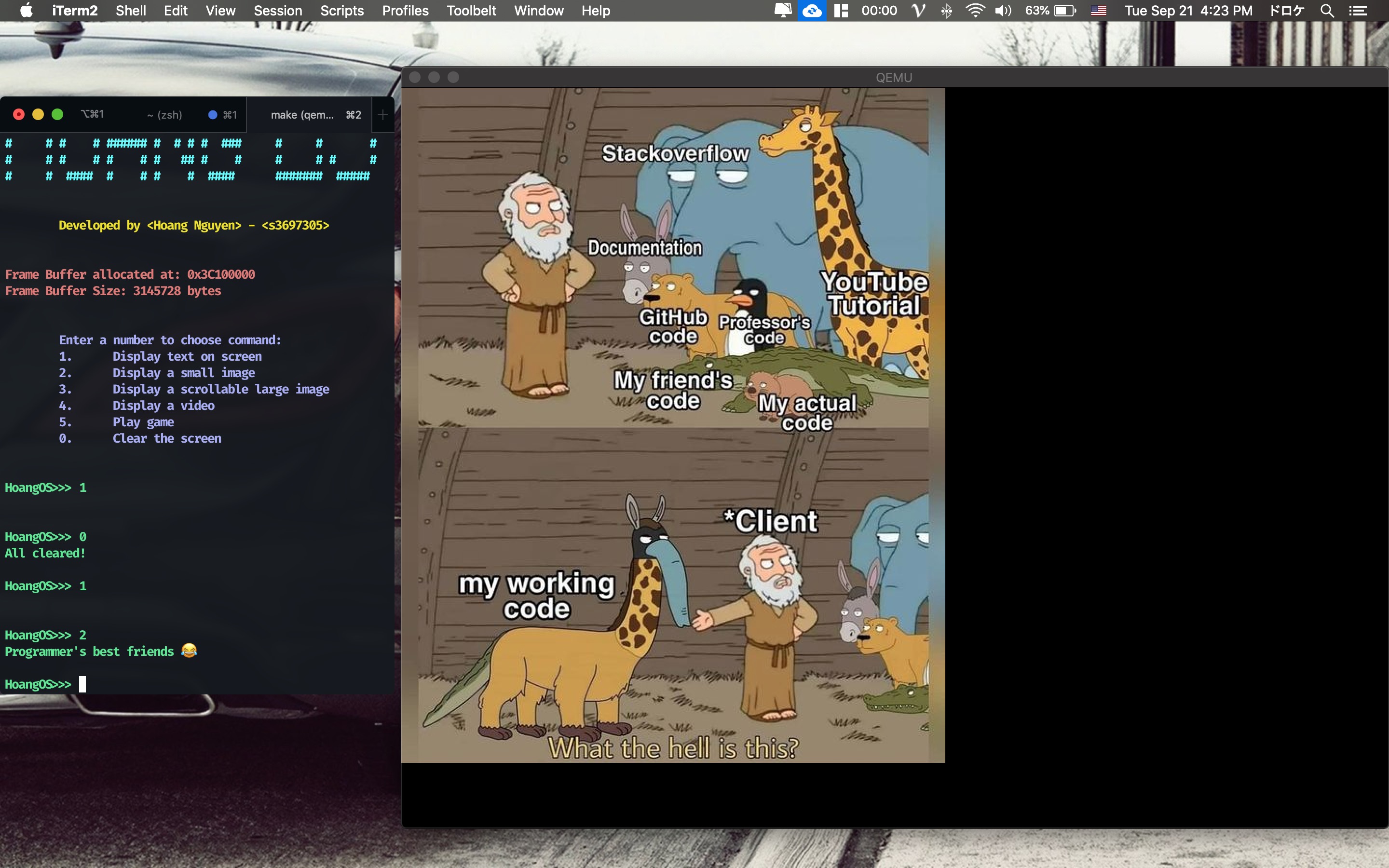
Display small image
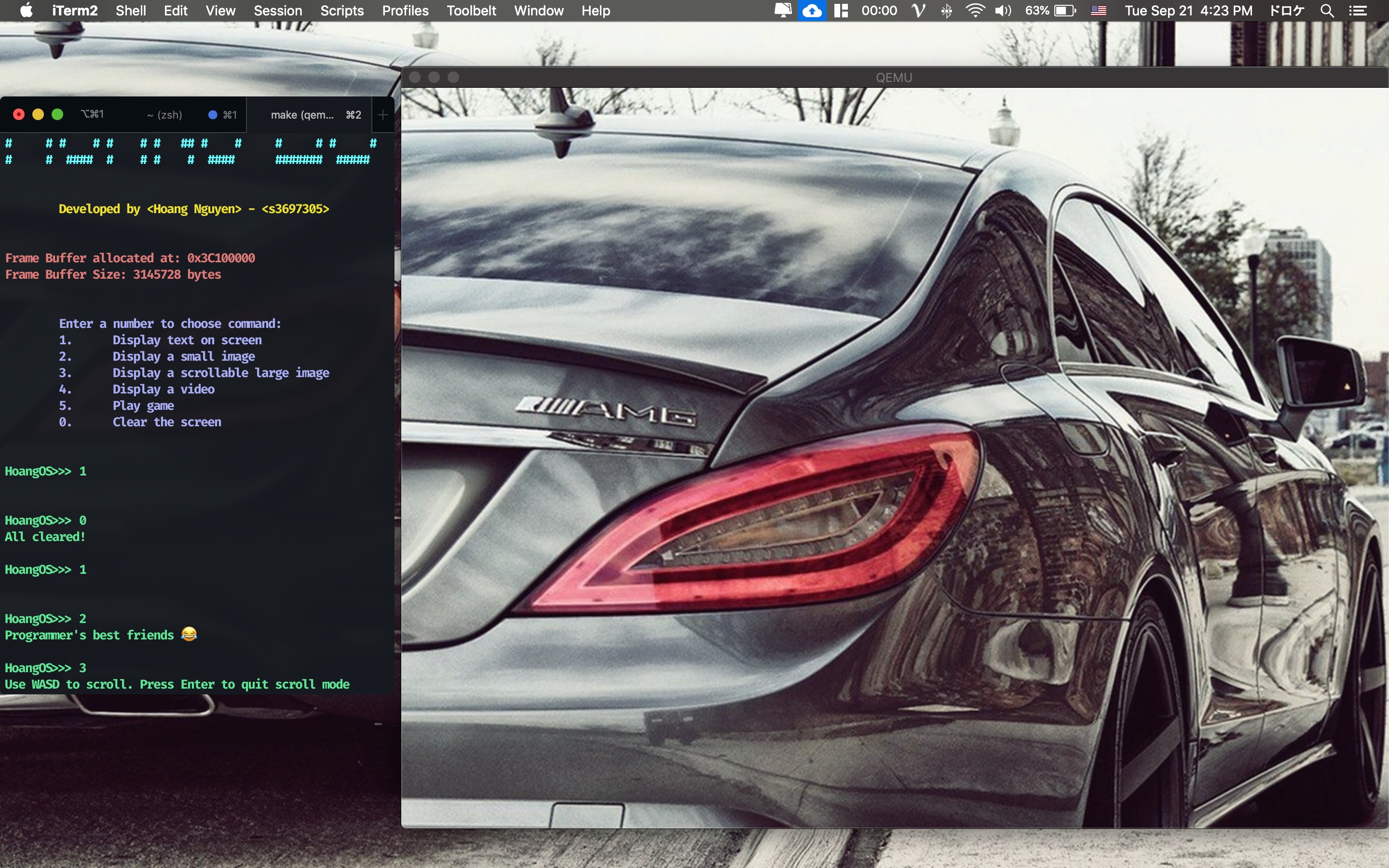
User can use WASD to scroll with large image

Pressing 4 will play this gif on QEMU screen
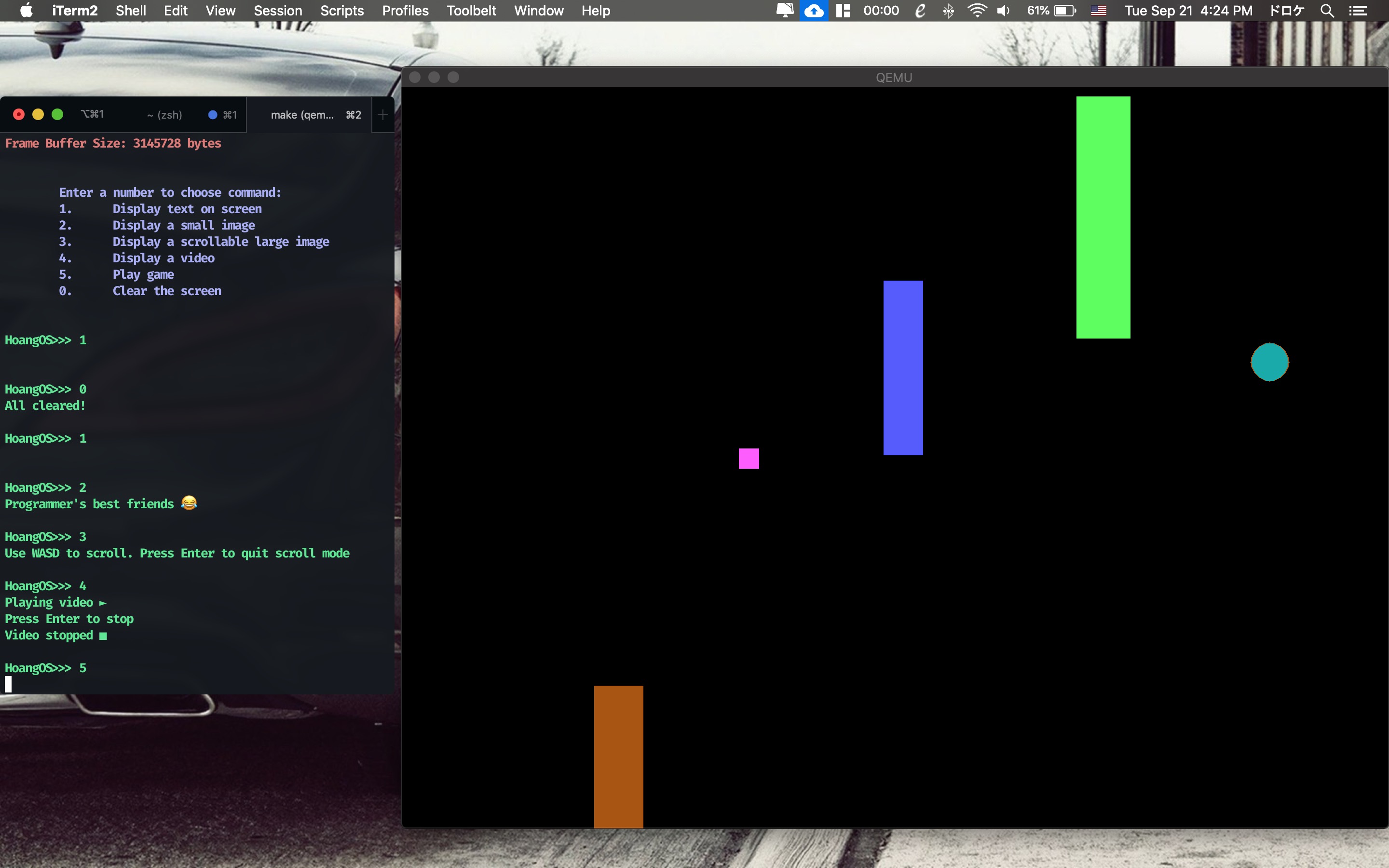
"Rescue the Pink-cess" game
Since I am using a Mac computer, my development environment is different from a Windows machine and requires different configurations. I prefer using VSCode as my code editor over other IDEs for its elegance and functionalities. Install the following toolchain for developing ARM on a Mac using Brew (package manager):
brew tap SergioBenitez/osxct and brew install aarch64-none-elfbrew install makebrew install qemubrew install --with-toolchain llvmYou would need a Raspberry Pi 3B+ board to run the OS. However, you can also use QEMU to emulate the Rasp on your PC. You will also need make build tool to compile or run QEMU commands automatically.
In every folder, you will find an already built image kernel8.img that you can use make command to run it directly.
Version 2:
If you find this project useful, you can let me know. I would love to hear about it! ✌️





