M411 Perlin Noise
1.0.0

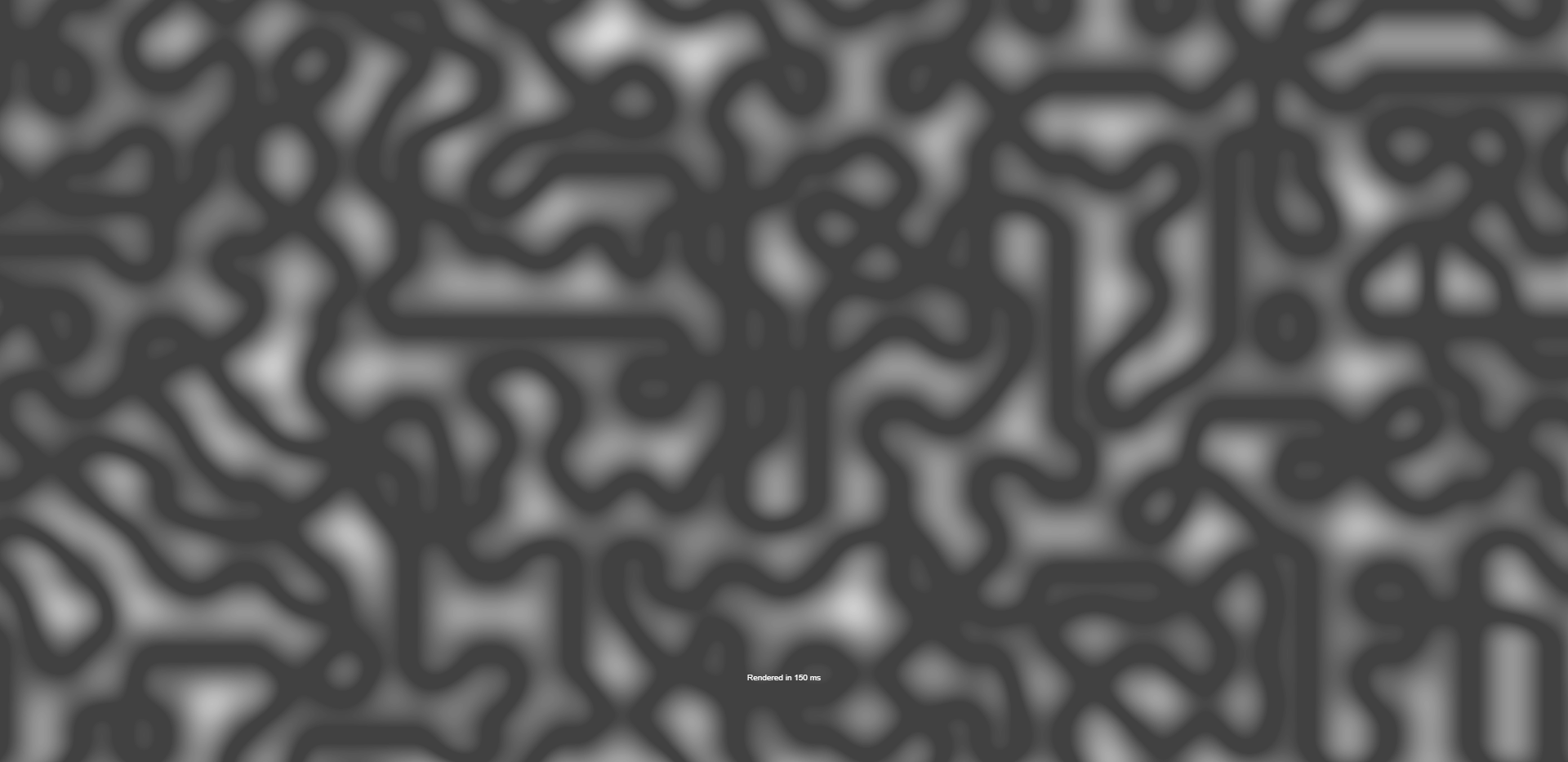
This tool will generate an image, using a Perlin Noise algorithm, with a given seed. You can customize this seed to your liking.
By default, it will generate a black and white image, but using the input fields you can customize this.
Keep in mind, the time taken to generate this, depends on your hardware and resolution.
We made tests and measured on different resolutions, how long it would take to generate an image.
We tested every resolution 3 times and averaged the results.
This graph shows the summary of this test.
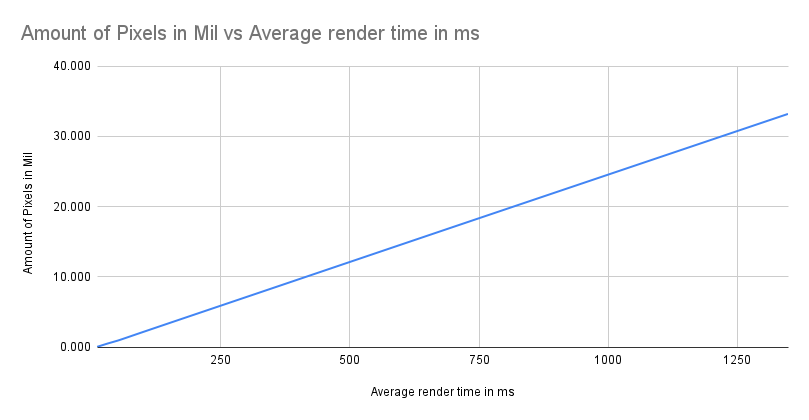
As you can clearly see, the time it takes to render, increases linearly with the resolution.
Run the following command in your terminal:
node -v
If you see a version number, Node.js is installed. It's better to have it on the LTS version.
Run the following command in the directory where the project is located:
npm install
Run the following command in your terminal:
npm start
Runs the app in the development mode.
Open http://localhost:3000 to view it in your browser.
The page will reload when you make changes.
You may also see any lint errors in the console.





