Color Converter
1.0.0

?Color Converter Website? is a lightweight web application that simplifies color code conversions between HEX and RGB formats. It allows users to quickly input a color code in either format, view the corresponding color in real-time, and copy the converted value with a single click. The app is user-friendly, with a clean interface designed to make color conversions intuitive and efficient
Overview Technologies Features Demo Getting Started License Contributing Contact
Visit this Project
Color Converter The Color Converter project provides an easy way to switch between two of the most common color formats used in web development: HEX and RGB. With this tool, users can:
This tool is ideal for web designers and developers who frequently work with colors in their projects. It's designed with a minimalistic interface to ensure that the conversion process is smooth and fast.
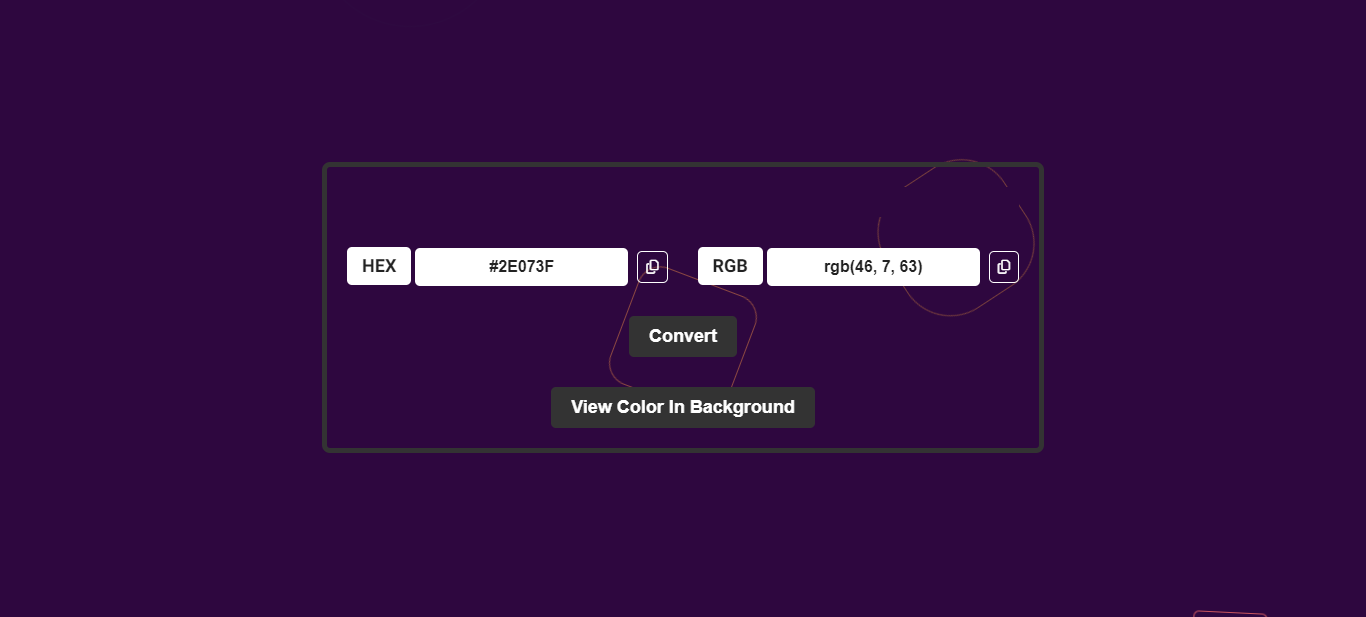
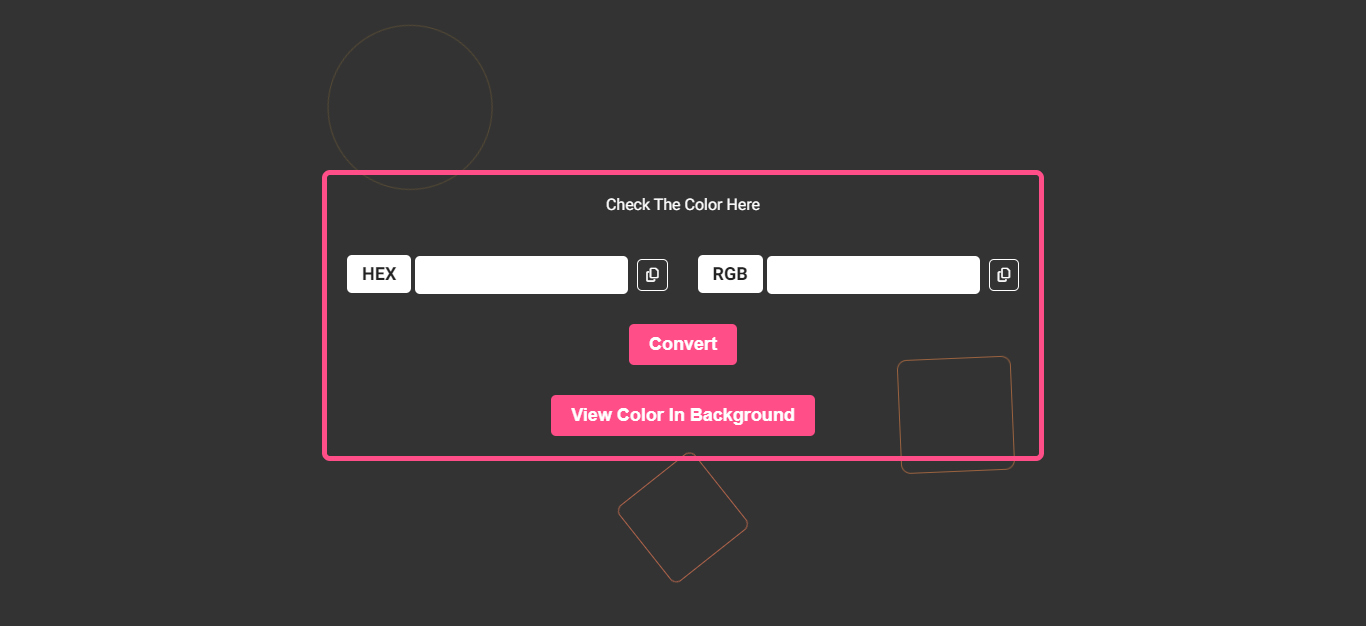
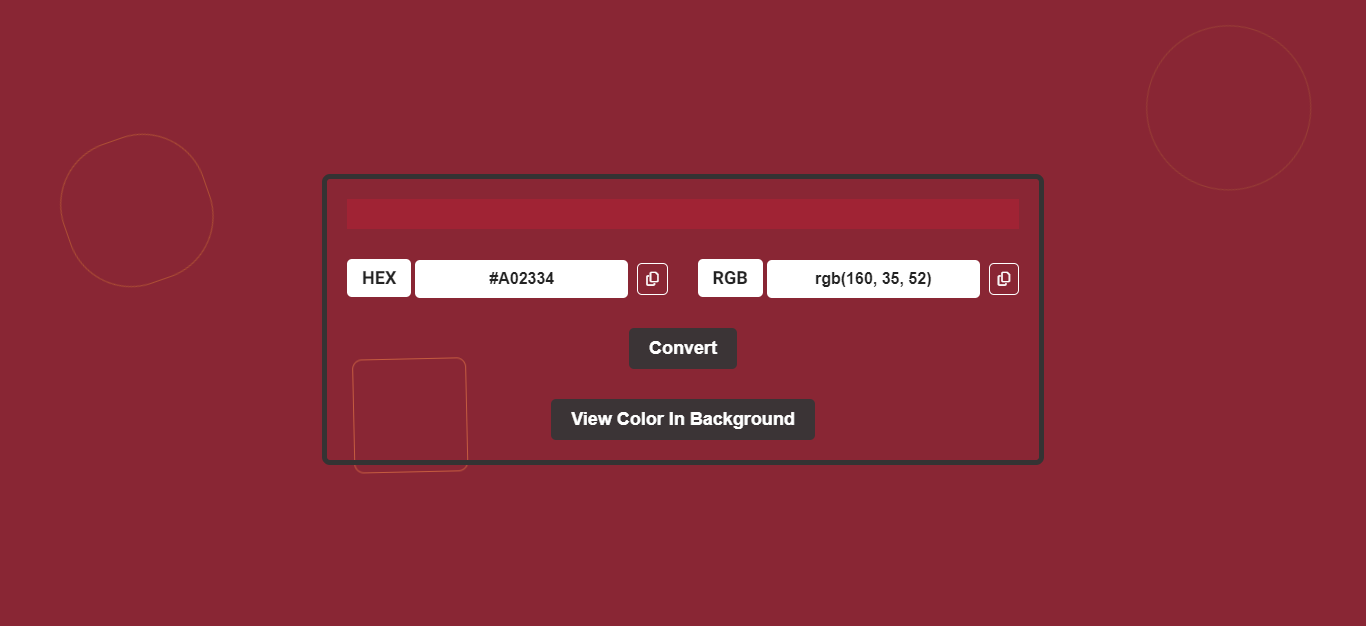
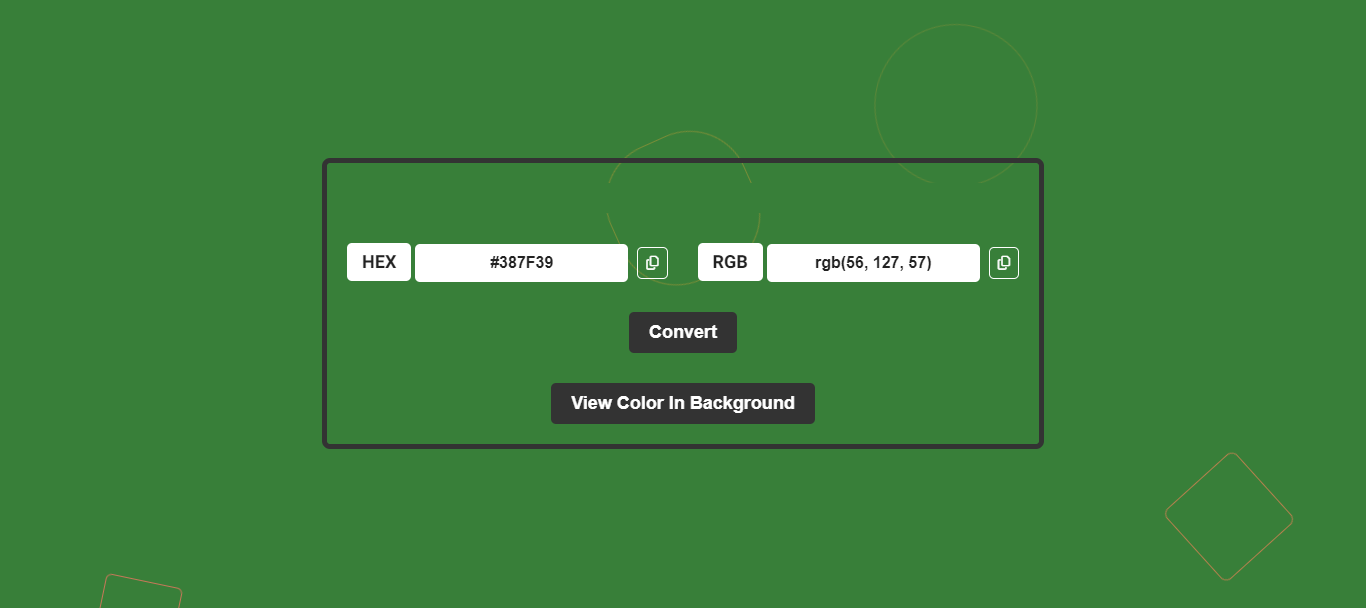
Here are some screenshots of the Color Convert website:
To run this project, you'll need:
Clone the repository:
git clone https://github.com/Murtaza-Ax/Color-Converter.gitOpen the project in your favorite code editor:
cd Color-ConverterRun the project:
Simply open the index.html file in your browser to view the page.
This project is licensed under the MIT License.
We welcome contributions to Color Picker! Whether you're fixing bugs, improving documentation, or adding new features, your help is greatly appreciated. Here's how to get started:
Fork the Repository: Click the "Fork" button at the top right of this page to create a copy of the repository under your GitHub account.
Clone the Forked Repository: Clone your fork to your local machine to start making changes.
git clone https://github.com/username/Color-Converter.gitreplace username with your actual github name.
Create A New Branch: Create a new branch with a descriptive name for your feature or bugfix.
git checkout -b feature/your-feature-name Make Changes: Implement your feature or fix the issue. Test your changes thoroughly.
Commit Your Changes: Write a clear and concise commit message describing your changes.
git commit -m "your feature name"Push to the Branch: Push your changes to your forked repository.
git push origin feature/your-feature-nameCreate a Pull Request: Go to the original repository on GitHub and create a pull request. Please provide a detailed explanation of your changes and why they should be merged.
Thank you for considering contributing!
How to create a Pull Request
? Commit pattern
If you have any questions or suggestions, feel free to reach out:
If you like this project, consider giving it a star on GitHub! Your support is much appreciated.
Made with ❤️ by Murtaza Ali





