? Secure Job ?
HELLO and welcome to my first open-source project!
This is just a simple website that displays job posts that are fetched from Strapi's server. This application can obviuosly be improved and have more feautures implemented to it.
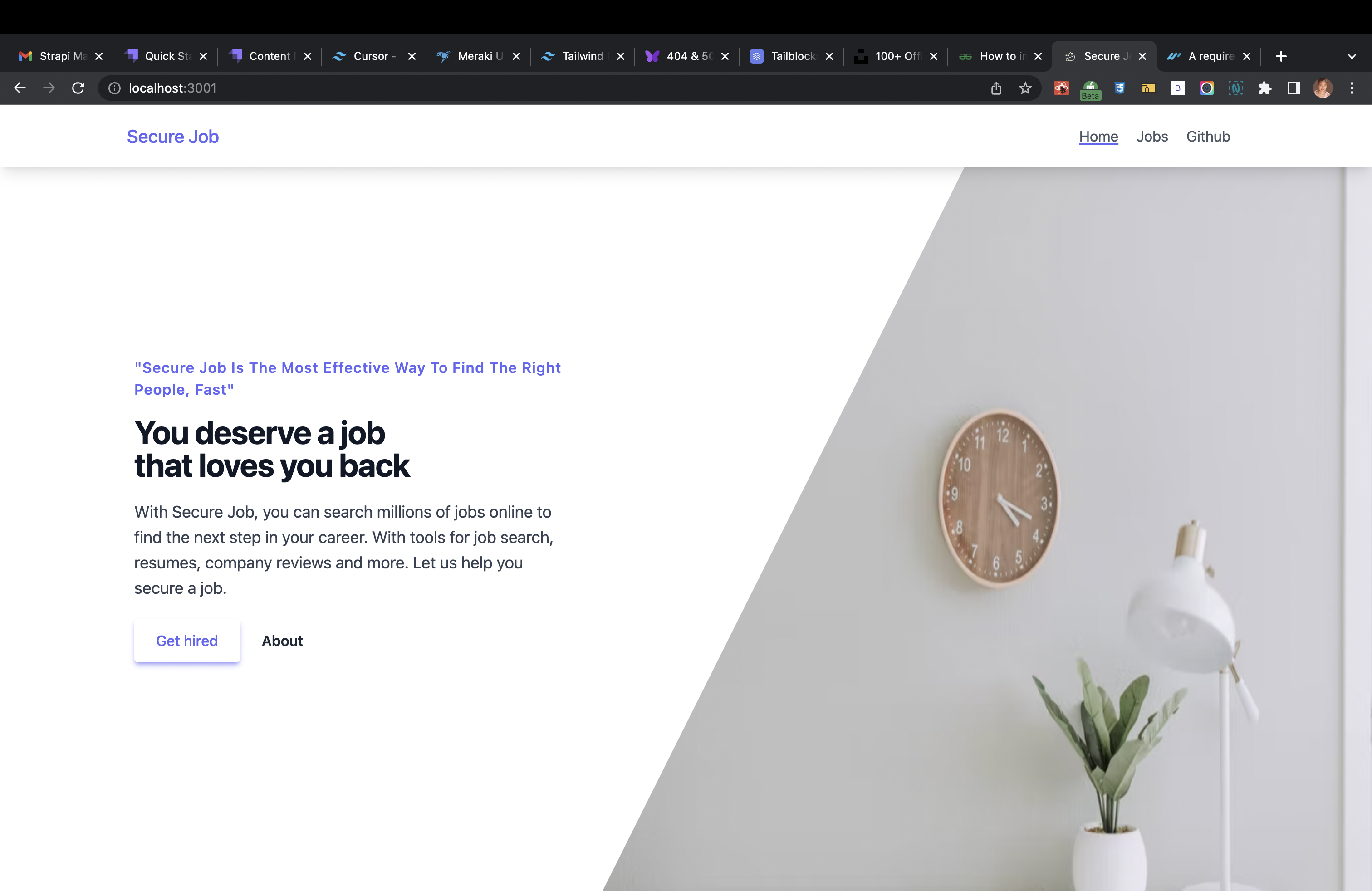
The homepage.
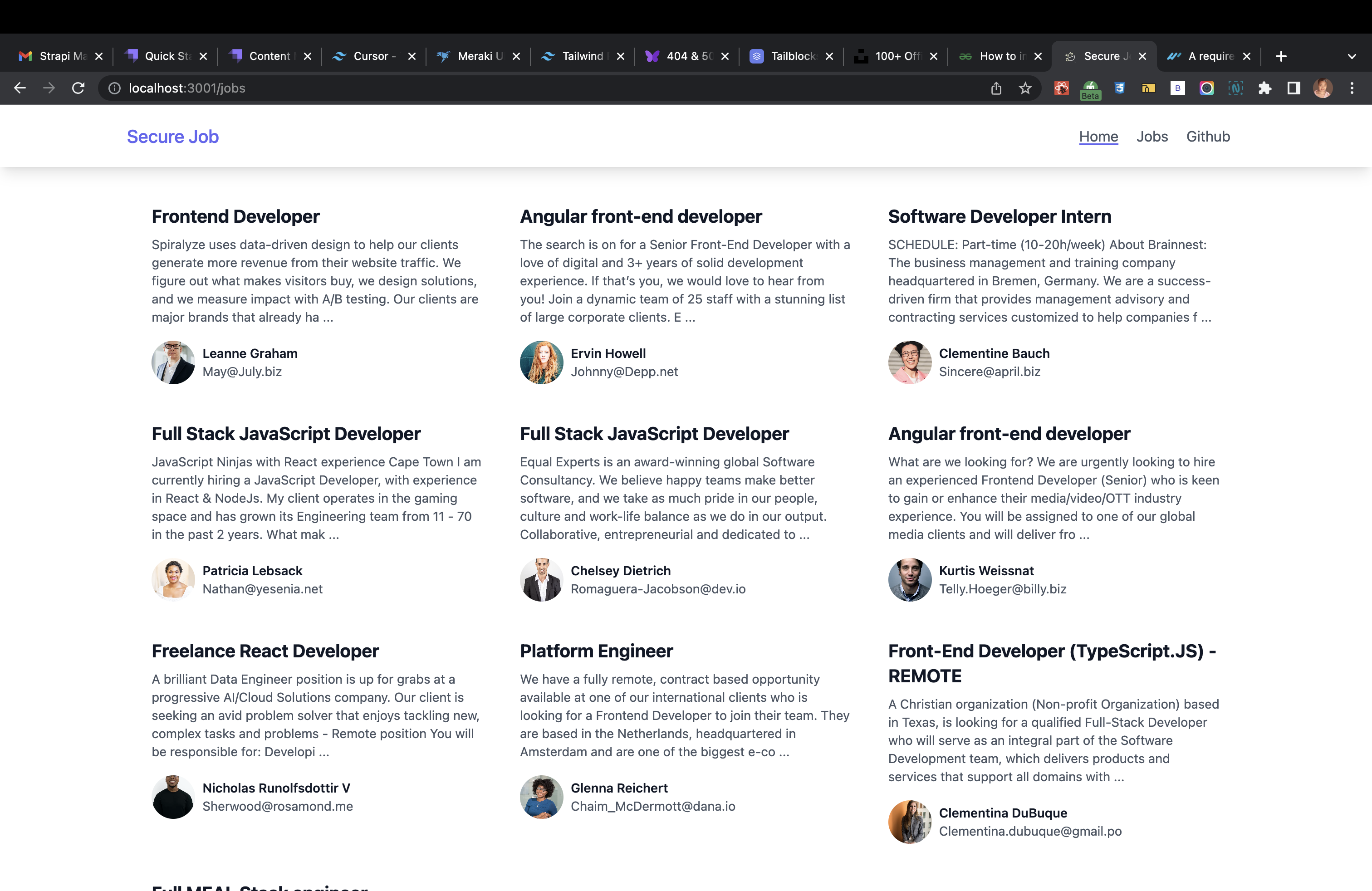
The job posts page:
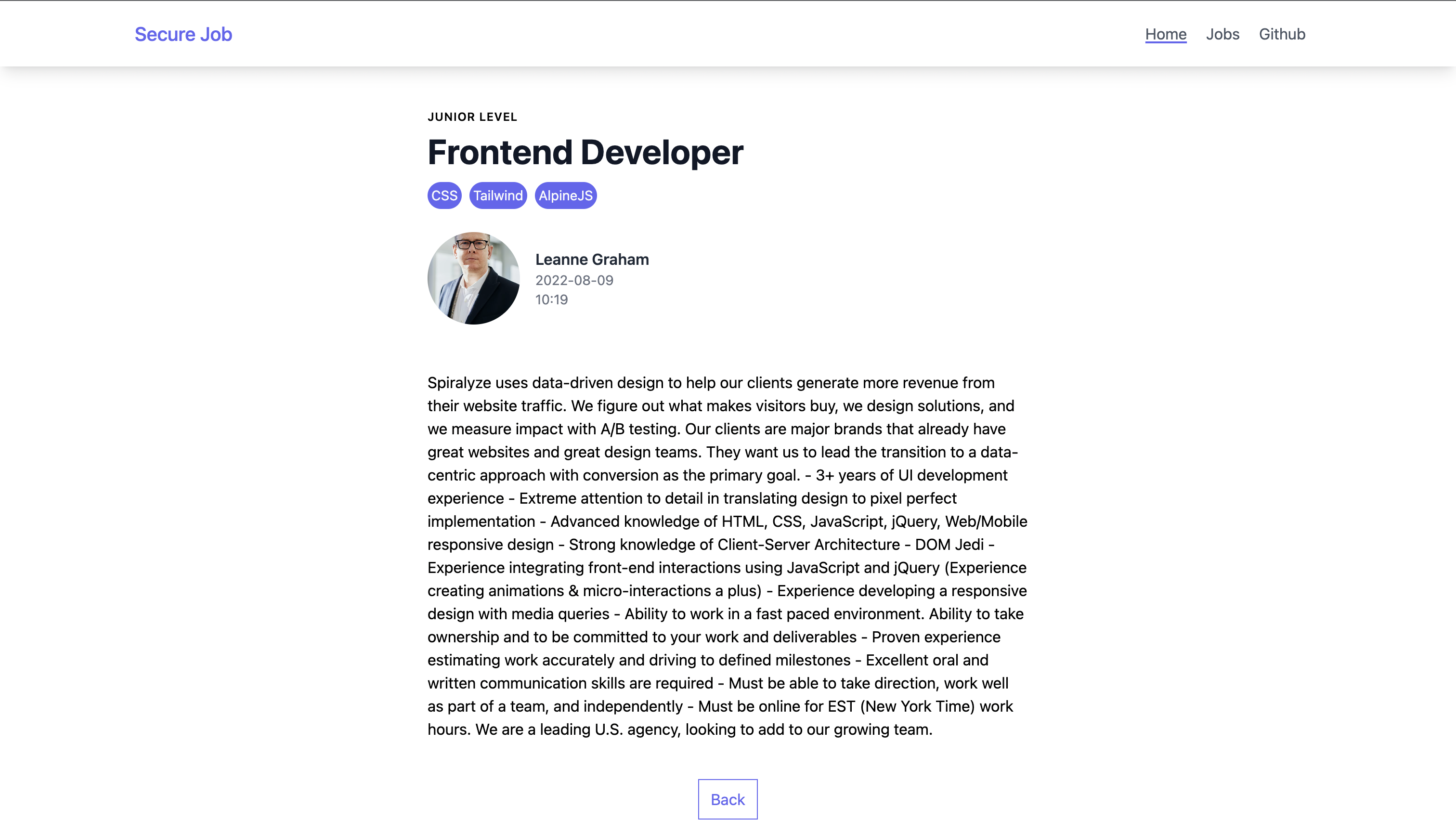
Detailed job page
Plans to extend project
- To make the application fully CRUD
- To allow user to upload own job vacancy
- To deleted a job post and/ or update(Edit) it
- To allow end user to save/ star/ favourite a job post
- To expand the navbar and to add a search bar and its functionalities
- Add additional pages, eg:
Contribute if you:
- Want experience in contributing to open source projects
- Want a project to add to your personal portfolio
- Are a beginner, newbie, starter, novice, senior, intermidiate, junior, anyone!!!
- Are a first time open source contributer or "I'm looking for an open source project to contribute to" person or an open source enthusiast
- See a spelling mistake
- Want to see additional features implemented, create issues
- Could improve this READ.me and add additional helpful lines
- Would like to improve the UI, add a button or box-shadow or anything. Even the homepage, make the image a bit more pleasing to the eye!
Features
- 2 Content types: Job, Category
- Responsive design and styling: Tailwind CSS:
Pages:
- '/jobs' to display all job posts
- '/jobs/:id' to display one detailed job post
BACKEND: Getting started with Strapi
Strapi comes with a full featured Command Line Interface (CLI) which lets you scaffold and manage your project in seconds.
develop
Start your Strapi application with autoReload enabled. Learn more
npm run develop
# or
yarn develop
start
Start your Strapi application with autoReload disabled. Learn more
npm run start
# or
yarn start
build
Build your admin panel. Learn more
npm run build
# or
yarn build
FRONTEND: ? Getting Started ?
This is a Next.js project bootstrapped with create-next-app.
First, run the development server:
npm run dev
# or
yarn dev
Open http://localhost:3000 with your browser to see the result.
You can start editing the page by modifying pages/index.js. The page auto-updates as you edit the file.
Live Demo of this project






