TestTubeYumYums
1.0.0

TestTubeYumYums is a Django-based application designed to provide custom food recommendations to users based on their blood test results. The application utilizes React and Tailwind (both CDN-based) for the front-end and PostgreSQL for the database.
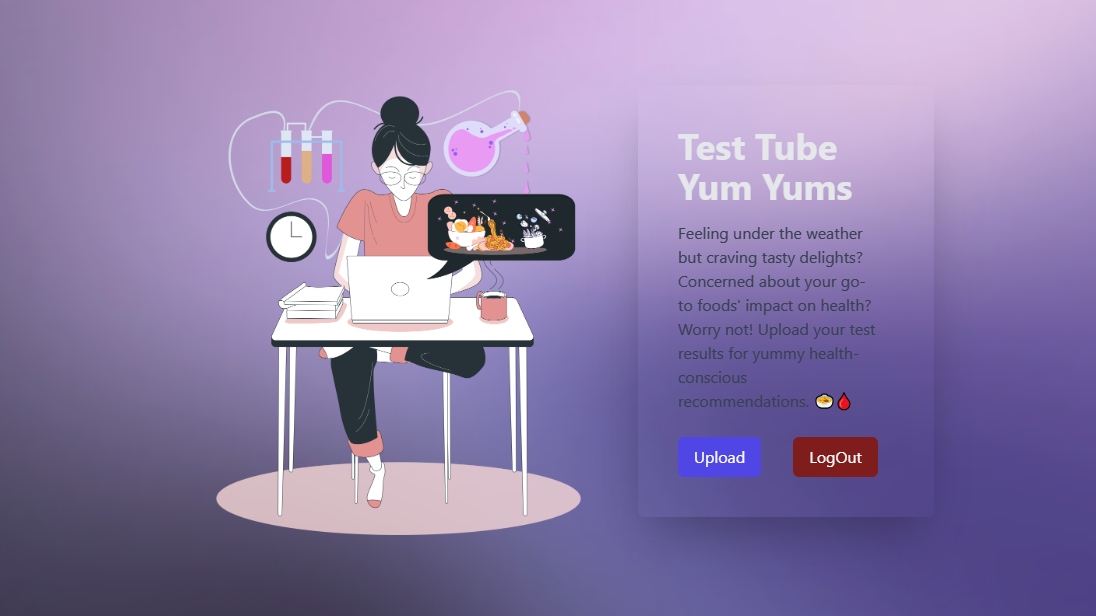
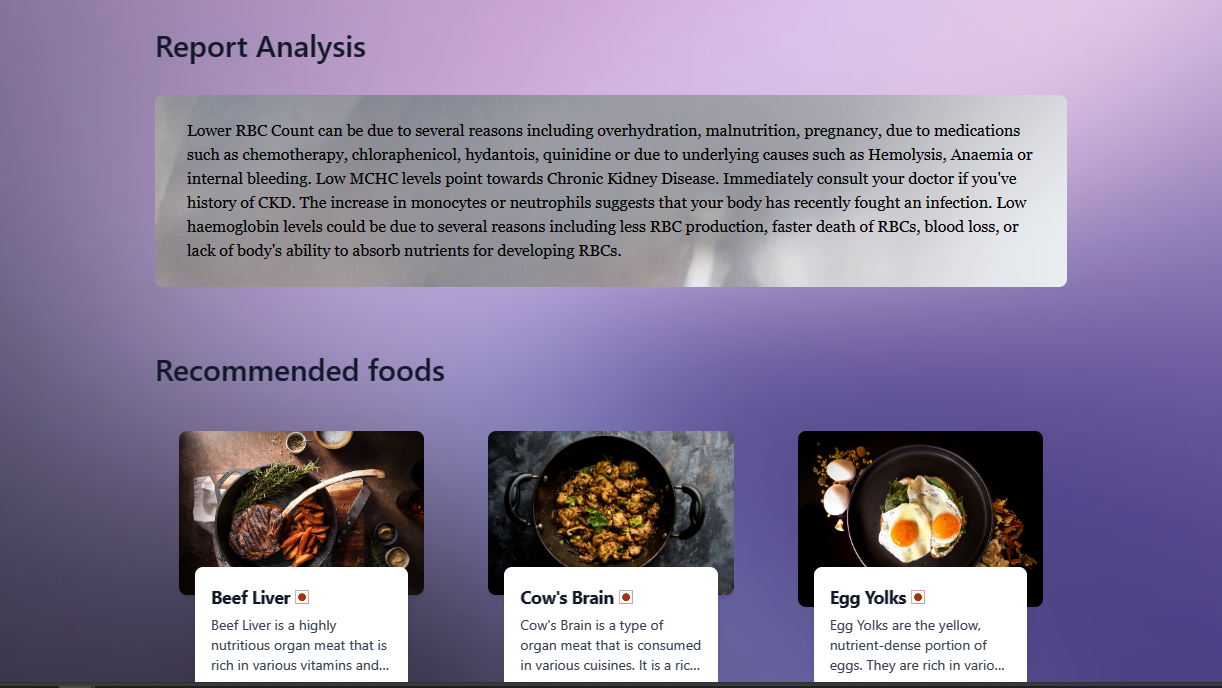
TestTubeYumYums aims to target a unique blend of the health, pathology, and nutrition sectors by offering users food recommendations based on their blood test reports. The project takes a unique approach because it is uncommon to find applications that use blood test results to recommend foods based on nutritional deficits and excess. Actually, the original plan was to integrate the app with a public API that would provide dietary options based on a range of nutrients. However, because there isn't a similar API available, a self-made food database that is integrated into the programme and accessible as a CSV file makes recommendations. The intricacy of the project is found in its algorithm, which examines blood test results according to variations in report parameters and related illnesses, extracts nutrients that are lacking, compares those deficiencies to the user's precise vitamin and mineral reports, and retrieves food recommendations from the local CSV database based on the nutritional content of the items.
A multi-page registration form with responsiveness, validated entries, bespoke error messages, and incomplete submissions is another element of the project.
CSV database of food items that contains name of food, their description, image link and all nutritional infos includidng average serving(named recommended portion).
Helps in using Tailwind CSS through CDN
Self-explanatory names
Modified to load csv database whenever the app is initialized. Also, when the tables are created for the first time in database, CBC and VitMin tables are populated with high and low range values provided by Dr. LalPathLab.
Contains pre-wrote analysis messages for possible combinations of CBC parameters.
No longer in use.
Contains helper functions to return nutrient variation based on low and high CBC parameters
Contains a global dictionary which links each nutrient with it's field name in database and how much of that nutrient is considered high/low differentiator in a food item.
Contains functions that take in reports and ranges and return dictionary of report analysis and recommended food items.
Contains info about what type of parameter deviation can point towards which kind of nutrient imbalance.
Utilizes Django's in-built post migration signals for populating first two rows of CBC model and VitMin model when the migrations are made for the very first time.
Contains schema for food items stored in database
Clone this repository:
git clone https://github.com/jijivishu/TestTubeYumYums.gitSwitch to the project directory and create a Python virtual environment:
cd TestTubeYumYums
python -m venv env
Activate the virtual environment:
envScriptsactivatesource env/bin/activatesource env/Scripts/activateInstall the required packages:
pip install -r requirements.txtCreate a .env file in the root directory with the following content:
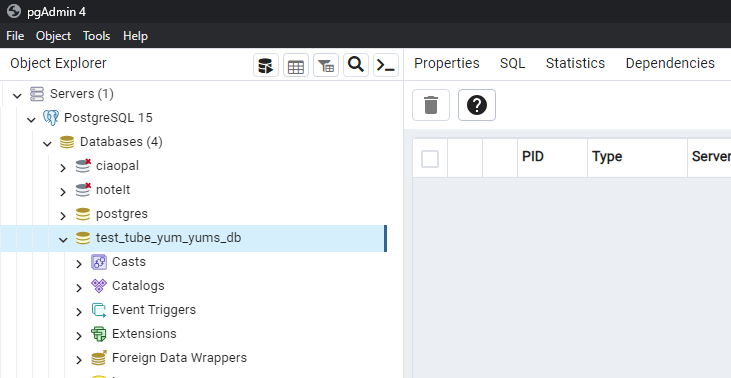
DB_NAME=test_tube_yum_yums_db
DB_USER=postgres
DB_PASSWORD=postgres
DB_HOST=localhost
DB_PORT=5432Note: For the next step, ensure that PostgreSQL is running at port 5432 on localhost with the username and password set to postgres and the database name set to test_tube_yum_yums_db. Modify the .env file created in previous step, if needed, for database customisation.
Create migrations:
python manage.py makemigrations
python manage.py migrate
Load food data from csv file to database:
python manage.py load_food_data food_data.csvRun the application:
python manage.py runserverAccess the application at http://127.0.0.1:8000/. Ensure an internet connection.
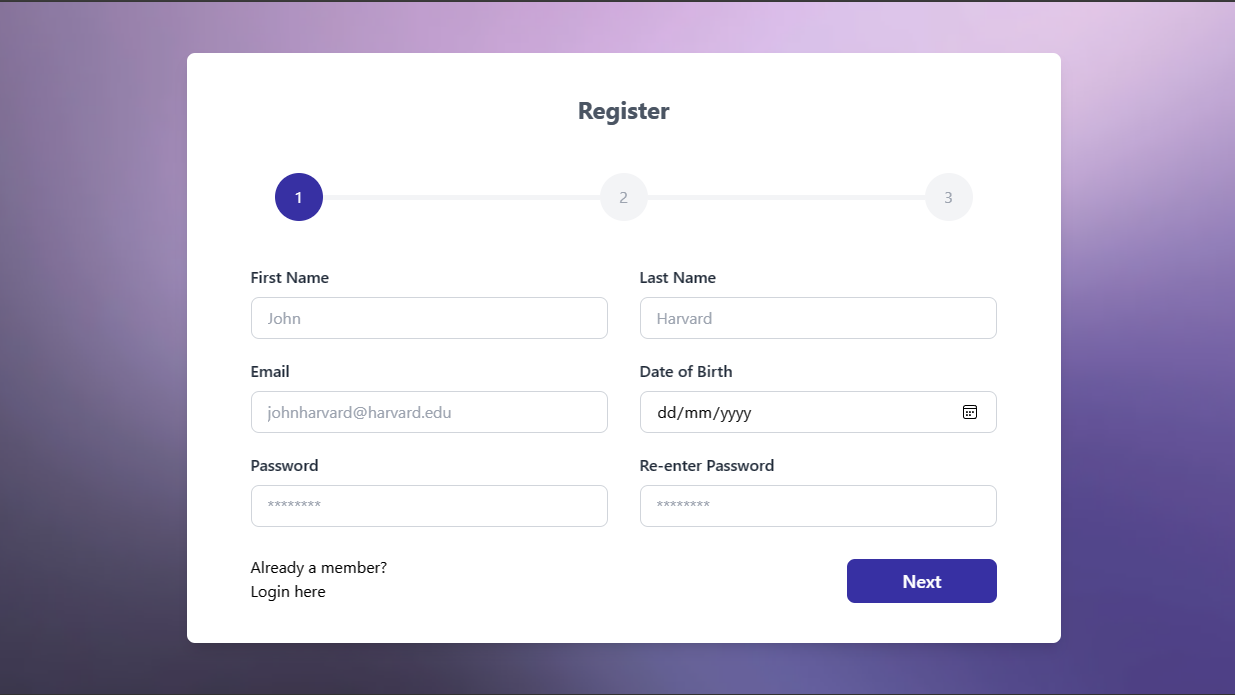
The registration process consists of three steps, with the first step being mandatory. Users provide their name, email (unique identifier), date of birth, and password in the first step. Subsequent steps collect additional information such as country, weight, height, blood pressure, and diabetes data.
Food recommendations are provided based on users' previous test reports. If a user has no test reports uploaded, they are prompted to do so. Users can upload test reports through the '/add' route, customizing the ranges associated with a test report at the time of upload.
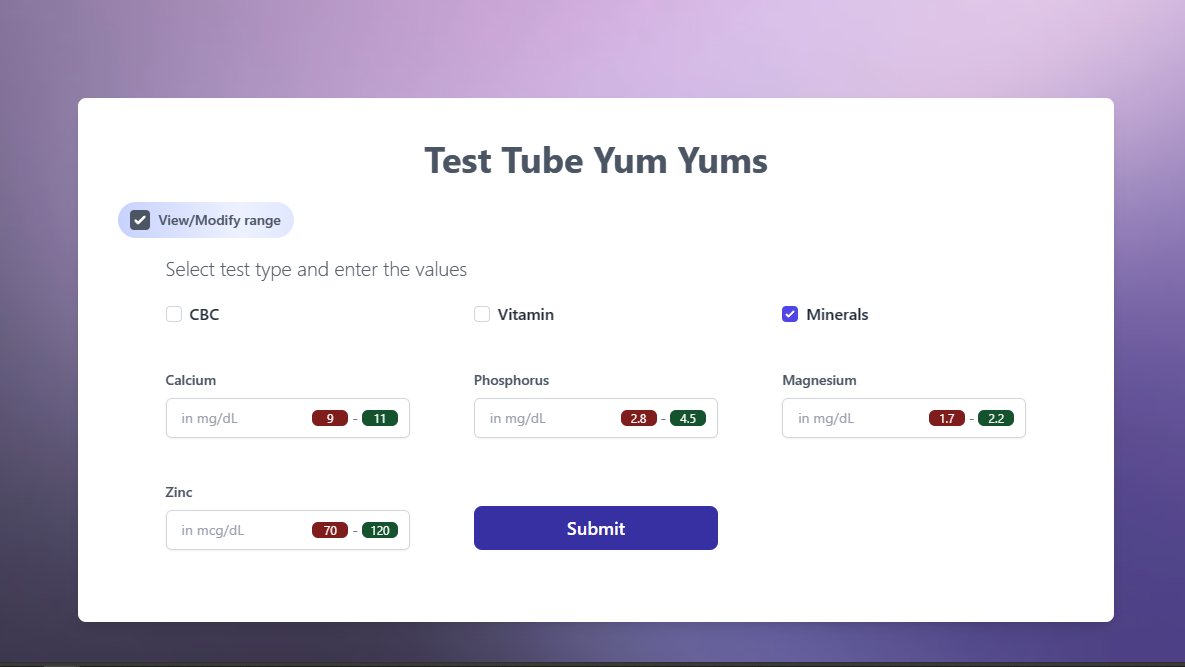
Upon submission, users are redirected to the home page, where they can view recommended food items based on their test results and analysis report.
Please read our Contribution Guidelines before contributing to the project.
Thank you for using TestTubeYumYums!





