restoreportraits.com
1.0.0

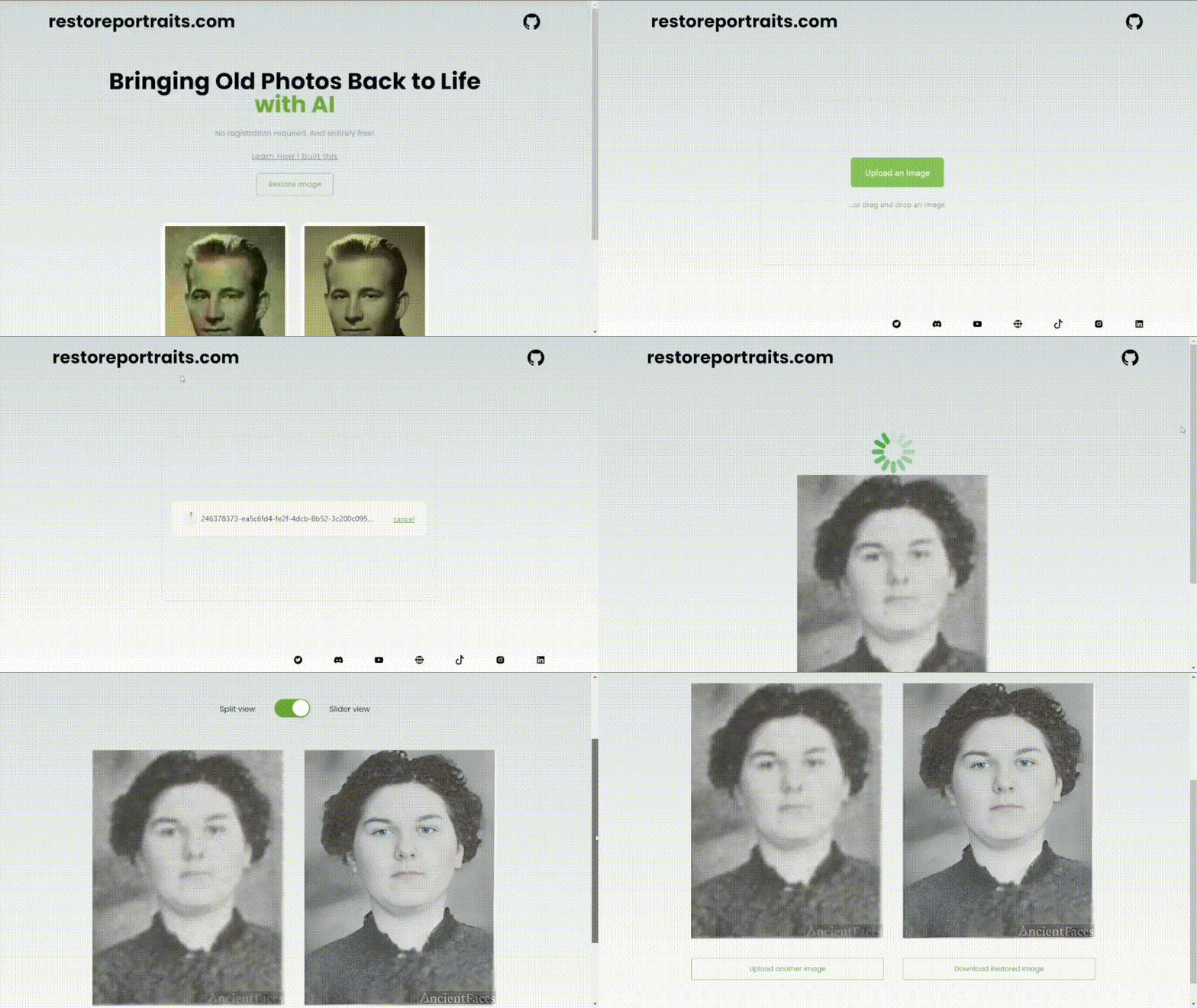
Bringing Old Photos Back to Life with AI. Free of charge!
Feel free to reach us on our social platforms! ?
YouTube || Discord || Instagram || Twitter || TikTok || Blog || Facebook
Support
Please ️ star this project and share it with others to show your support. Follow me ❤️ for updates on future projects and tutorials!
Fork the project: Click the "Fork" button at the top-right corner of the project's GitHub page to create a copy of the repository under your own GitHub account.
Clone the forked repository: Open your terminal and navigate to the desired directory. Use the following command to clone the repository to your local machine:
git clone https://github.com/yourGitHubUsername/restoreportraits.comInstall Dependencies:
npm installRun the project:
npm run devCreate a new branch using the command:
git branch newBanchNameChange to the new branch:
git checkout newBranchNameMake the modifications.
Make the code modifications and test it.
Make a commit
git add .git commit -m "your comment"git push origin newBranchName




