xprofile
V1.2.1 of XProfile

Note
Working on version 2 with a lot of features. Have a look by clicking here also join Discord to discuss upcoming features
A website to list your Twitter ( ? ) and Github profile to the world
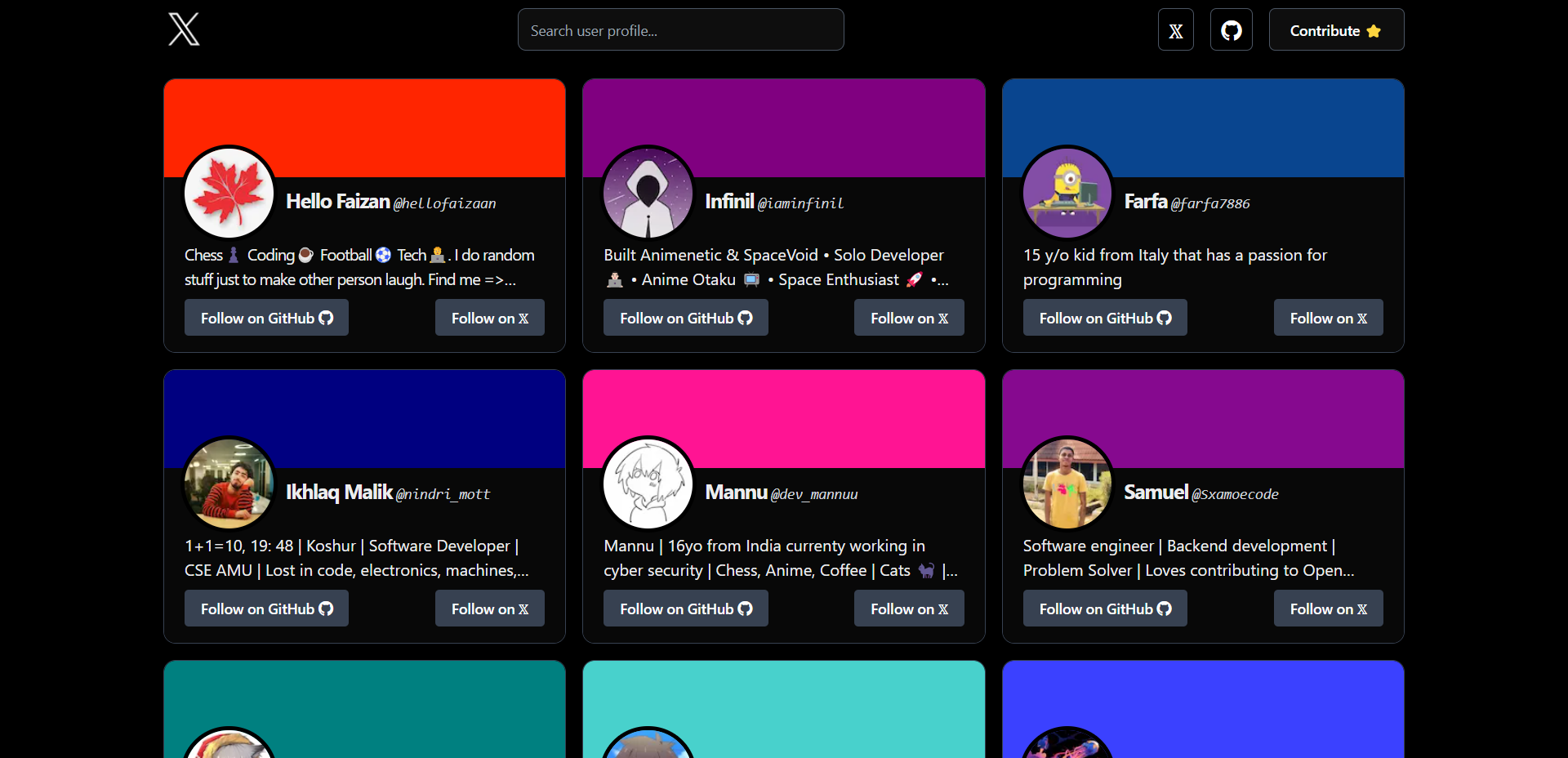
Check out the website: ? Profiles
    ,{
        "username": "hellofaizaan",
        "name": "Hello Faizan",
        "github": "hellofaizan",
        "banner_color": "#ff2500",
        "about": "I am a full stack developer and a competitive programmer. I love Chess♟️ also https://hellofaizan.me/"
}| Key | Value |
|---|---|
| username | This value should be your Twitter (?) username. |
| name | This value should be your real name. |
| github | The value should be your Github username |
| banner_color | The value should contain any hex code for background just like Twitter eg: #fff, #000 |
| about | Short simple max 2 lines about yourself, You can also include links which are clickable |
main button in the upper left to reveal a dropdown menu.profileAdd).Create branch <new branch name> and this will automatically take you to your new branch. You can make edits on the main branch, but this may cause issues down the line. Best practice is to create a new branch for each separate issue you work on. That way, your main branch remains in sync with xprofile main branch.data/users.json file.addProfile branch of repositoryTo run locally, just cd into the project and run the following commands to run node modules and serve the website locally.
yarnyarn run devThank you all so much for spending your time to improve ? Profile.





