iNotebook MernProject
1.0.0

You can contribute by adding new Web Projects, improving current projects or Documentation. We are also accepting resources which might help new developer upskill their developer Skills. Here are some Instructions before making a Pull Request
IMPORTANT Note
Pull Requests having no issue associated with them will not be accepted. Firstly get an issue assigned, whether it's already opened or raised by you, and then create a Pull Request.
git clone https://github.com/Aryan-kumar-mains/iNotebook-MernProject.gitgit checkout -b branch-namegit add .
git commit -m 'Commit message'
git push origin branch-nameNew Pull Request button located at the top of your repo)npm run install-modules

PORT=5000
DATABASE=<cluster-connection-string>
DATABASE_PASSWORD=<cluster-password>
JWT_SECRET=testsecret
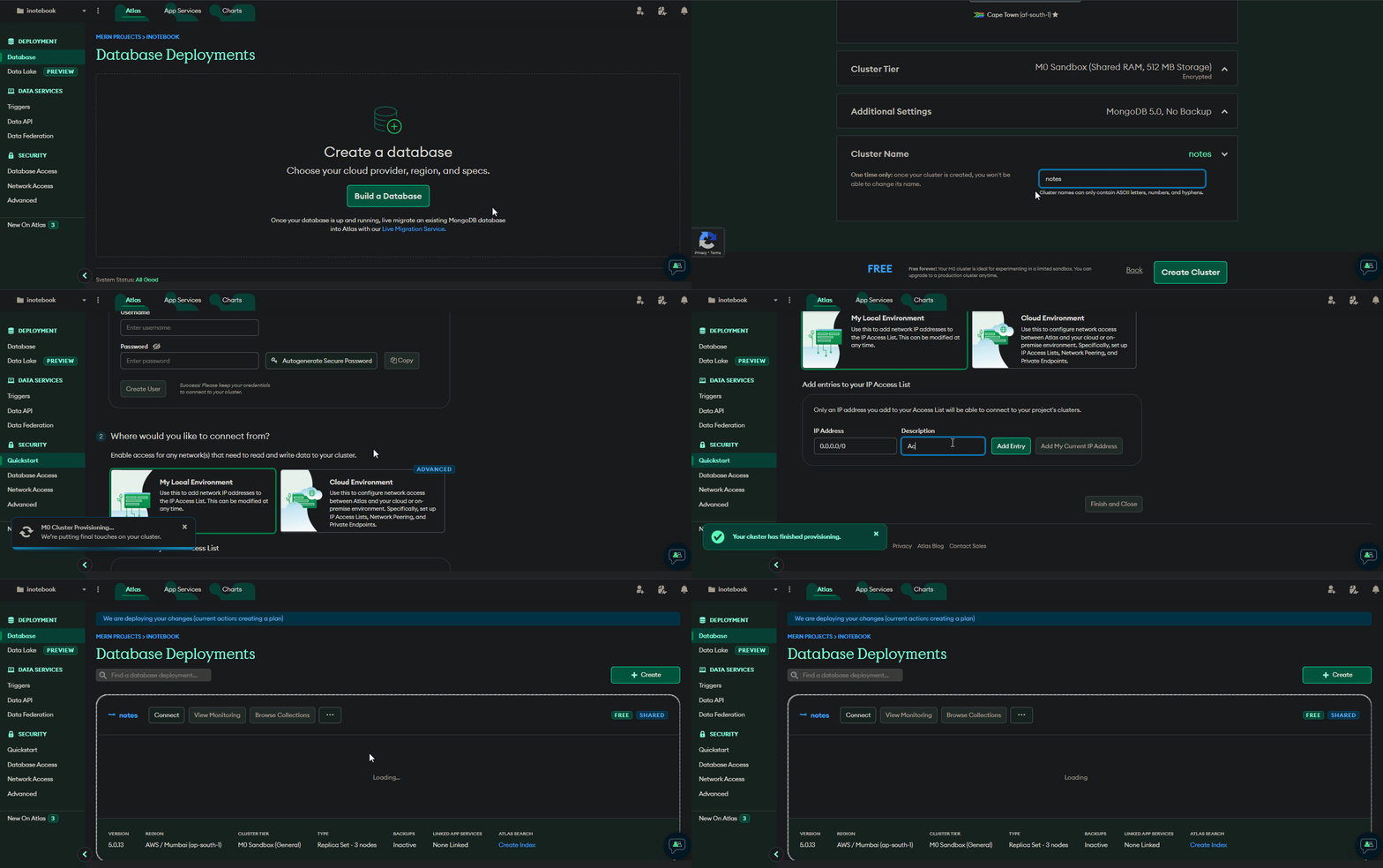
Replace the cluster-connection-string and cluster-password with your connection string and password.
You can access the connection string by pressing on Connect -> Connect your application on your cluster
npm run start-all:devThere is also an option for setting up the project via Docker. To get started with the project by using Docker follow the following steps.
docker compose build --no-cachedocker-compose updocker-compose downIf you add new node module to your project you have to restart the image using
docker-compose up




