Qt calculator
1.0.0

Welcome to the Qt-calculator project!
As the name suggests, we build a calculator with variety of commonly used functions, interacted by GUI.
We use the Qt creator IDE to setup the project, due to its excellent internal build tools, especially for GUI.
The calculator can be used on all platforms(although the GUI may differ on each platform).
Qt creator or Qmake build system set up in your IDE
The calculator is evolving each day, and yet there are always new features to implement, code to optimize, or documentation to add. For this very reason, contributors(completely new ones or veterans) are more than welcome to make the changes. If you wish to contribute, please read CONTRIBUTING.md for details on the code of conduct and process for submitting pull requests to the repository.
Clone/download the repository.
Open QtCalculator => calculator.pro using Qt creator. If you haven't downloaded qt creator, go back to the Setting up Qt section
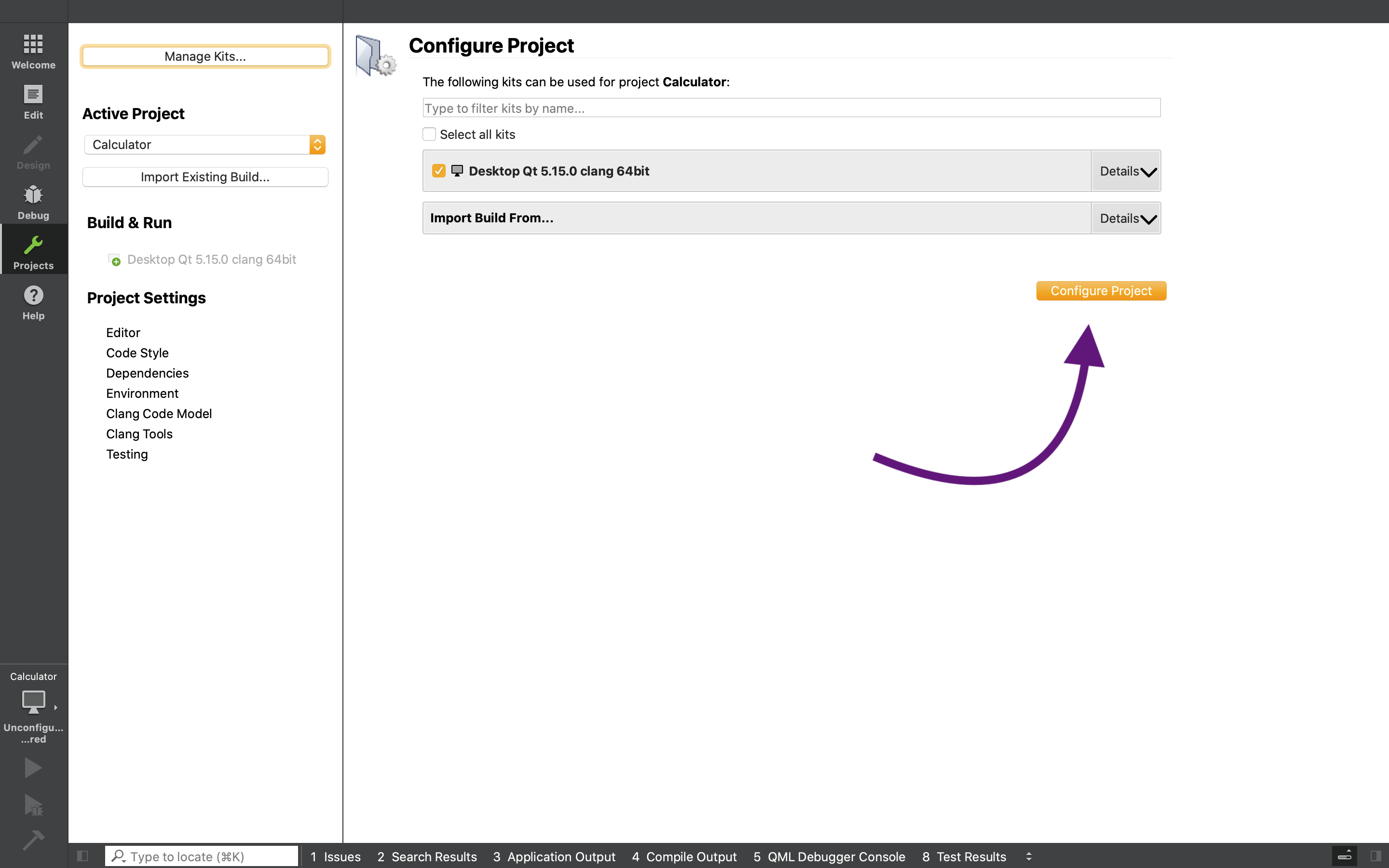
Once inside Qt creator click on configure Project options (it will configure the project according to your device/environment) ?
Before making the needed changes , follow these instructions (if you are familiar with github and its source control functions, you can skip this explanation)
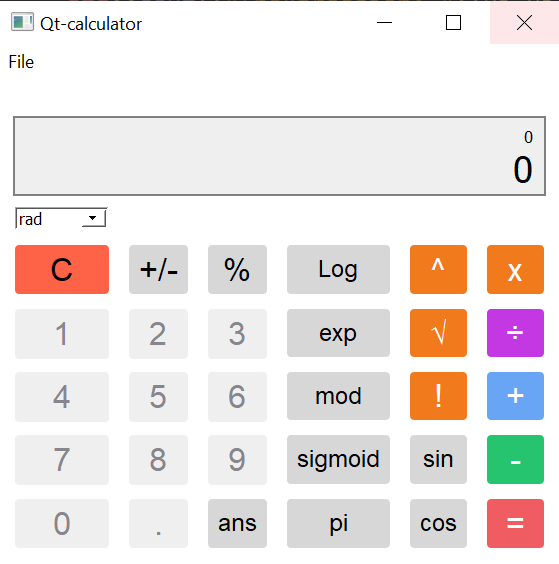
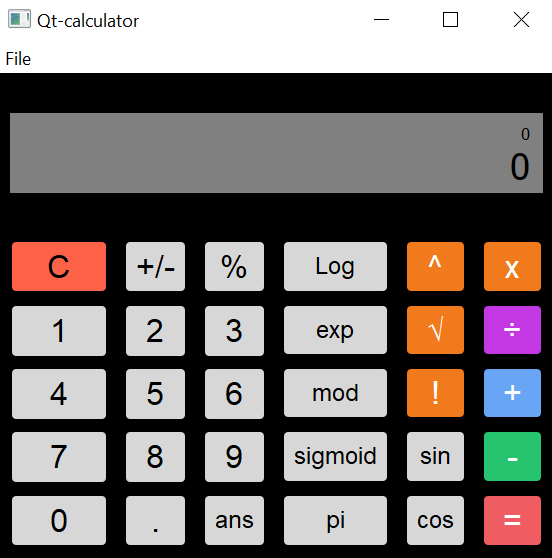
- As QT renderer tries to render native looking application, the GUI would look slightly different on different platform
Using MIT License





