redesigner.io
1.0.0

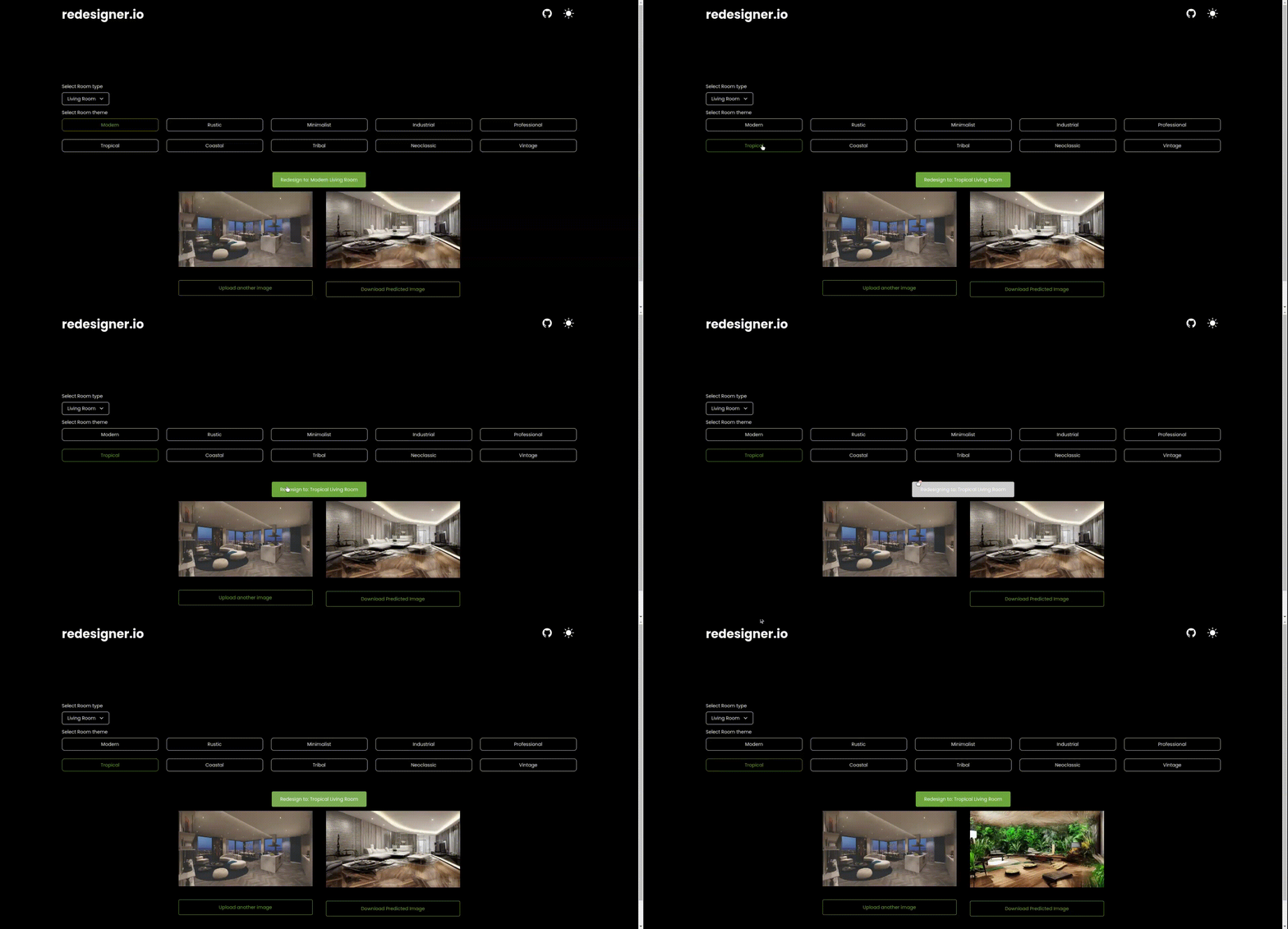
Redesign your house interior and exterior with AI. Free of charge!
Feel free to reach us on our social platforms! ?
YouTube ||
Discord ||
Instagram ||
Twitter ||
TikTok ||
Blog ||
Facebook
Support
Please ️ star this project and share it with others to show your support. Follow me ❤️ for updates on future projects and tutorials!
Fork the project: Click the "Fork" button at the top-right corner of the project's GitHub page to create a copy of the repository under your own GitHub account.
Clone the forked repository: Open your terminal and navigate to the desired directory. Use the following command to clone the repository to your local machine:
git clone https://github.com/yourGitHubUsername/redesigner.ioInstall Dependencies:
npm installRun the project:
npm run devCreate a new branch using the command:
git branch newBanchNameChange to the new branch:
git checkout newBranchNameMake the modifications.
Make the code modifications and test it.
Make a commit
git add .git commit -m "your comment"git push origin newBranchNameNavigate to the root of your project
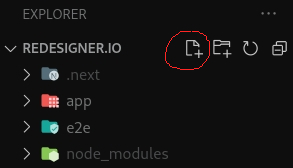
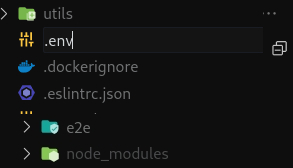
Cick on new file
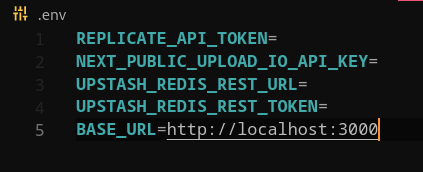
Name the new file .env
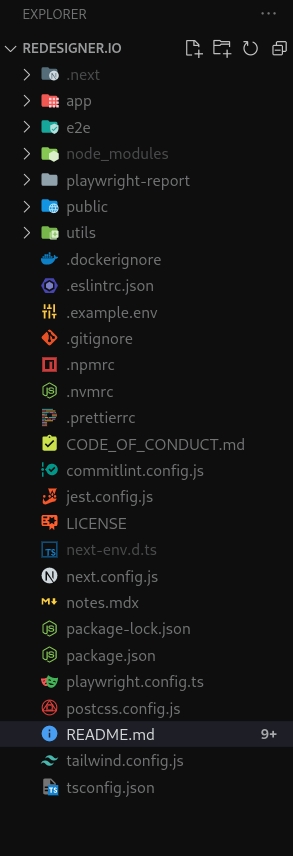
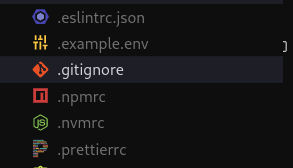
Now go to the file .gitignore
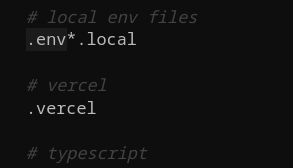
Check the .env file it's listed in the file
Go to the file .example.env
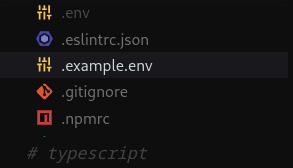
Copy the data inside the file
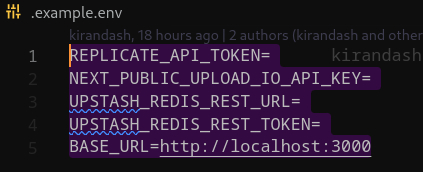
Paste it in your .Env