GitBoard
1.0.0

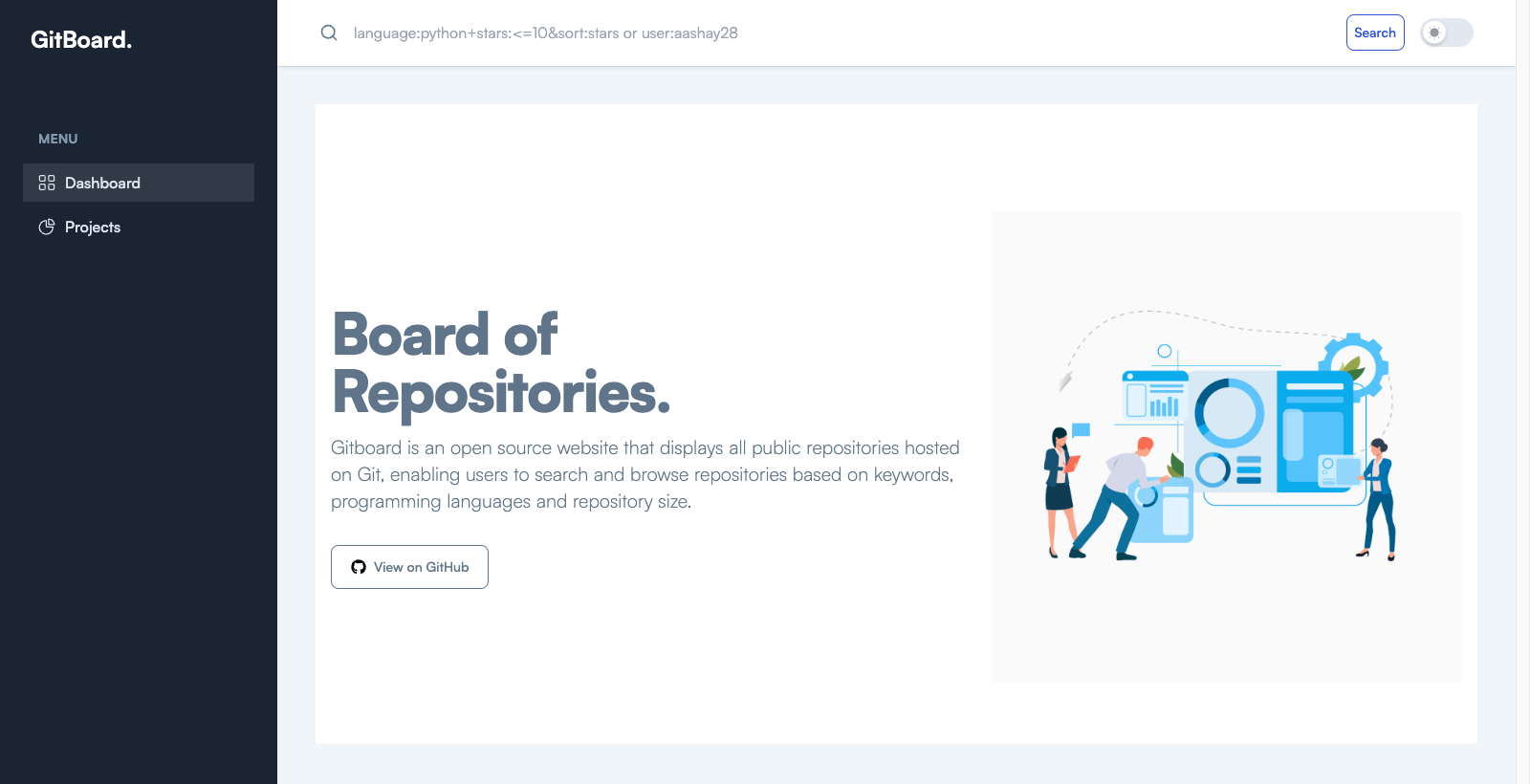
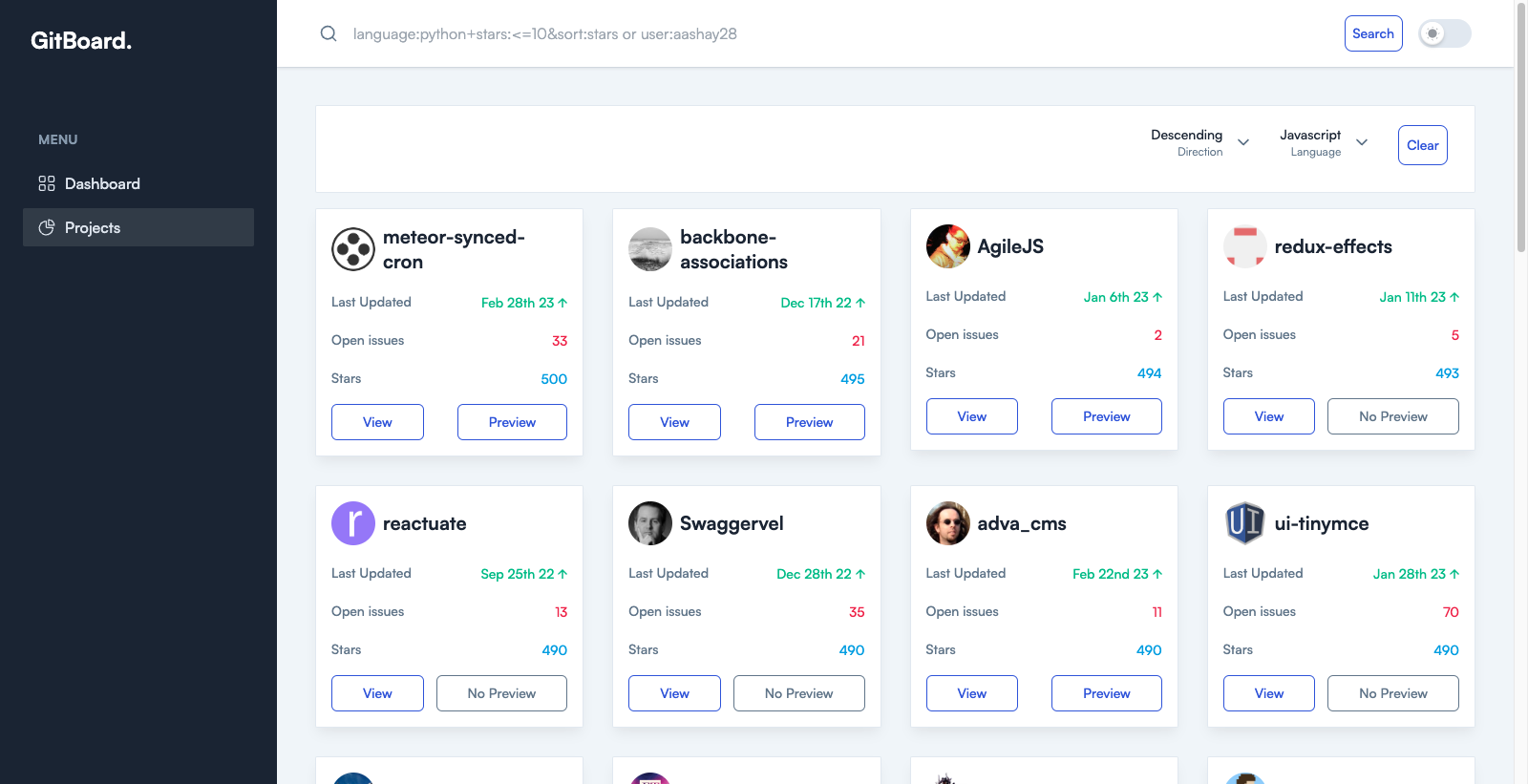
Gitboard is a website that displays all public repositories hosted on Git, enabling users to search and browse repositories based on keywords, programming languages, and repository size. Users can view commit history, download code, and contribute to projects. Gitboard provides a unified search interface for users and tools for repository analysis.
To create this website we used:
Take a look at Contributing Guide for further guidance.
Follow the below steps to setup the project for local development:
# Go to your project directory and clone the project
git clone https://github.com/aashay28/GitBoard.git && cd ./GitBoard

# Install packages
npm i

# Start the application in dev mode
npm run dev
Now you can start editing the files and view the changes using this url
Gitboard is licensed under the MIT License. See the LICENSE file for more information.
Thank you for using Gitboard!





