confess crush
1.0.0

Create a confession website without code
Detailed instructions
Note: If you are using your phone, you need to open this instruction in the form of the computer by opening this site in the Chorme browser and follow the picture below:
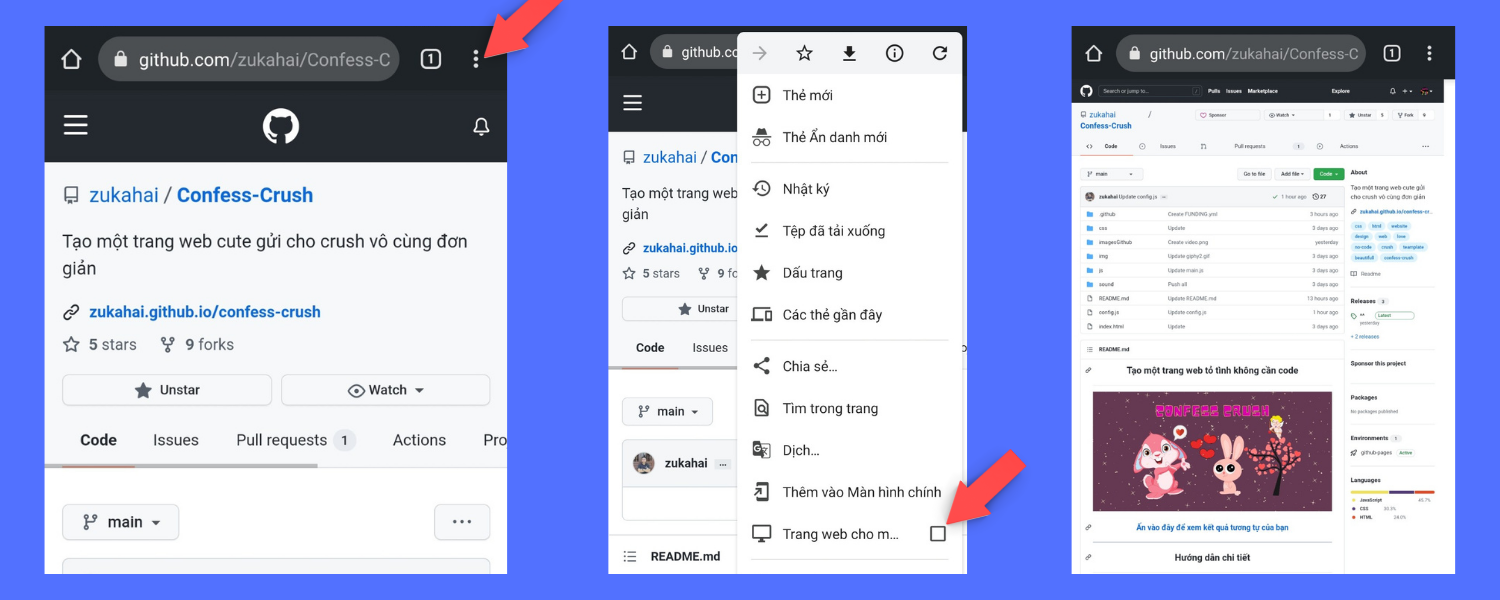
You must have a github account, if you do not have or register here
After logging back, you come back here, the next steps are extremely simple.
Follow github.
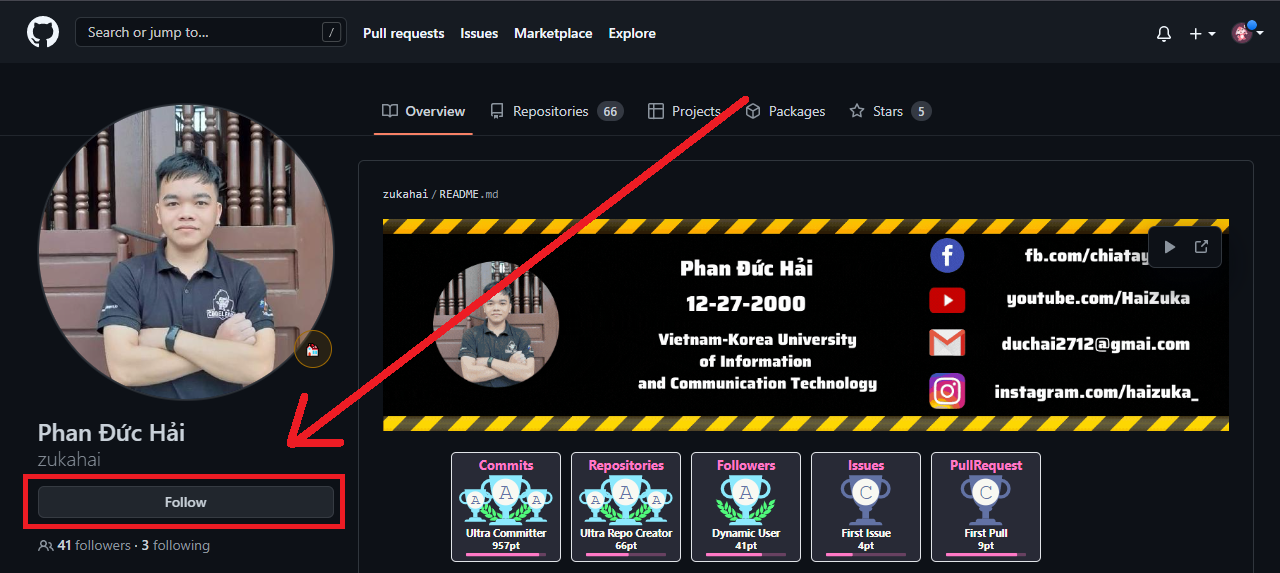
Access and link and press Follow for me: https://github.com/zukahai
To be able to fix the site as you like, you need this Fork Project.
At this page, click on the two icons as shown below.


To edit in the web as you like, the version needs to edit the config.js
Click on the word config.js to open the file.
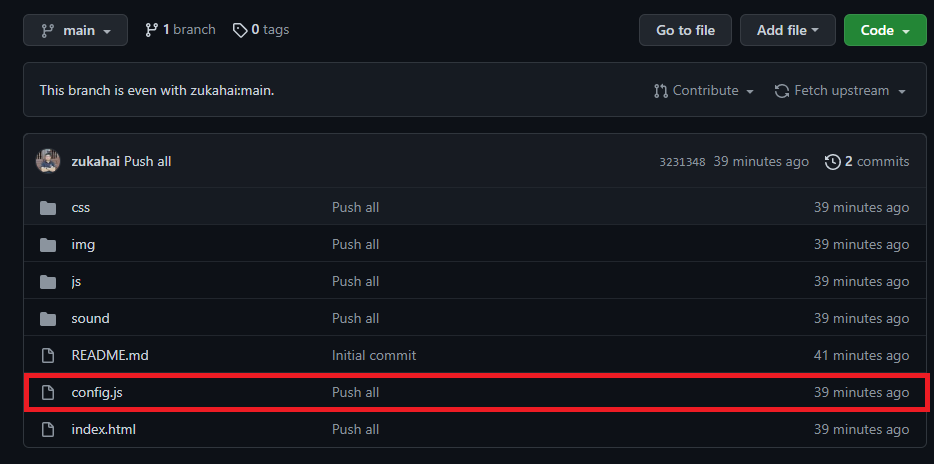
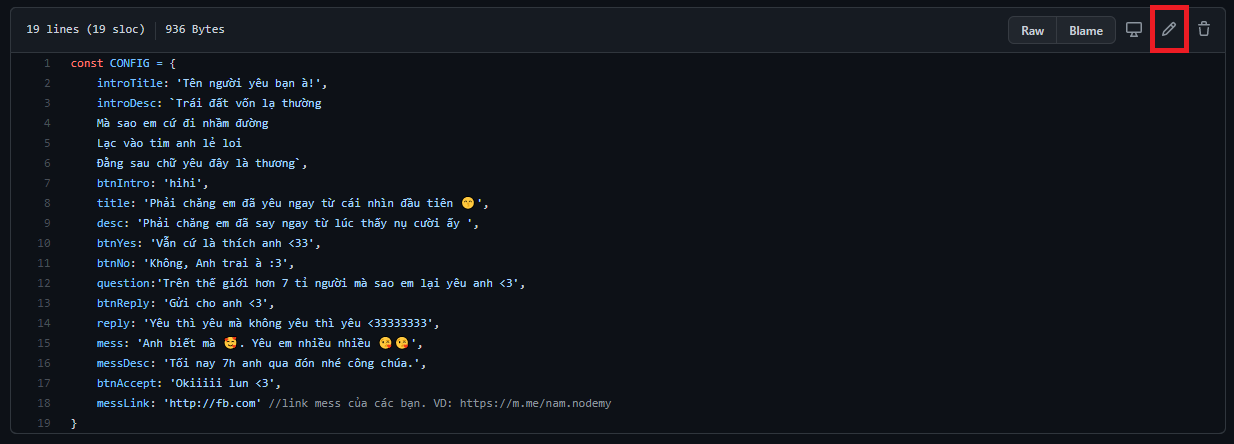
Coming here, please edit the information in that file as you like.
You can edit your website name, your crush name, edit the link into your message, ...
After editing, remember to press and 0 to save offline.
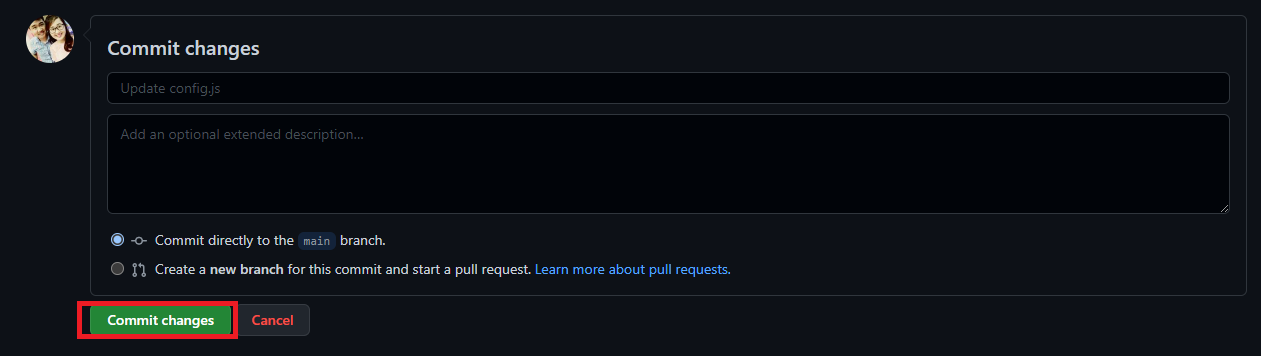
First you visit: https://vercel.com/login
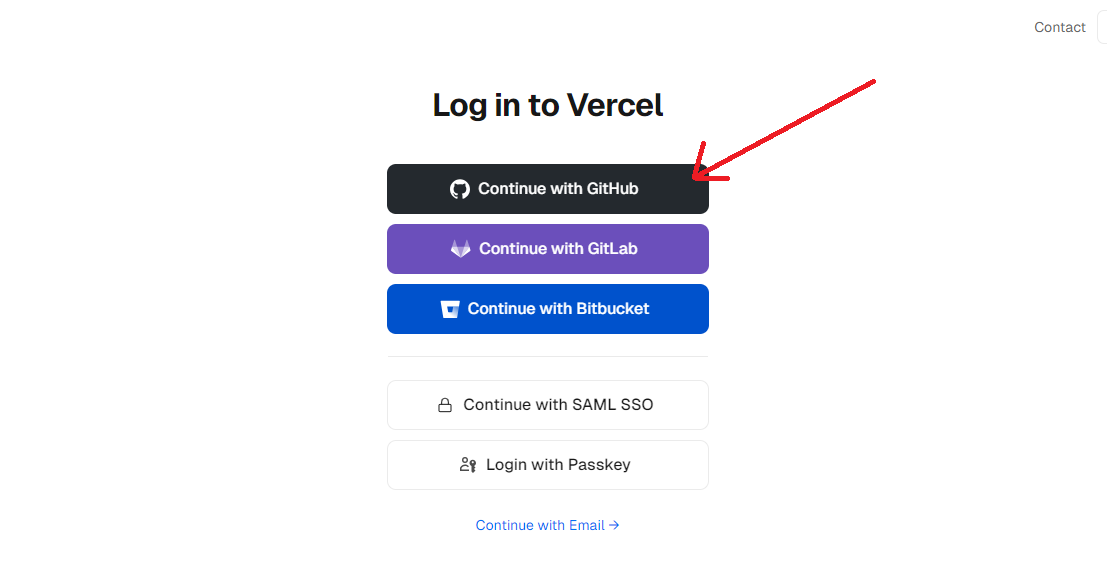
Select login with github:
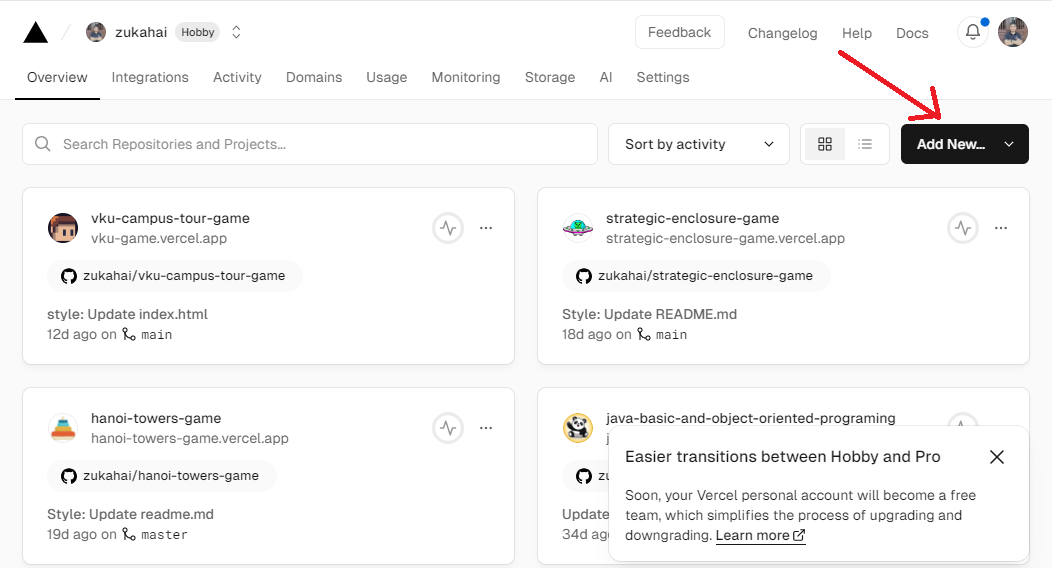
After logging in, at the main interface, press the Add New button, select Project
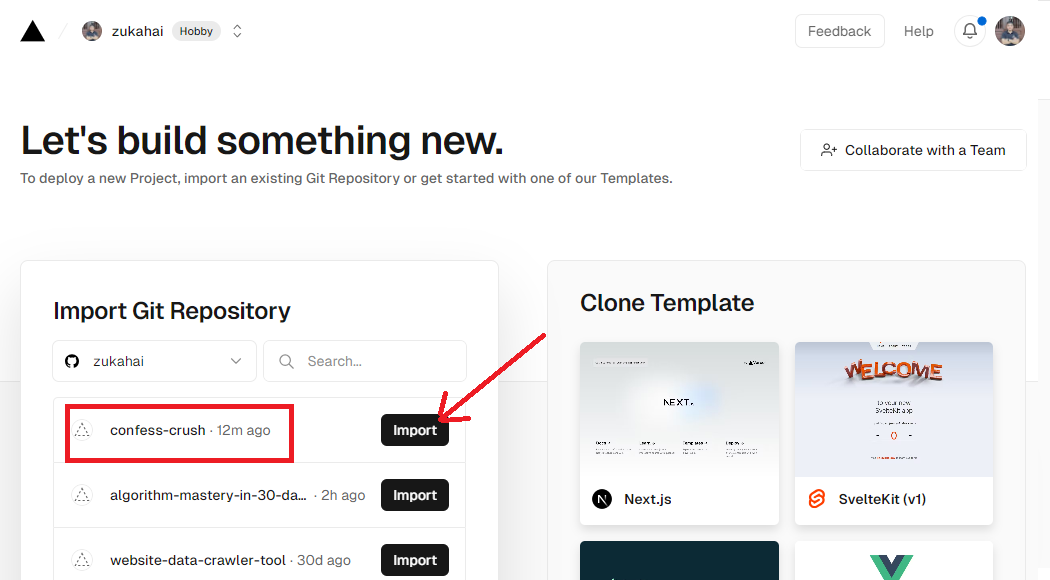
Click Import to the right of Confress-crush as shown in the picture:
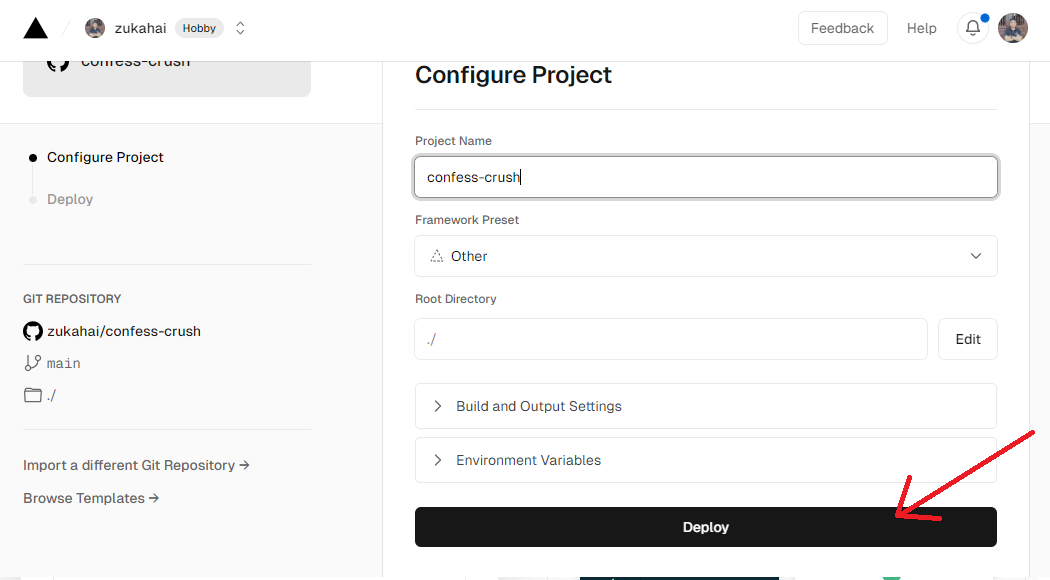
Choose a blank and wait about 1 minute for your website to be created.
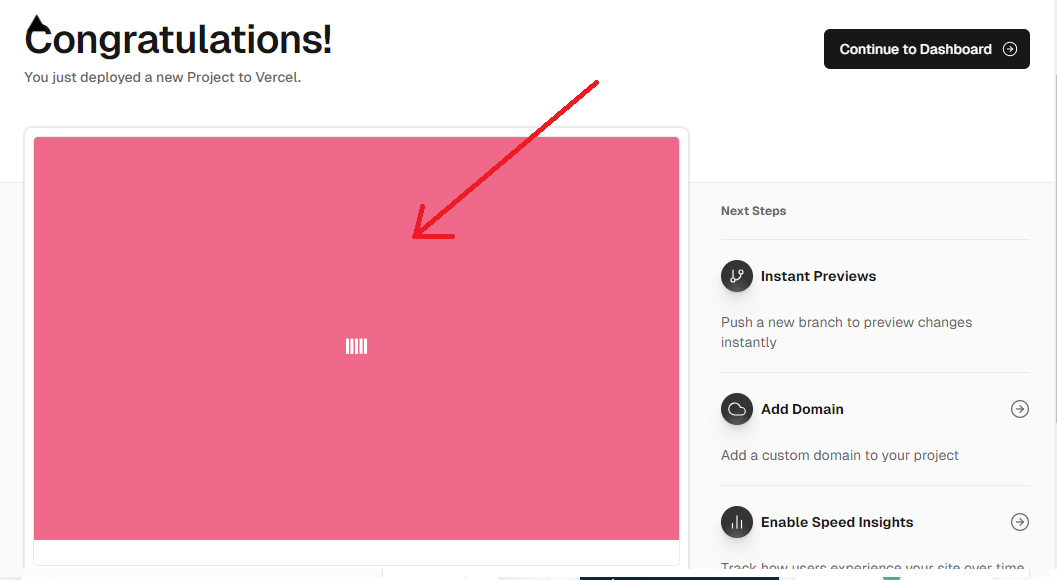
After appearing as shown below, congratulations on creating a successful website. Click on the picture to get your website link.
Video tutorial
Can you not do it yet? It may be wrong in a certain step, watch the video tutorial to know where you are wrong.
See Vide instructed here

Click here to see your similar results

Questions and feedback
If you still have not done or do not know if you do it wrong here, click the picture below or click here

?????? I wish you success ??????
Source-Code is referenced from many sources.







