RPI_web_remote_control
rpi-remote-1.1

Use Raspberry Pi to remotely control switches for air conditioners and other home appliances
This is a small project or experiment that uses web pages to remotely control Raspberry Pi to emit infrared signals to control air conditioners and other home appliances. Simply put, you can use your mobile phone to control the air conditioner through the web page on the way home, turn on the air conditioner in advance, and set it to the required temperature. At the same time, the indoor temperature and humidity can be monitored in real time on the web page.
The code is mainly written using Python's flask framework. In order to be able to remotely access the Raspberry Pi under the public network, use the FRP intranet penetration tool.
Because I am not very familiar with the front-end, this web page is very simple to write. But it basically realizes the functions and keys we need to display.
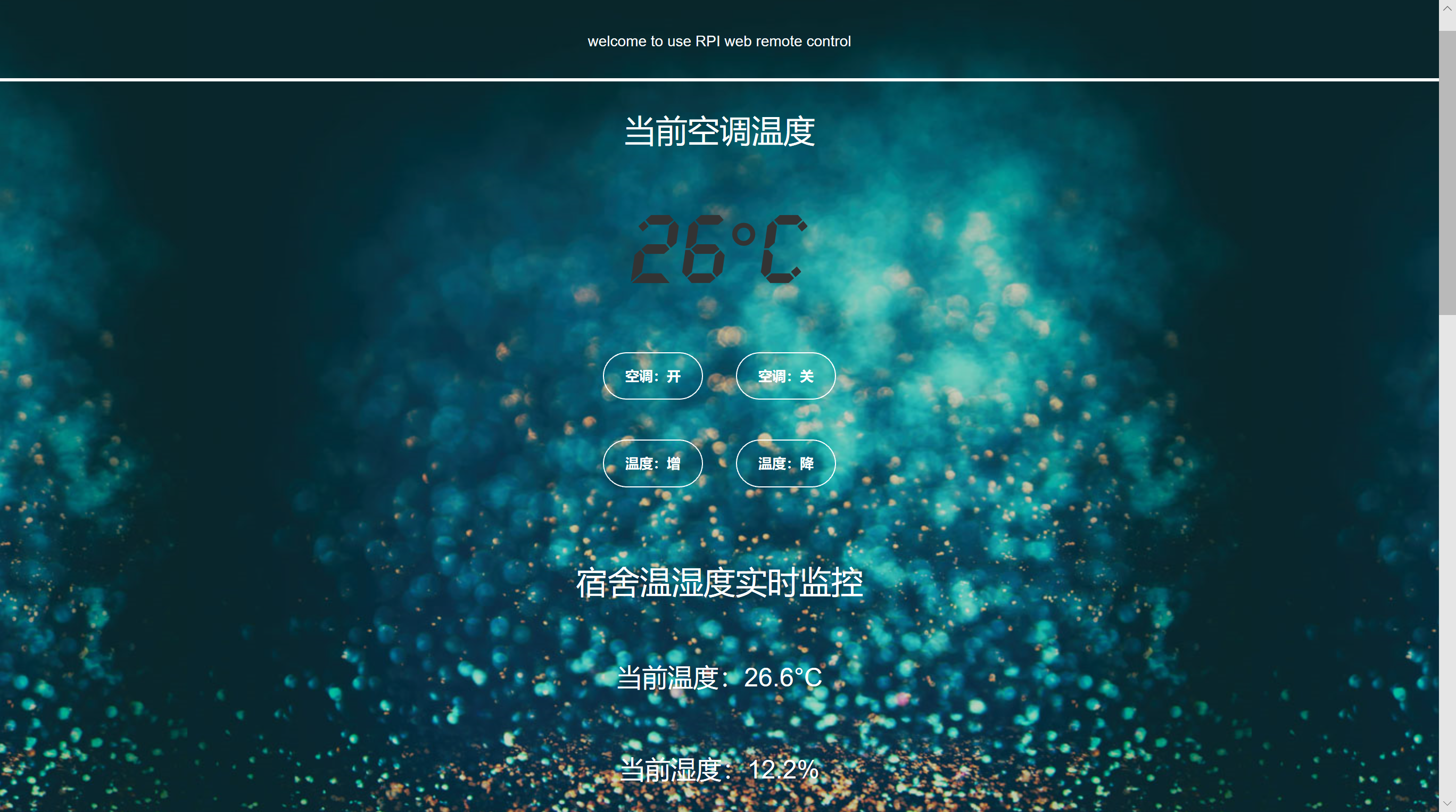
For more renderings, you can view the pictures under the img folder
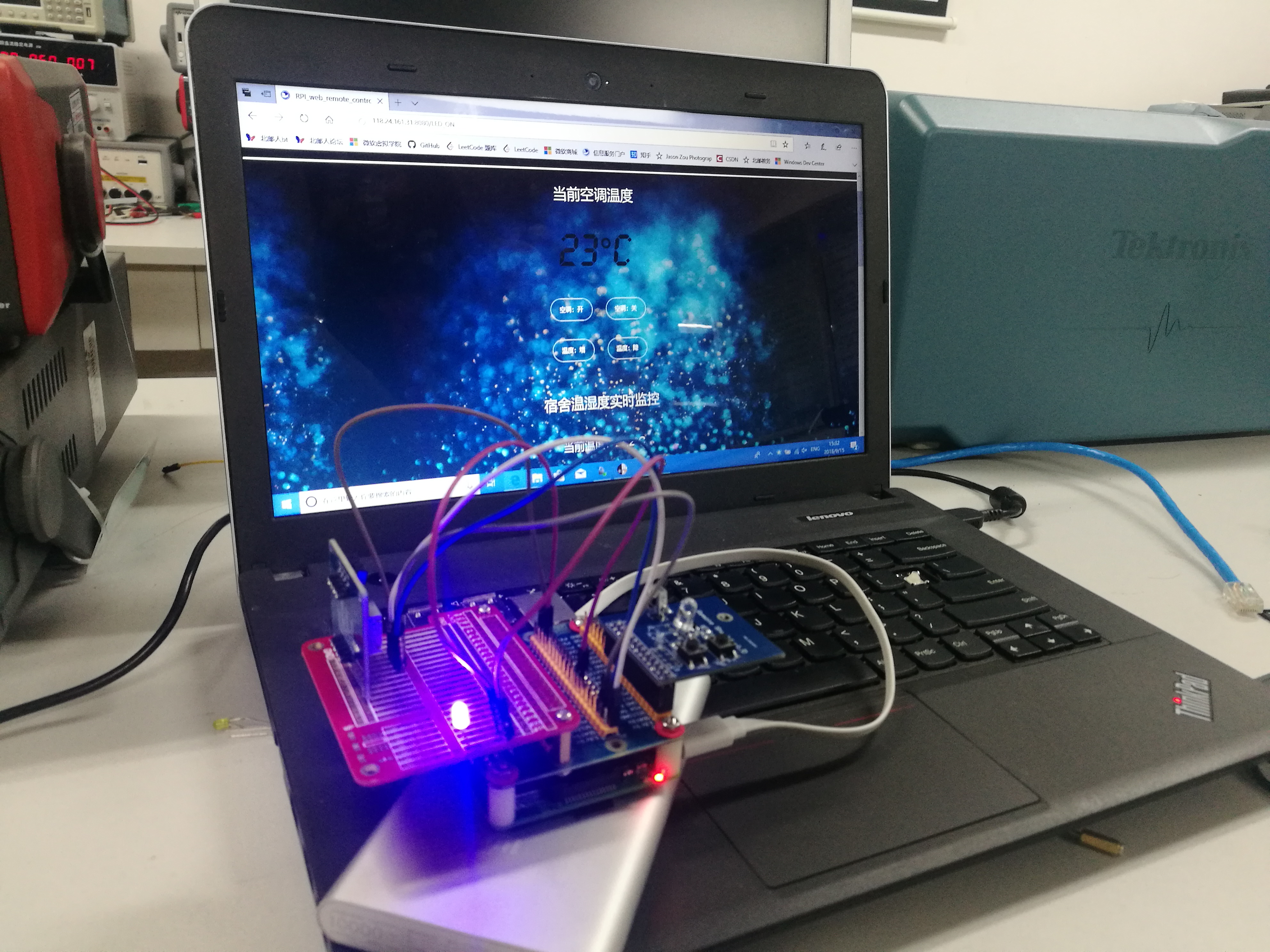
 RPI_web_remote_control/
|-- img                     //用于存放README.md演示图片
|-- net_setting             //用于存放内网穿透的设置文件
|-- README.md
`-- web_interface           //用于存放Python写的flask工程
If you have some experience in using Linux and have a certain understanding of web application frameworks like flask, I believe you will be able to get started quickly. After configuring the intranet penetration and installing flask, you can just run the app.py file under web_interface directly.







