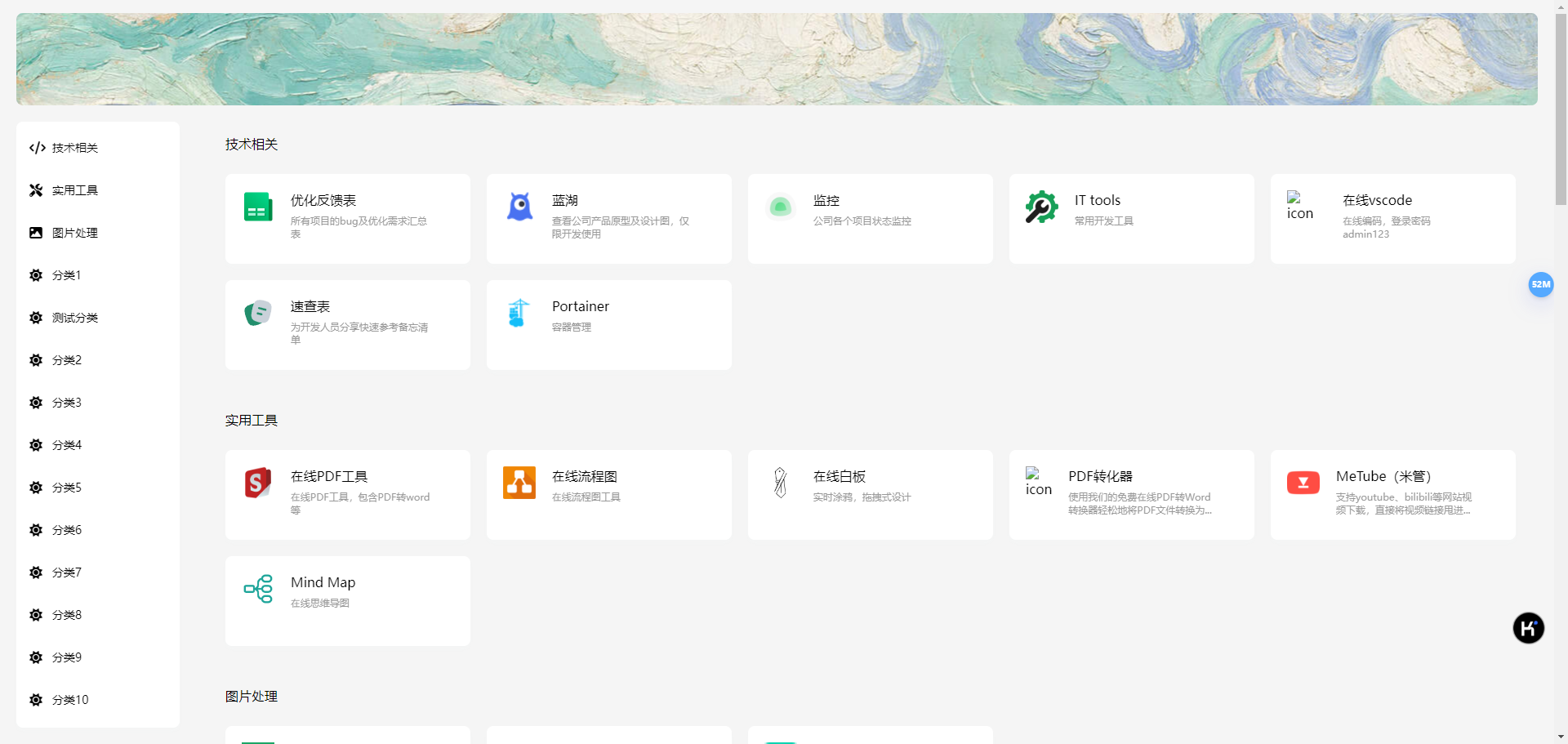
ThinNav
1.0.0

Because I need to use some URL navigation pages in my work and life, some URL navigation projects I found are either too complex or some basic functions are not implemented (such as no background management), which is very unfriendly to non-programmers.
Today, when AI technologies such as ChatGPT are booming, I think although I don’t know how to write code, I may be able to use the power of AI to realize a simple project, so I have developed a website navigation project that can use it myself and can test my ability to use ChatGPT.
First, git clone this project, enter the project directory, and execute the following command:
docker compose up -dWait for the deployment to complete, visit http://127.0.0.1:8888
The default suffix /admin is added to the background address: http://127.0.0.1:8888/admin
After deployment, an administrator account will be automatically created with the account name admin and the password is 123456.
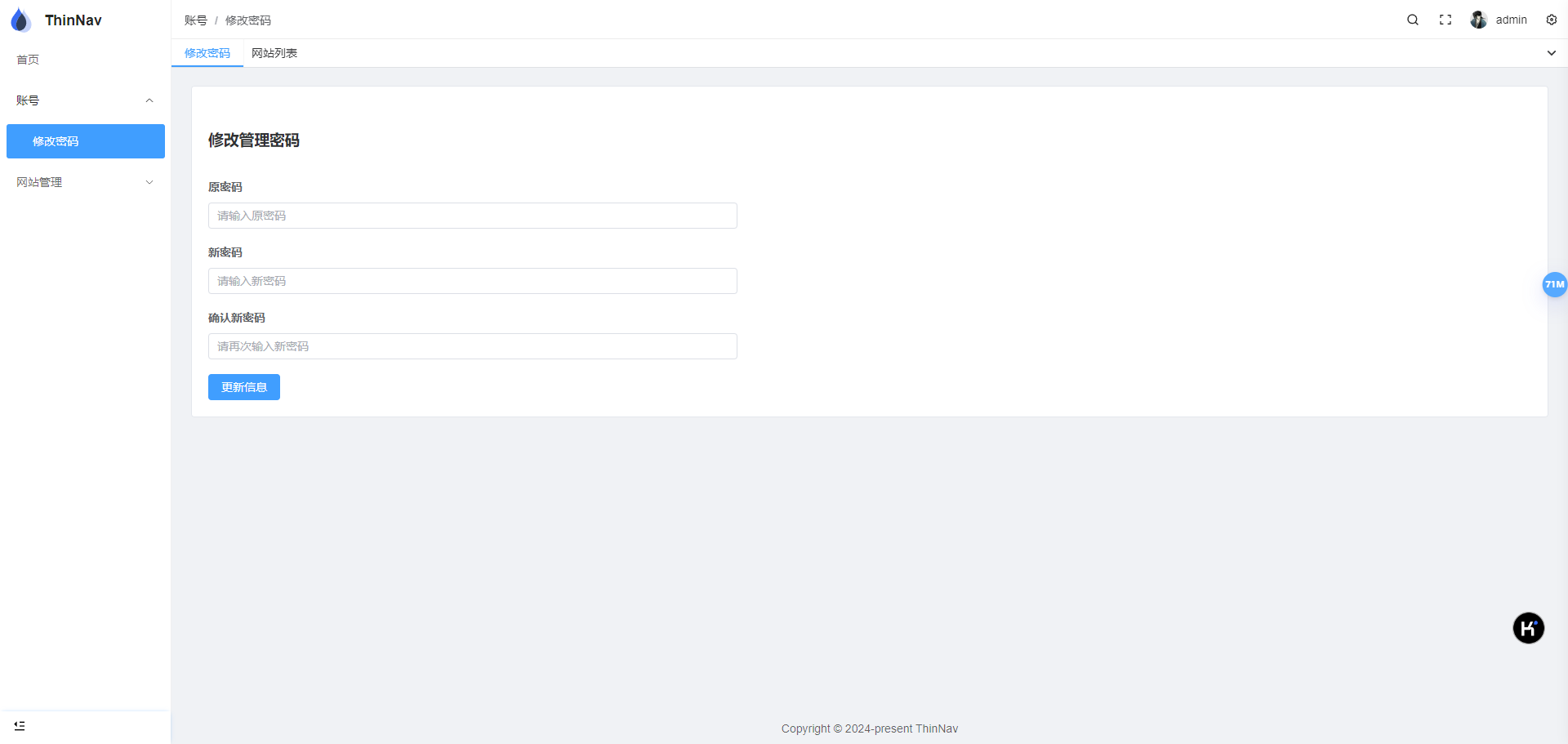
Password can be modified after logging in.
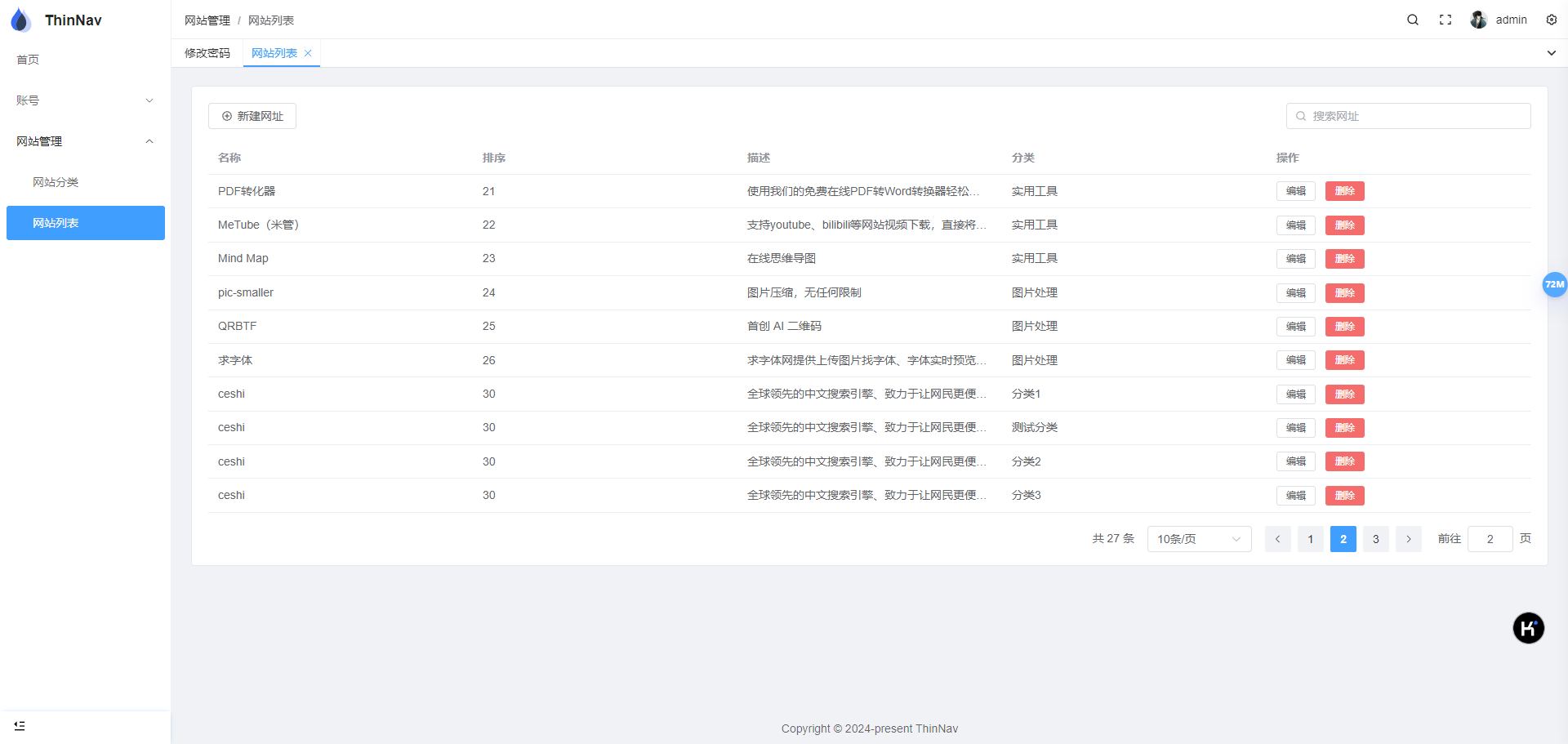
The subsequent happy creation of categories and URLs is done.
Moreover, the icons and descriptions of most URLs do not need to be filled in manually, and the icons and descriptions of the website will be automatically obtained when created.
If you forget your password, you can go to the project directory to execute the following password reset script:
docker compose exec app python reset_password.py User side: Vue.js
Backend management: pureAdmin
Backend: fastapi
Database: sqlite