Flashy
Flashy is a free Flash integration plugin for CloudArcade, a cloud-based gaming platform. This plugin allows you to easily integrate Flash games into your CloudArcade games library.
Live Demo
You can see a live demo of Flashy in action here.
Requirements
- CloudArcade version 1.8.6 or higher.
Installation
To install Flashy in your CloudArcade, follow these steps:
- Download the latest release.zip file from here: Flashy Release
- Login to your CloudArcade account.
- Go to the "Manage Plugins" section in the CloudArcade dashboard.
- Select the zip file you downloaded then click "Upload".
- Once the plugin is installed, click on it in the sidebar then you can start adding Flash games to your CloudArcade games library.
Important Notes
- The Premium License Code settings of Flashy is optional, you can leave that empty if you don't have one.
- The flash games included in the free license are in normal quality. If you want to access the premium high quality games, you need to purchase the premium license code of Flashy here.
- This plugin is completely isolated from the CloudArcade core files. No core files are modified when this plugin is installed.
Previews
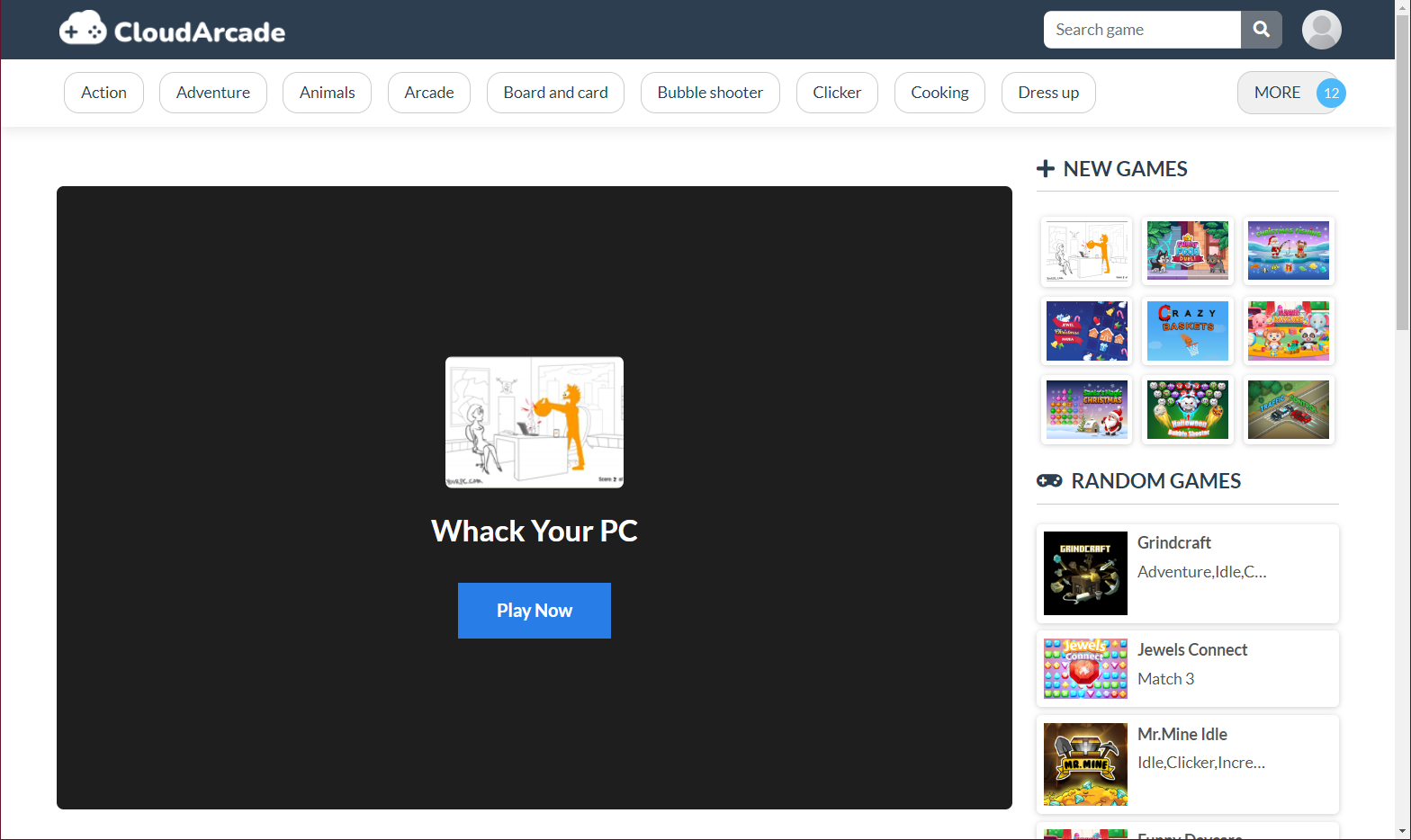
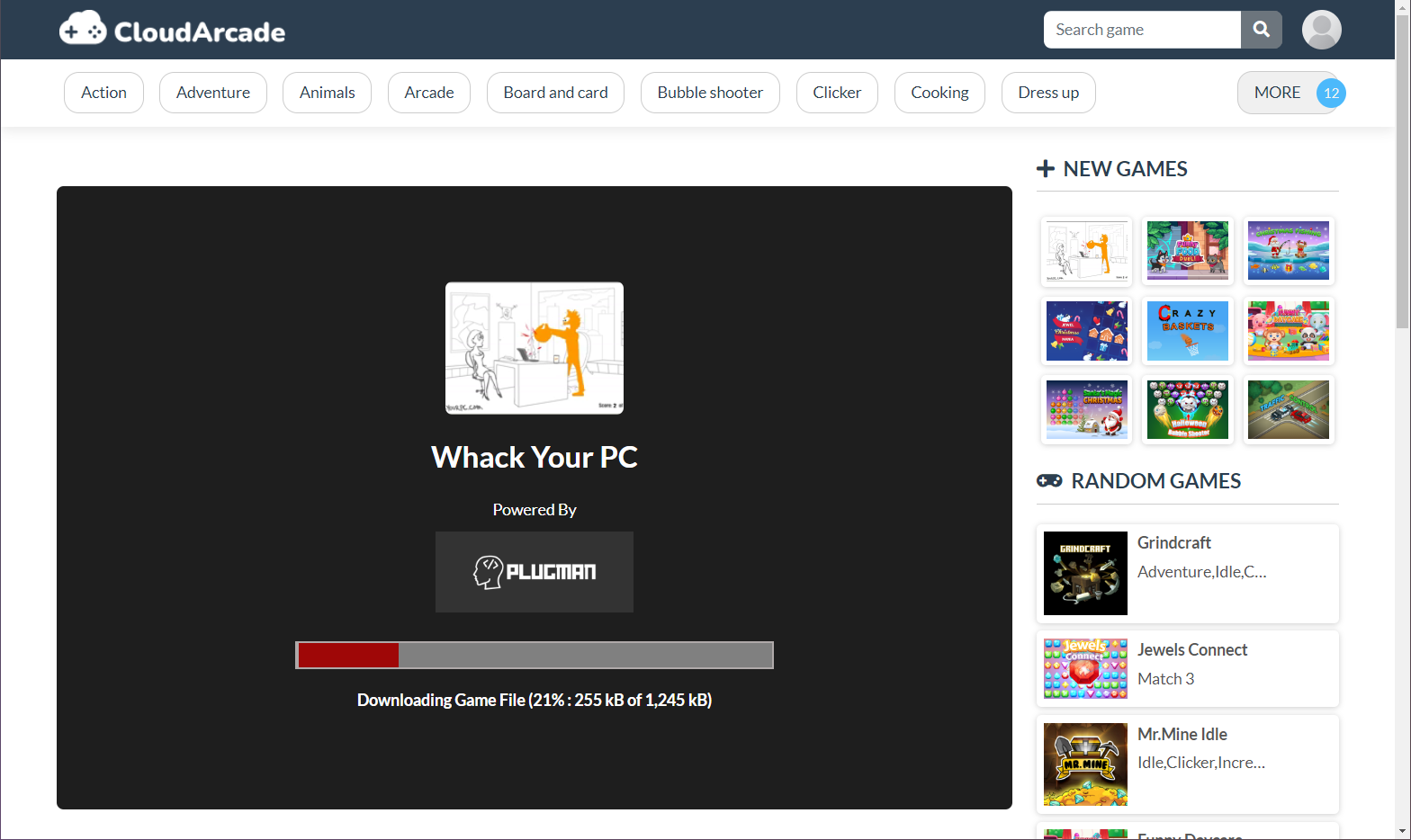
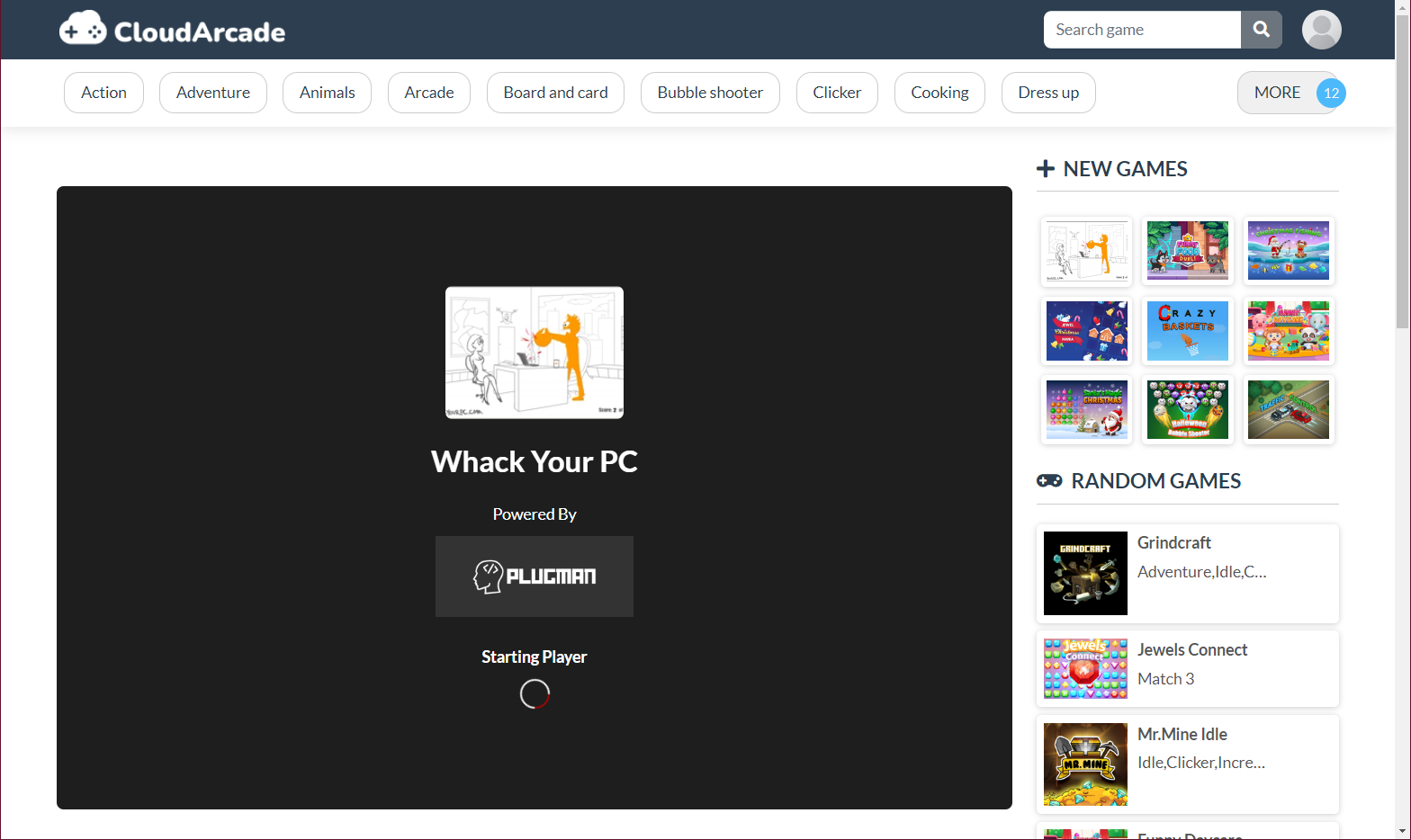
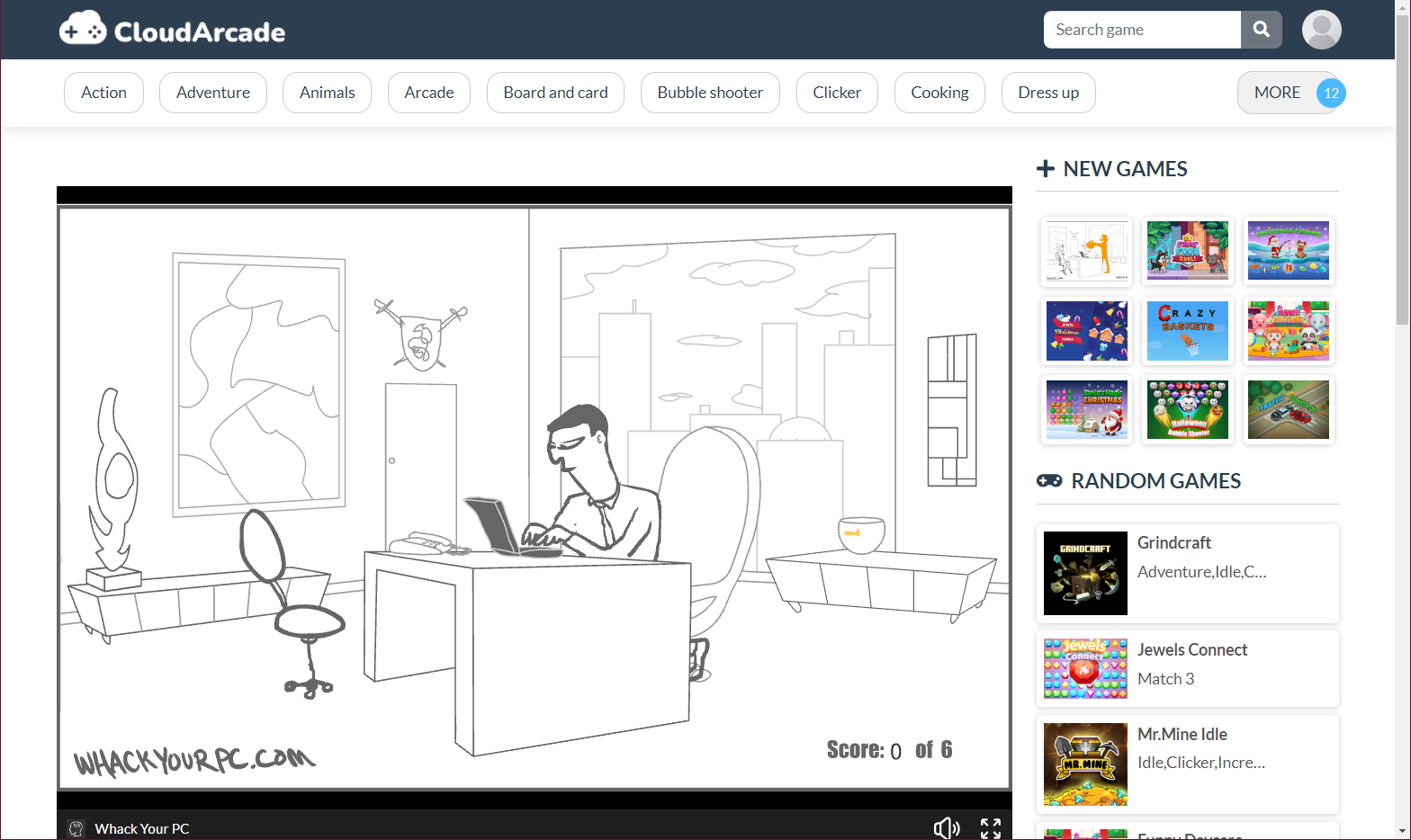
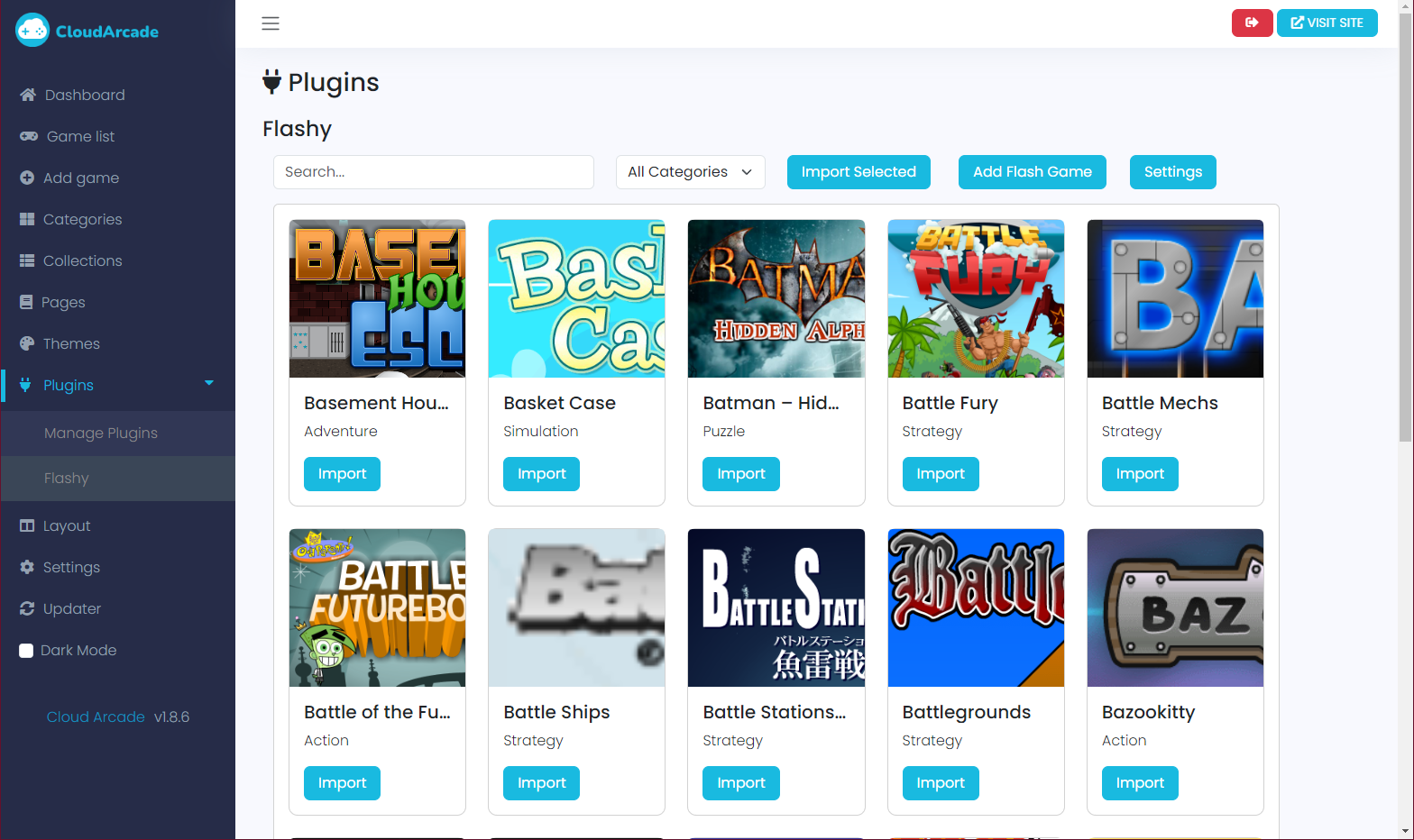
Broken Flash Games
If there are any Flash games that are not working, please open an issue with the following information:
- The name of the game.
- Category of the game.
- ID of the game.
Support
If you encounter any issues or have any questions, please feel free to open an issue. We'll be happy to assist you.








