rkflashtool_ui
Feature
- Supports Rockchim Micro Series 3326, 3566, etc.
- Support Quanzhi R818
- Support M series Mac
Use
Precondition: Make sure that the Mac is connected to only one device to burn
 $ adb devices
List of devices attached
4ae29ab43ad0e7eb	device
Open the software rkflashtool.app. The first time you open the software, you need to right-click to open it to allow distrusted developers.
Upload firmware
- Click firmware, select the firmware to burn, and display the following information
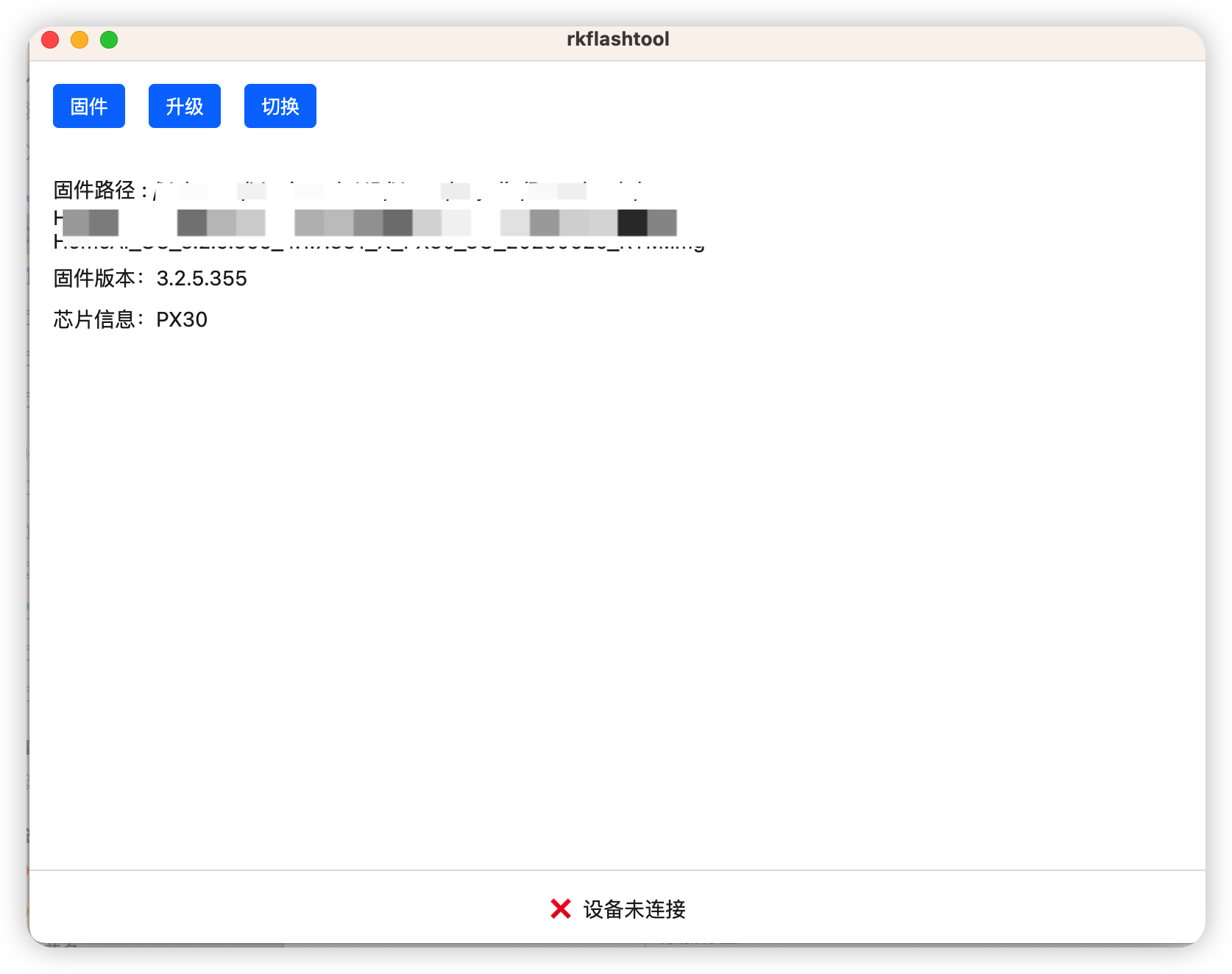
Switch devices
- Click to switch, the device switches to Loader mode, the switch is successful, and the information is displayed

Upgrade firmware
- Click the upgrade button to start upgrading. If the upgrade is successful, the device will automatically restart.
- The R818 device must be powered with a bottom case. Click the upgrade button to re-plug and unplug the USB of the device. The device will automatically restart after the device is updated successfully. If the upgrade is not successful for a long time, try again after the device is completely powered off.








