flash 8 commands
1.0.0

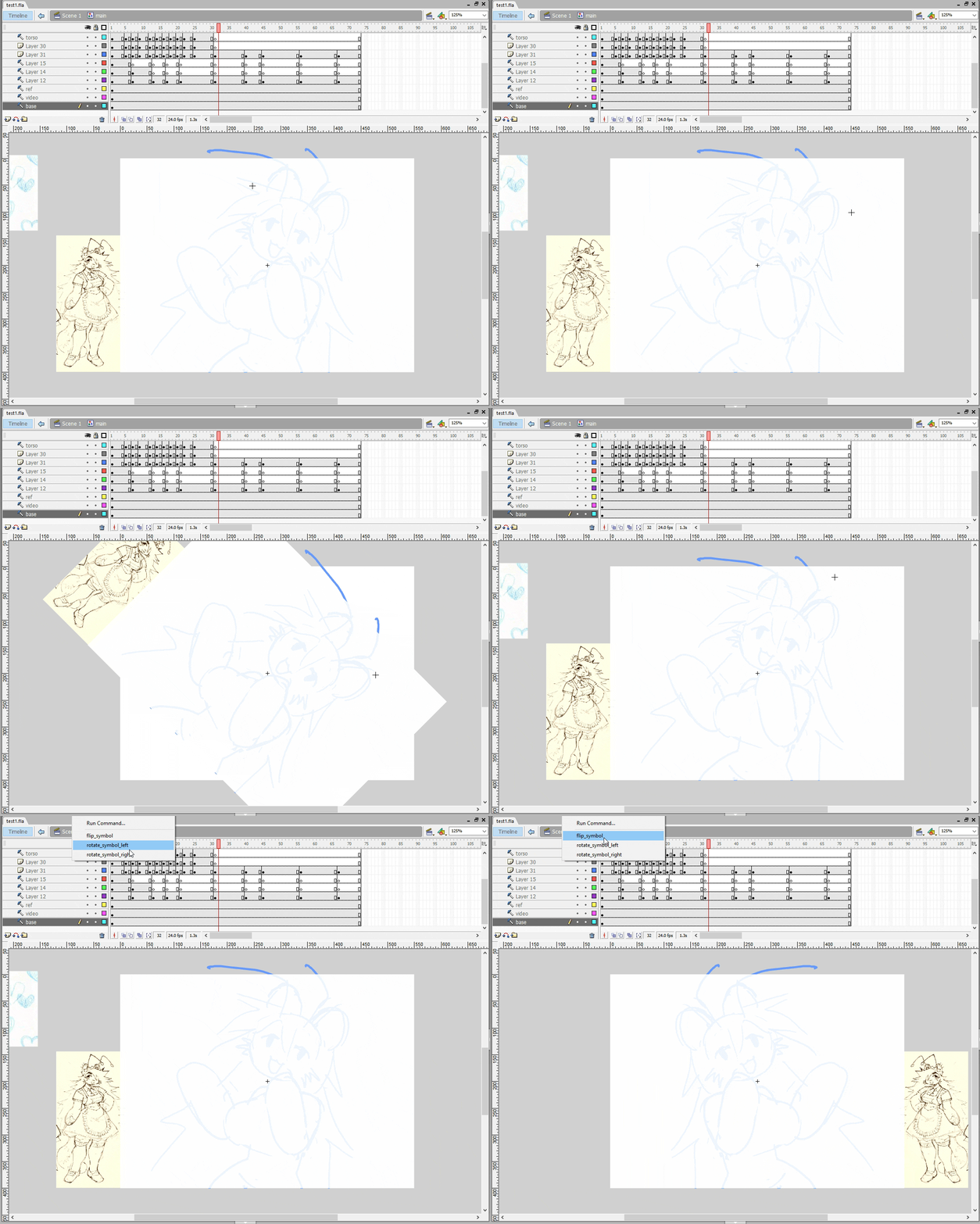
flash 8 commands for rotating and flipping the stage. I wrote these in 2023. should make the drawing experience a little easier for people like me who like to rotate and flip their art as they work :)
what this does: rotates and flips entire drawing surface without transforming or altering anything, similar behavior to in art programs like photoshop and krita when flipping/rotating the canvas.
INSTALLATION INSTRUCTIONS
before running flash:
drag everything in the commands folder to here:
C:Users[ MY USERNAME ]AppDataLocalMacromediaFlash 8enConfigurationCommands
drag everything in the tools folder to here:
C:Users[ MY USERNAME ]AppDataLocalMacromediaFlash 8enConfigurationTools
open flash
create a new file
create 1 symbol. put the 1 symbol on the timeline in 1 layer in 1 frame .use f5 to extend this single keyframe to the duration of your project. everything you make will need to be nested within this symbol for this to work.
double click the symbol or click open in place
start drawing or paste your frames or whatever
to flip the stage, go to the Commands dropdown (on the top bar) and select the desired command to run it. You can bind keyboard shortcuts to these.
if you want to use the rotate tool with the mouse, go to edit > customize tools panel > and then click the square on the left where you wanna place the tool. find the smiley face that says RotateStage tool and add that to the tool slot. you can then use the tool with the mouse*







