cioxo_pipeline
1.0.0

Caution
This project has been deprecated, it's an absolute mess down there.

Cioxo Pipeline
Explore the docs »
View Demo
·
Report Bug
·
Request Feature
Cioxo Pipeline is an under development VFX pipeline for freelancers/small scaled productions. It is only available on Windows at the moment.
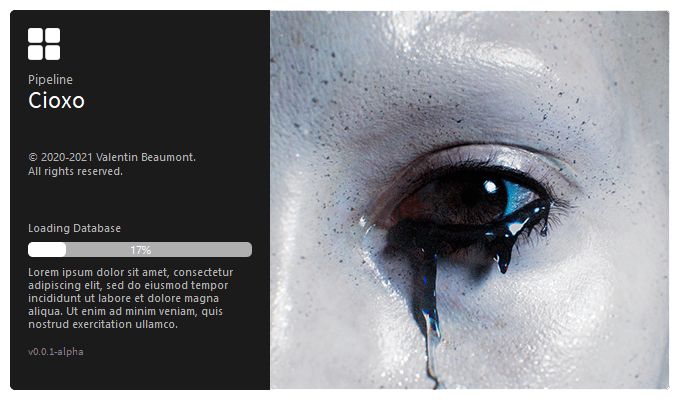
In order to make Cioxo work, here is what needs to be done.
Here are all the Python libraries you'll need:
PySide2
pip install PySide2Pillow
pip install PillowA compiled version of Cioxo has been released but it is incomplete (It only contains the Define Root and Project Manager) and has not been fully tested yet: Cioxo 0.0.1-alpha release. Otherwise, if you want to use it without the compiled version you'll need to move a few files around:
Main
Note
I use this PROJECTS folder as my rootDirectory (See Usage section)
Houdini
Note
You can also leave them in your .pipeline folder and create a SymbolicLink of the files in your C:/Users/$USERNAME/Documents/houdini{$HOUDINI_VERSION} folder (See Link Shell Extension in Acknowledgments)
Warning
Cioxo is currently incompatible with Houdini - Python 3 versions
Nuke
The two main programs are:
Cioxo - Define Root needs to run first, it will define the rootDirectory of all your projects.
Note
Note that the rootDirectory can be changed at any time by simply running Cioxo - Define Root again
Once Cioxo - Define Root has created the needed directories and files, you can run Cioxo - Project Manager. This program is the heart of the pipeline, centralizing all the projects, sequences, shots, assets, and other useful informations such as the Frame Range, or the Project Resolution. It can also create the files for the included DDCs while the integrations are under development.
Under construction
For more examples, please refer to the Documentation - Under Construction
Project Manager
DCCs integrations
Renderers integrations
To see the full roadmap, please visit Trello
List of resources that helped me through it or I found useful:
Project Link: Cioxo





