Guestbook
1.0.0

This application is build and done testing with Pipeline;
Guestbook application consists of two types of users.
The following items should be installed in your system:
git clone https://github.com/Sudarshan-Gowda/Guestbook.git
File -> Import -> Maven -> Existing Maven project -> spring-boot-admin
| Guest Book | Class or Java property files |
|---|---|
| Configuration File | application.properties |
| Scripts - Create File | database.sql |
| Scripts - Insert File | scripts.sql |
| SpringSecurityConfig File | SpringSecurityConfig.java |
step 1: Download this repository & do maven import.
step 2: Create schema with name guestbook and execute data base scripts to create table structures from database.sql and import the default data from file scripts.sql
step 3: Go to the main class file and run as Java application.
or execute the commands mvn spring-boot:run to run locally
step 4: Once the application starts, By default application will be deployed in 8080 port, and you can access it by using http://localhost:8080/
To build the application using maven, use the command mvn clean install, this will create production ready jar file under target folder to deploy to any server.
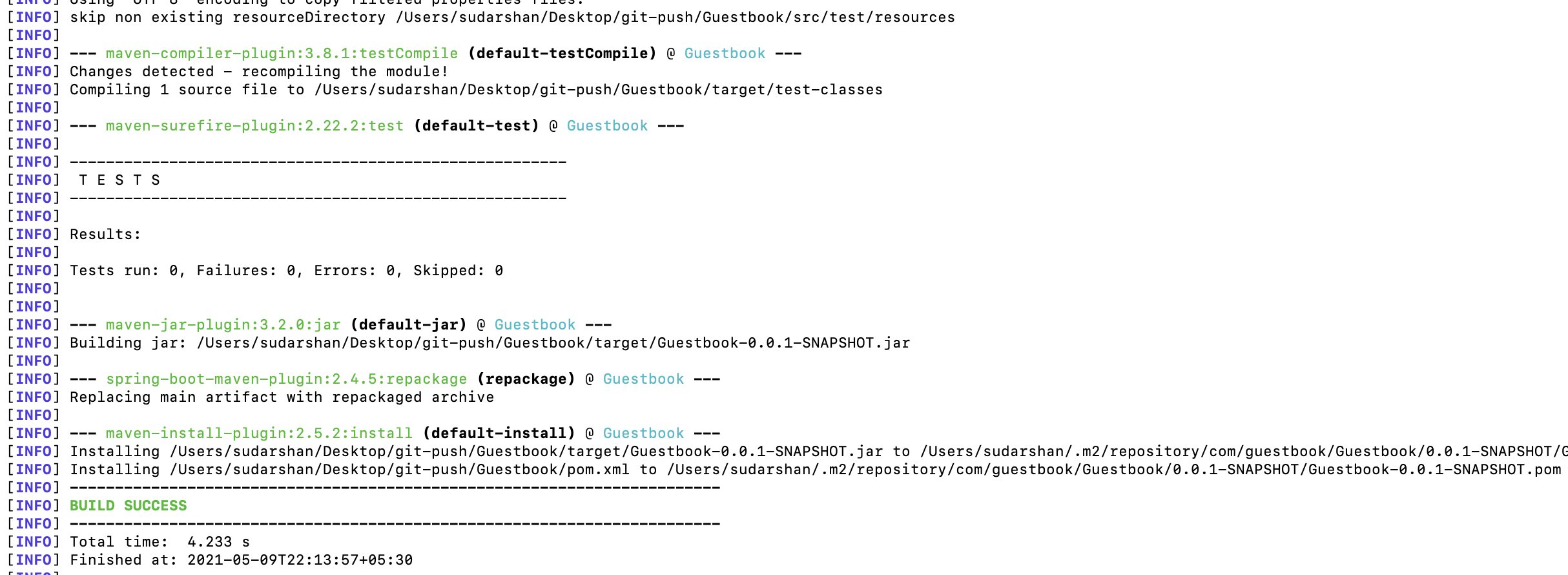
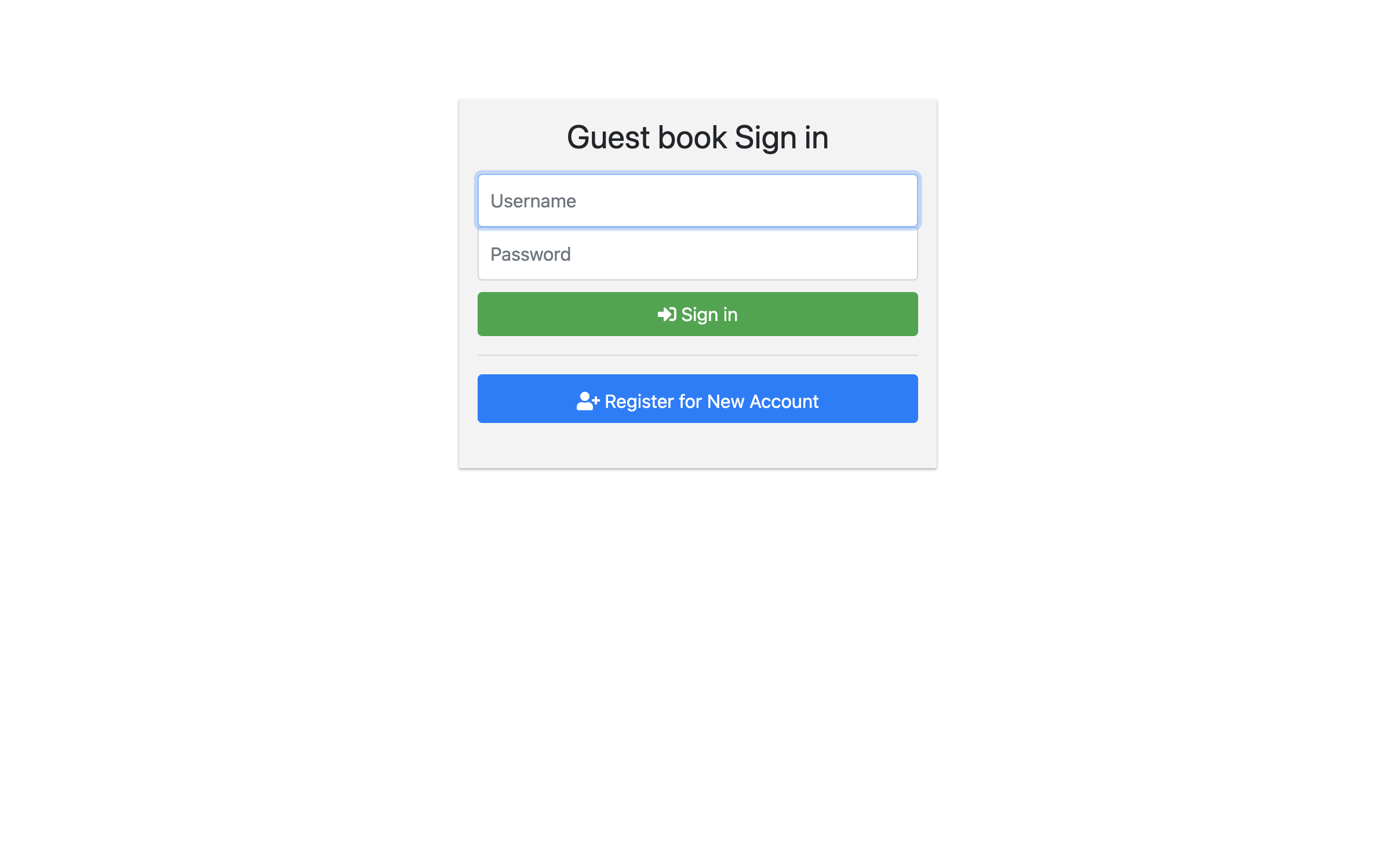
 Navigate to the URL http://localhost:8080/ and use the below credentails to login and manage the application <br>
  -- To login as ADMIN Role -- UN/PW -- `admin/P@ssword123`. <br>
  -- To login as USER Role  -- UN/PW -- `user/P@ssword123` or `user2/P@ssword123` <br>
Project Flow for Guest Book
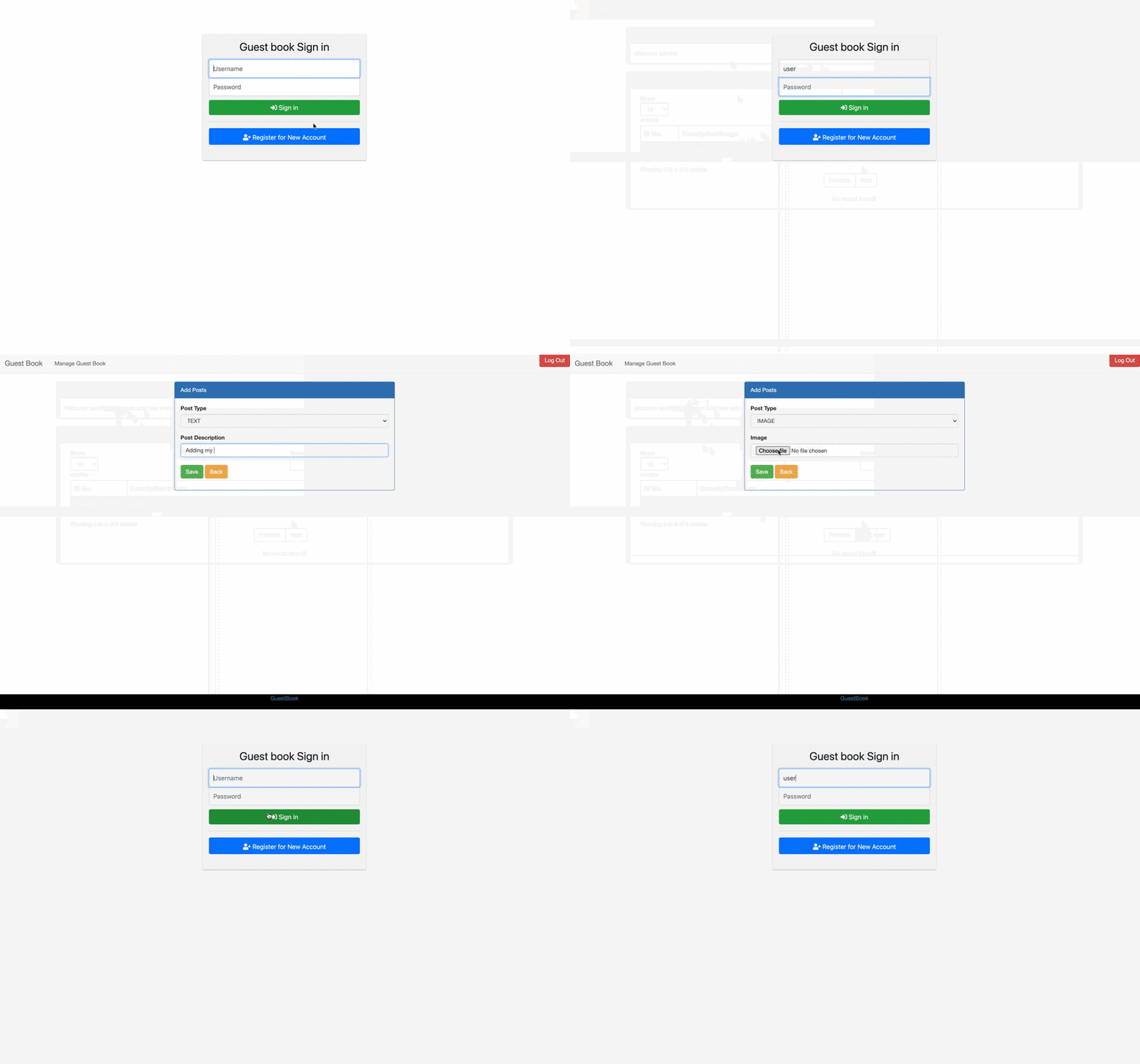
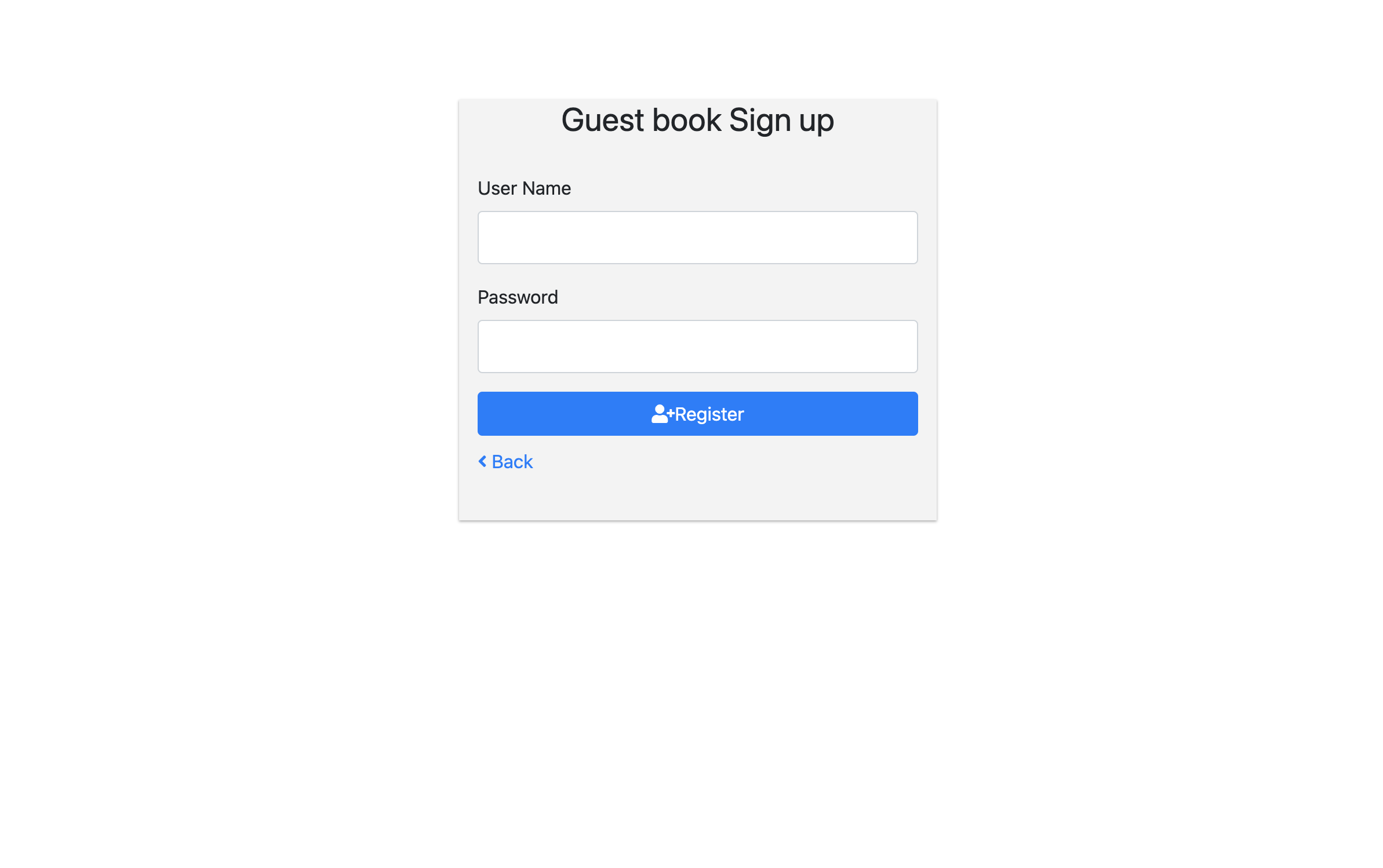
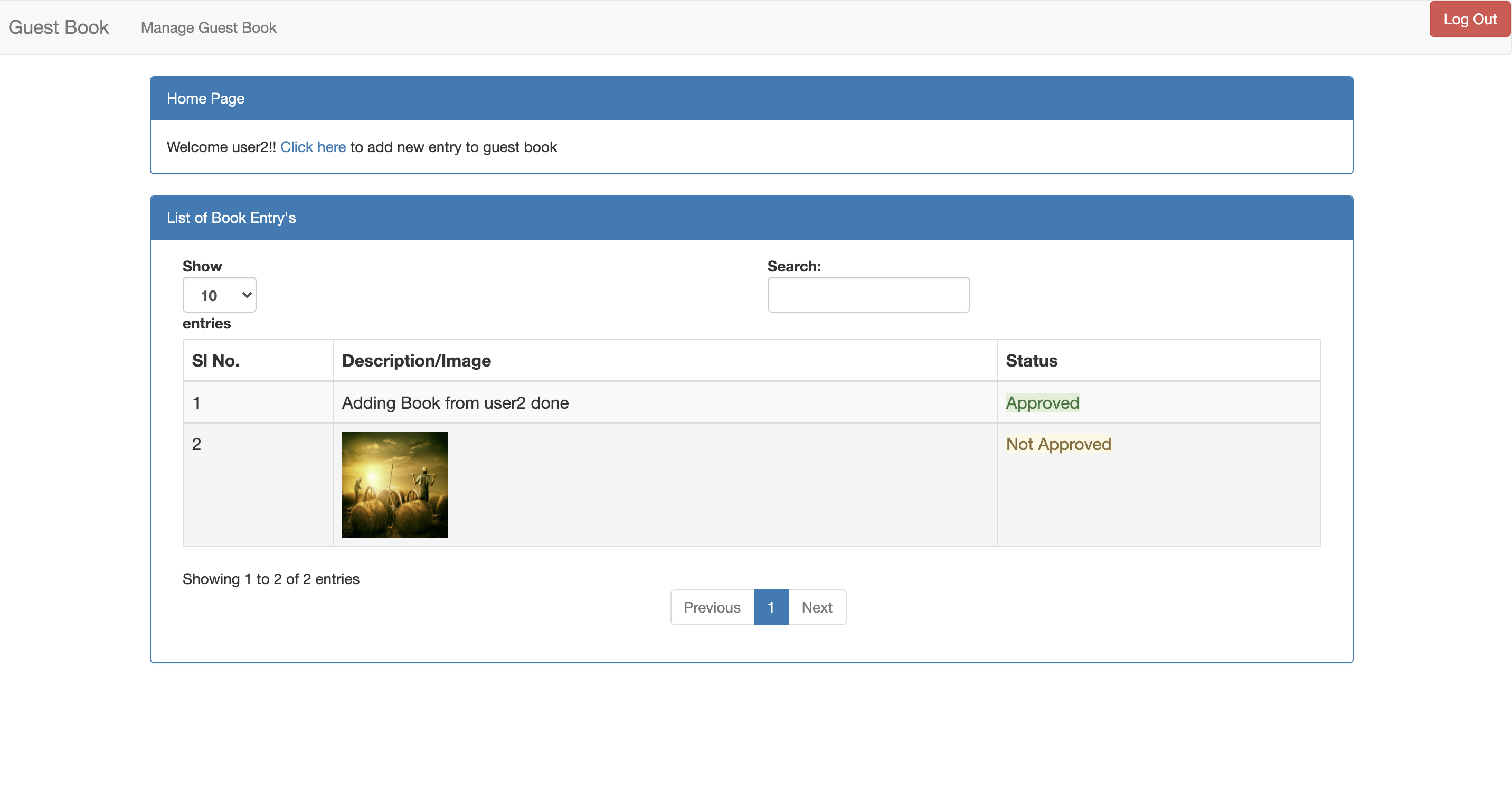
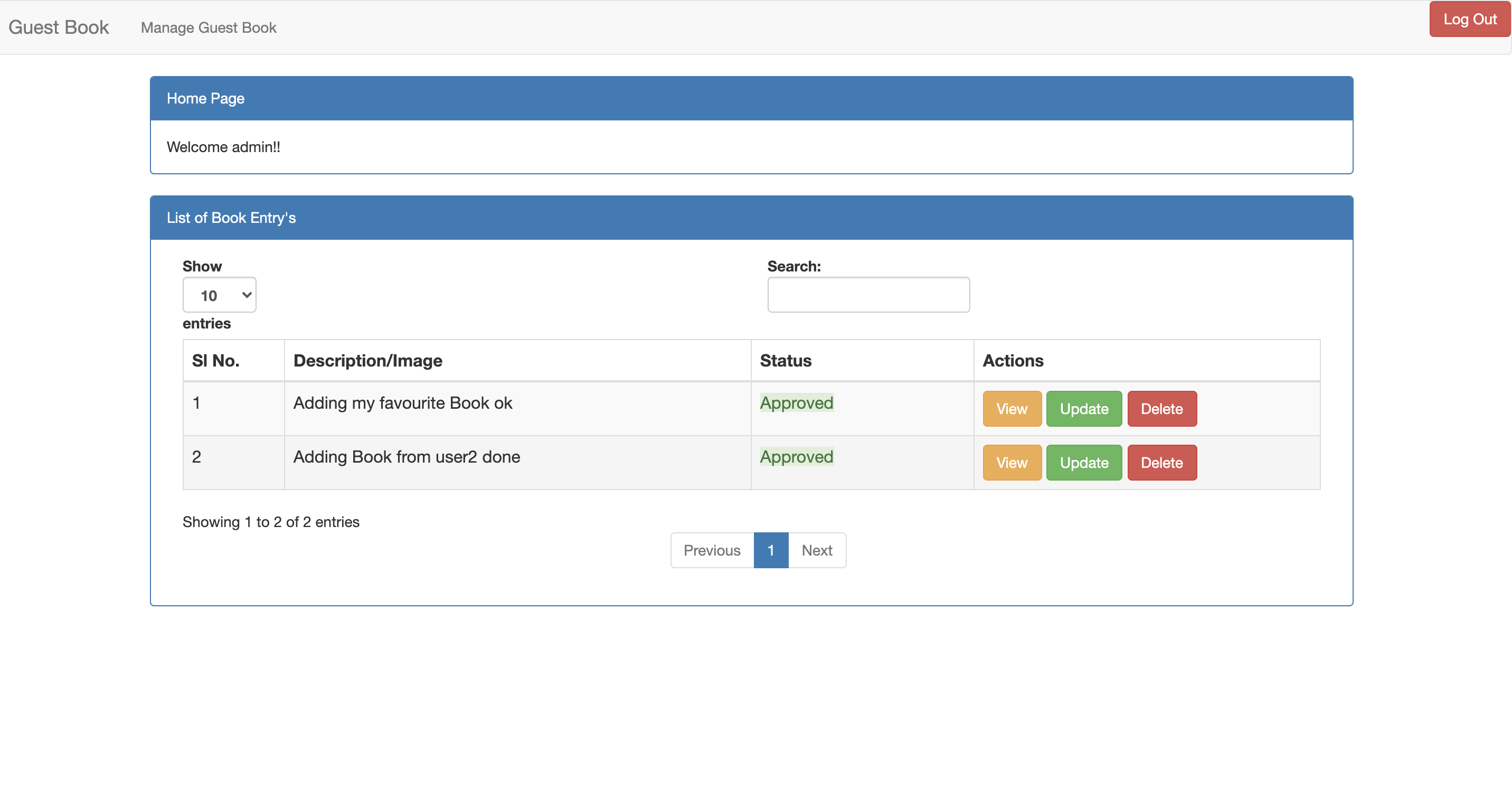
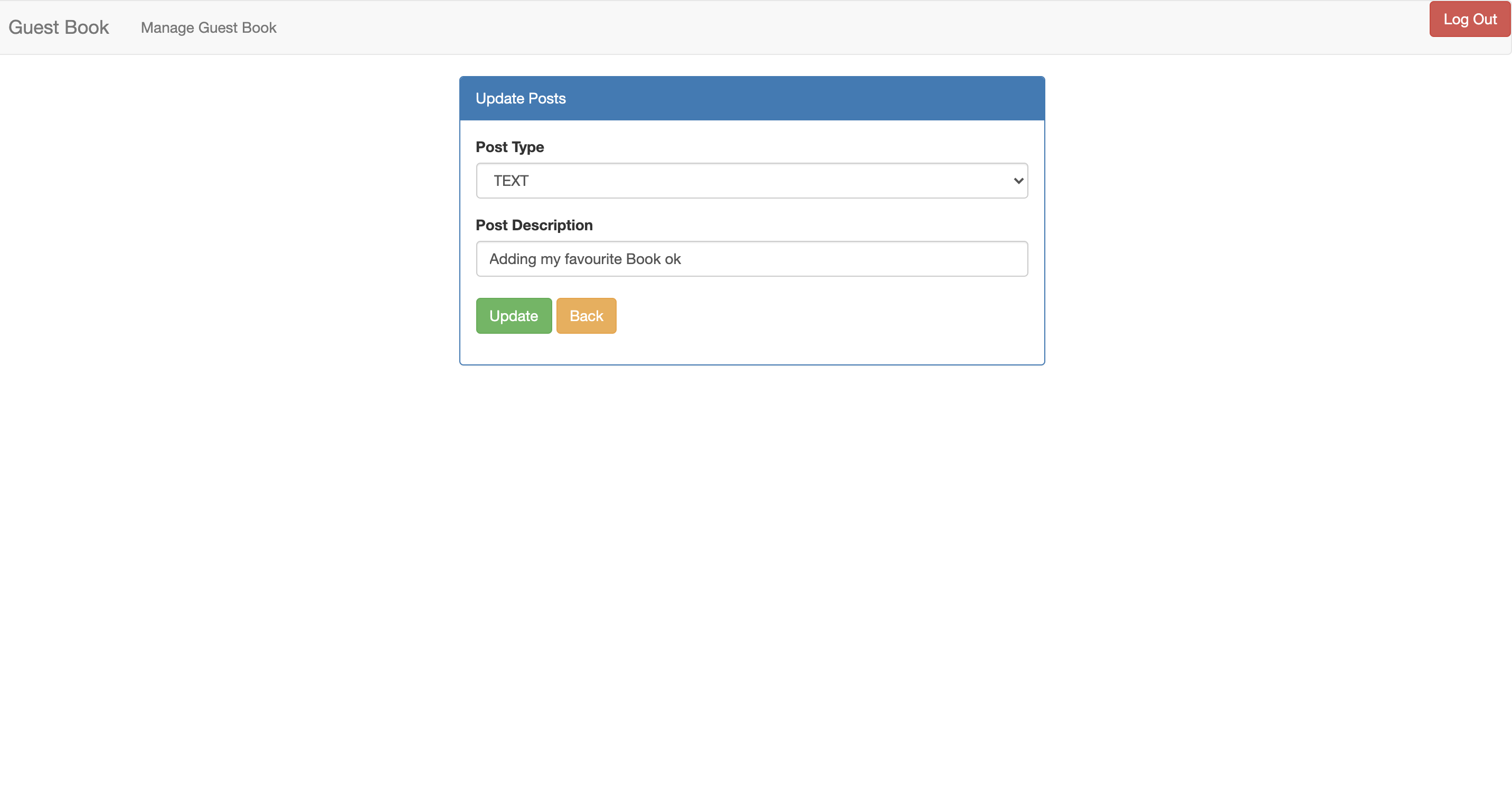
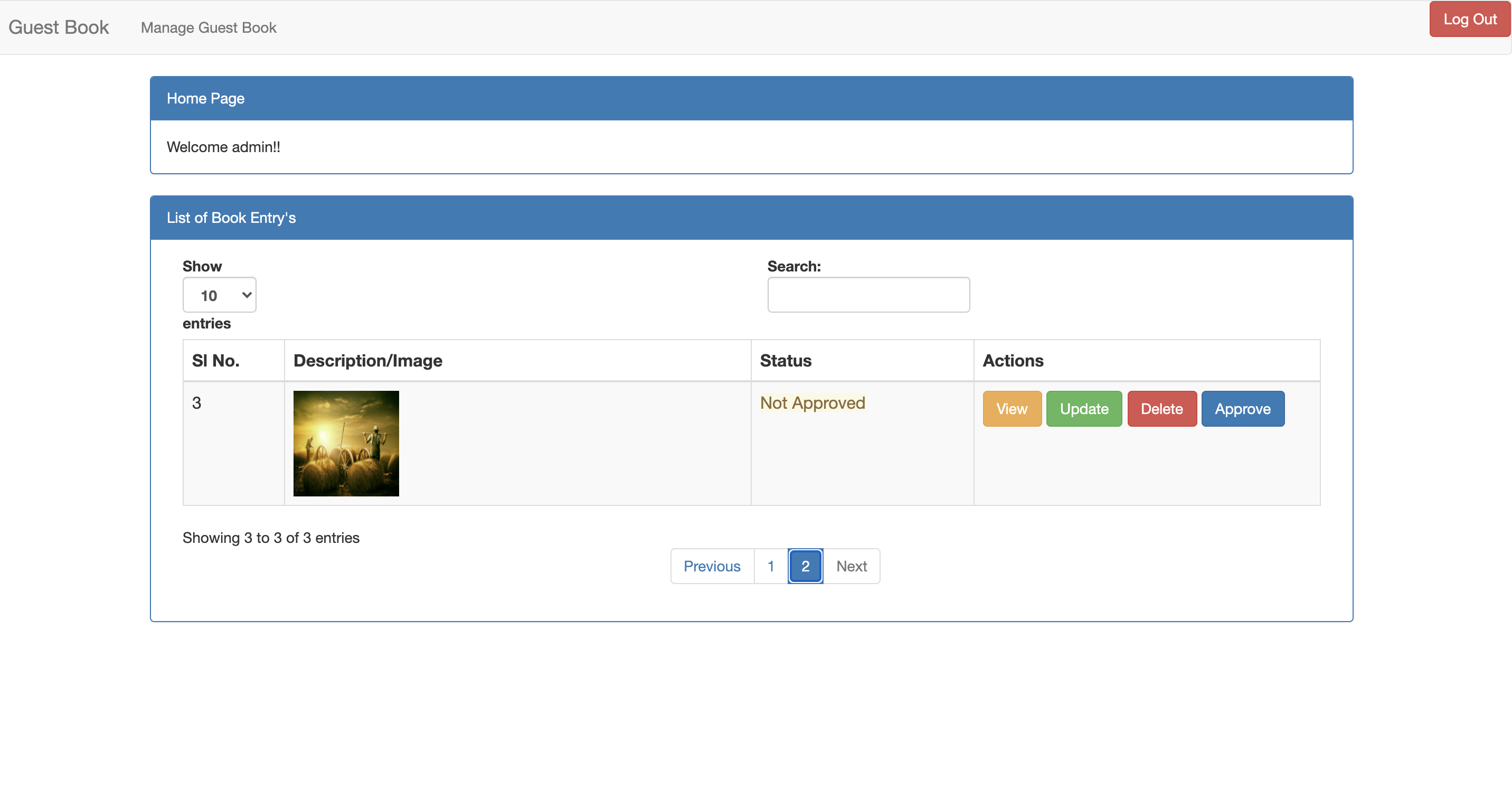
The issue tracker is the preferred channel for bug reports, features requests and submitting pull requests.







