Grade Management System
1.0.0

Bootstrap/JSP/Servlet/Mybatis College Score Management System
IntelliJ IDEA 2018, Microsoft SQL Server Management Studio 2018
JDK 8, Tomcat 7.0.85, Mybatis 3.4.6, mssql-jdbc-6.4.0, jstl, log4j-1.2.17, jQuery-3.2.1, bootstrap, jQuery.dataTables, font-awesome
According to the login type (student, teacher, administrator), determine whether the entered username exists and whether the entered password is correct. 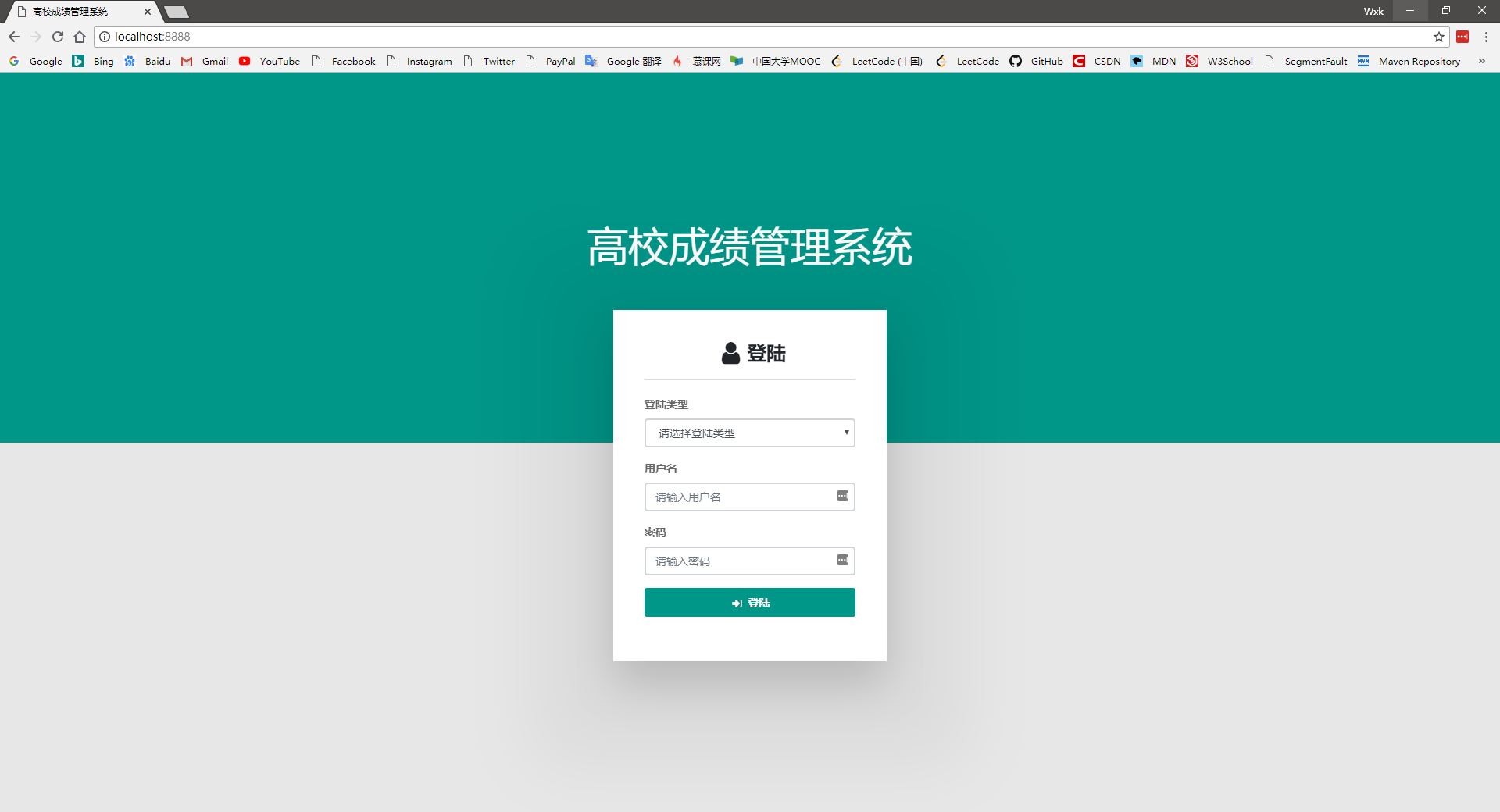
You can view basic personal information (including student number, name, major, class, gender, age, student origin and credits that have been studied, etc.) 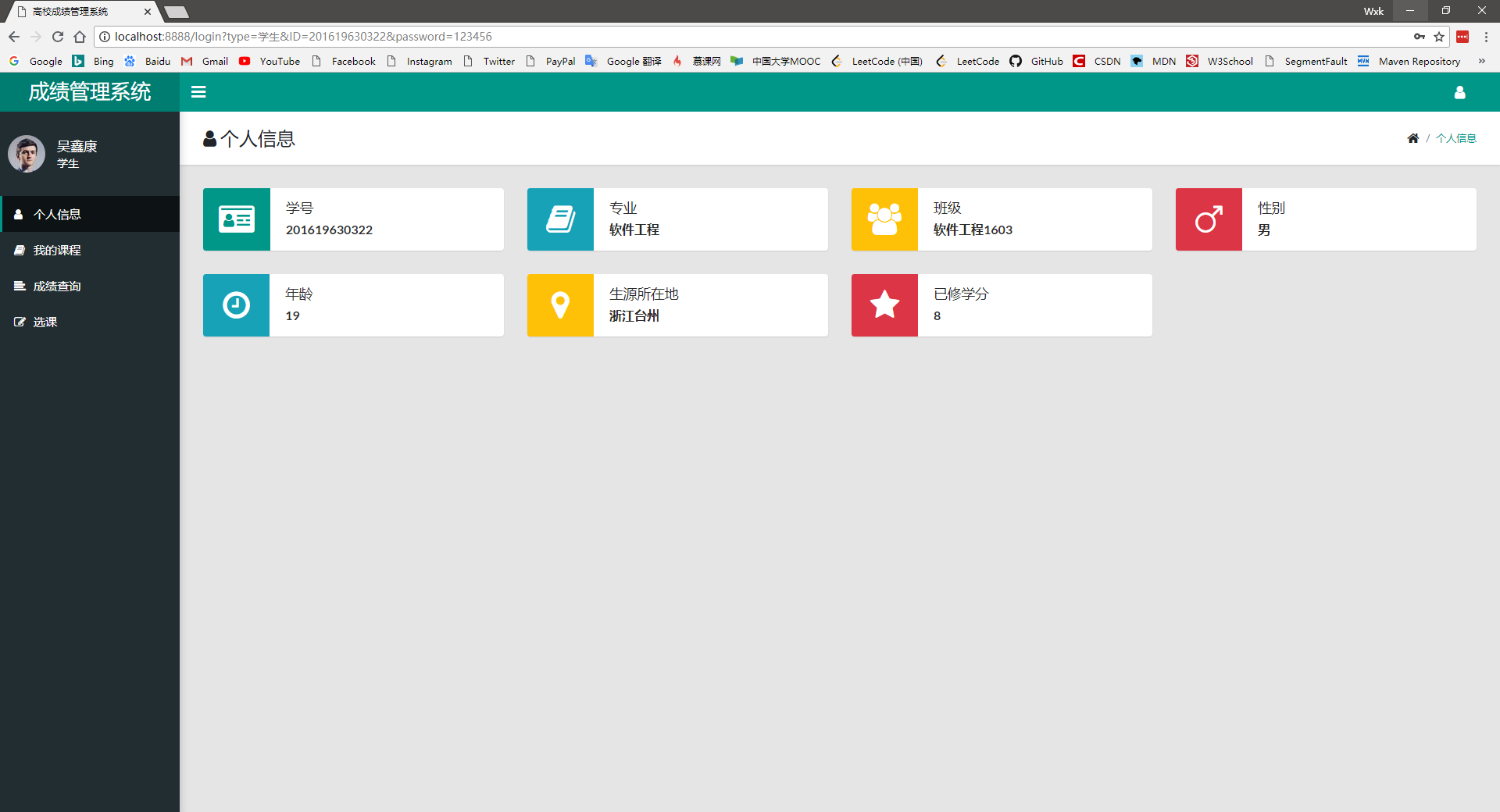
You can view my selected course and course details (the query results include semester, course, teacher, hours, credits, examination type, current or completed status, and credits) 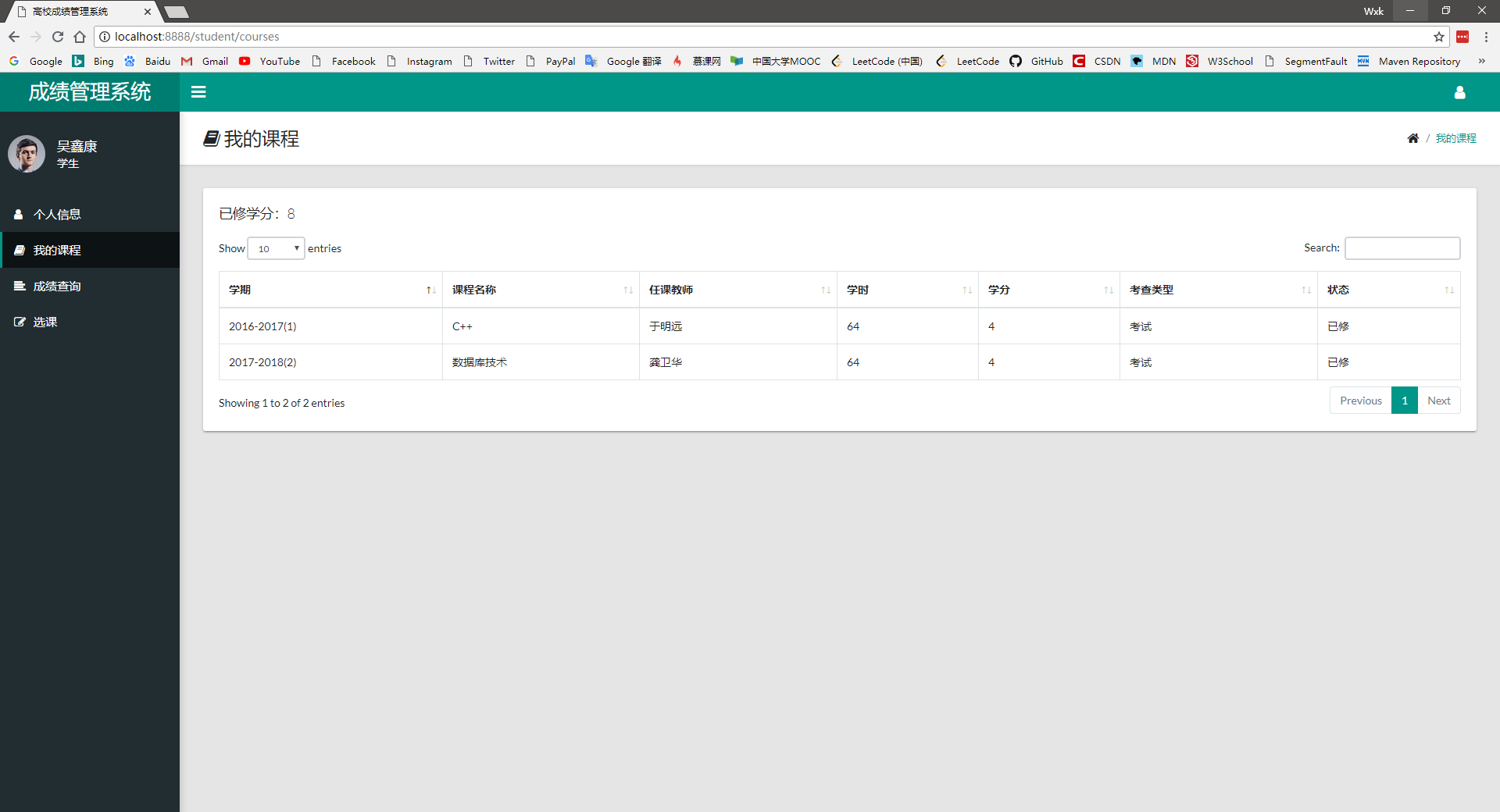
Personal scores can be checked based on semester (the query results include semester, courses, courses, teachers, hours, credits, examination types, and grades) 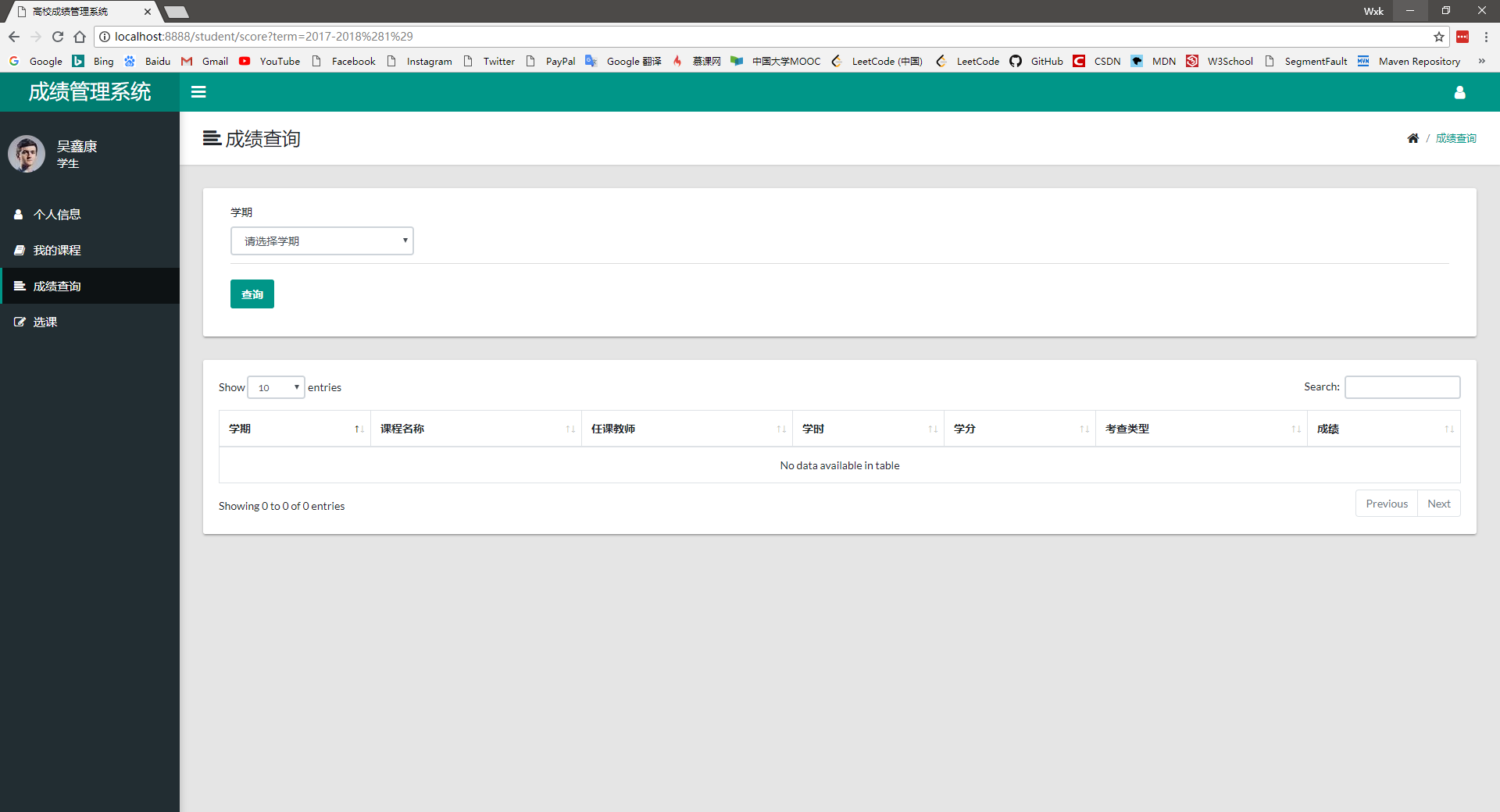
Courses can be selected and dropped out according to the courses offered by the individual’s class. 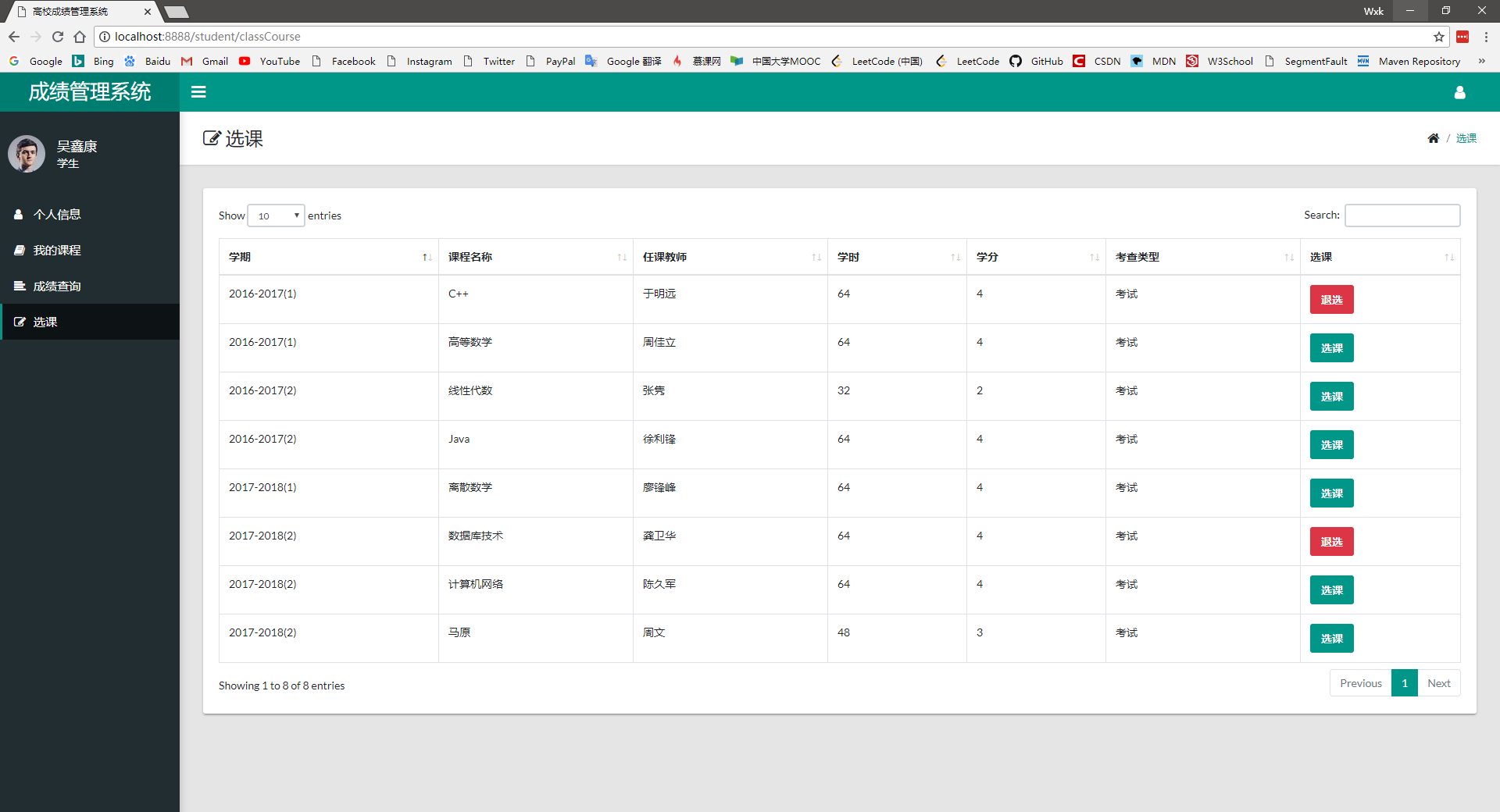
You can view basic personal information (including teacher number, name, gender, age, professional title, contact number, etc.) 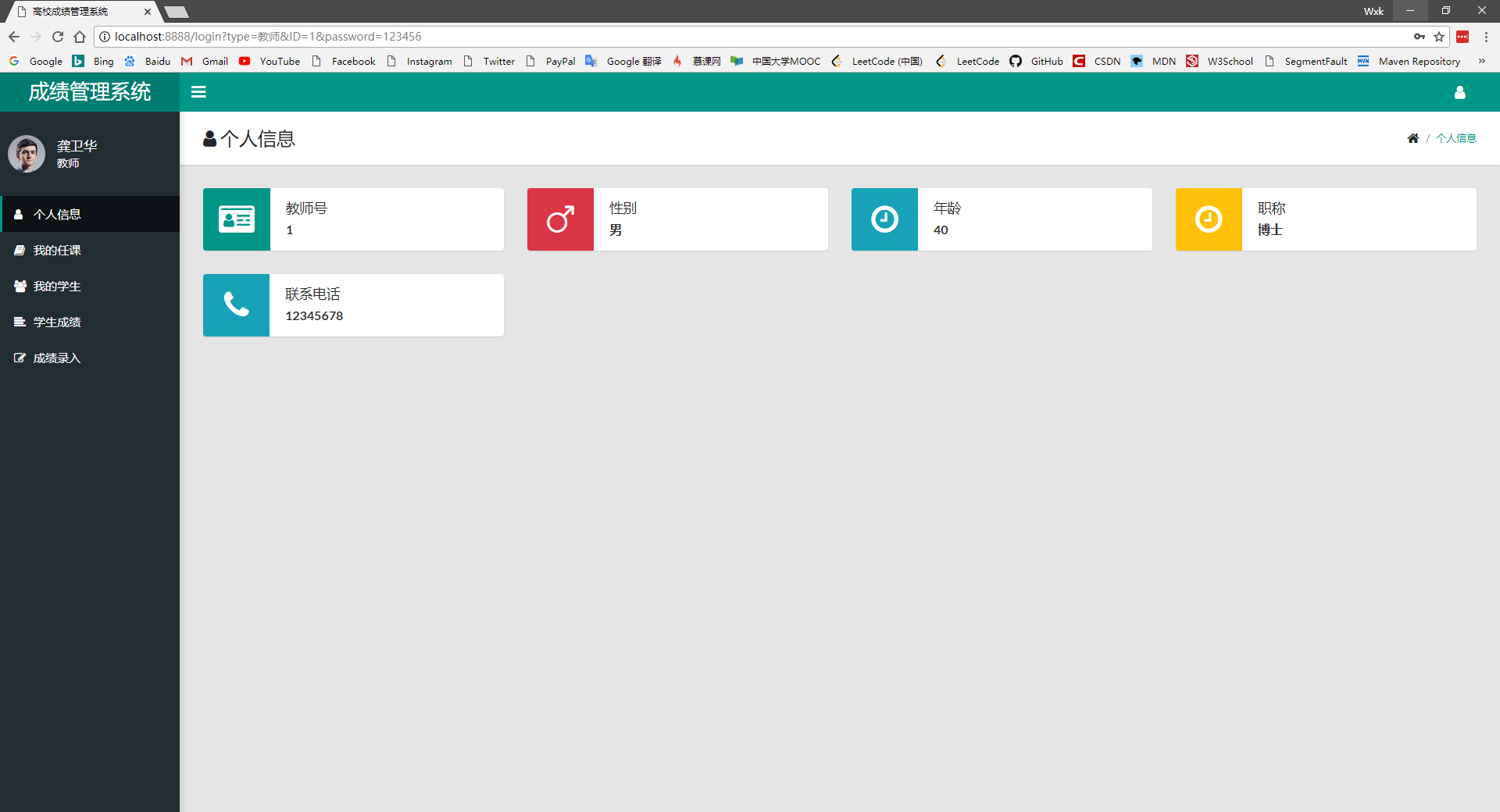
You can check the teacher's class status (the query results include semester, class, course, hours, credits, and examination types) 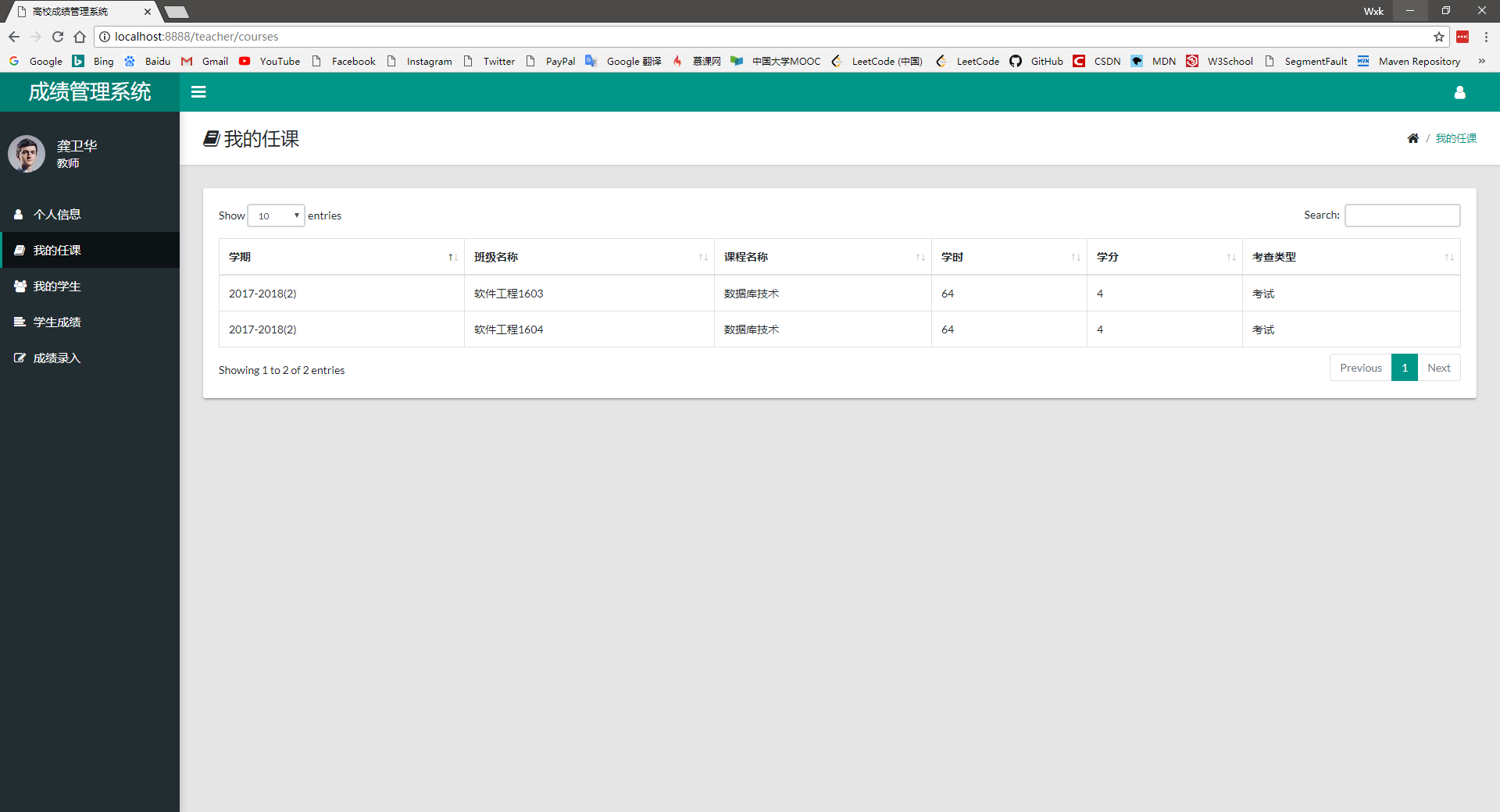
You can search and query my students (you can query based on semester, class, and courses. The query results include semester, class, student number, name, course) 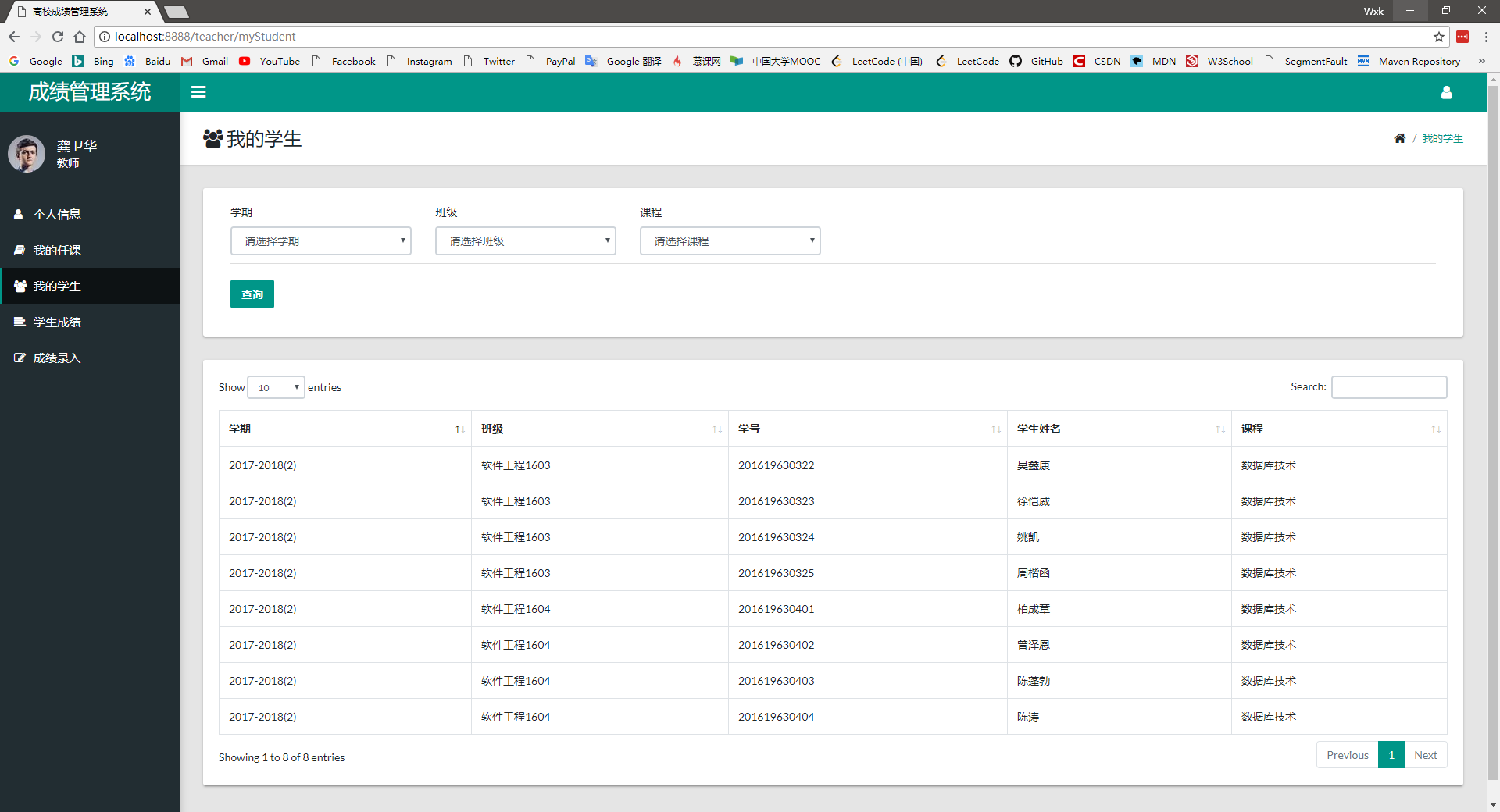
You can search and query students' scores (can be queried based on semester, class, and courses. The query results include ranking, semester, class, student number, name, course, grades, and can view rankings) 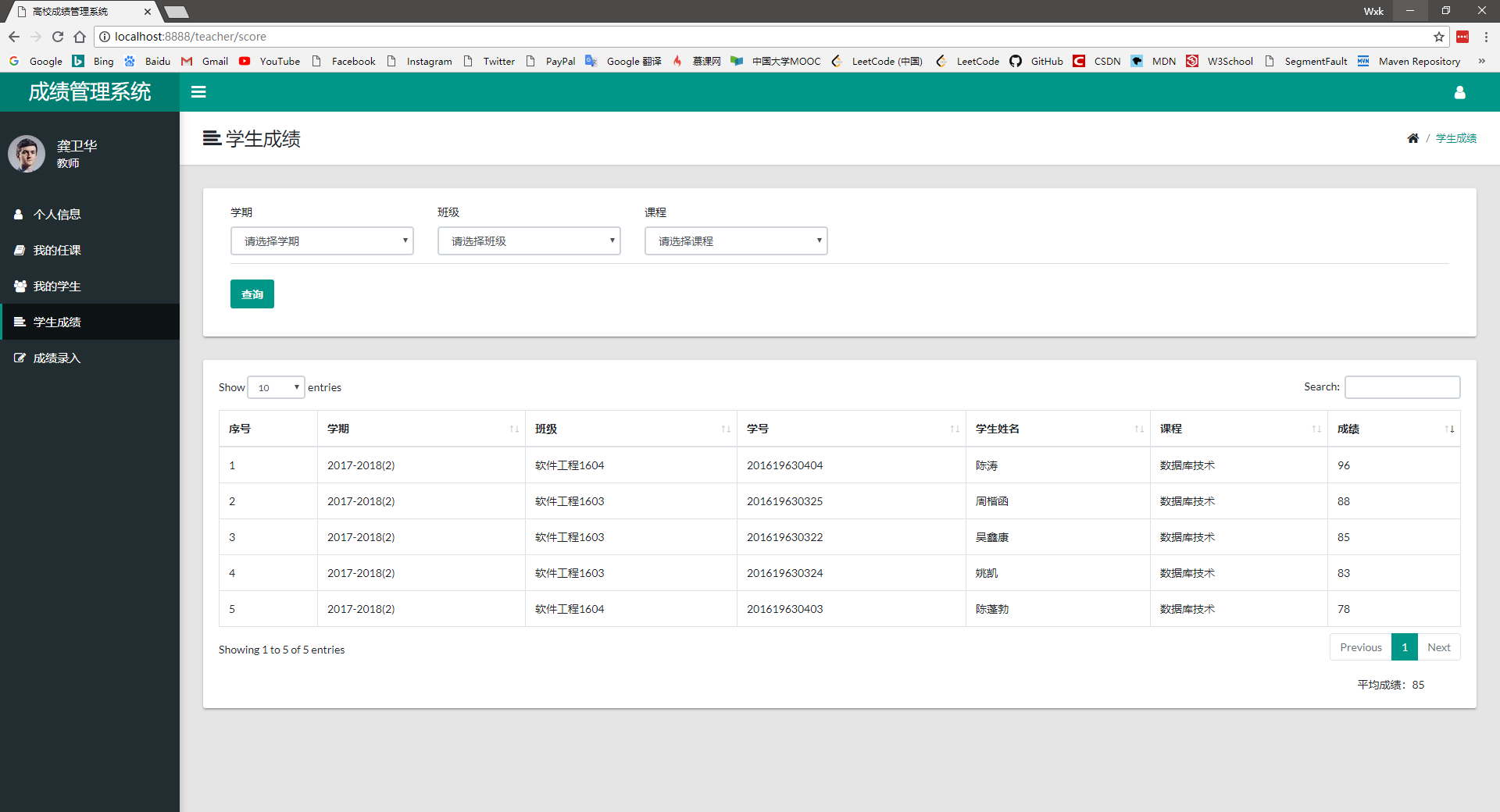
You can search and query students who have not yet entered their scores (can query based on semester, class, and courses. The query results include semester, class, student number, name, and courses). You can enter them in batches of scores. 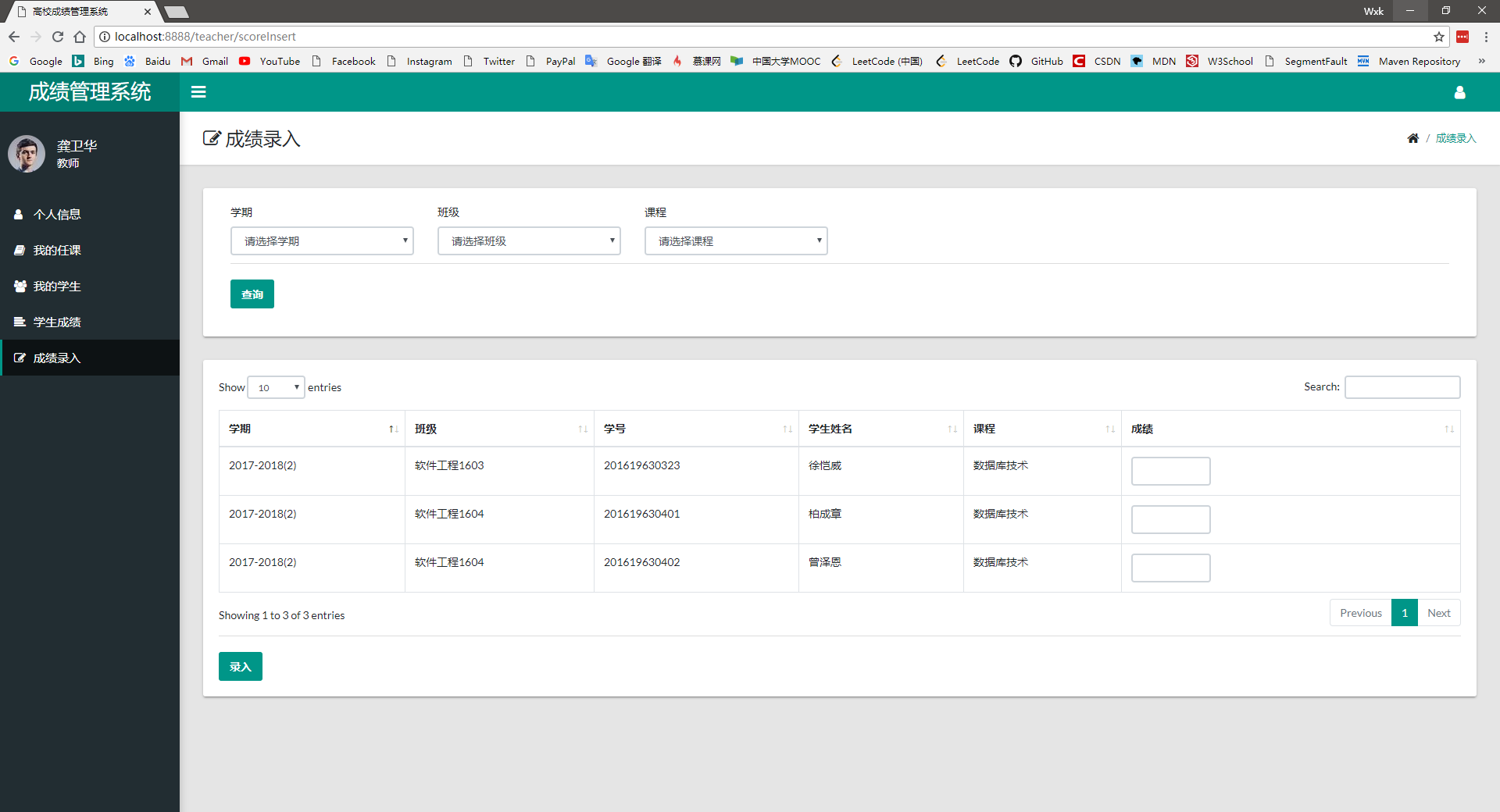
You can view administrator information (administrator number) 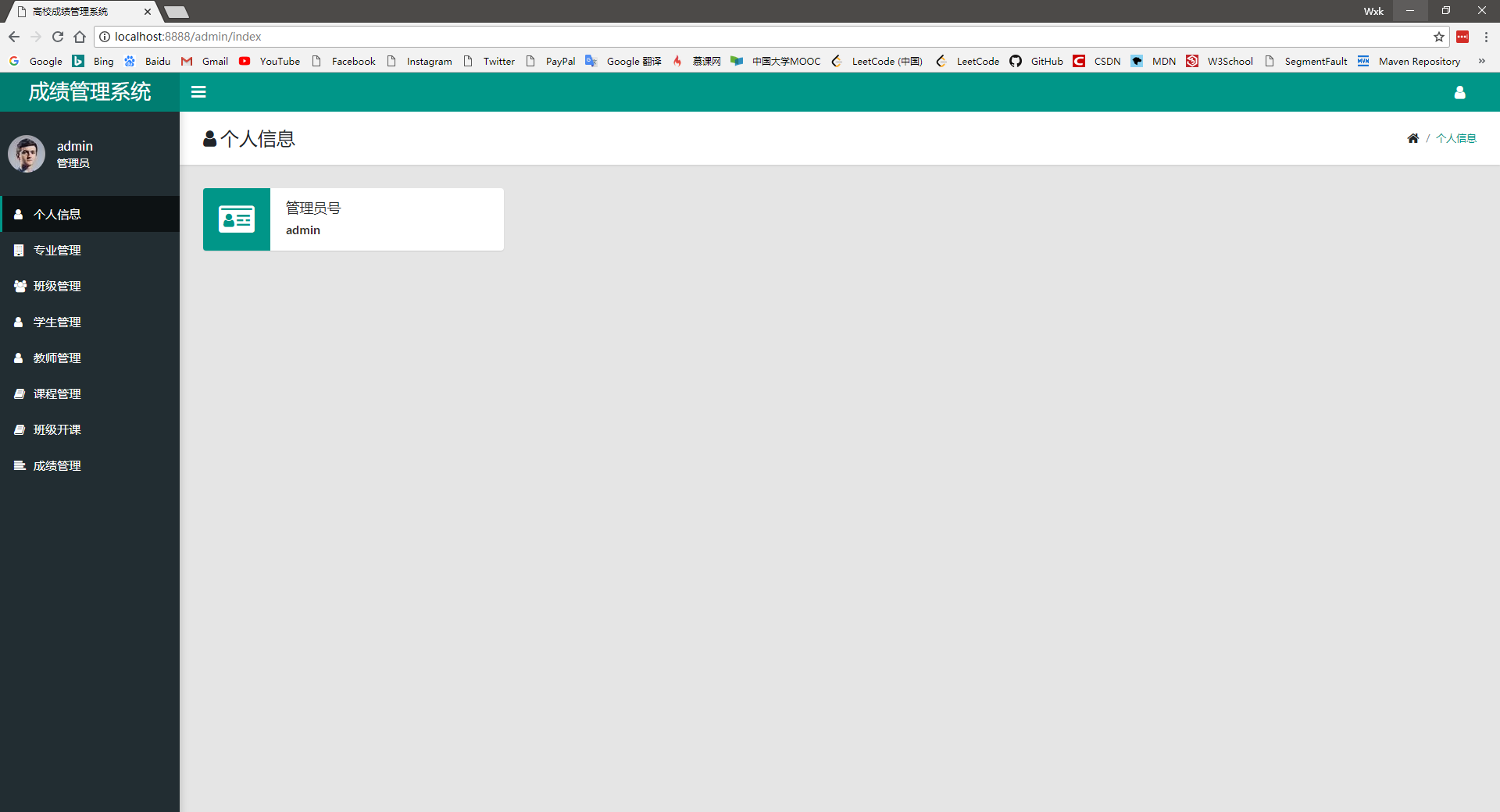
You can add majors according to the professional number and professional name, and display the existing professional number and name below. 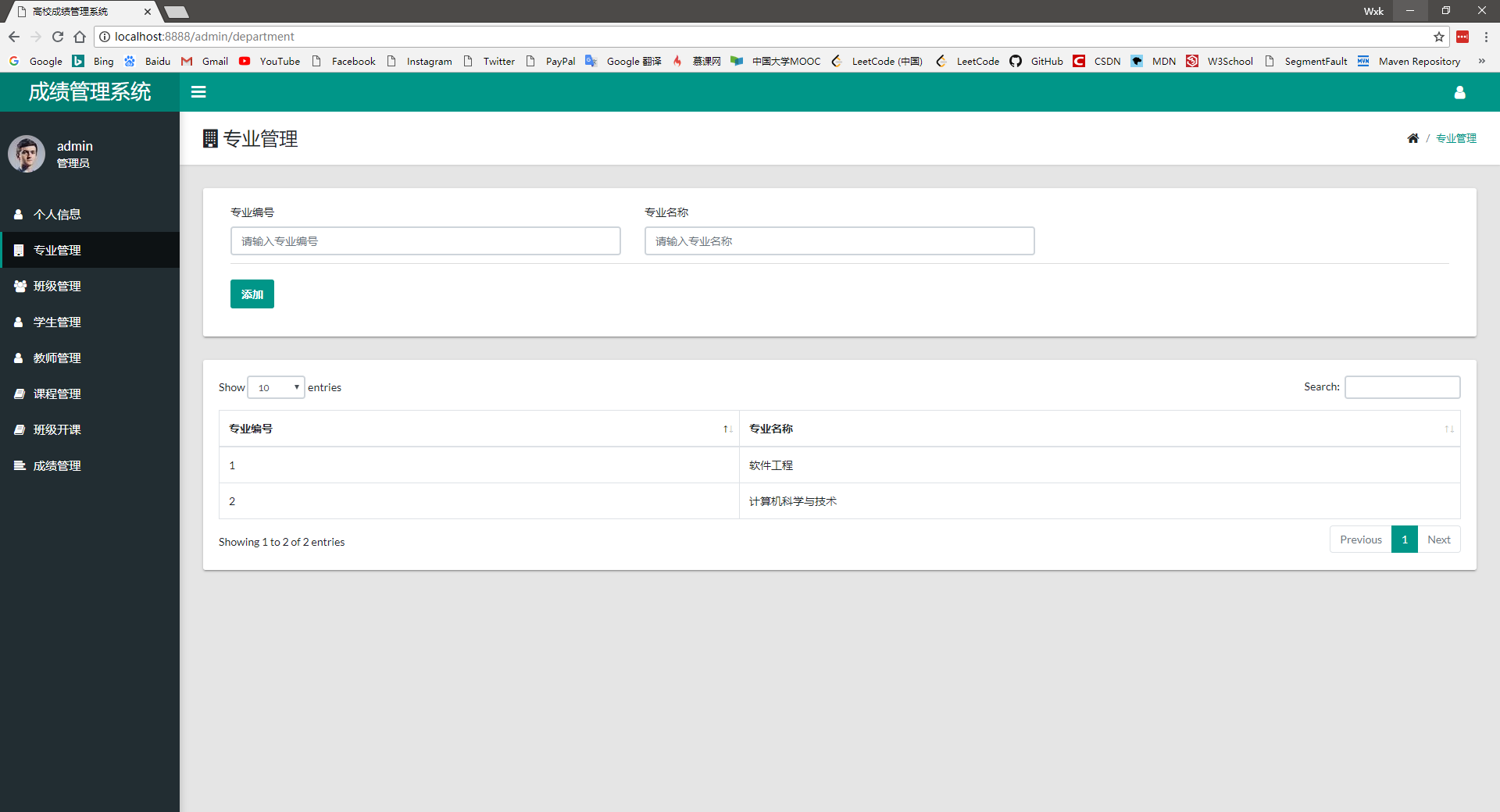
Classes can be added according to the professional name and class number, and the existing class and its major are displayed below. 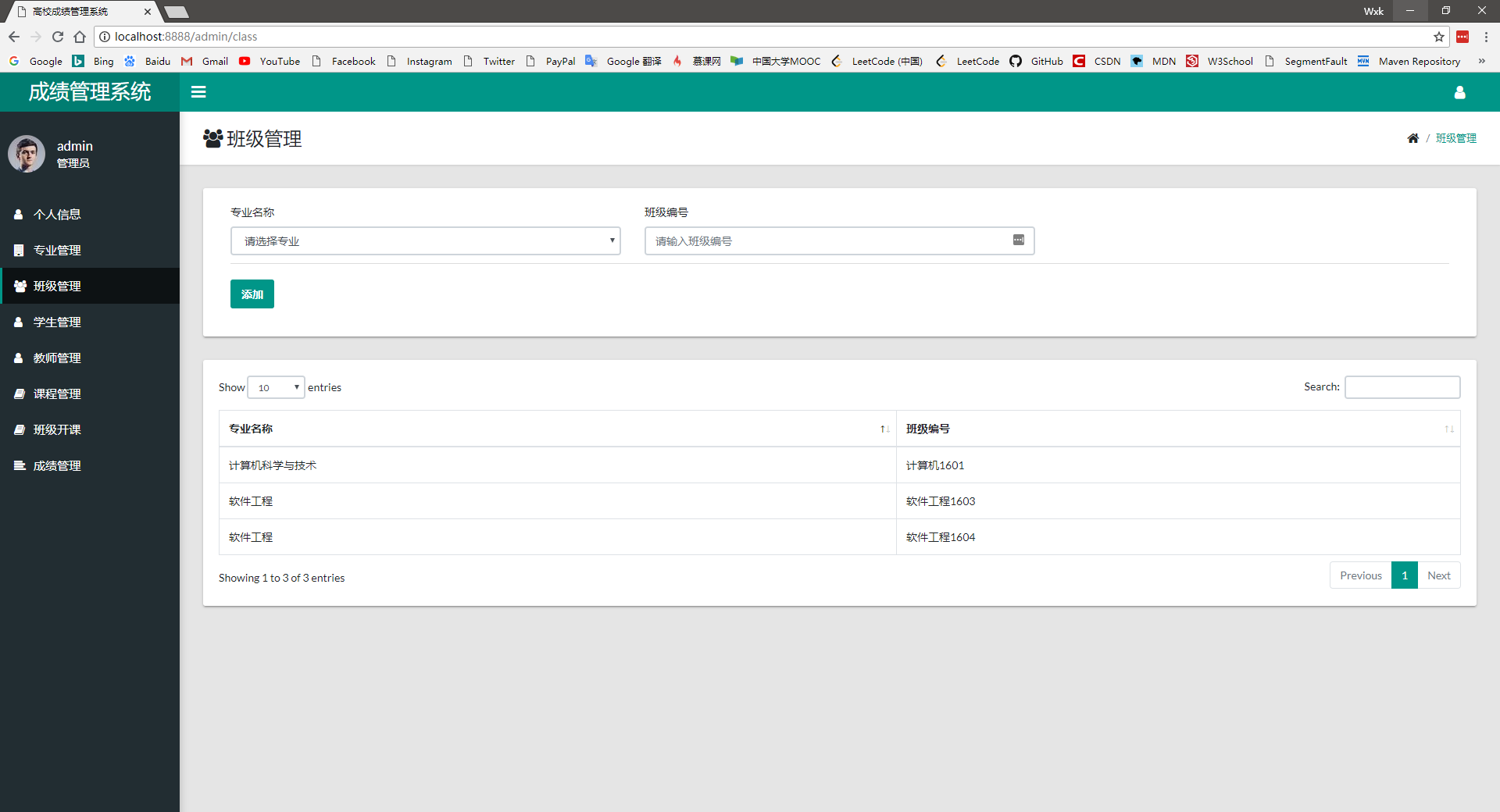
Students can be added according to the student number, name, major, class, gender, age, and location of the student source. Student information can be retrieved and queried (can be based on the student number, name, major, class, location of the student source) and displayed below 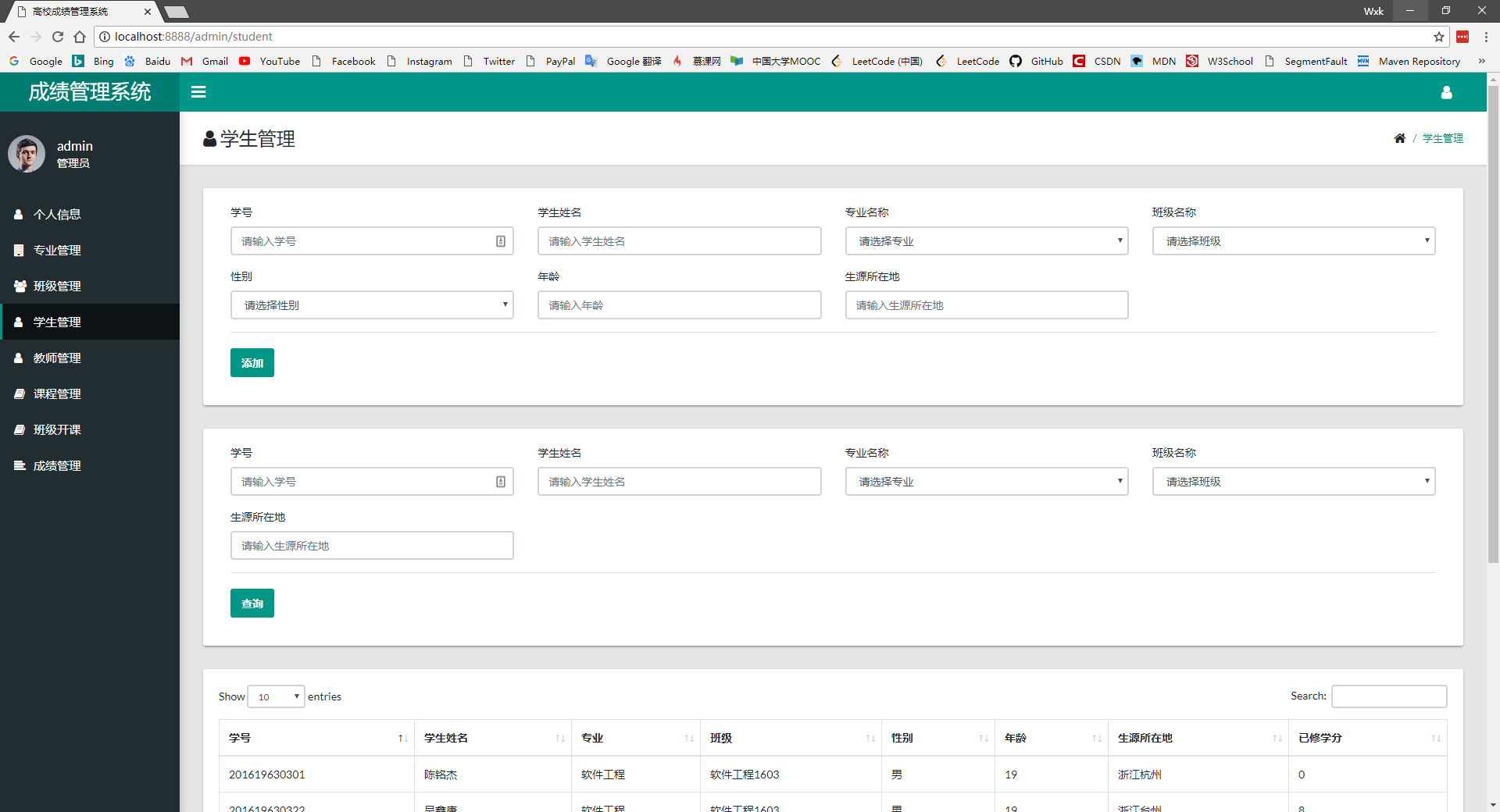
Teachers can be added according to the teacher number, name, gender, age, professional title, and contact number, and the existing teacher information can be displayed below. 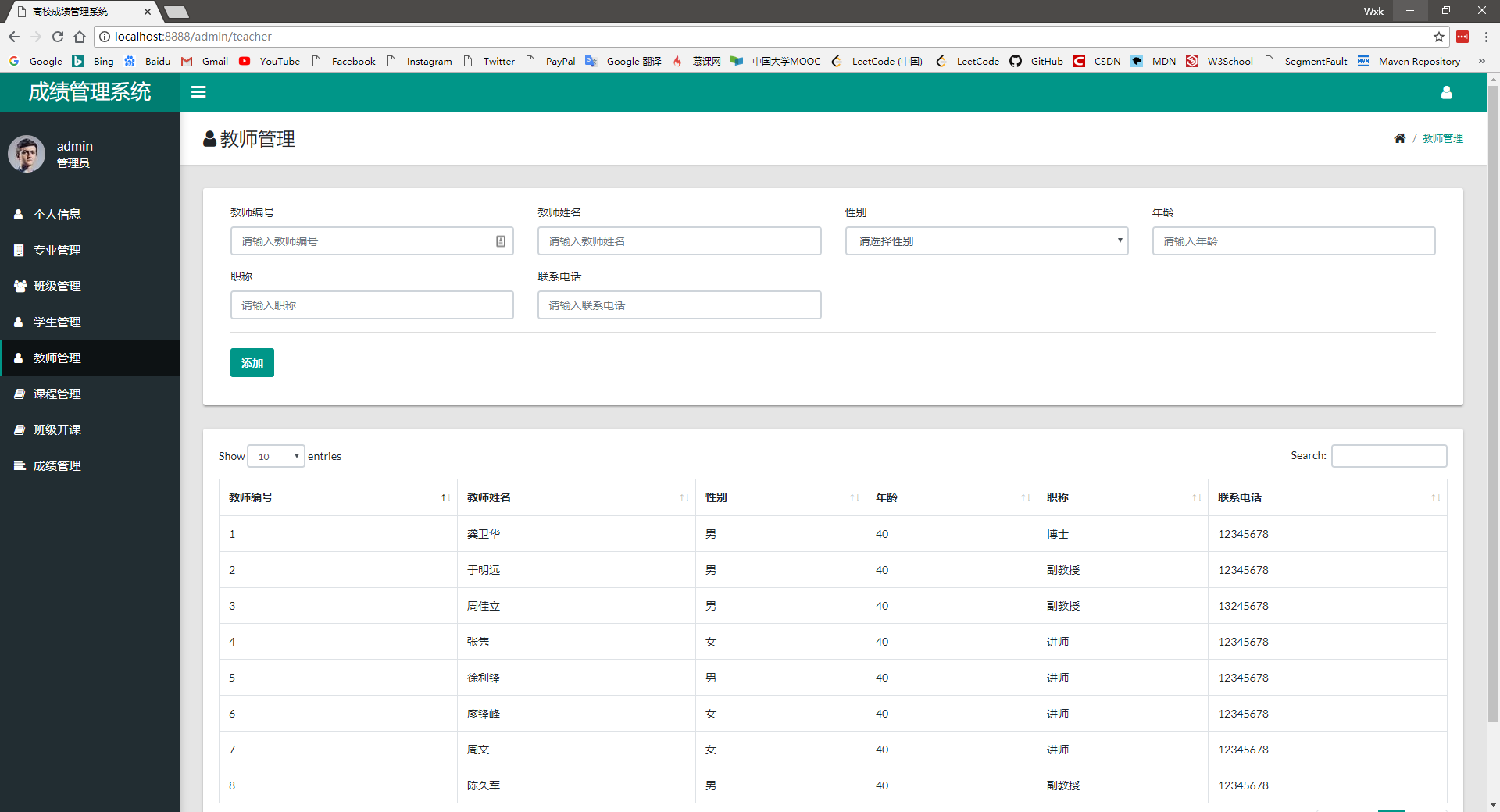
Courses can be added based on semester, course number, course name, teacher name, hours, credits, and examination type. Courses information can be checked based on semester, course number, course name, and teacher name and displayed below 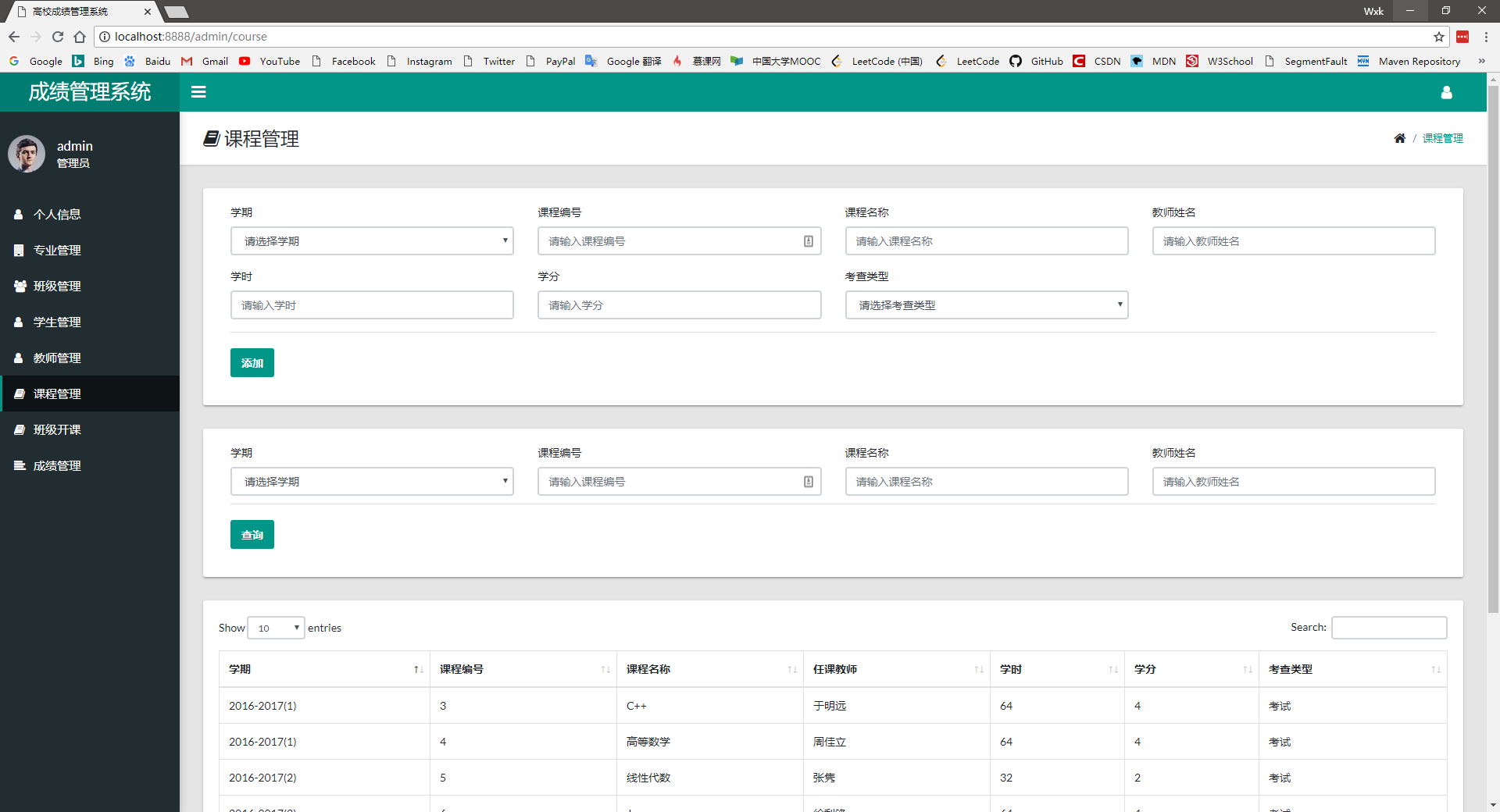
Courses can be offered for classes based on class and course numbers, and the class opening situation can be checked based on semester, class, course number, course name, and teacher search. 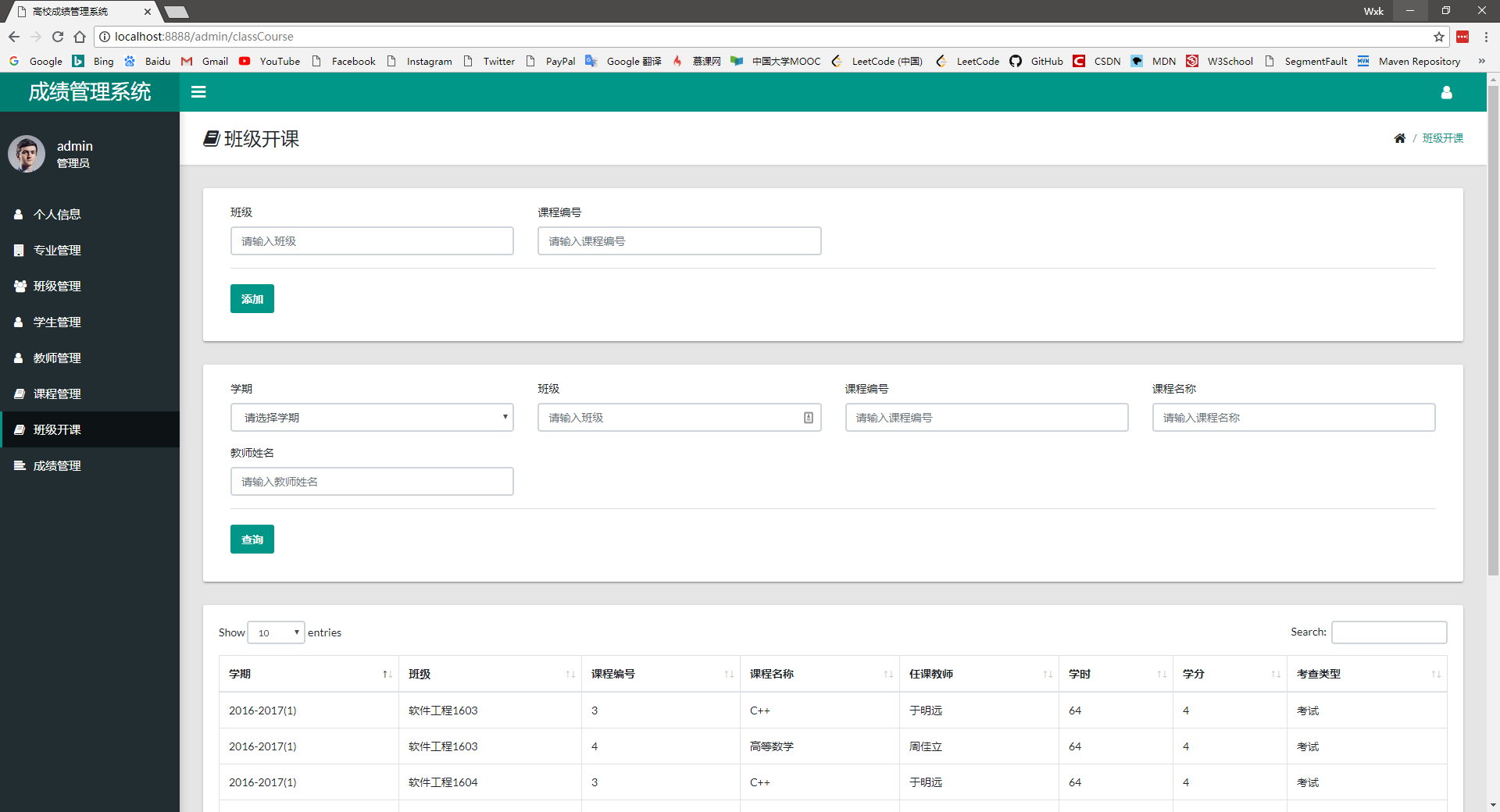
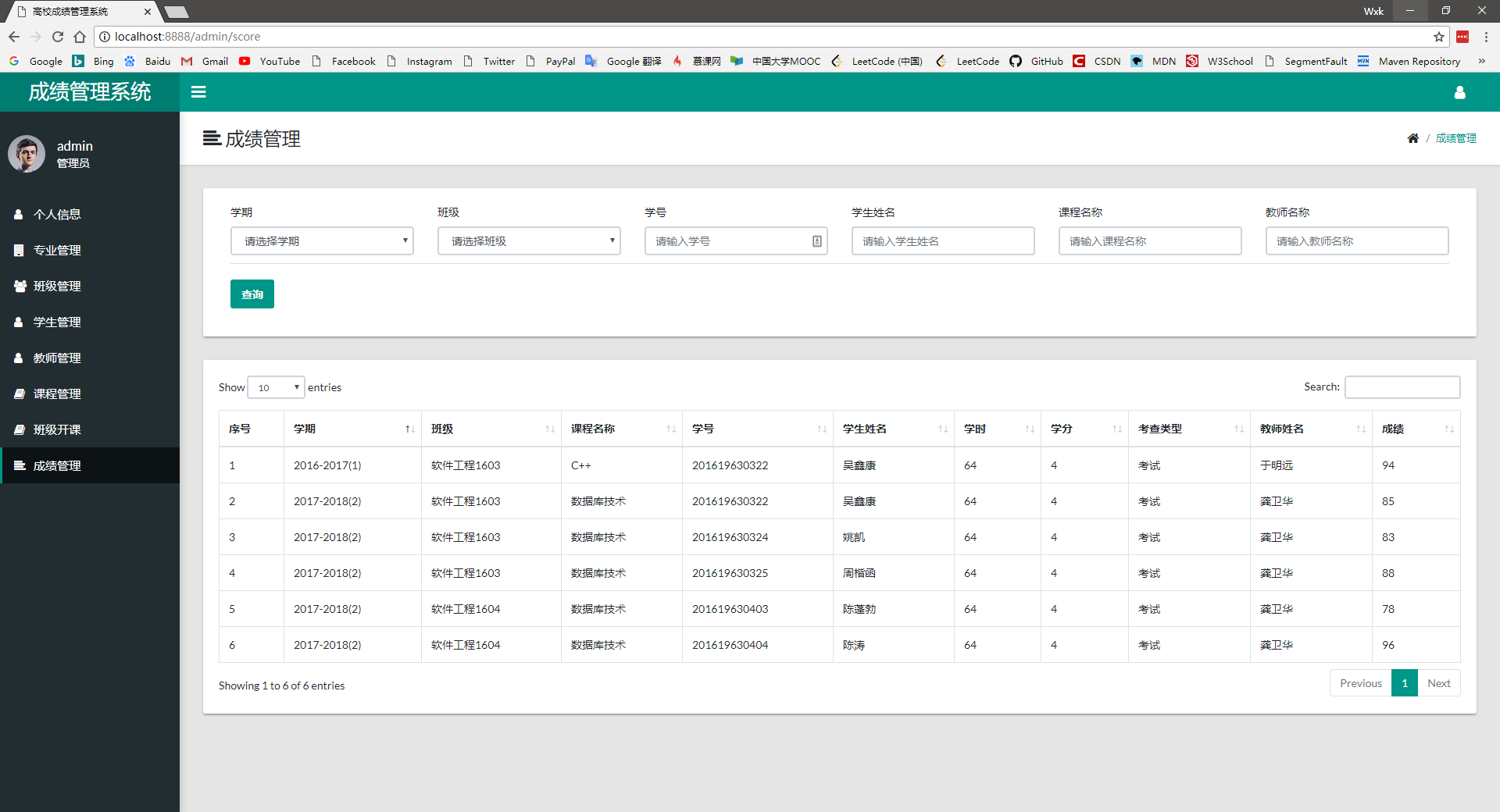
You can check the score information and rankings based on semester, class, student number, student name, course name, and teacher name.