CrowdFunding (crowdfunding system)
    此系统是作者本人在上学期间使用 java + jdbc + servlet + jsp + html + js + jquery 基础语言开发,没有使用任何现在主流框架,如ssm,maven,很适合新手学习。
此外数据源使用了c3p0连接池,同时系统支持mysql-8,并且兼容mysql5.7
[Back to back-end separation and reconstruction implementation based on springboot] (Long-term continuous maintenance...)
| # | storehouse | Link |
|---|
| 1 | [码云] | Gitee |
| 2 | [Github] | Github |
@TOC
1. Basic introduction
This project is a crowdfunding platform system developed based on the basic JavaWeb language, without additional three-party frameworks, which helps to learn the basic principles of web projects; the project includes two modules, front and backend, and fully covers the core functions required by the crowdfunding platform, such as from front-end user registration - login - initiate crowdfunding - support project - personal center, and then to back-end project management review - user management - order management, realizing a complete functional process closed loop. At the same time, the project structure is layered and easy to understand. The program is based on the lightweight design concept and has no extra irrelevant dependencies, making it easy to run.
Suitable for computer-related students or junior developers who have no practical project experience:
- Used for reference learning of semester course design
- Used for graduation design reference study
- Beginners who need practical project practice
2. Technical design
提示:安装运行过程中遇到问题可以联系我的QQ:1324459373,QQ群:69405215
1. Backstage
- Development language: Java (Jdk1.8)
- Database: Mysql
- Basic framework: jdbc + servlet + io
- Permission security: Use servlet filter implementation
- Development software: eclipse/idea
2. Front desk
- jsp + html + js + jquery + ajax
3. Operation steps
1. Environmental prerequisites
- Jdk1.8
- Mysql, version requirements >= 5.7, it is recommended to use Navicat for visualizer
- Maven >= 3.6
- Tomcat
2. Run the program
提示:安装运行过程中遇到问题可以联系我的QQ:1324459373,QQ群:69405215
- Use Navicat to connect to the local database, create a new crowdfunding database, and then execute the scripts under the /sql directory to import them into the database
- Import the program source code into the compiler for building and compilation
- Modify the project configuration file database username and password
- Finally, use Tomcat to start the program
4. Functional Overview
1. Front desk
Register - Login - Start Project - Personal Center - My Project - My Support
1. Register and log in
2. Launch a project
1. Basic information
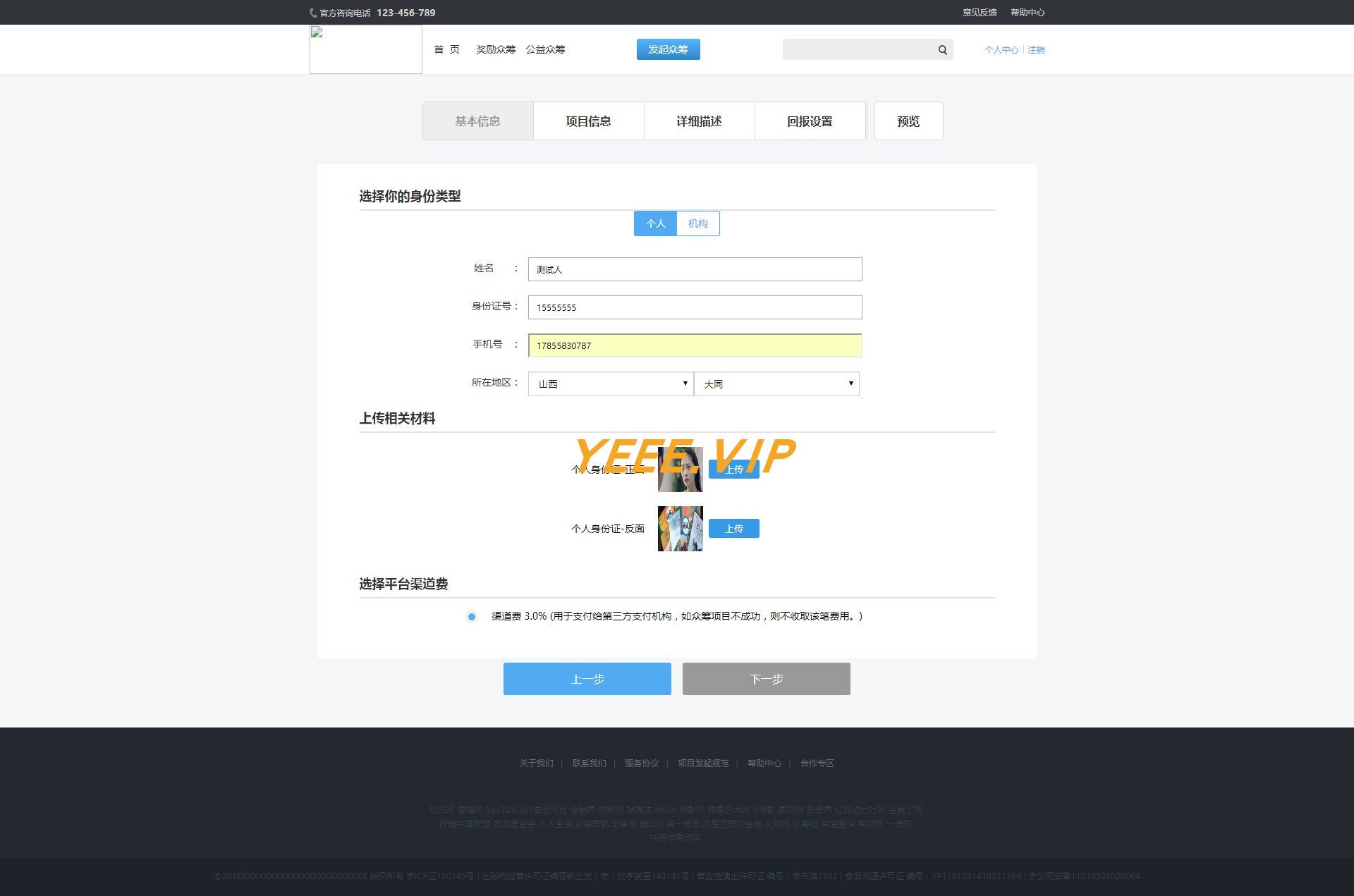
2. Project Information
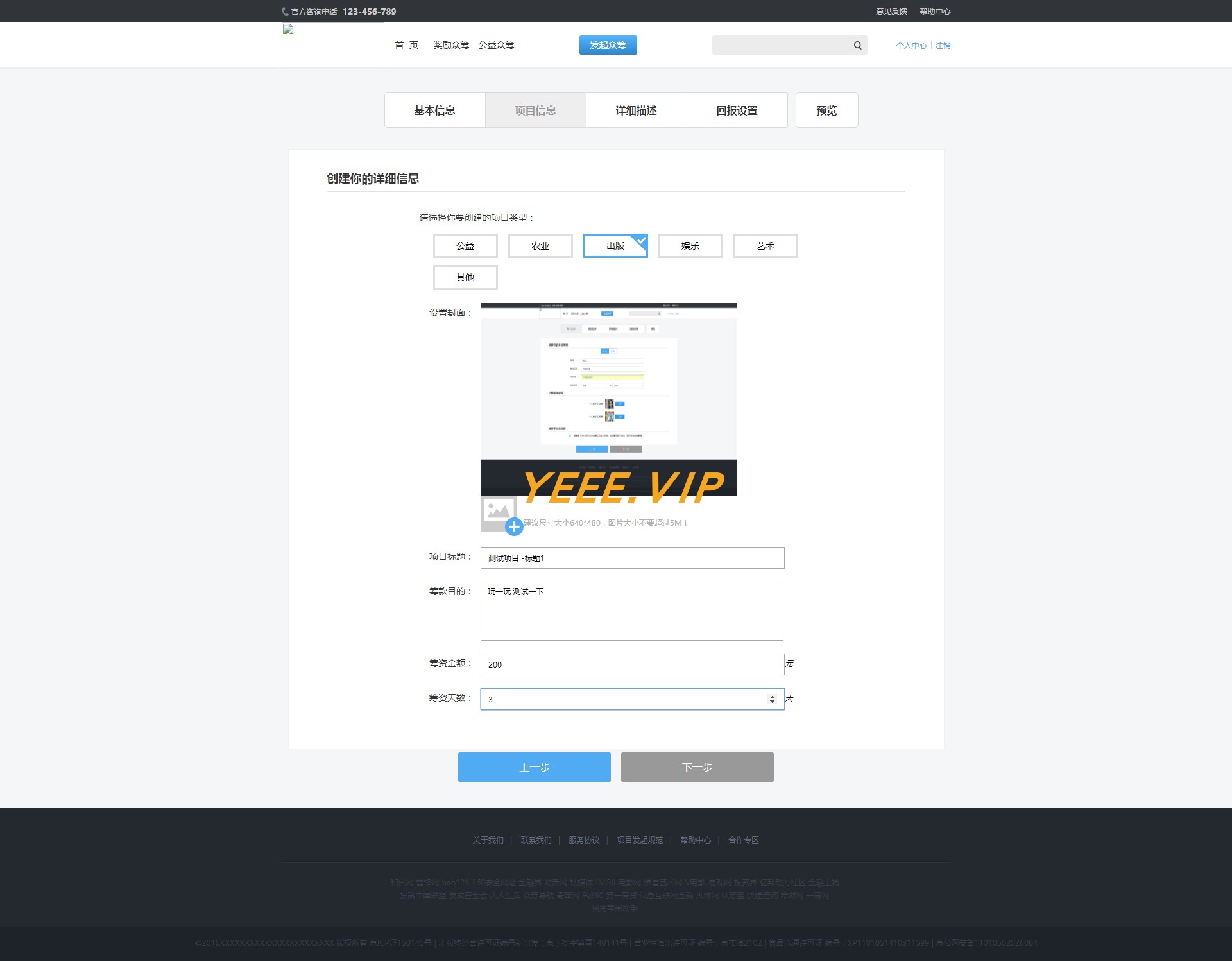
3. Project details
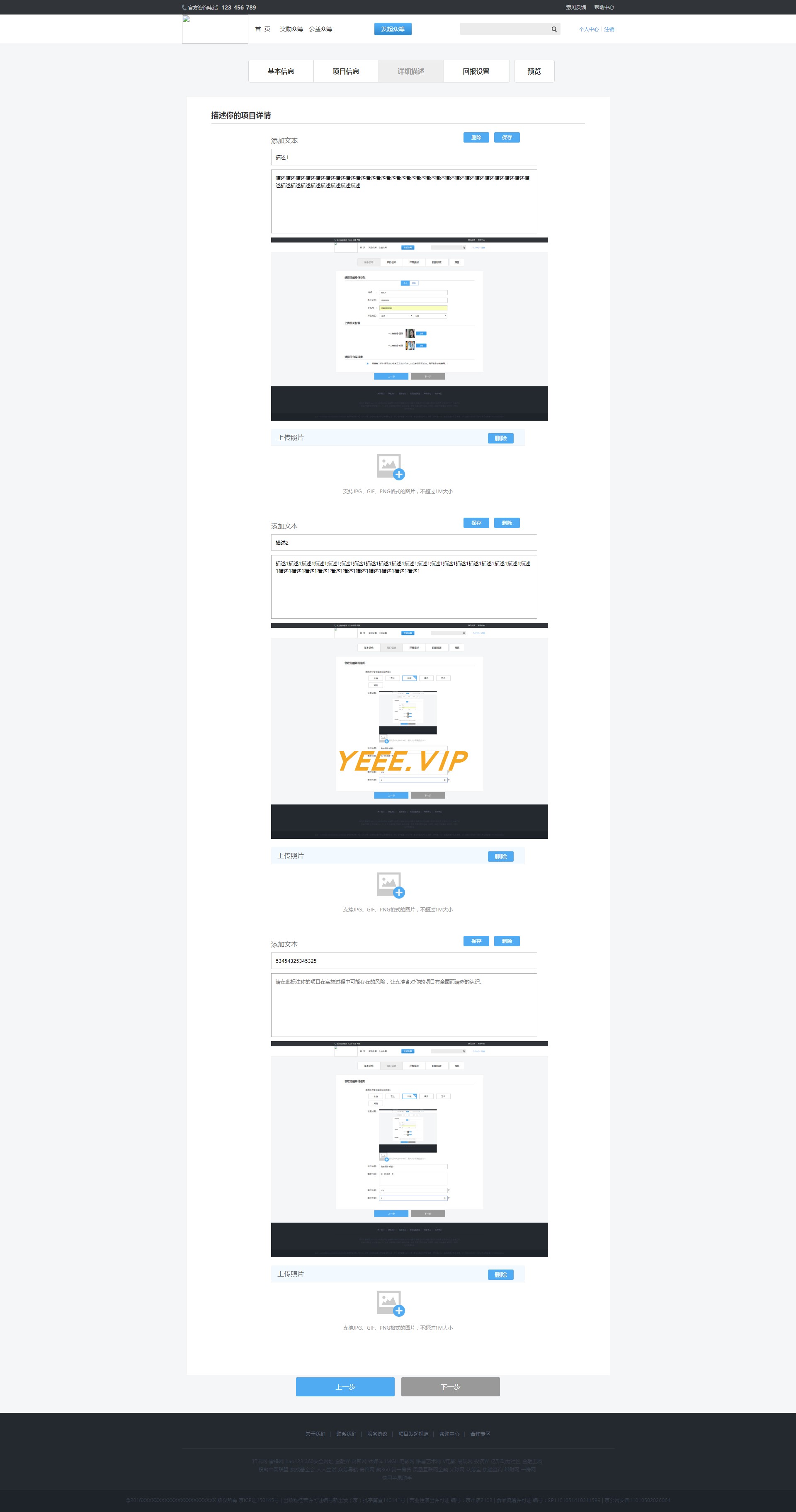
4. Reward settings
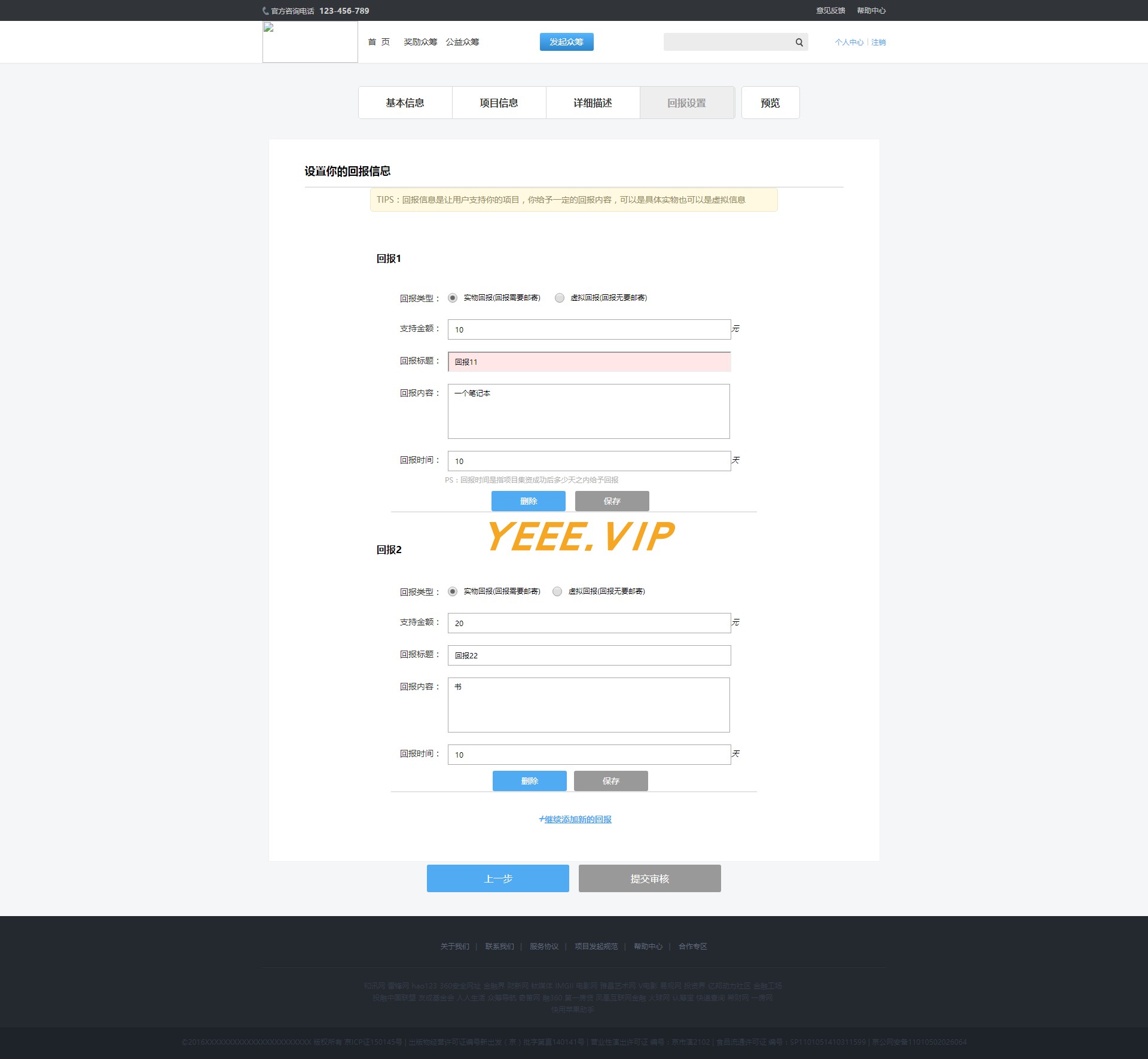
5. Edit preview
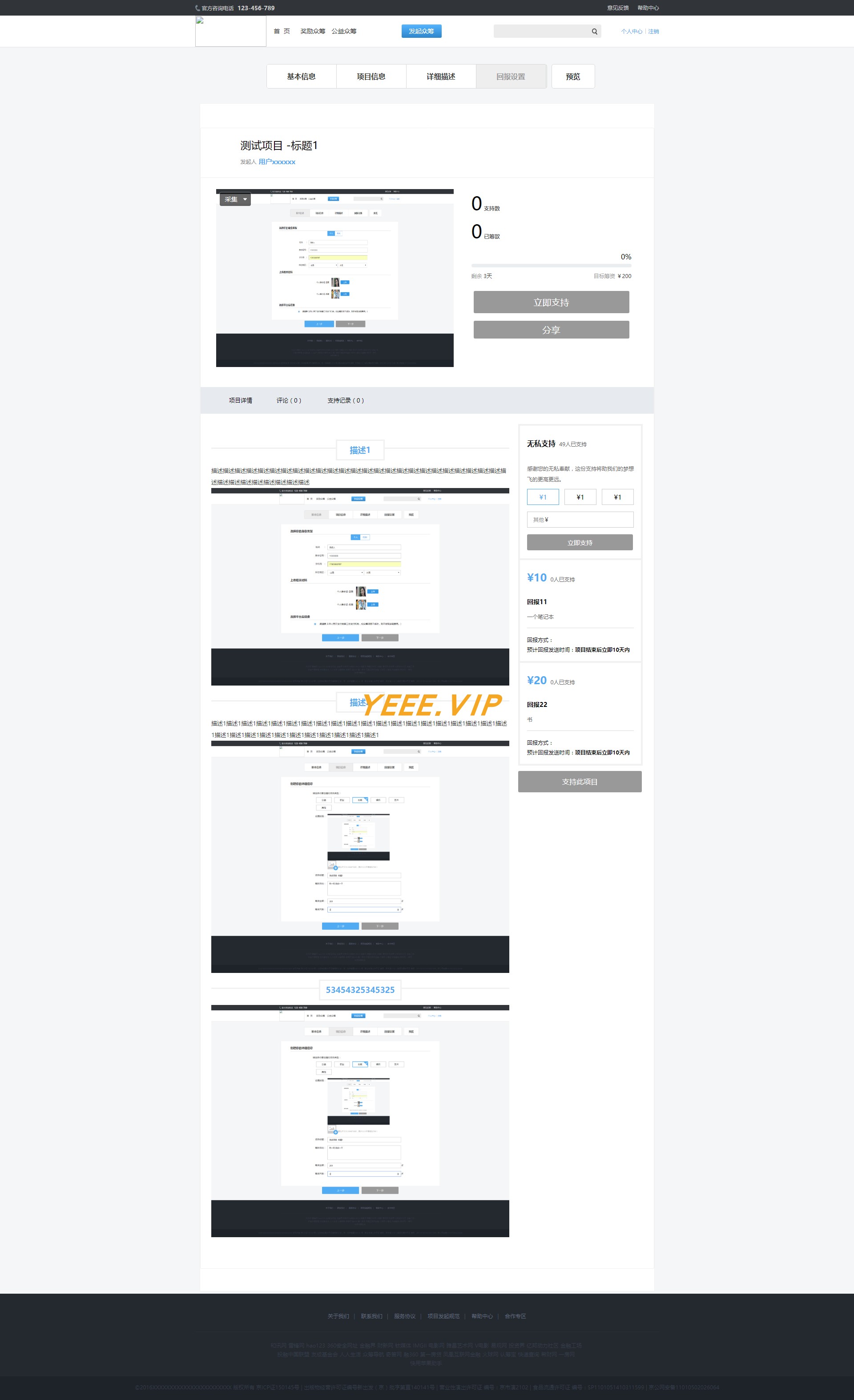
2. View the project
1. Project details
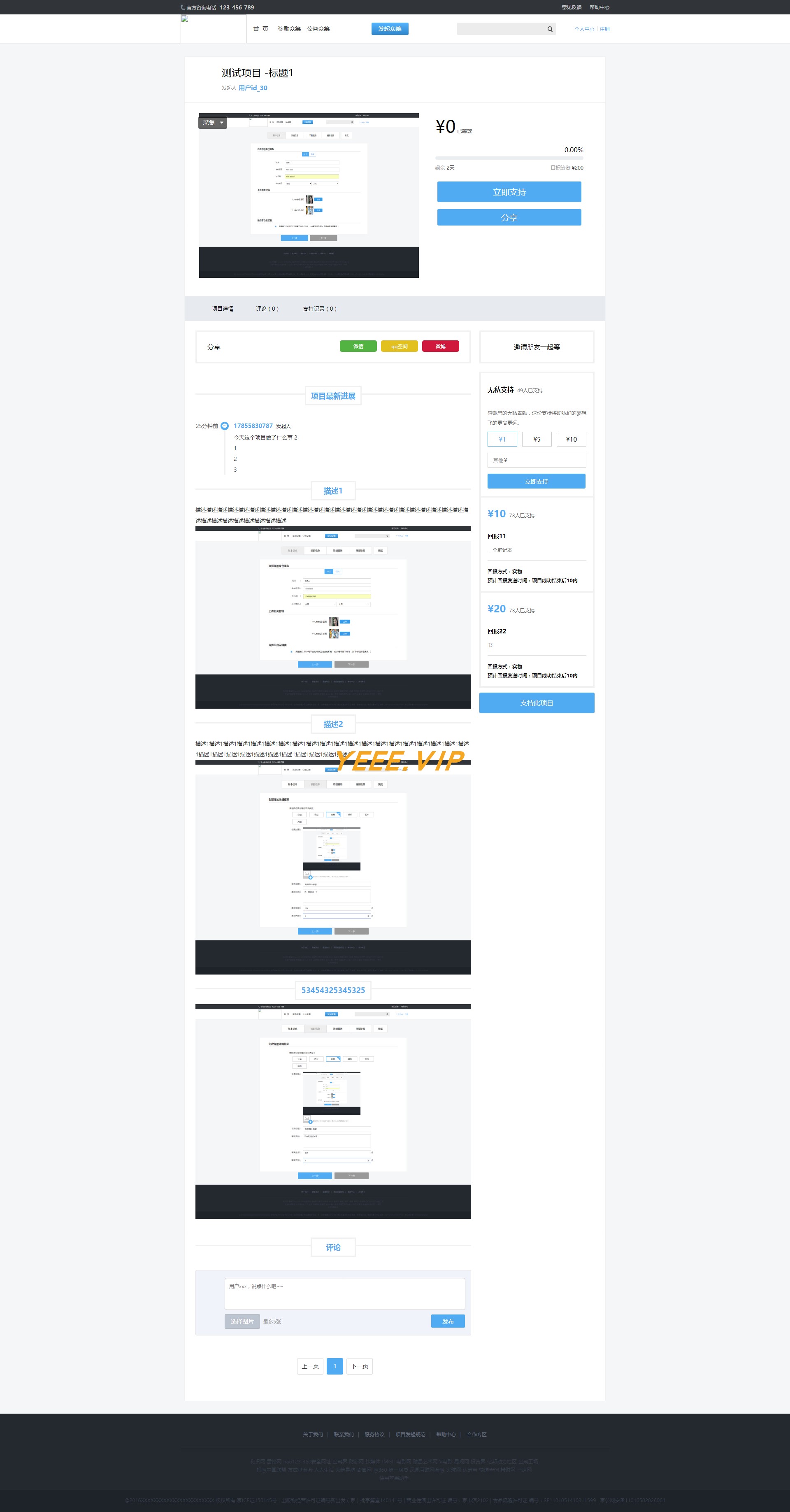
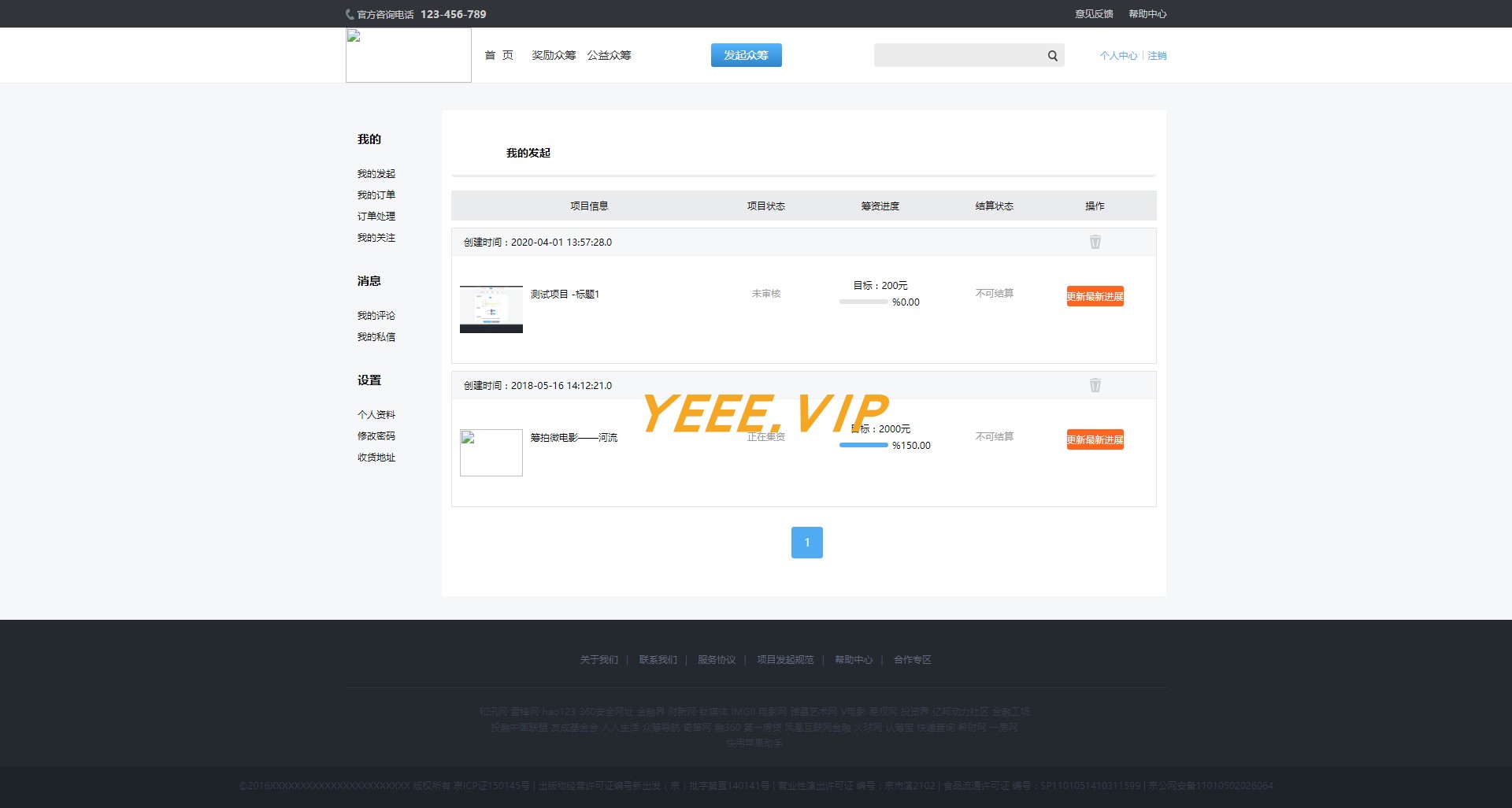
3. Personal Center
1. My Initiation
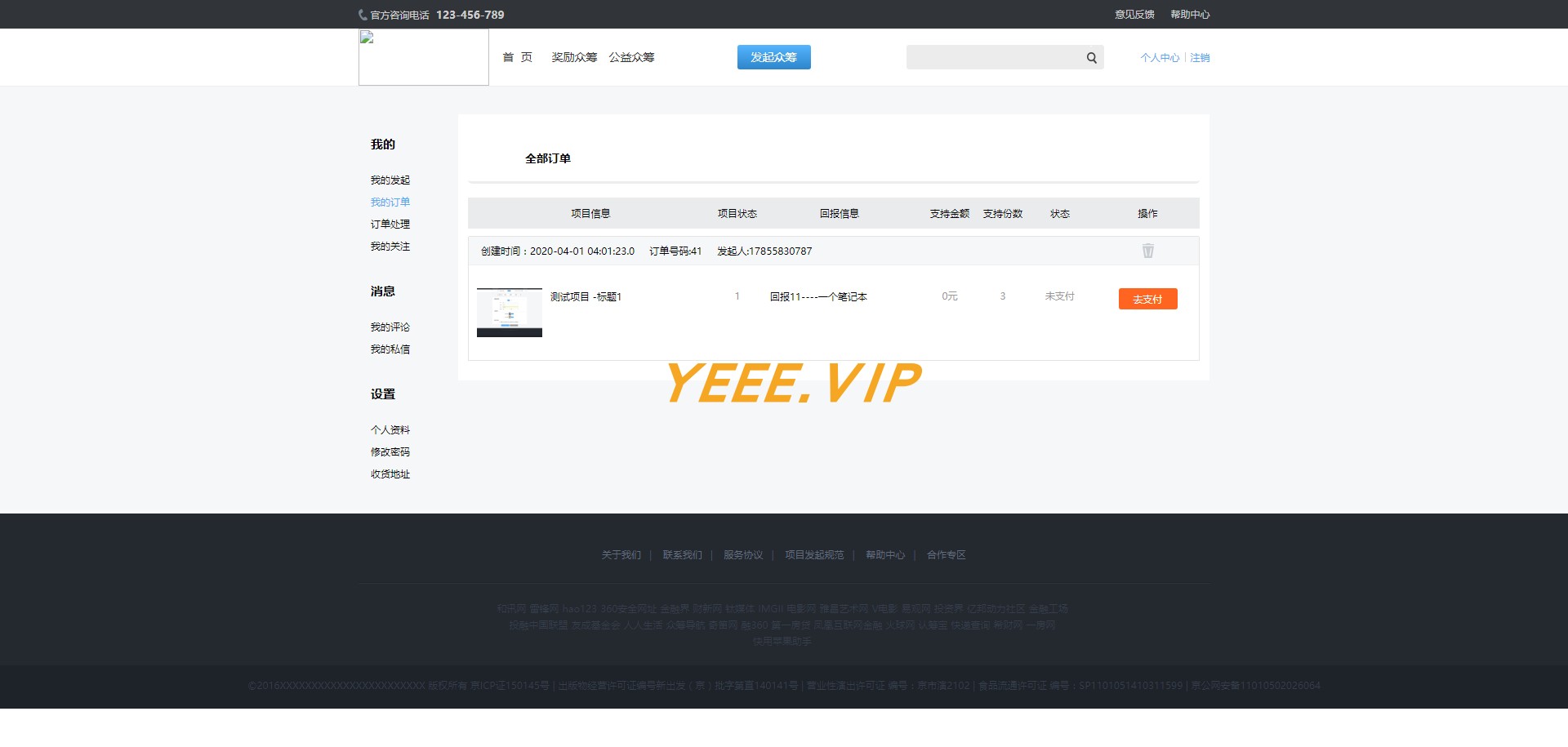
2. My order
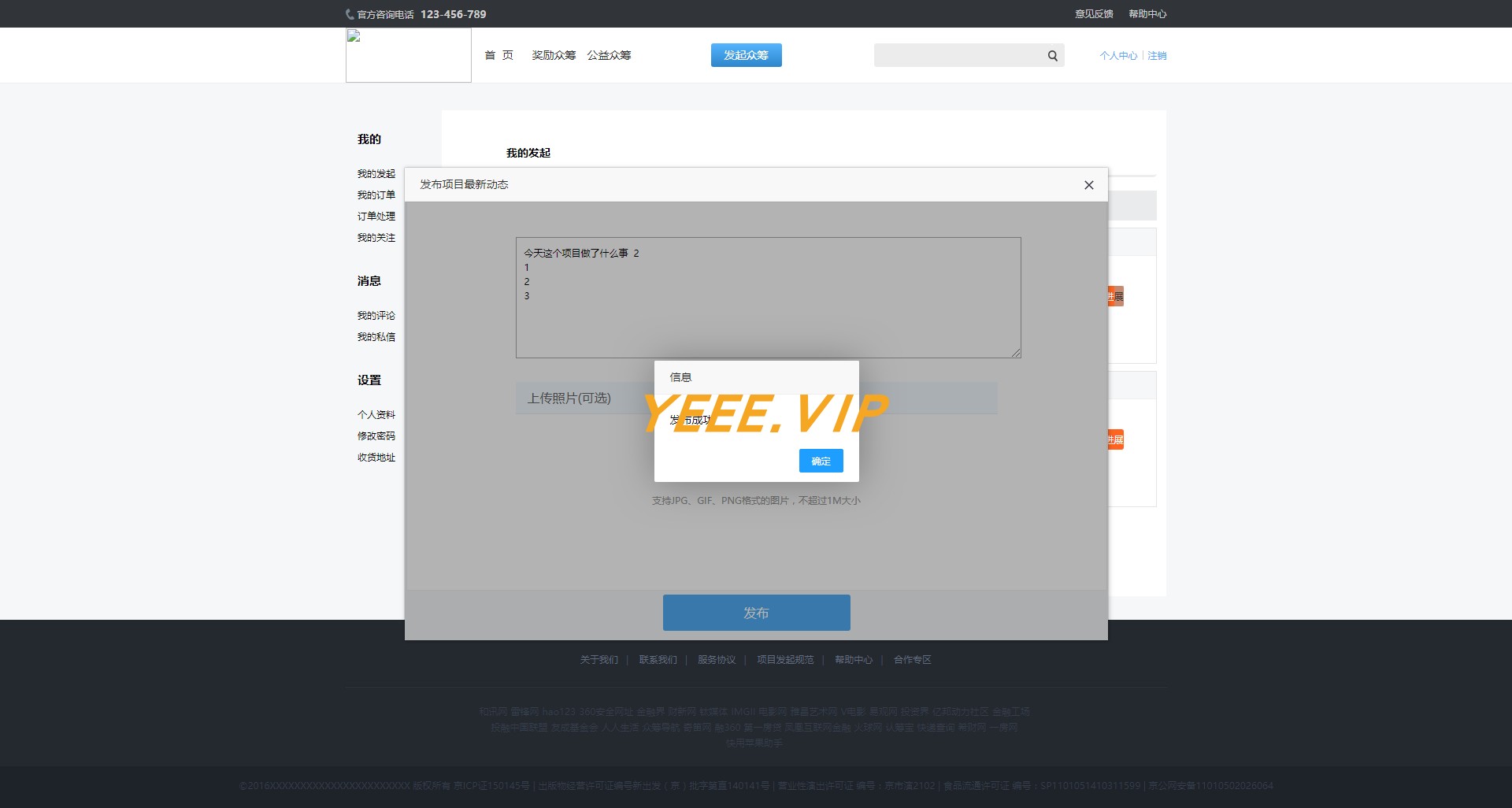
3. Update project dynamics
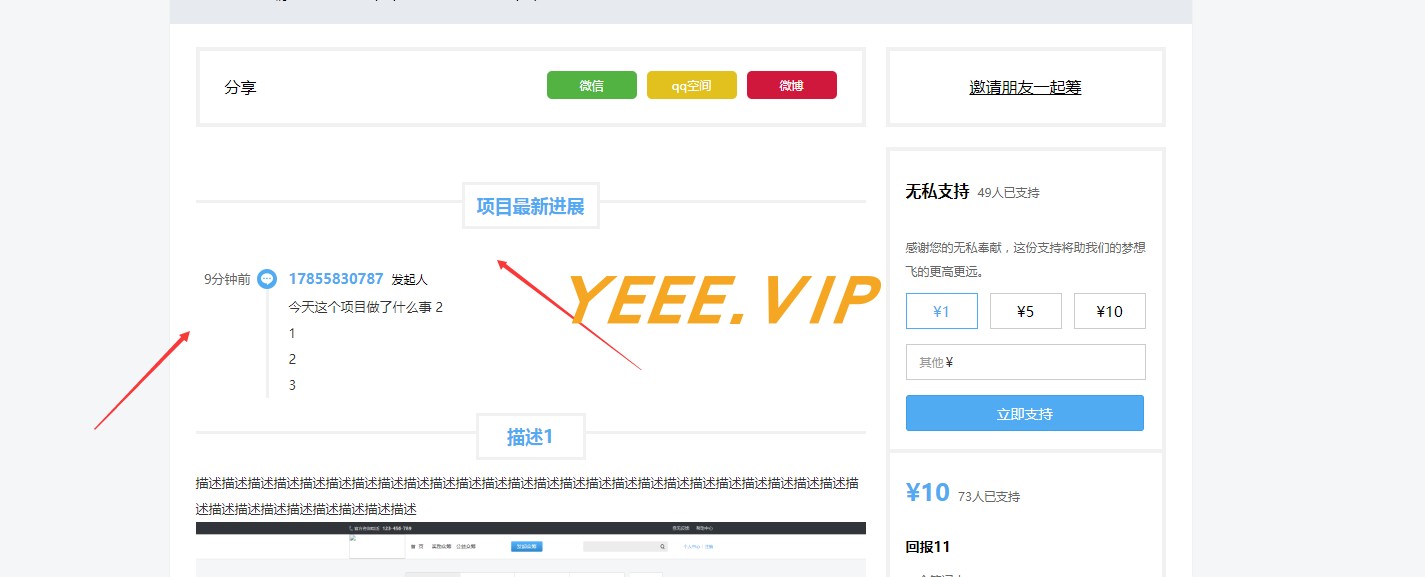
4. Updated details page
2. Backstage
User Management - Project Management + Audit - Order Management
- Page address: http://localhost:8080/admin
- Admin account: admin, password: 111111, you can also add your own account in the background
1. V1 version
1. Administrator login

2. Projects to be reviewed
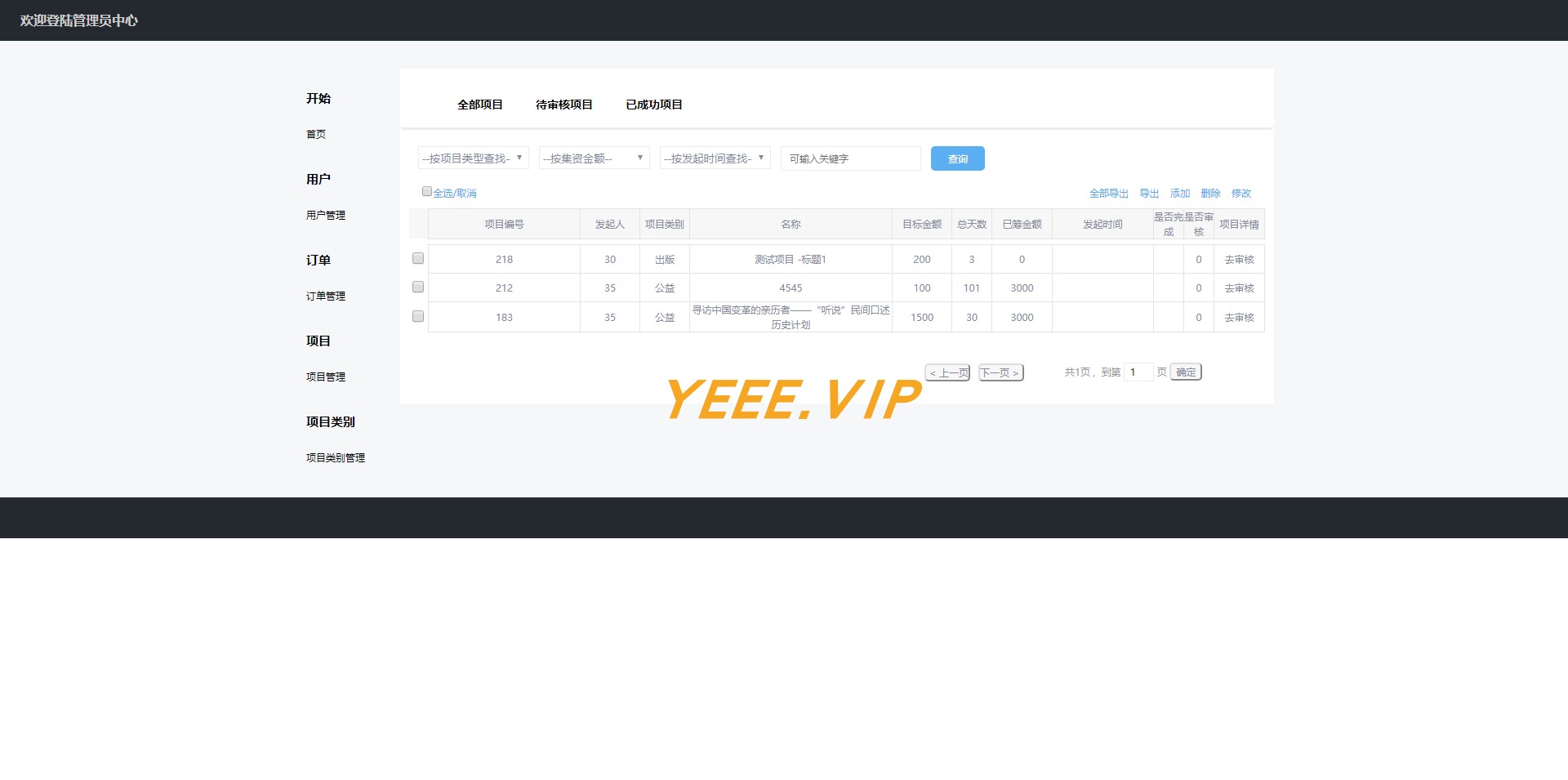
3. Project Review Page

4. Pass the audit

2. V2 version
5. Source code download
Communication group
- Author QQ: 1324459373
- Recruiting technology that is experienced and try to know the full stack as much as possible. If you are interested, you can come to our order group.
| WeChat group | QQ Group |
|---|
 |  |
| Reply: Join the group and invite you to join the group chat | Click to join the QQ group: 69405215 |








