HQT Hostel Management
Welcome to our Software Development Project (SWP391)
Video Demo: here
Table of Contents
-
Description
-
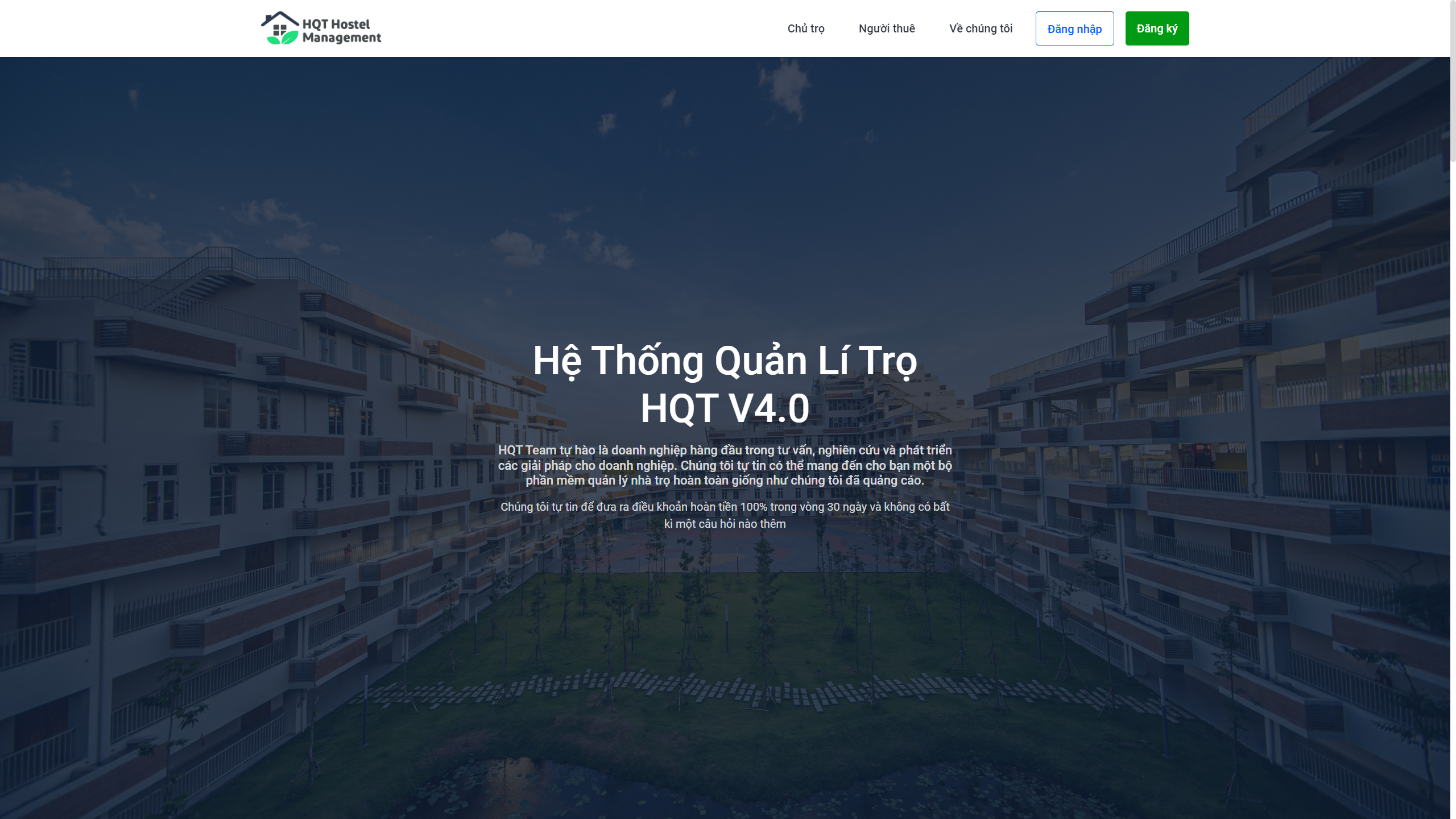
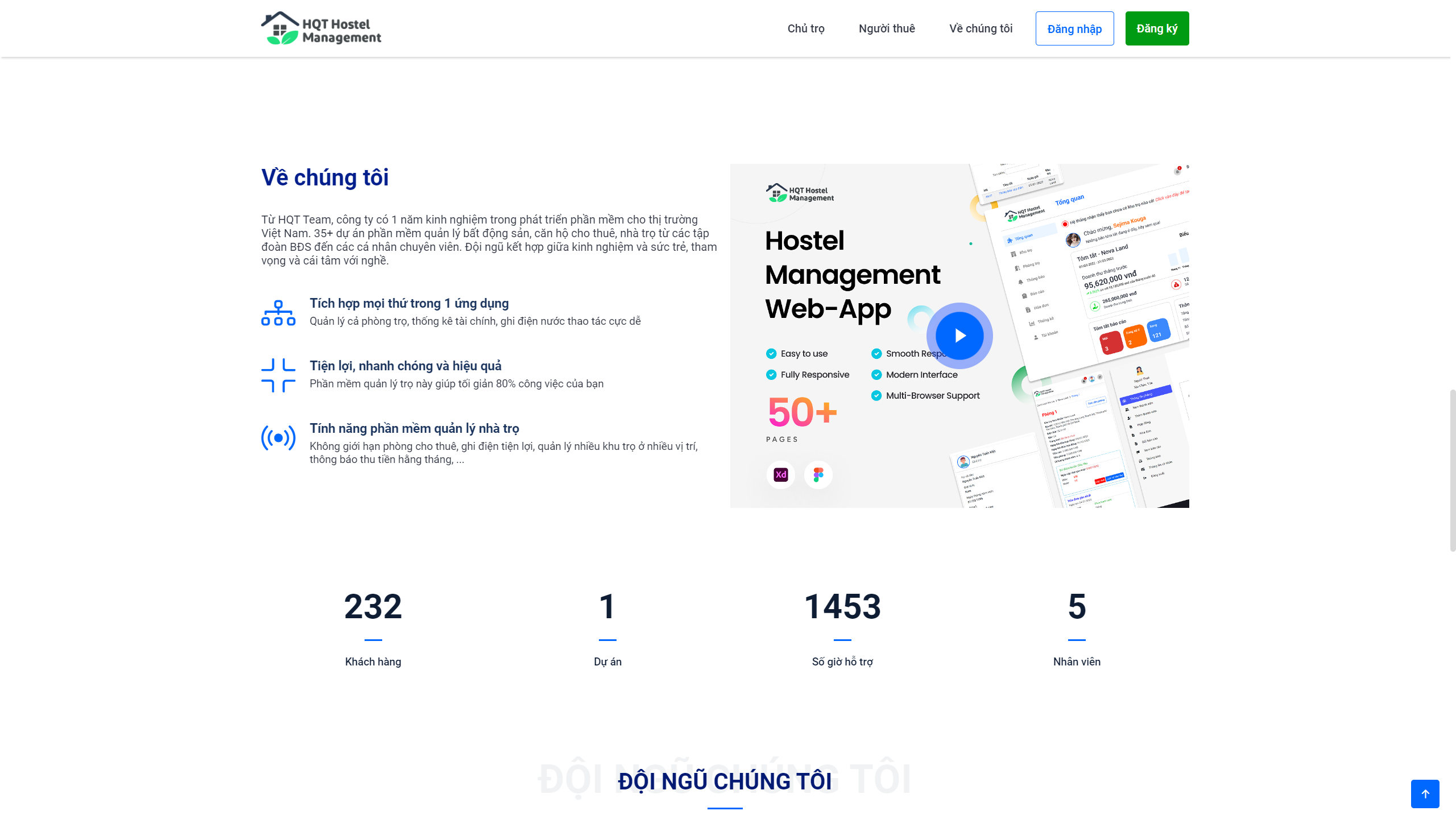
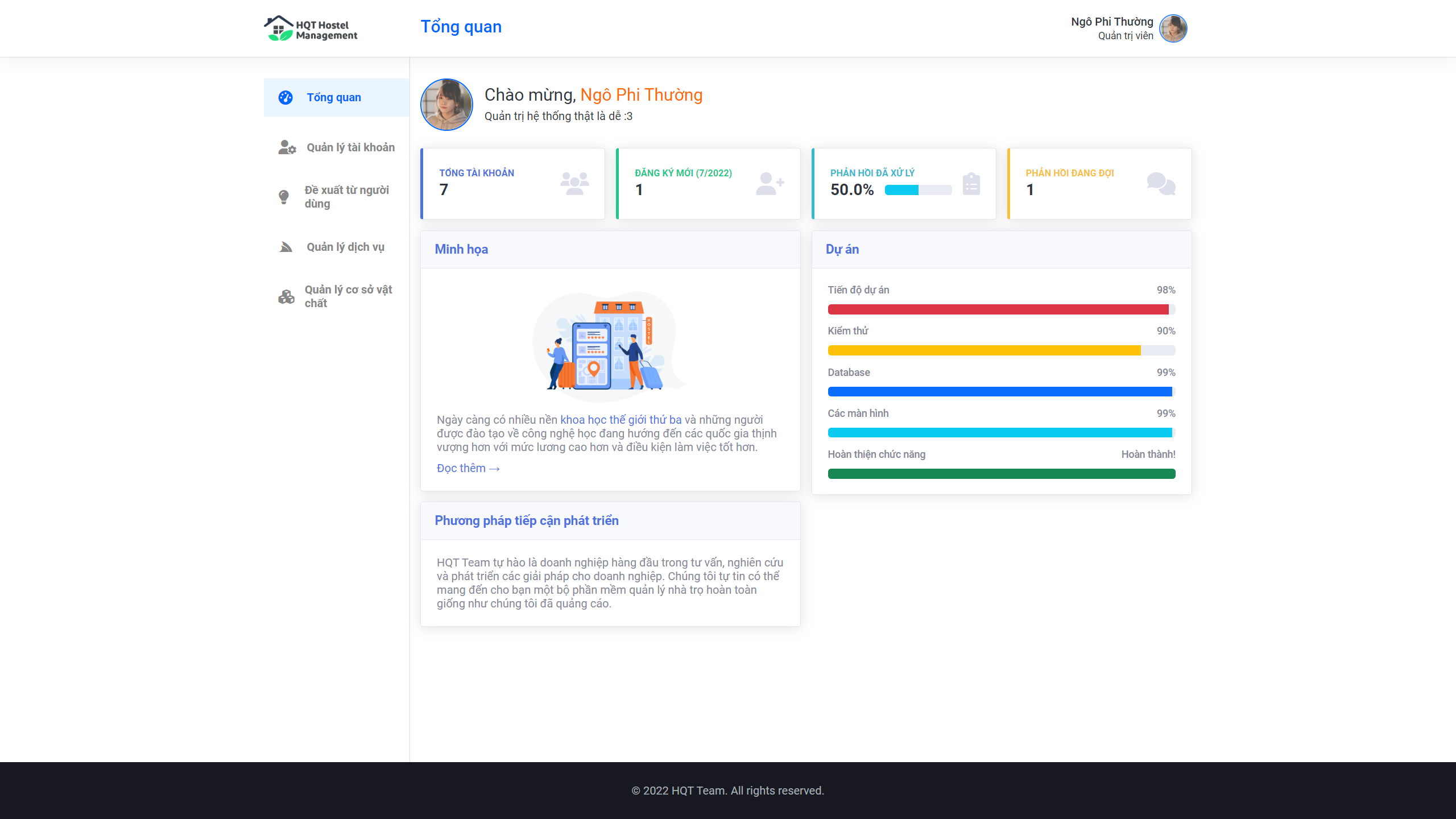
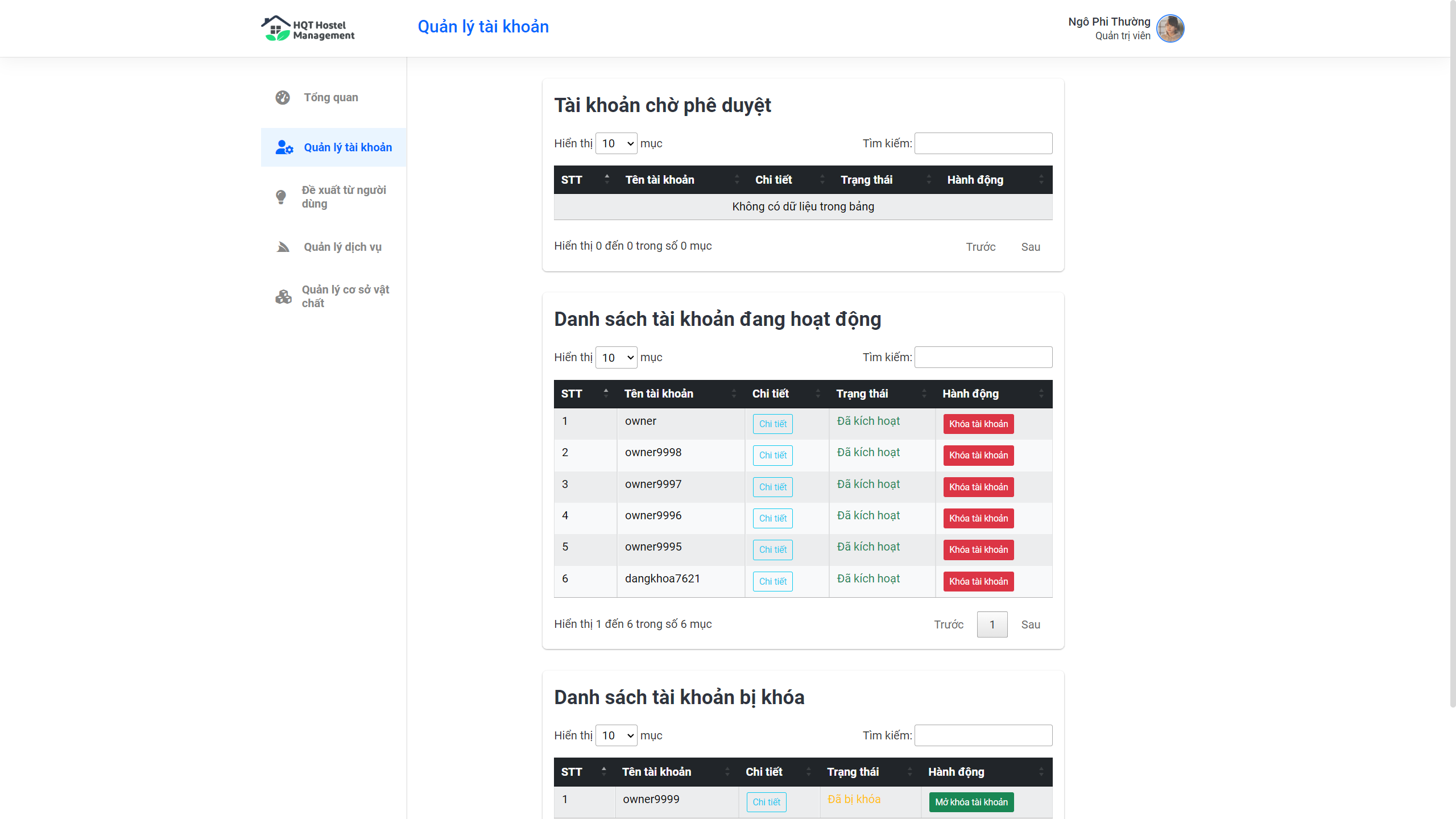
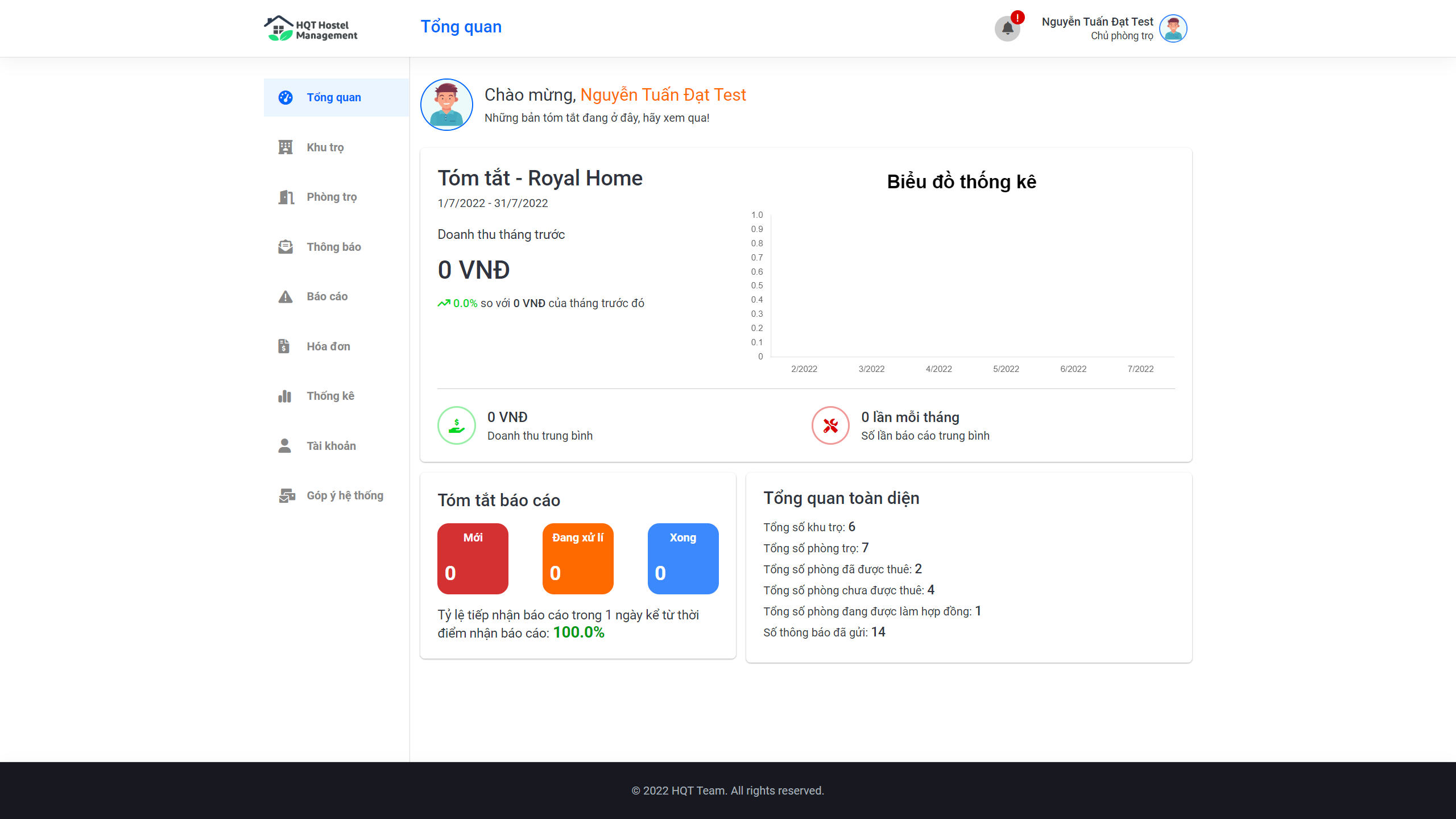
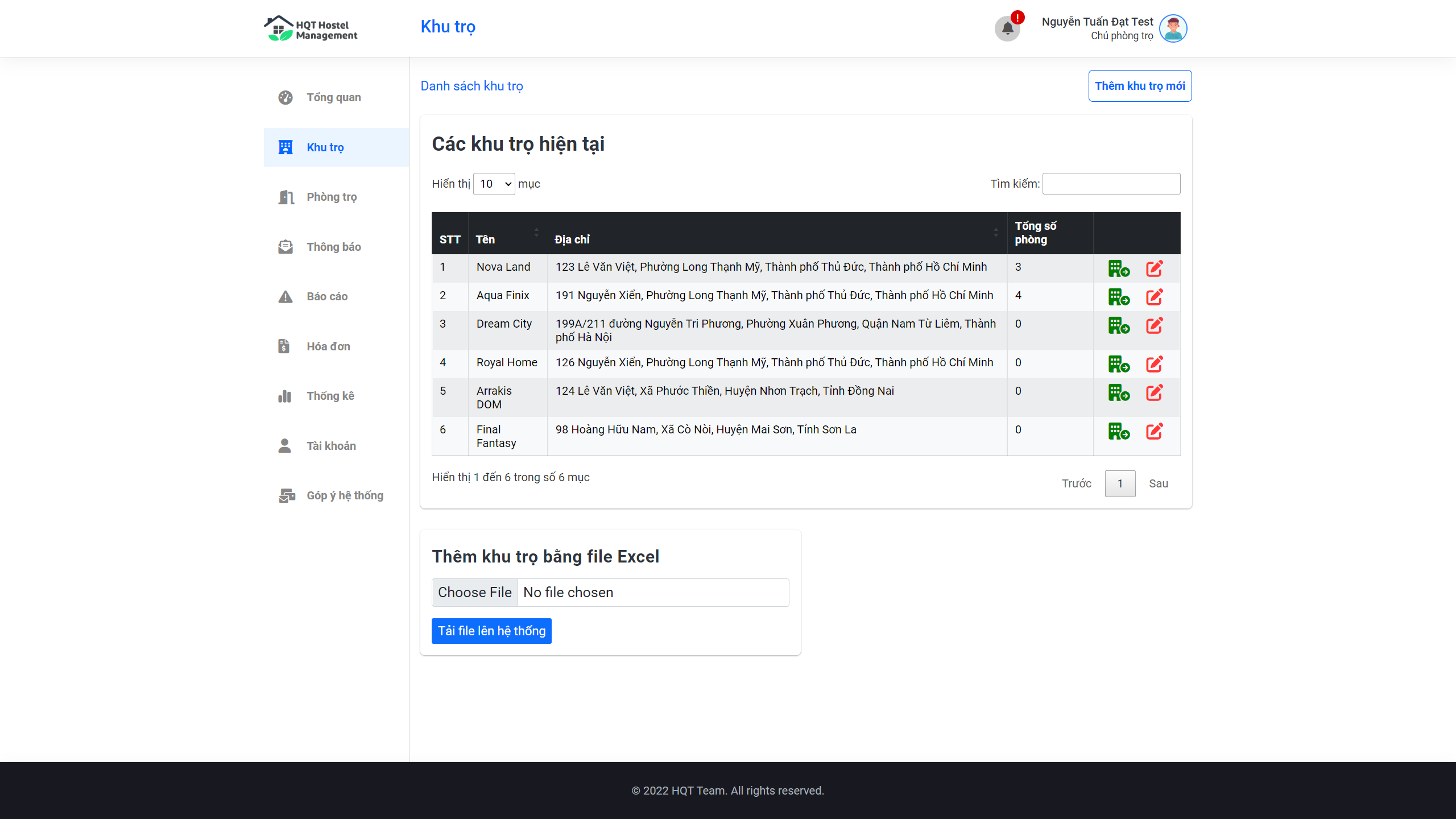
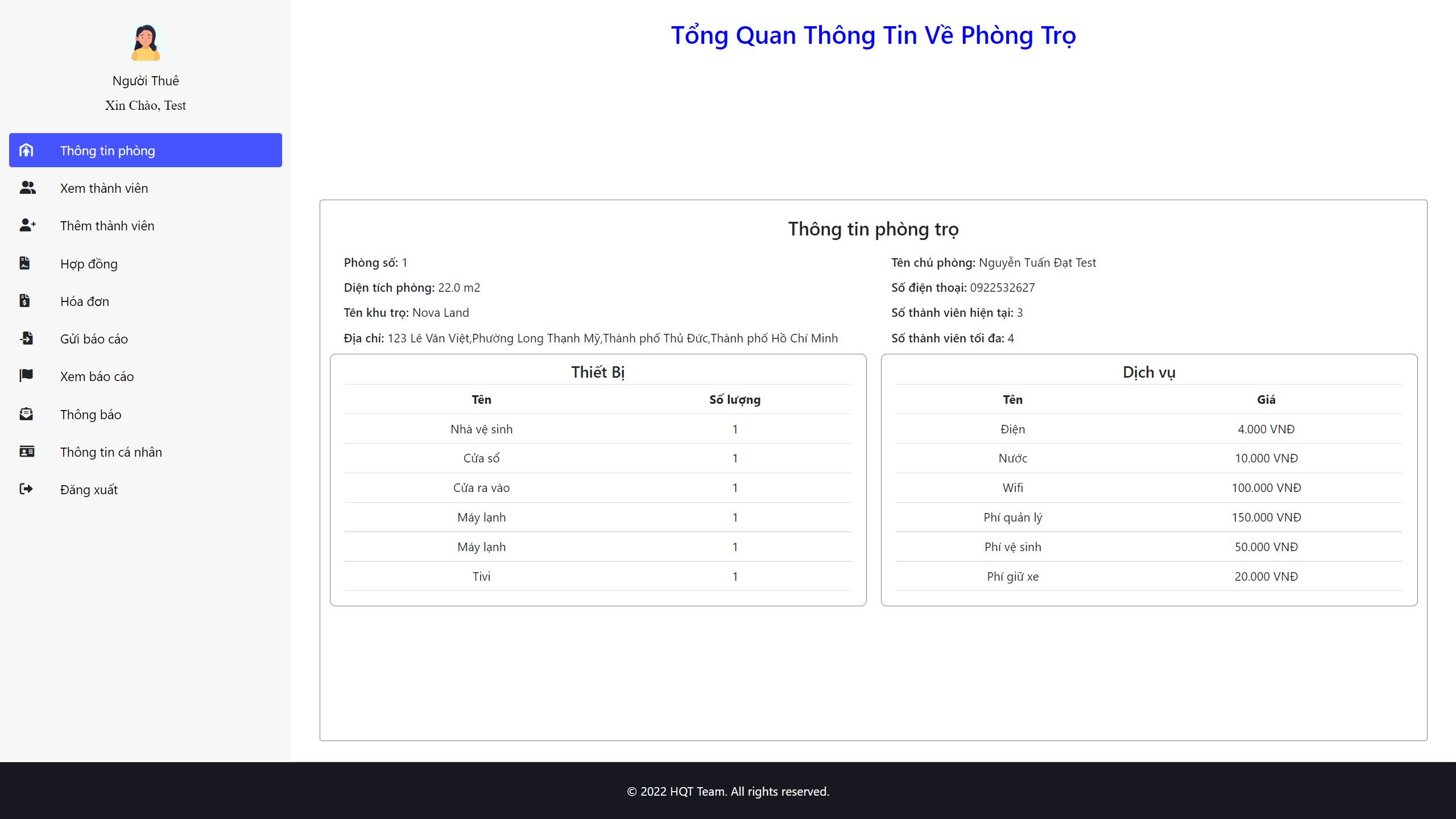
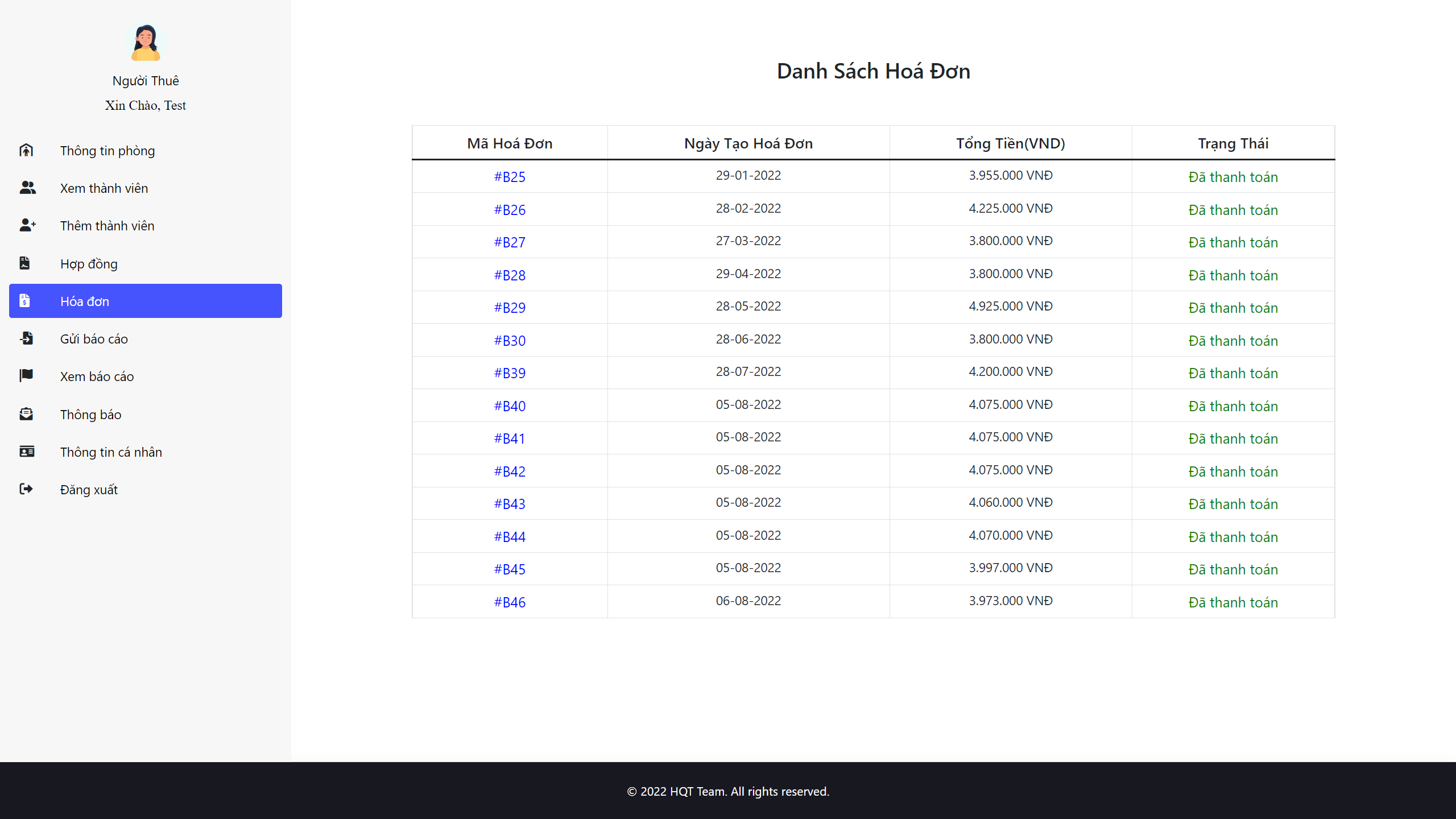
Preview Screenshot
-
Install and run
-
Technology
-
Functional requirements
-
Useful Resources
-
Contributors
-
Learn More
-
Reference
-
License & Copyright
Description
- This web application is ...
Preview Screenshot
Install and run
Required
- Open source code with IntelliJ IDE
- Installed JDK verison 11.x or above
- Installed Tomcat server version 8.5.x or higher and below version 10
- Installed Microsoft SQL Server Management Studio 18 and run the attached project script file in the source code folder
- Installed NodeJS Latest Version and SASS
Install
- Clone the source code to your computer and open the source code with IntelliJ IDE
- Wait for the libraries configured in the dependencies of the POM.xml file to be downloaded
- Select Runs/Debug configuration
- Select Add New Configuration
- Select Tomcat Server Local version
- In the Server tab, in the Application server section, link to the folder where Tomcat is installed
- In the Server tab, in the JRE section, link to the folder where the JDK is installed
- On the Deployment tab, click Add, select Artifact and select HappyHostel:war
- Also in the Deployment tab, scroll down to see the Application context item is currently "/HappyHostel_war", delete "_war" and click Apply
- In the project's IntelliJ window, open Terminal with Command Prompt
- Run command
sass --watch src/main/webapp/assets/scss:src/main/webapp/assets/css to build SCSS files into CSS files to display styles for pages
Run
- Click run to let IntelliJ turn on tomcat, build the project into a .war file and deploy it to the server
- The web will automatically be turned on in the selected default browser or type "http://localhost:8080/HappyHostel/"
Technology
1. Frontend
- HTML, CSS, Javascript, Bootstrap, jQuery
- Font awesome
- JSP - JavaServer Pages
- JSTL - JSP Standard Tag Library
- axios - Promise based HTTP client for the browser and node.js
- ...
2. Backend
- Servlets - a Java programming language class that is used to extend the capabilities of servers that host applications accessed by means of a request-response programming model
- JDBC - Java Database Connectivity - a Java API to connect and execute the query with the database
3. Database
- Microsoft SQL Server - a relational model database server produced by Microsoft
4. Other Technologies
5. Tool
- IntelliJ
- Java JDK 8
- Apache Tomcat 8.5.29
- Visual Studio Code
- Microsoft SQL Server Management Studio 18
6.Libraries
Functional requirements
1. Guest:
2. Hostel Owner
3. Hostel Owner
4. Admin:
Useful Resources
| # |
Name |
Description |
| 1 |
Main Project Folder |
- |
| 2 |
Database Script |
- |
| 3 |
UI Design |
Prototype for UI |
| 4 |
Resources |
Documents, diagrams, necessary tools... |
Contributors
-
Hoang Dang Khoa - SE150848 - Leader | Front-end Developer | Back-end Developer | UI Designer (Admin/Owner)
-
Nguyen Tan Loc - SE150877 - Back-end Developer | Database Designer
-
Ho Hai Nam - SE150929 - Back-end Developer | Database Designer
-
Thai Thanh Phat - SE150968 - Back-end Developer
-
Tran Hoai Nam - SE150921 - Front-end Developer | UI Designer (Renter)
Learn More
Reference
- Websocket: https://viblo.asia/p/su-dung-java-tao-websocket-de-tao-ung-dung-chat-gDVK2QAw5Lj.
- VnPay: https://sandbox.vnpayment.vn/apis/docs/thanh-toan-pay/pay.html#code-ipn-url.
- JavaMail: https://gpcoder.com/3753-huong-dan-su-dung-thu-vien-java-mail/.
License & Copyright
© 2022 HQT Team Licensed under the GPL-3.0 LICENSE.