Jsp Servlet Course Managment
1.0.0

● git clone https://github.com/dikshantnaik/Jsp-Servlet-Course-Managment.git or Download this project
● Open this project in your Netbean and Setup Tomcat Server
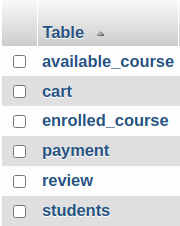
● Import jsp-project.sql Database into your Mysql using phpmyadmin
Database name should be jsp-project
● Run the Project
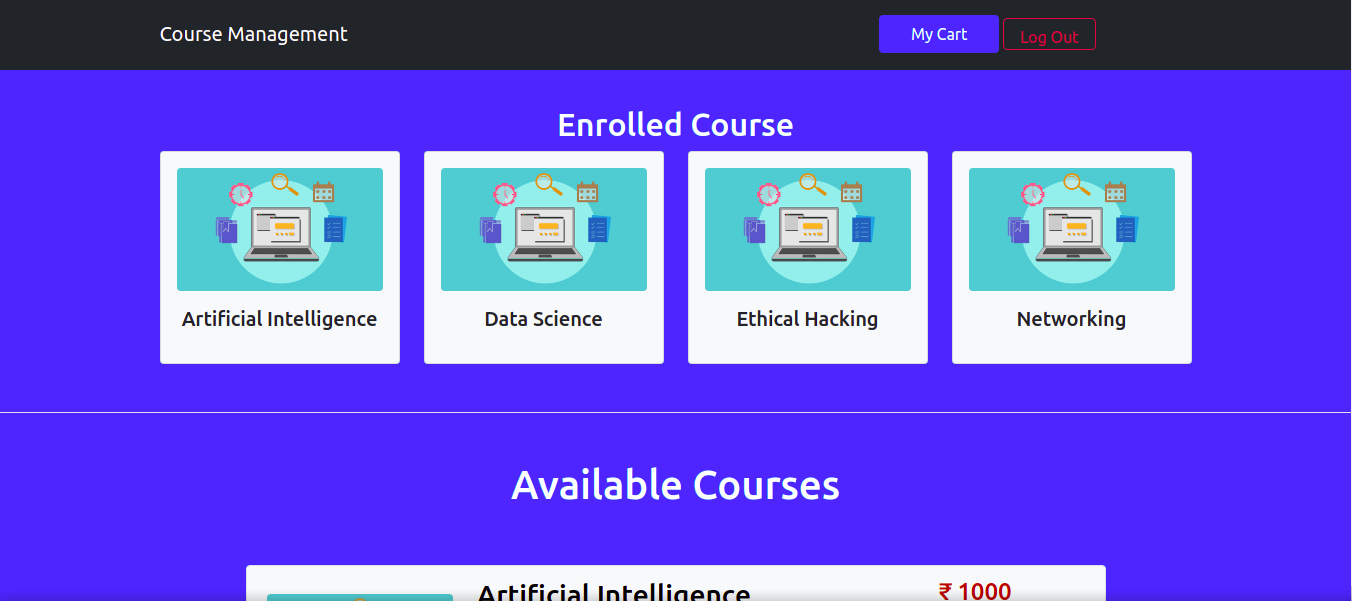
● Dynamic index page which changes on login
● Navbar,Landing Content,Enrolled Course is Displayed when Logged-in
● If user have enrolled any course it’ll be shown on index.jsp
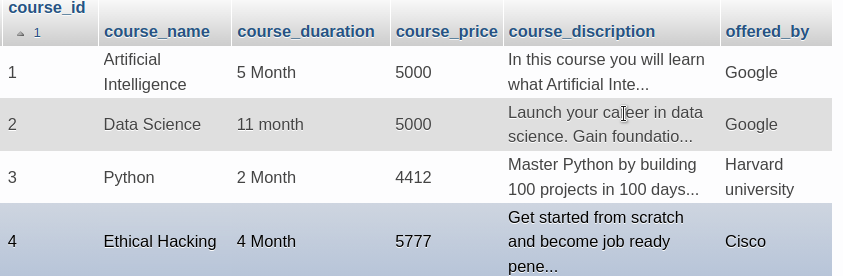
● All the Course Cards are loaded Dynamically from Database

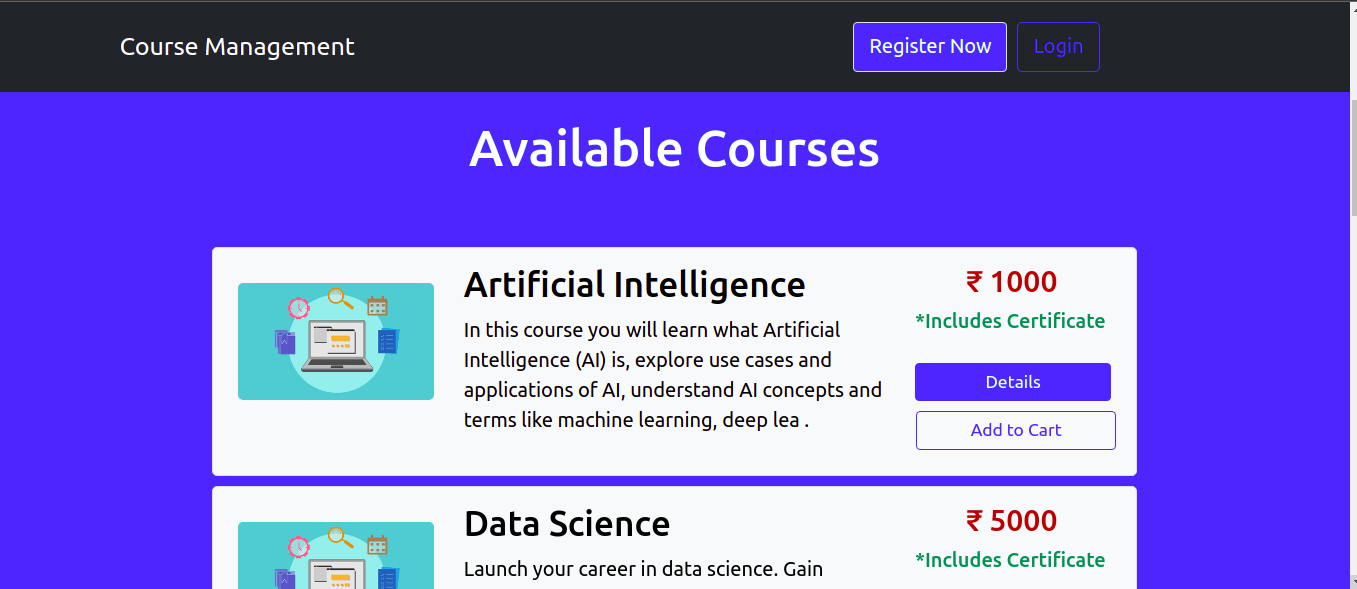
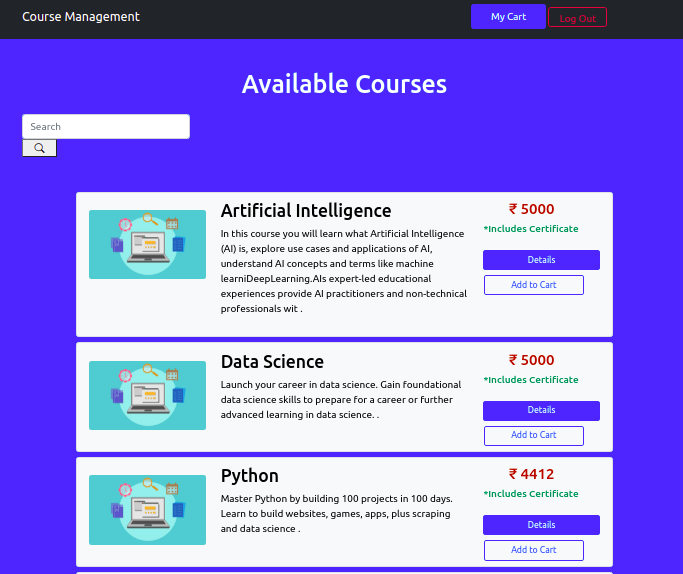
A page where all the course will be shown which was not shown on the index page. You can also Search for course it’ll match the Database with that keyword and show the Result If you want to see the Course Details click the course tab and it’ll redirect you to The Individual Course page
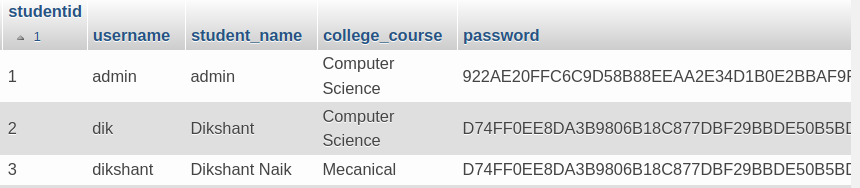
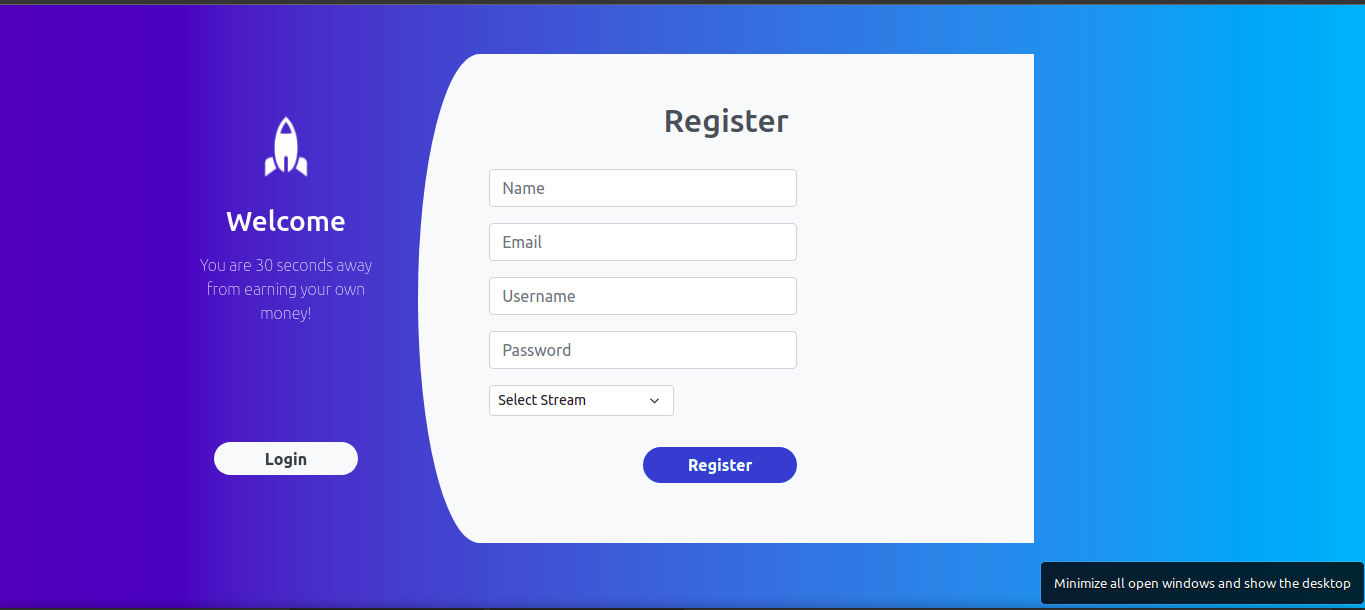
Register yourself here with your information. The password will be saved as Hash using SHA256 Algorithm
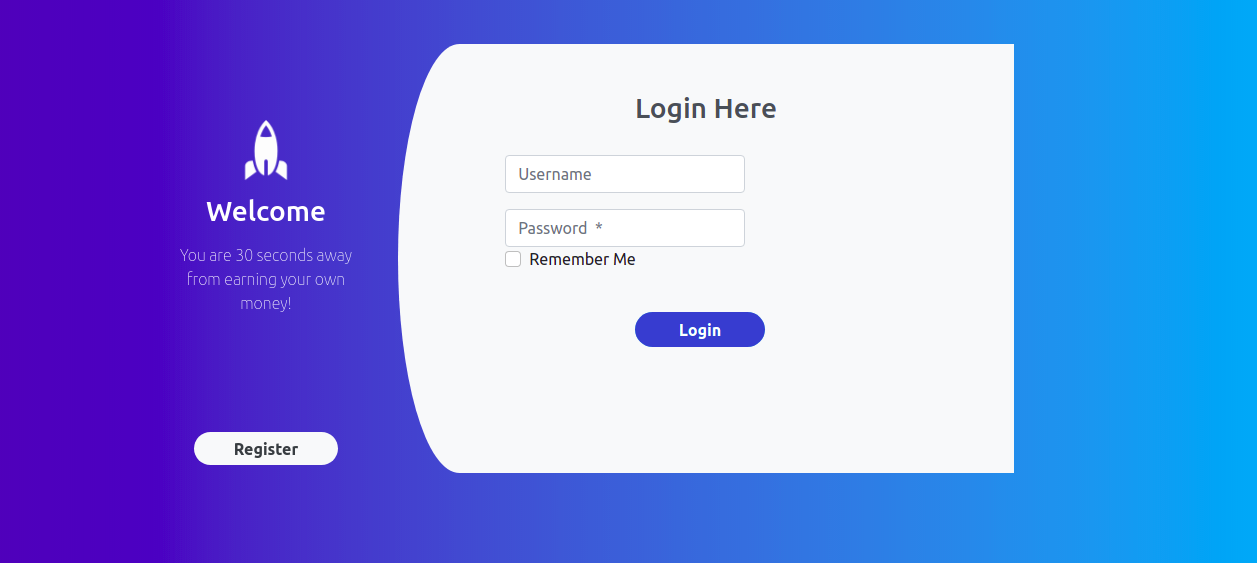
Login using your username and password which you set during registration. You can also tick Remember me to save your info in cookies permanently
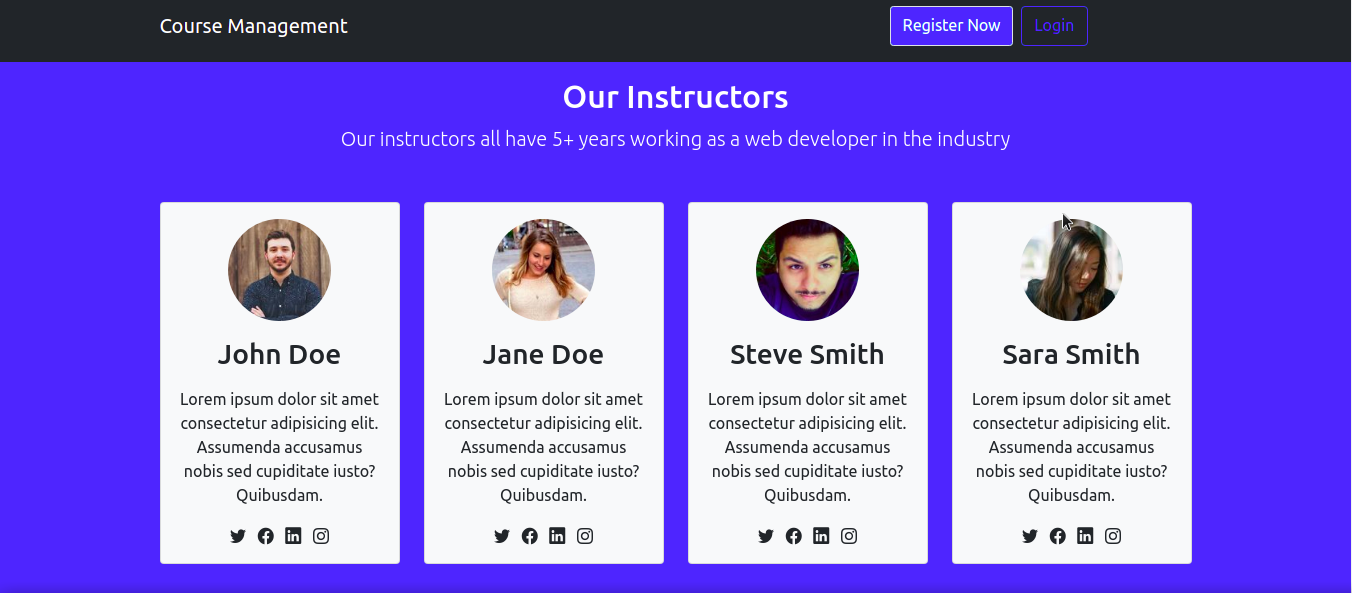
This page is used as an import and will be shown on index.jsp when user login.. In this section all the Course the user has Enabled will be shown after successful payment
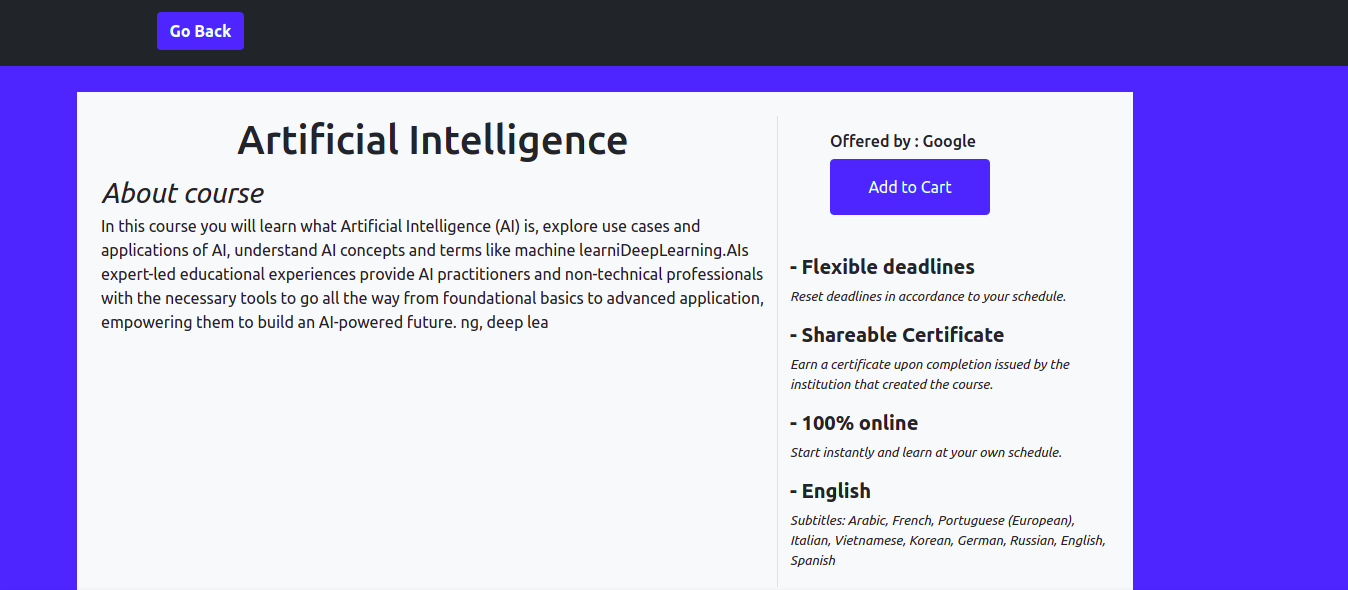
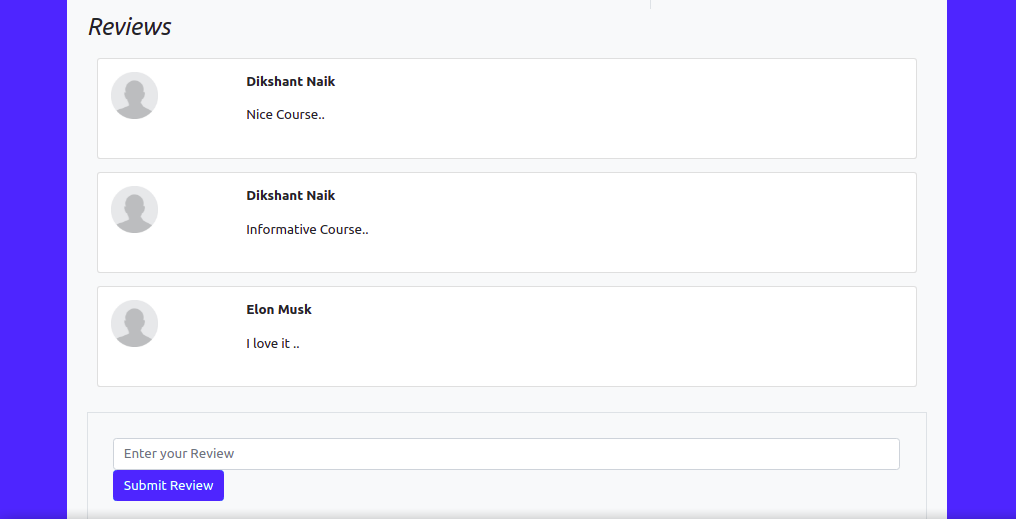
Check the details about the individual course including price,description and Reviews from another users
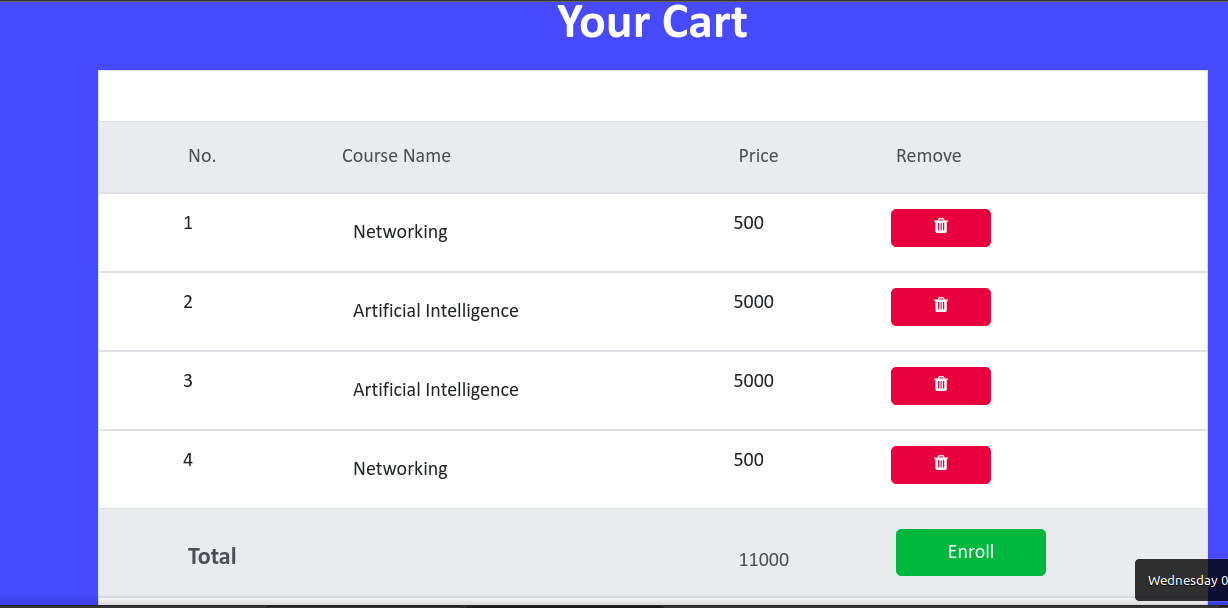
Here You’ll see all the Course which the user wishes to buy .User can delete any item from the cart and enroll if he likes the course he has chosen ..It’ll redirect him to the payment page to pay the course amount .
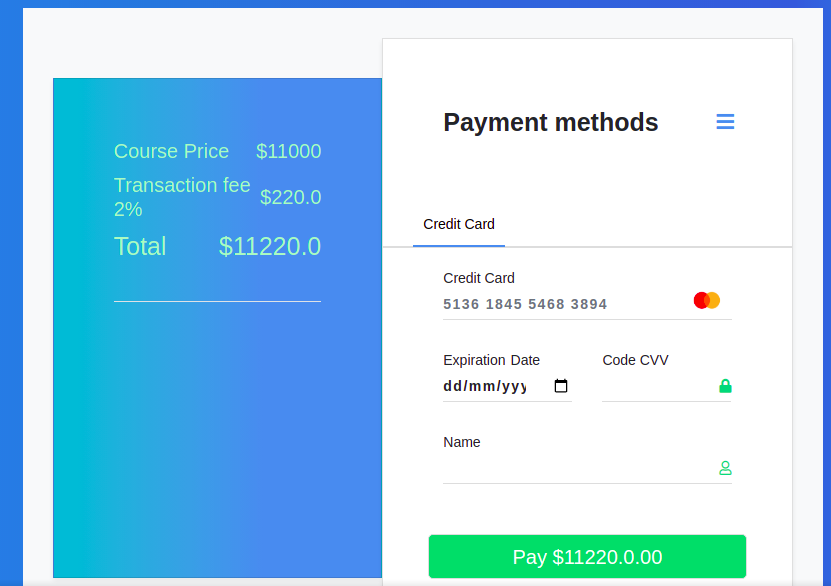
This page is used before enrolling in a course to make a payment . All the data seen here is dynamically changed based on Total /fee amount.After successful payment the course is enrolled and the payment data is saved in the database