Unapaint
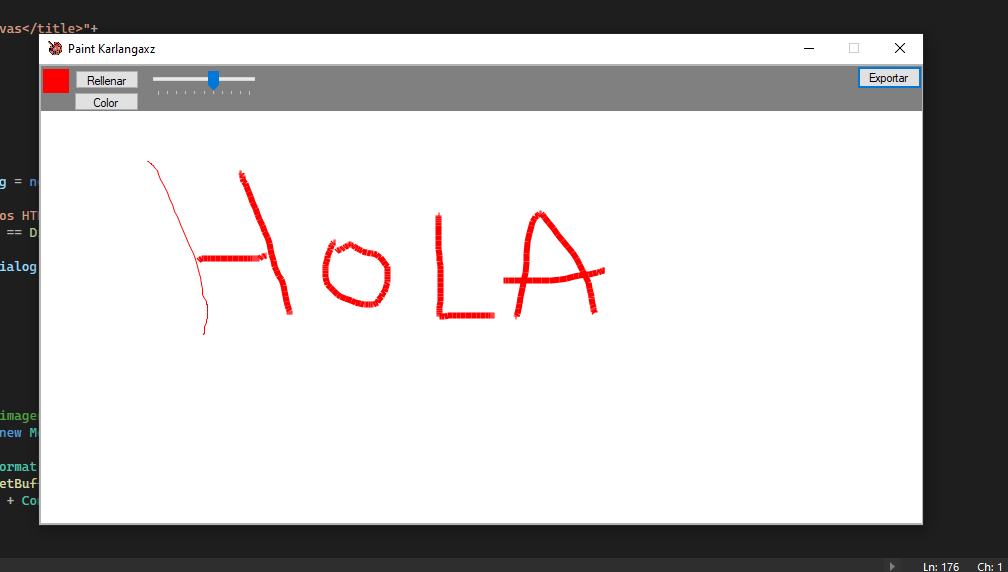
APAINT is a drawing application similar to the classic Windows Paint, developed in C# using Windows Forms. With aPaint, you can freely draw on canvas, select colors, adjust the thickness of the line and perform basic paint actions.
Main characteristics:
- Free drawing: Use the mouse to draw freely on the canvas.
- Color selection: Choose from a variety of colors for your strokes.
- Thickness adjustment: controls the thickness of the line to obtain faster or faster strokes.
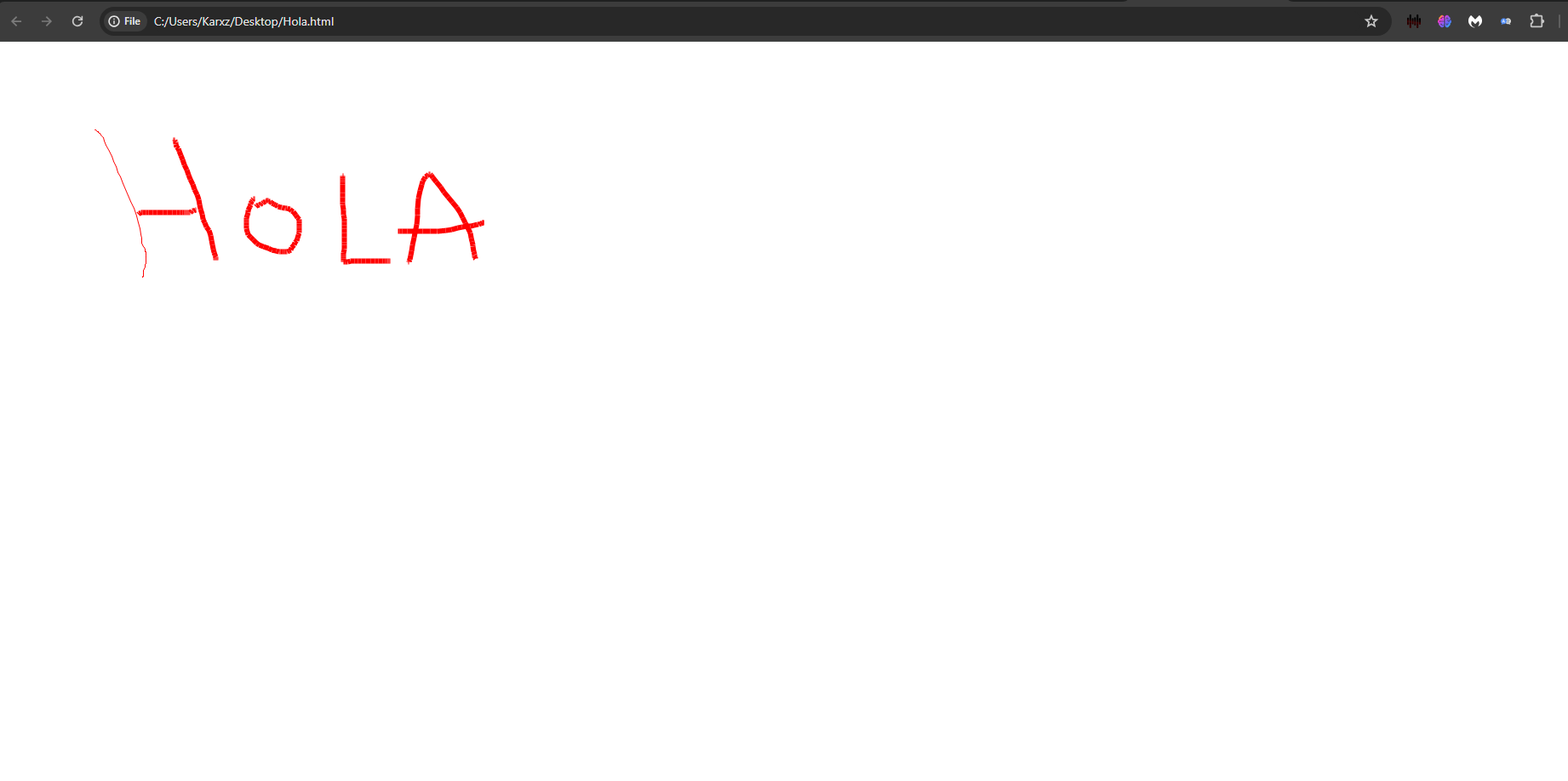
- Export to HTML: save your creations in HTML format to share or integrate into web pages.
- Filling areas: Fill in canvas areas with the selected color.
INSTRUCTIONS FOR USE:
- Draw: Press the left mouse button and drag to draw.
- Select color: Click the color box to choose the color of your stroke.
- Adjust thickness: Use the slider to adjust the thickness of the line.
- Export: keep your drawing as an HTML file by clicking on the export button.
- Fill areas: activate the filling tool and click an area to fill it with the selected color.
Requirements:
Facility:
- Clona or download the repository.
- Open the project in Visual Studio.
- Compare and execute the application.
Screen captures:
view of the project exported to HTML
view of the project exported to HTML
Contribute:
Feel free to contribute to the project! You can send suggestions, inform errors or send requests for characteristics.
Author:
Developed by Carlos Linares (Karlangaxz).
Thanks for using aPaint! We hope you enjoy drawing and creating with this application. If you have any questions or problem, do not hesitate to open a problem in the repository.







