BluePlayer
Update 1.2.6


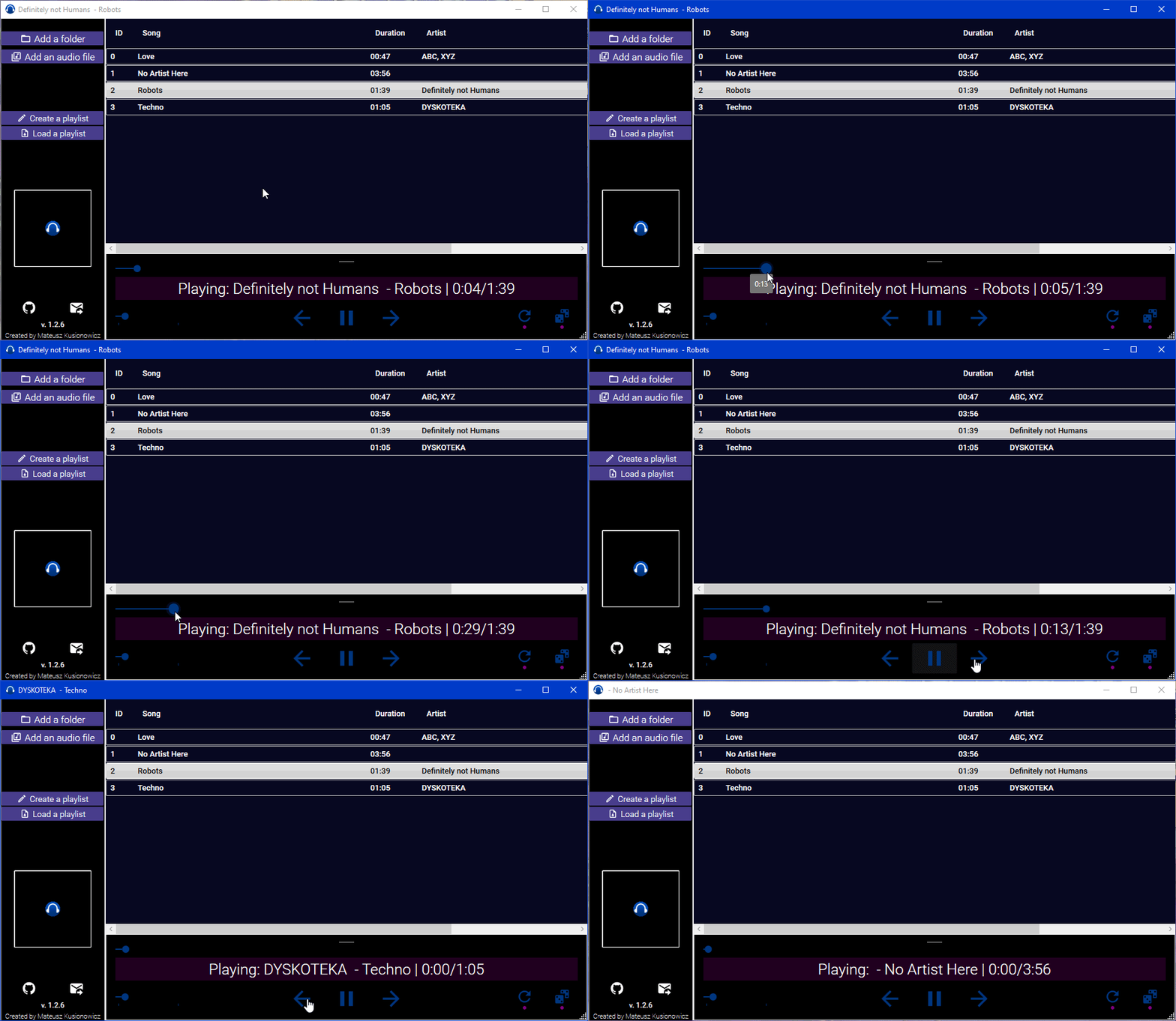 A software created for listening to music.
BluePlayer can play the following audio file types: .mp3, .wav, .m4a by adding them to the playlist, after doing that, you can save all music tracks you have picked simply by pressing a button.
A software created for listening to music.
BluePlayer can play the following audio file types: .mp3, .wav, .m4a by adding them to the playlist, after doing that, you can save all music tracks you have picked simply by pressing a button.
BluePlayer has an ability to loop through tracks or randomize your next track.

Current Version: 1.2.6.
The playlist is on the right side on UI, there you can see all music tracks that have been added by you (besides the song's name, you can also view the artist [if the artist has been added in the file's metadata]).
There are 4 ways to do that:
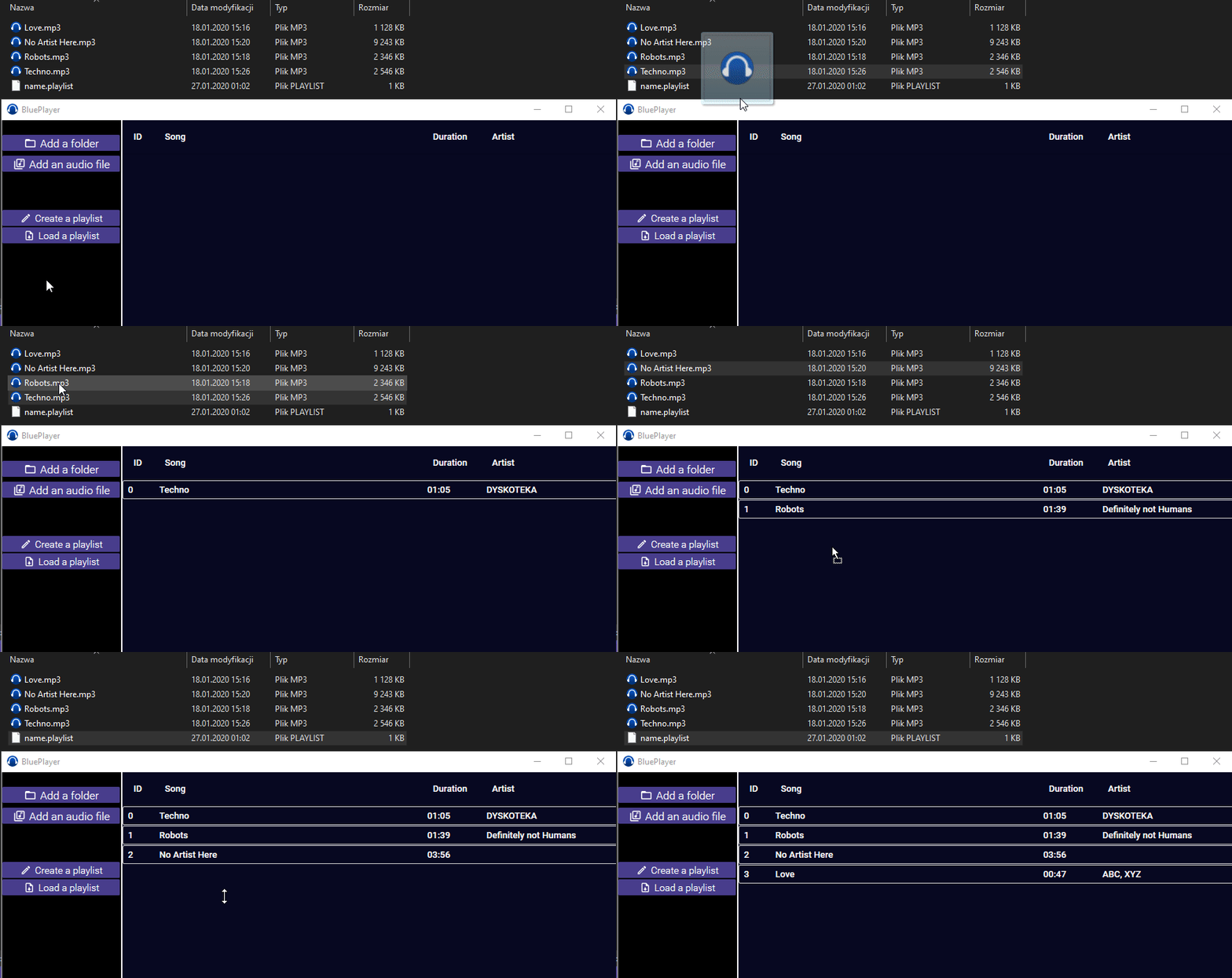
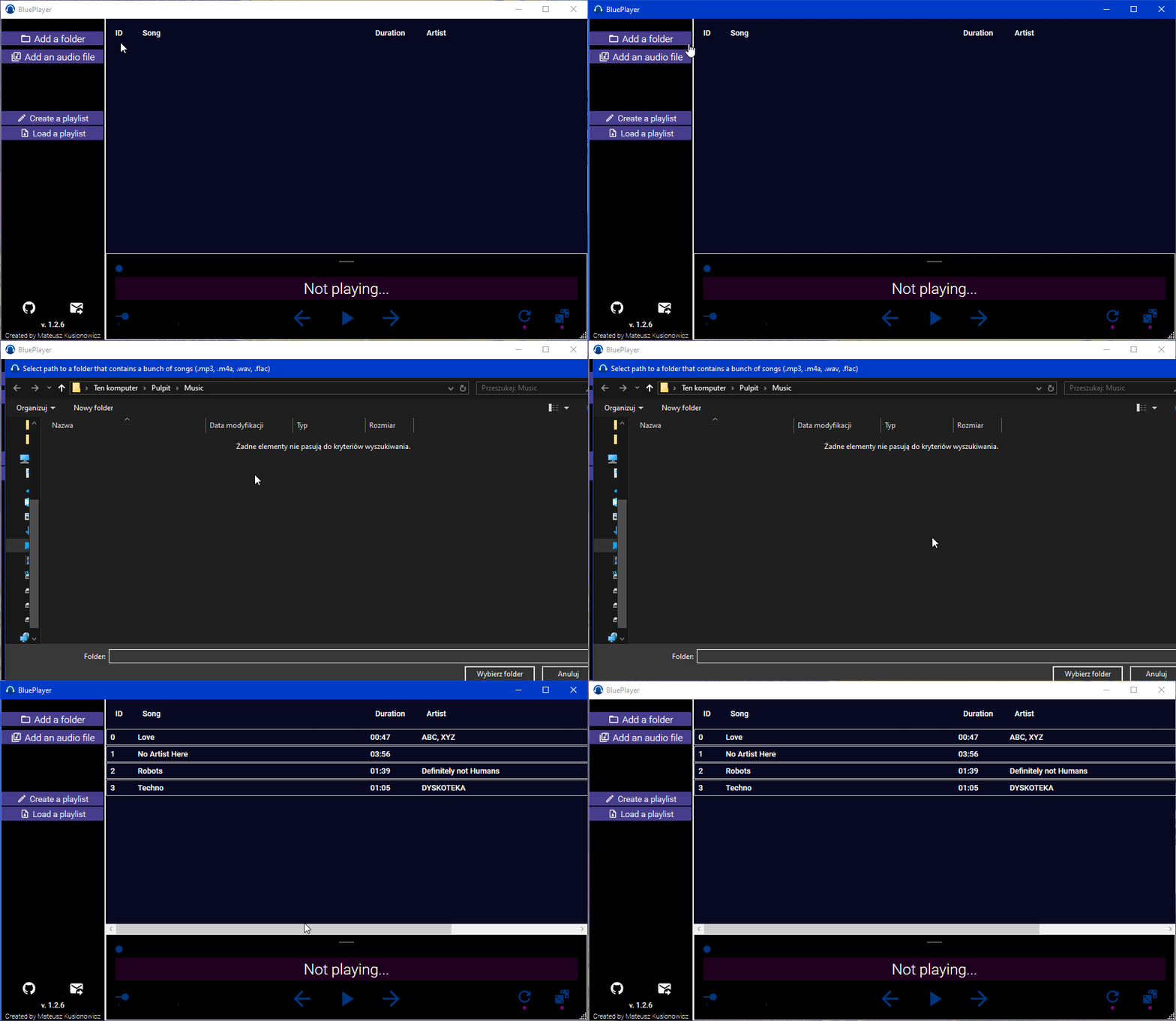
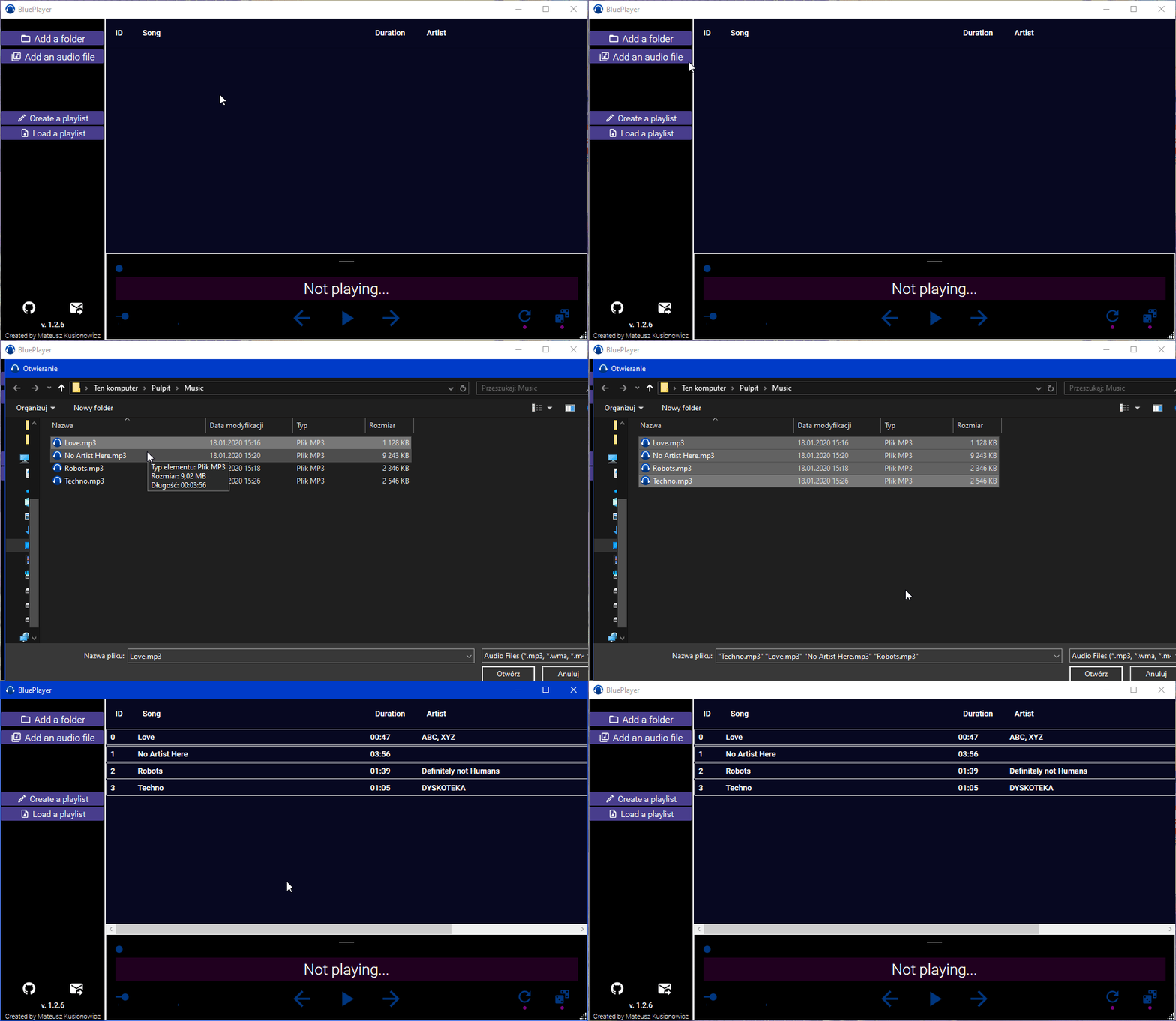
You can save the playlist by pressing the "Create a playlist" button and choose the path for your .playlist file.
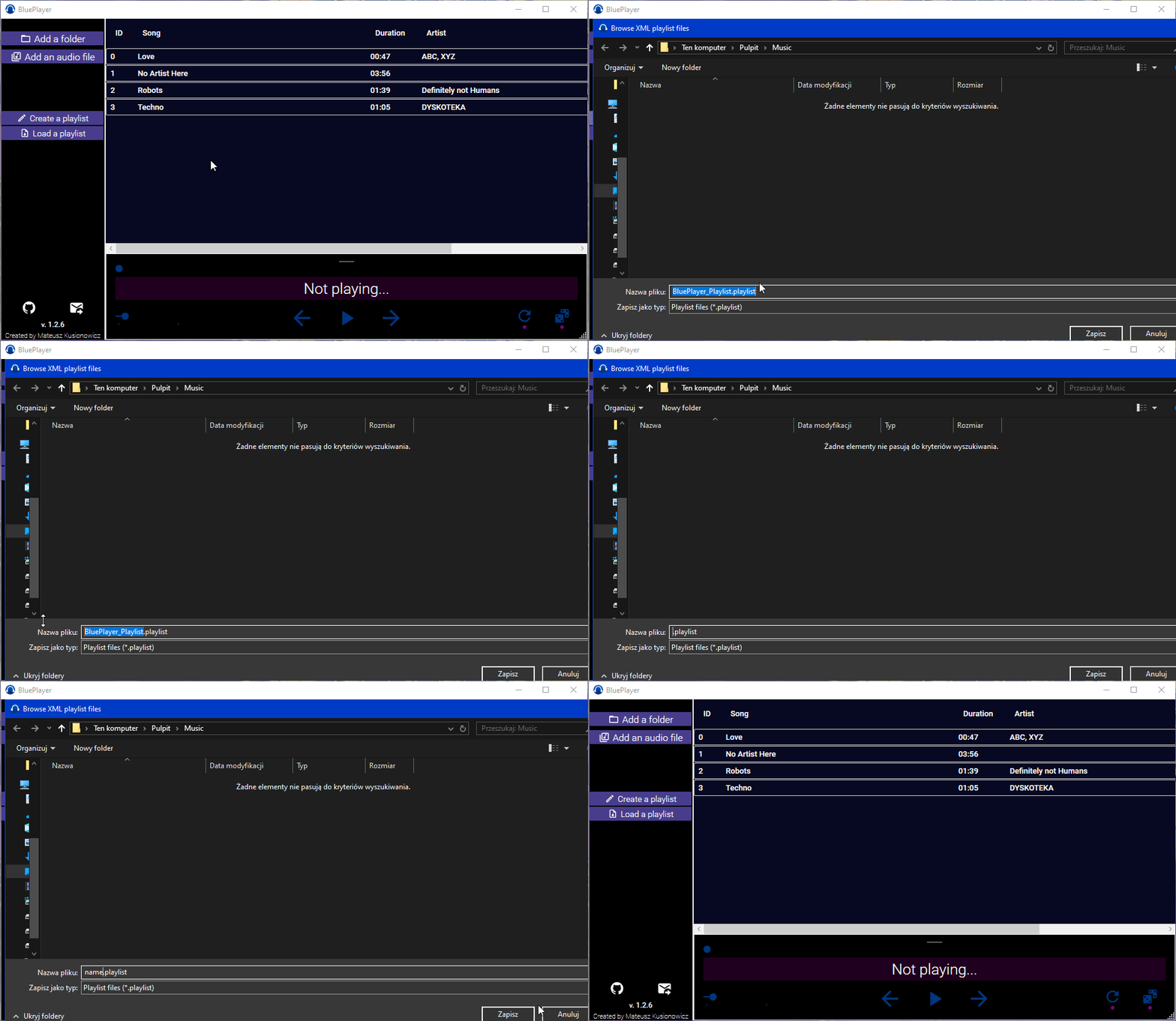
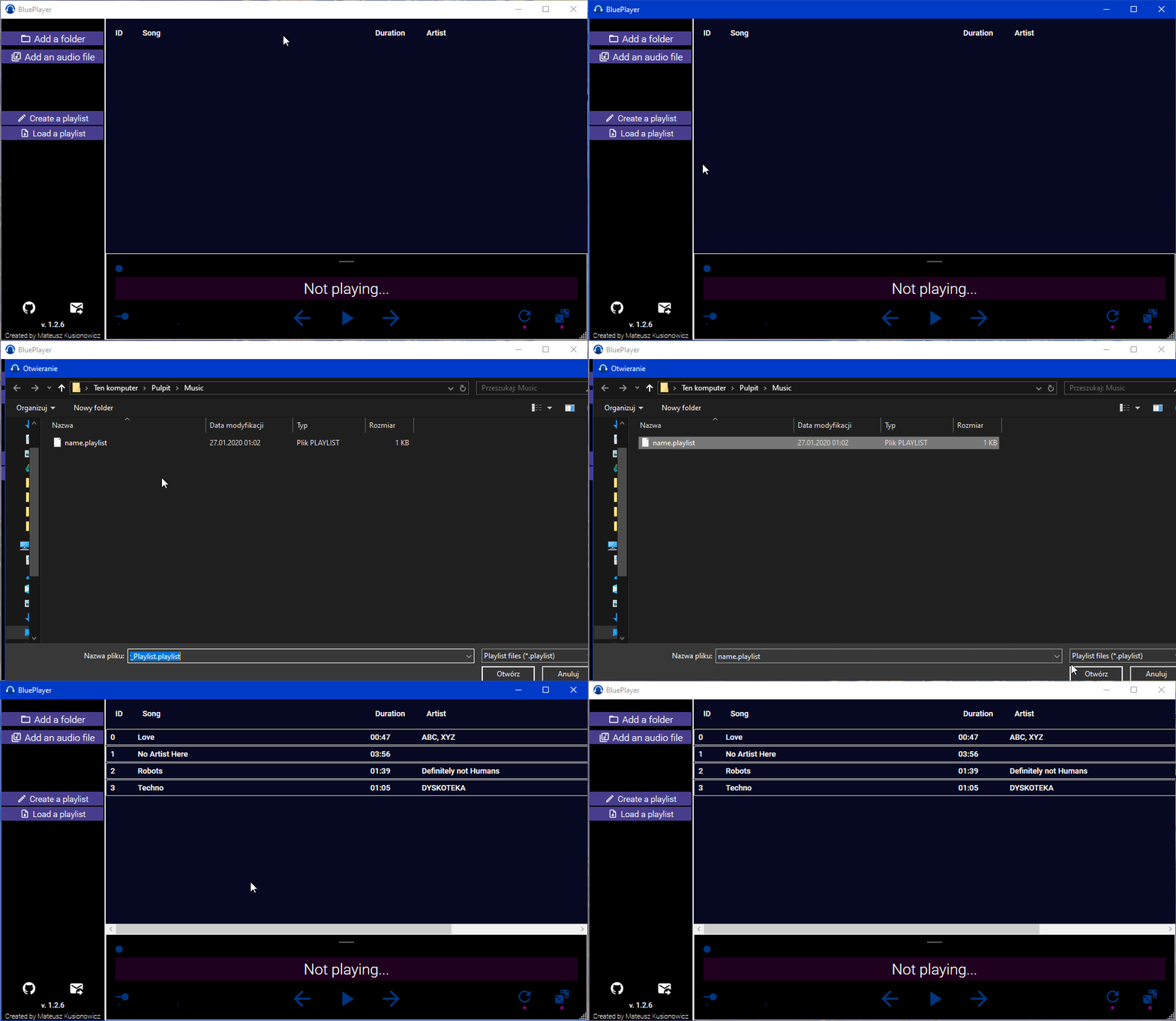
Loading back the playlist is also simple, all you have to do is press the "Load a playlist" button and select the path to your .playlist file previously saved.
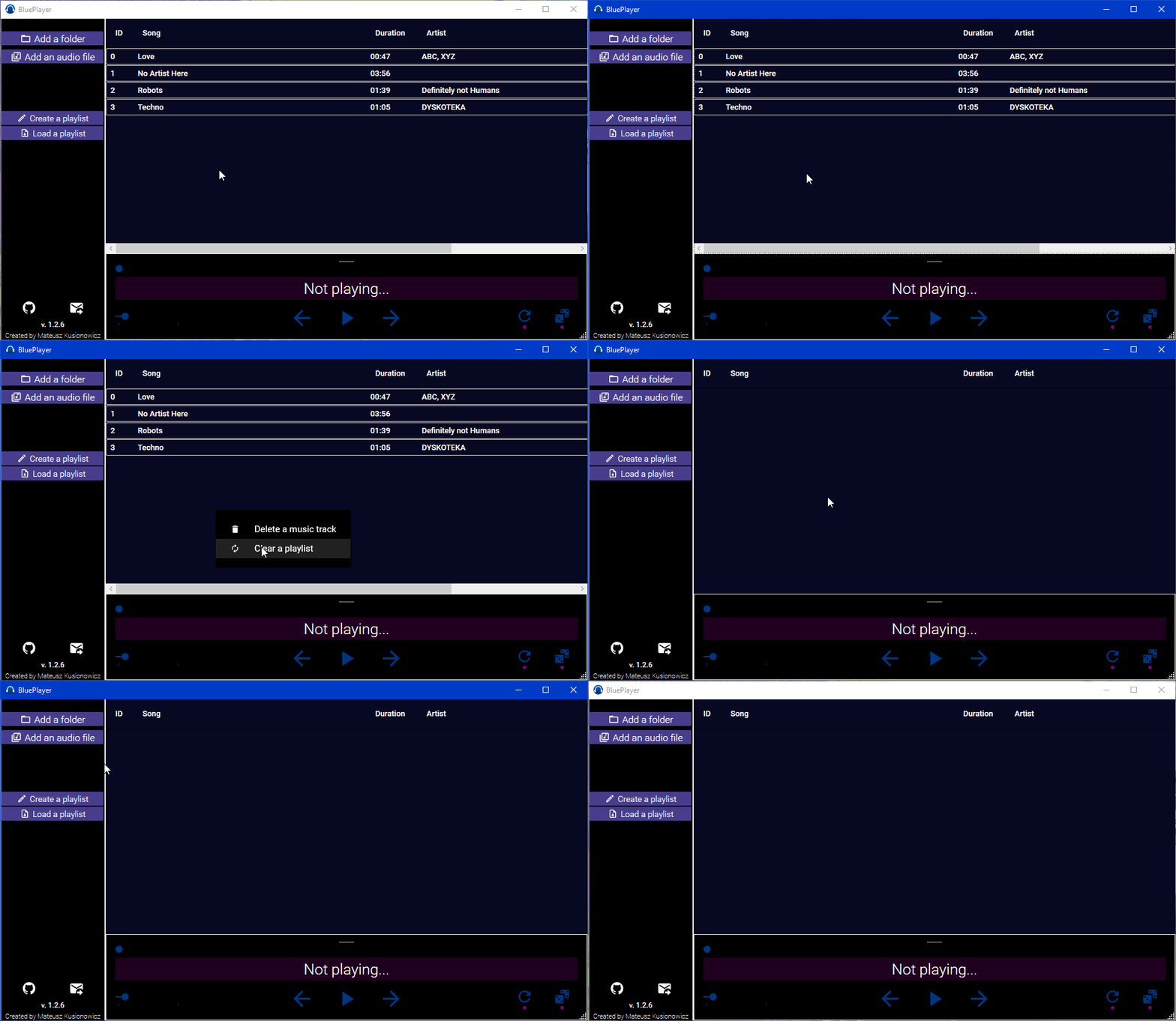
Right-click on the playlist area and press the "Clear Playlist" button.
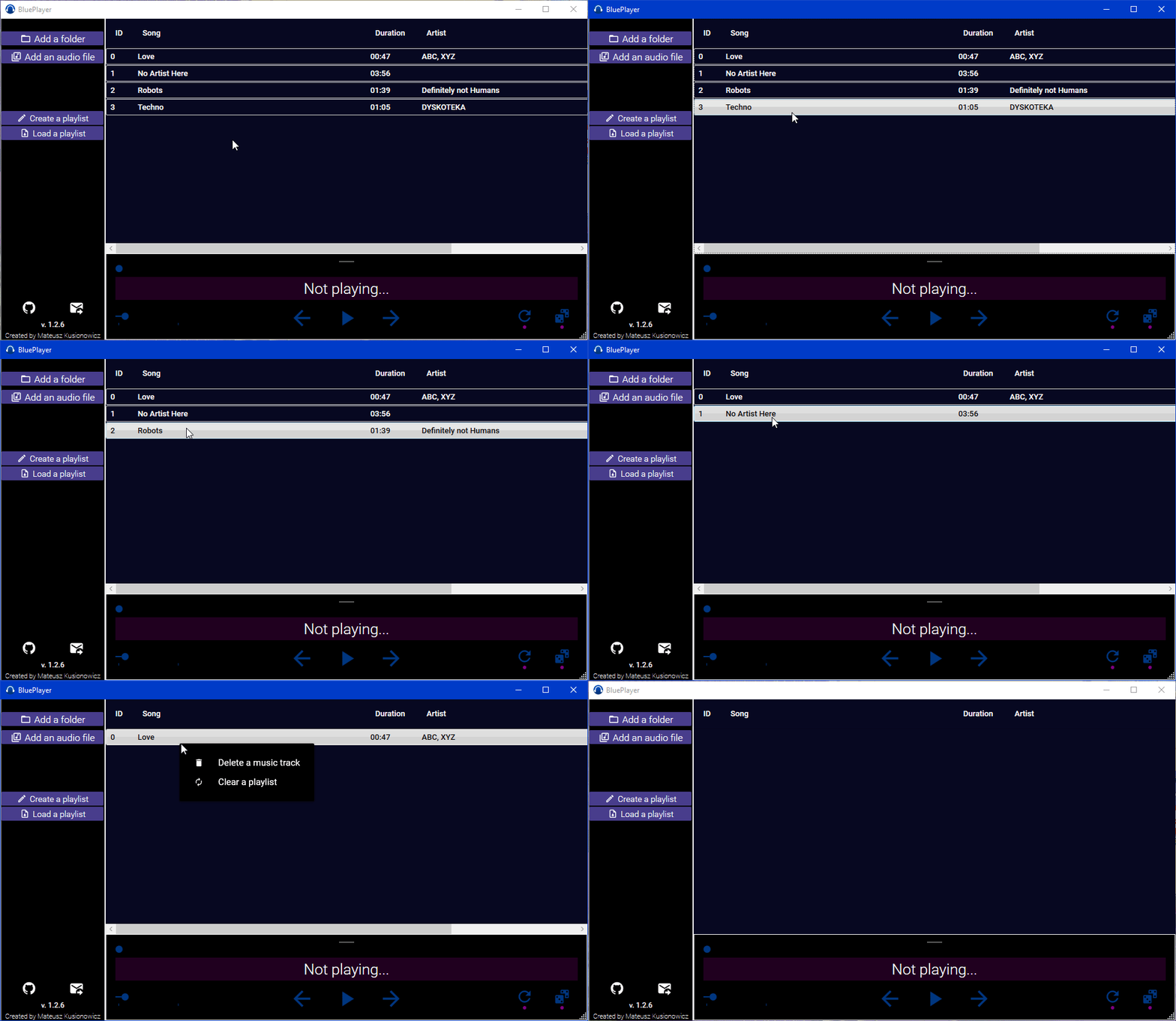
Right-click on the music track entry in the playlist and press the "Remove a music track" button.
More informations in THIRD-PARTY.txt file.
The BluePlayer project is under the MIT license. See the LICENSE file for more informations.
You can send me feedback and/or bugs from the Issues tab on GitHub, also you can contact me at the [email protected] e-mail address.