File Server
The repository contains an API for a simple file server and integration tests for the API.
Get started:
- Install Docker
- Start server (execute run.bat)
- The step will run docker compose which will install MongoDb and run the API.
- Note: if you have an issue with certificates on this step - try to run the solution in Visual Studio with docker compose (see below), it will install require certificate. After that
run.bat will also work.
- Make sure that the API is up and running (open: https://localhost:44348/swagger).
- Run integration tests (execute test.bat)
- At the end you will see path to test logs in your console
How to debug API with Visual Studio?
There are two options:
- Without docker compose
- Install MongoDb, or use MongoDB installed in section Get started (the config file already contains connection string for local database).
- Set FileServer.Api as startup project.
- Use one of two options.
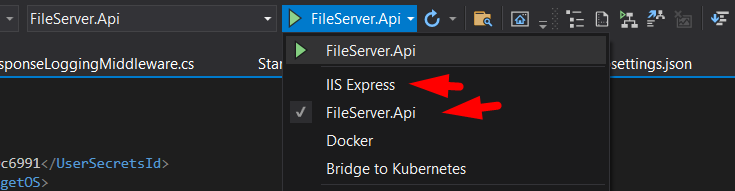
- Press F5.
- With docker compose
- Make sure that containers started in section Get started are stopped. (Otherwise you will have issues with containers during debug.).
- Set docker-compose as startup project.

- Press F5.
Where to find ApiKeys?
You can use any of ApiKeys from configurations to get access to the API.
Note: enter a key prefixed with ApiKey for example ApiKey 123.
How to debug integration tests?
- Make sure that FIle Server API is up and running.
- Make sure that configurations contains proper URL to File Server API.
- Integration tests implemented based on SpeckFlow. So I would suggest you to install an extenstion for Visual Studio for better usage experience.
- You can find test scenarios in Feature folder
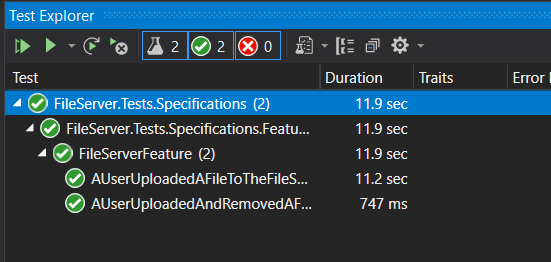
- Once the solution is opened in Visual Studio and built, you can run tests as standart unit tests. Test->Run ALL tests.
What was implemented?
What was not implemented?