text sherlock
UI update and bug fixes

Provides a fast, easy to install and simple to use search engine for text, but optimized for source code. An alternative, OpenGrok, requires too much time to install (though it may be worth it for some), but is more feature rich. Text Sherlock will give you a much easier setup, a text indexer, and a web app interface for searching with very little effort.
Soli Deo Gloria
Instructions:
sh setup/virtualenv-setup.sh to setup an isolated environment and download core packages.settings.py provide documentation for each setting.
example.local_settings.yml to local_settings.yml.settings.py to local_settings.yml (change the values as needed). All YAML keys/options must be lowercase.source sherlock_env/bin/activate to enter the virtual environment.python main.py --index update or --index rebuild to index the path specified in the settings. Watch indexing output.python main.py --runserver to start the web server.http://localhost:7777 to access the web interface. Uses the Bootstrap toolkit for it's UI.You may need to install some packages before a Ubuntu installation will run without error.
sudo apt-get install curlsudo apt-get install uuid-devsudo apt-get install python-devIncludes:
settings.py for details.virtualenv-setup.sh to perform an isolated installation.main.py -h for more information.werkzeug is for development to small traffic.cheroot is the high-performance, pure-Python HTTP server used by CherryPy.Features:
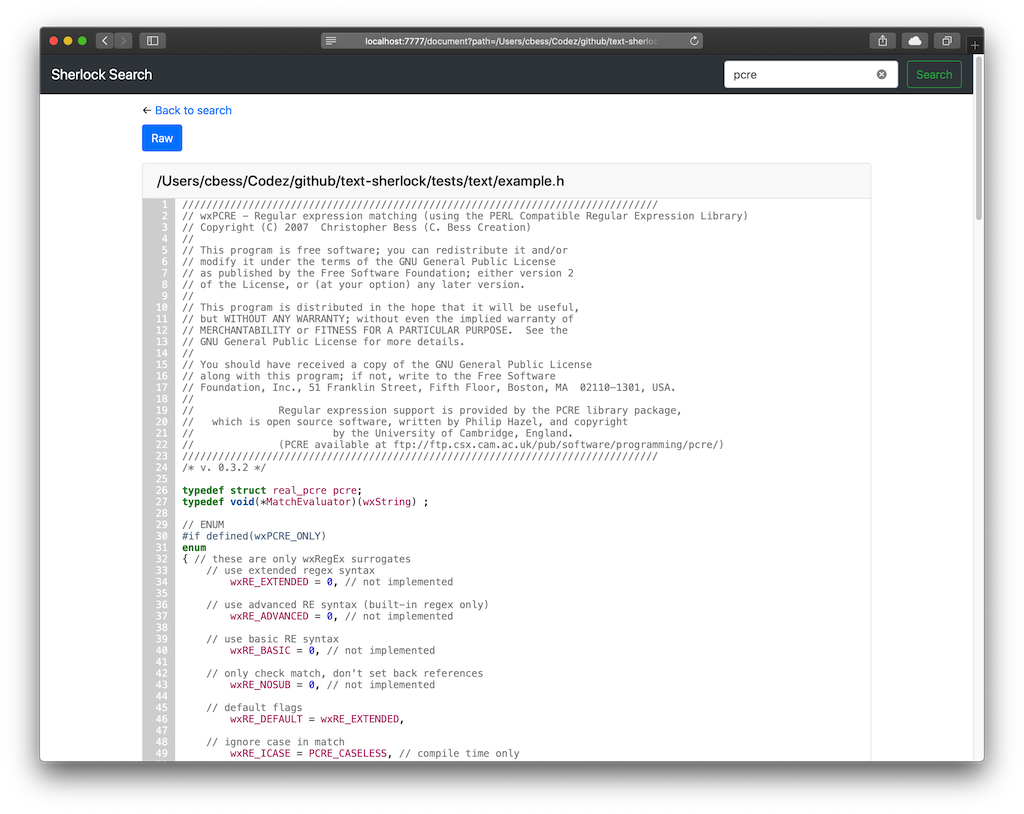
Append to document URL.
&hl=3,7,12-14,21#line-3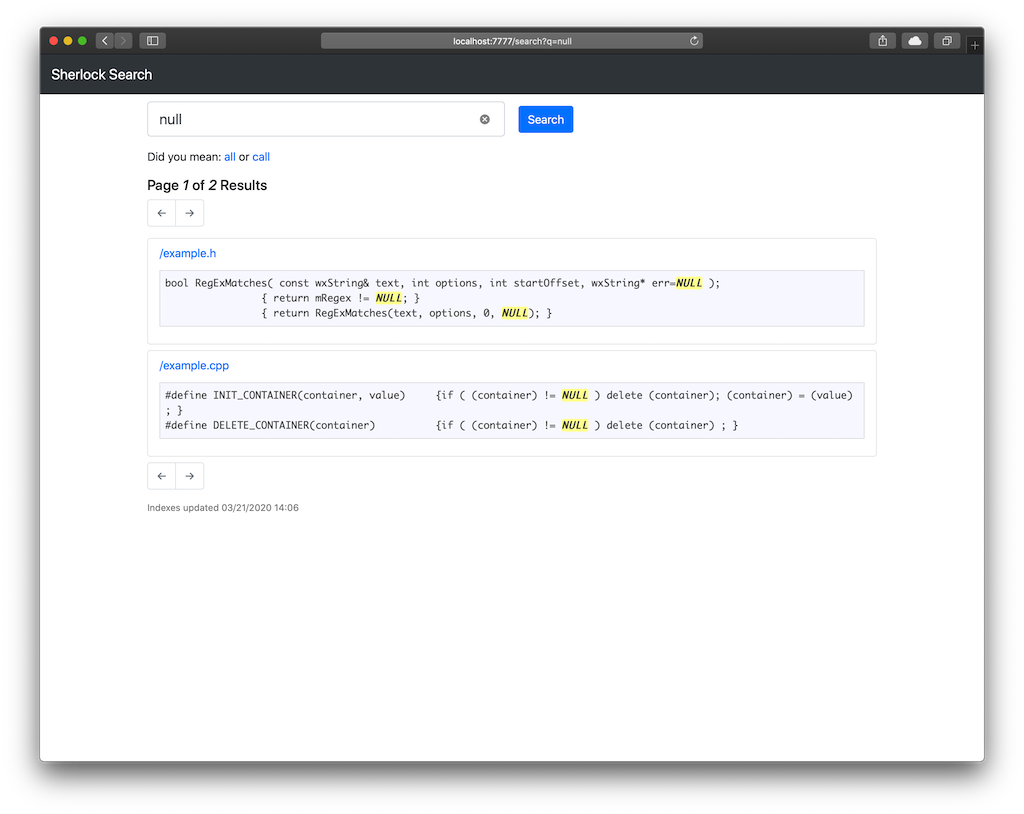
In settings.py:
default_indexer and default_searcher values to match the name given to the backend.
whoosh the default, no extra work needed.xapian must be installed separately using the included setup/install-xapian.sh setup script.Text Sherlock has built-in support for werkzeug and cheroot WSGI compliant servers.
In settings.py:
server_type value to one of the available server types.
default, werkzeug web server (default).cheroot, production ready web server.Requires Python 3.5+





