BSearchEdit
1.0.8

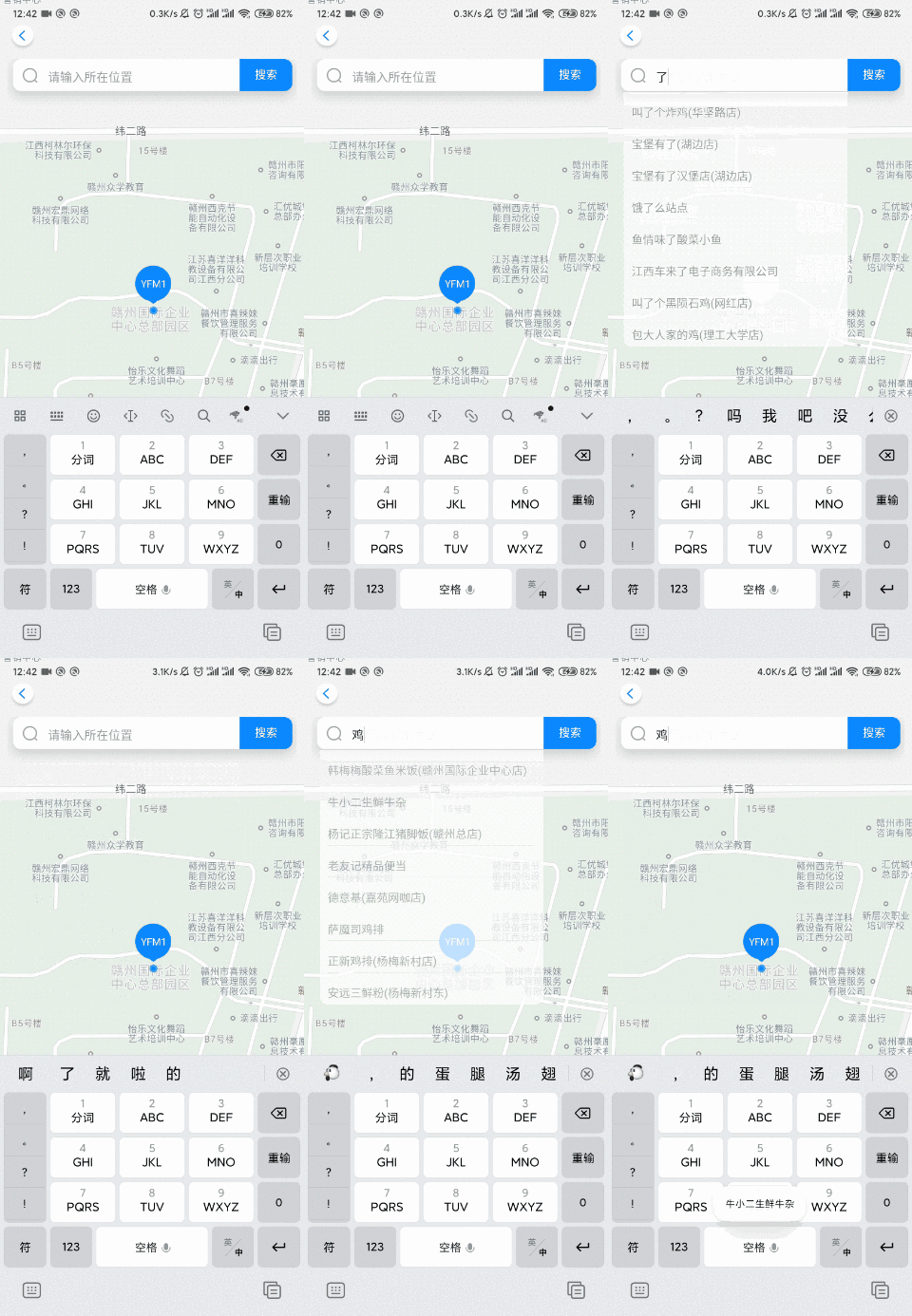
 allprojects {
    repositories {
        google ()
        jcenter ()
        maven { url 'https://www.jitpack.io' }
    }
}
implementation 'com.github.YangsBryant:BSearchEdit:1.0.8'#Support automatic display of search entries
#Support manual display of search entries (you can record historical data by yourself, and you can wait for a callback to pop up the search entries)
#The background supports color, selector, picture and other resource attributes
| Method name | property |
|---|---|
| build() | After setting the parameters, be sure to build it |
| setTimely(boolean timely) | Whether to automatically display search entries, default true |
| showPopup() | Manually pop up the search entry, invalidate when setTimely is true |
| setTextClickListener(TextClickListener textClickListener) | Click the listener |
| setTextWidth(int textWidth) | Set text width, unit dp |
| setTextHeight(int textHeight) | Set text height, unit dp |
| setTextSize(int textSize) | Set text font size |
| setTextColor(int textColor) | Set text color |
| setLine_height(int line_height) | Set the line height, unit dp |
| setLine_width(int line_width) | Set the line width, unit dp |
| setIsLine(boolean isLine) | Whether to display the split line |
| setPopup_bg(int popup_bg) | Set the form background, which can be pictures, colors, selectors and other resources |
        EditText editText = findViewById ( R . id . edit_text ); //获取一个EditText
        bSearchEdit = new BSearchEdit ( this , editText , 200 ); //第三个必须要设置窗体的宽度,单位dp
        bSearchEdit . build ();
        //更新数据
        bSearchEdit . setSearchList ( list );
#Tips: I encountered is your activity running? That's because the activity has not been created yet, and the showPopup() was called too early
 public class MainActivity extends AppCompatActivity {

    private ArrayList < String > list ;
    private BSearchEdit bSearchEdit ;
    @ Override
    protected void onCreate ( Bundle savedInstanceState ) {
        super . onCreate ( savedInstanceState );
        setContentView ( R . layout . activity_main );

        list = new ArrayList <>();
        list . add ( "江西省赣州市" );
        list . add ( "广东省深圳市" );
        list . add ( "广东省珠海市" );

        EditText editText = findViewById ( R . id . edit_text );
        bSearchEdit = new BSearchEdit ( this , editText , 200 );
        bSearchEdit . build ();
        bSearchEdit . setSearchList ( list );

        bSearchEdit . setTextClickListener ( new BSearchEdit . TextClickListener () {
            @ Override
            public void onTextClick ( int position , String text ) {
                Toast . makeText ( MainActivity . this , text , Toast . LENGTH_SHORT ). show ();
            }
        });

        Button button01 = findViewById ( R . id . button01 );
        button01 . setOnClickListener ( new View . OnClickListener () {
            @ Override
            public void onClick ( View v ) {
                list . clear ();
                list . add ( "小米 9pro" );
                list . add ( "华为 mate30" );
                list . add ( "vivo nex3" );
                list . add ( "iPhone 11" );
                bSearchEdit . setSearchList ( list );
                Toast . makeText ( MainActivity . this , "更新数据成功" , Toast . LENGTH_SHORT ). show ();
            }
        });

        Button button02 = findViewById ( R . id . button02 );
        button02 . setOnClickListener ( new View . OnClickListener () {
            @ Override
            public void onClick ( View v ) {
                list . clear ();
                list . add ( "瑞士民众抵制5G" );
                list . add ( "威马汽车起火" );
                list . add ( "王者荣耀新英雄西施" );
                list . add ( "黄渤出演姜子牙" );
                list . add ( "北京天空飞机刷屏" );
                list . add ( "Kimi名字由来" );
                bSearchEdit . setSearchList ( list );
                Toast . makeText ( MainActivity . this , "更新数据成功" , Toast . LENGTH_SHORT ). show ();
            }
        });
    }
}
#The demo code project has





