vicunia
v2.0.0

Vicunia is a frontend for using alpaca.cpp and providing a GUI for installing and chatting with Stanford Alpaca and other models from the llama.cpp family. It's available for Windows, Linux and Mac
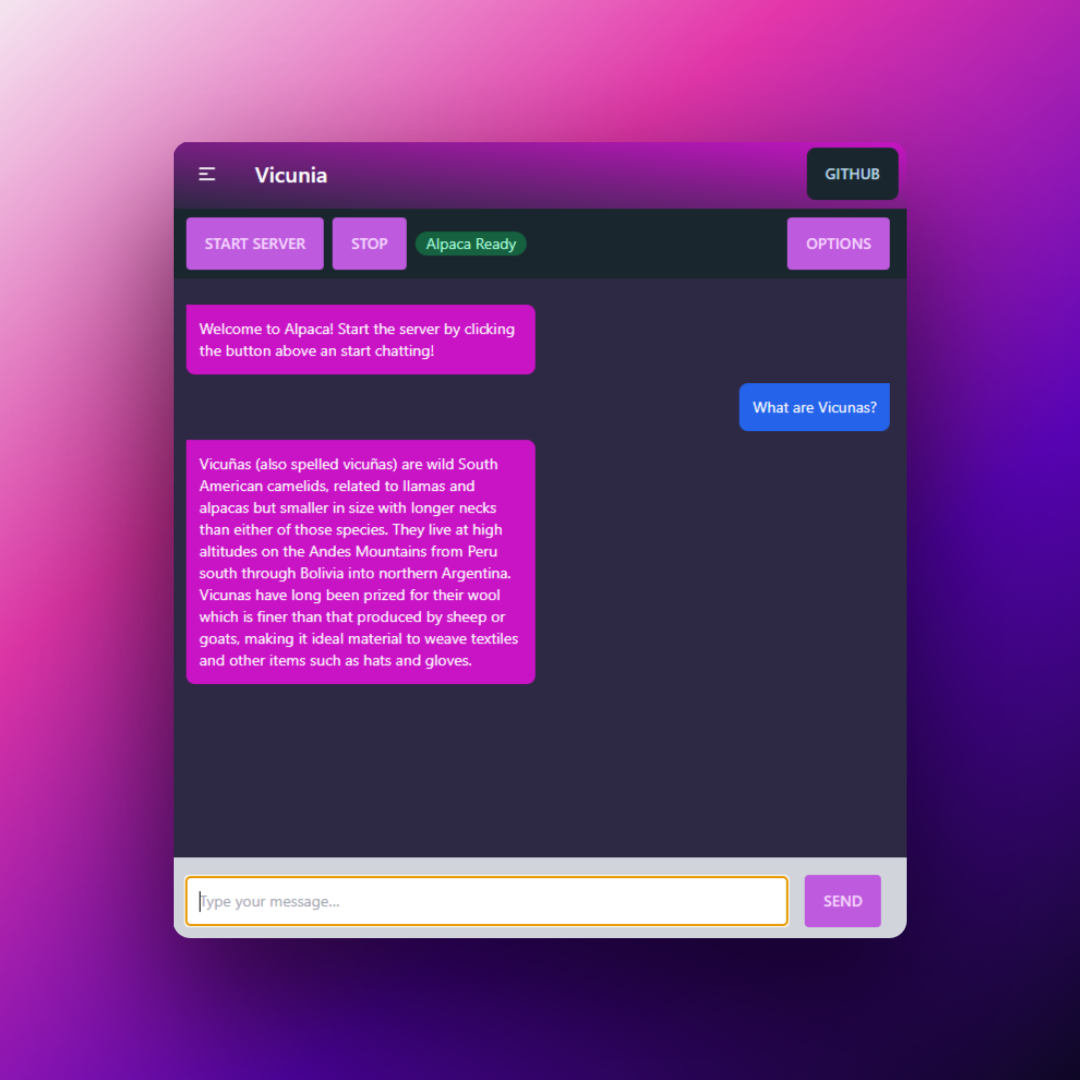
See releases for the latest version.
On Windows, the vicunia root dir looks something like this:
C:UsersyourusernameAppDataLocalProgramsvicunia
Follow the guide on alpaca.cpp!
TL;DR: have a working and compiled alpaca.cpp folder with a model in your OS home directory (Windows: C:Users%USERNAME%alpaca.cpp, Linux: /home/%USERNAME%/alpaca.cpp, macOS: /Users/%USERNAME%/alpaca.cpp). The compiled binaries (chat.exe, etc..) and model should be in the root of the alpaca.cpp folder.
.vicunia-settings.json from the home folder first to avoid issues.Feel free to open an issue on Github!
chat (OSX / Linux) or chat.exechat folder in the options menu