chatgpt steam output
1.0.0

Open AI ChatGPT streaming output. Open AI Stream output. ChatGPT Stream output, supports Tokens calculation.
| Streaming output implementation method | Mini Program | Android | ios | H5 |
|---|---|---|---|---|
| SSE Reference: OpenAISSEEventSourceListener | Not supported | support | support | support |
| WebSocket Reference: OpenAIWebSocketEventSourceListener | support | support | support | support |
Latest version of SDK reference: https://github.com/Grt1228/chatgpt-java
| Discuss chatgpt-java together, SDK issue consultation project product development exchange | Group failure follow the official account recovery: chatgpt-java | Personal WeChat |
|---|---|---|
 |  |
It is mainly based on SSE (you can use this technology on Baidu). I'm also learning about SSE recently. When the OpenAI official website accepted the Completions interface, it mentioned this technology. The Completion object itself has a stream property. When the stream is true, the Api's Response returns will become an Http long link. For details, please refer to the following document: https://platform.openai.com/docs/api-reference/completes/create 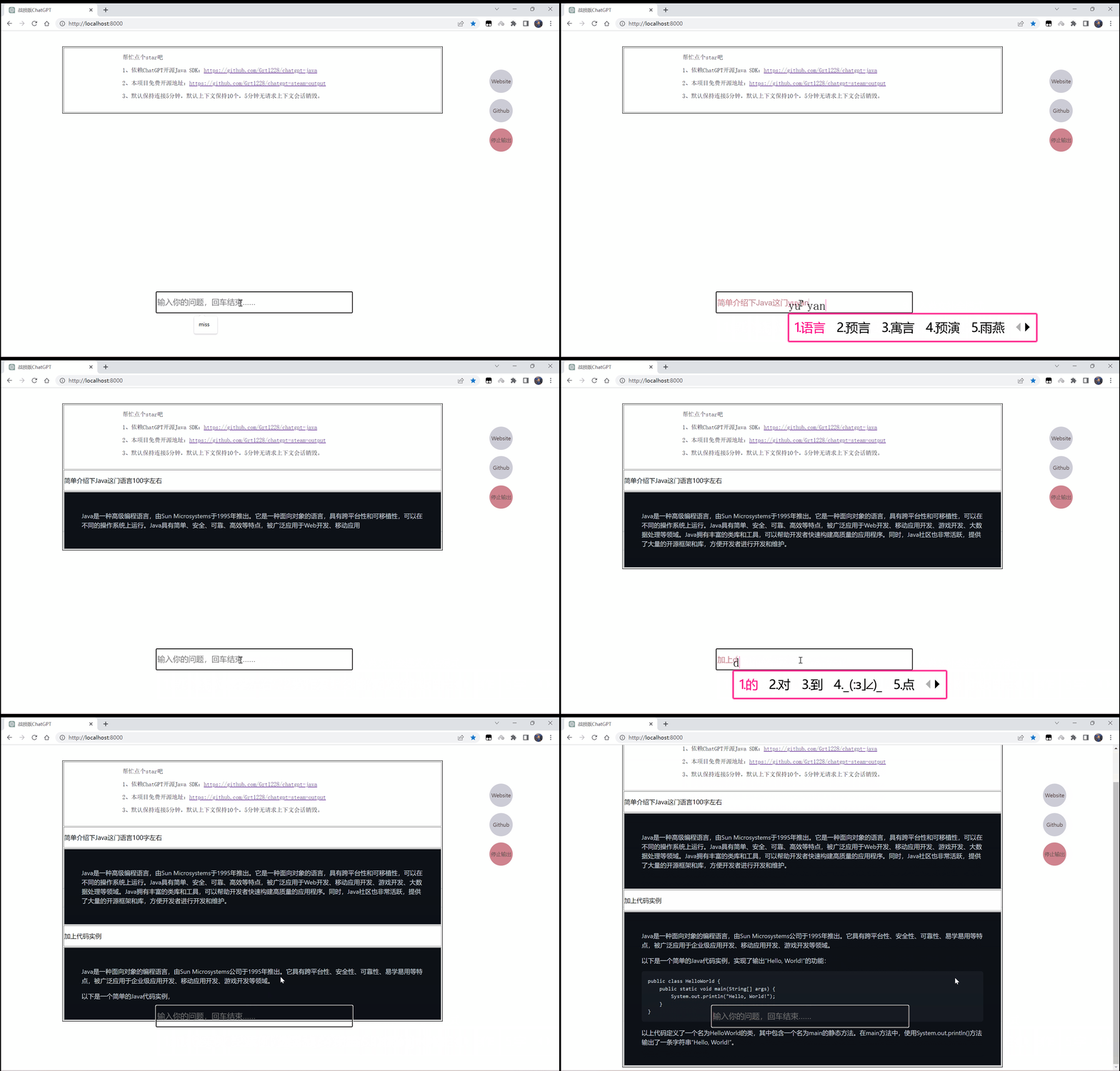
Latest version reference: https://github.com/Grt1228/chatgpt-java is currently version 1.0.12
 <dependency>
    <groupId>com.unfbx</groupId>
    <artifactId>chatgpt-java</artifactId>
    <version>1.0.12</version>
</dependency>
git clone https://github.com/Grt1228/chatgpt-steam-output
Modify the default 8000 port of the application.properties file. You can modify it yourself. Remember to replace the 8000 port of the 1.html file.
 server.port=8000
chatgpt.apiKey=配置自己的key
chatgpt.apiHost=配置opai的Api Host地址
Run ChatgptSteamOutputApplication
com.unfbx.chatgptsteamoutput.ChatgptSteamOutputApplication
Open the browser after successful run:
 sse实现:http://localhost:8000/
websocket实现:http://localhost:8000/websocket
Being able to open this page means running successfully 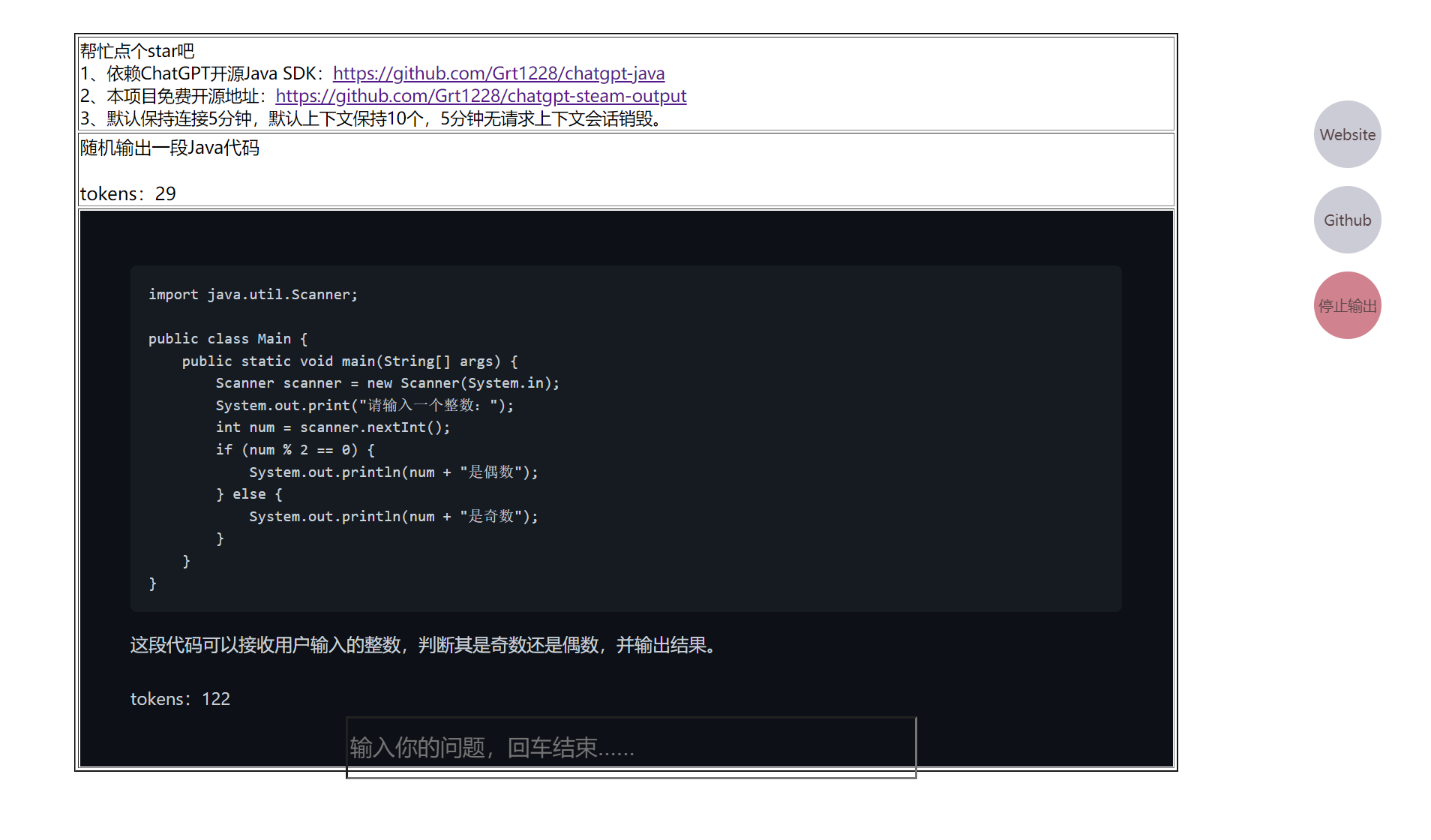
The code is actually very simple, friends can download the code to read it.





