BibiGPT v1
v2.38.0

This repo is only for v1 and supports Bilibil and YouTube!
? Effortlessly summarize YouTube and Bilibili videos with our AI-driven Video Summarizer. It also works for Podcasts, Twitter, Meetings, Lectures, Tiktok videos, and more. Discover a more brilliant way to learn with ChatGPT, your best AI-powered study companion! (formerly BiliGPT) "stream-saving artifact & class representative".
Alternate address: https://b.jimmylv.cn Browser extension: https://bibigpt.co/extension
? ChatGPT AI audio and video one-click summary, easily learn any content such as Bilibili丨YouTube丨Local video丨local audio丨Podcast丨Xiaohongshu丨Douyin丨Conference丨Lecture丨Web pages and other content. BibiGPT helps to be the best AI learning assistant and supports free trials! (Former BiliGPT streaming artifact & AI class representative) (supports iOS shortcuts & WeChat service accounts).
Alternative address: https://b.jimmylv.cn Browser plug-in: https://bibigpt.co/extension
? This project summarizes YouTube/Bilibili/Twitter/TikTok/Podcast/Lecture/Meeting/... videos or audios for you using AI.
? Inspired by Nutlope/news-summarizer & zhengbangbo/chat-simplifier & lxfater/BilibiliSummary
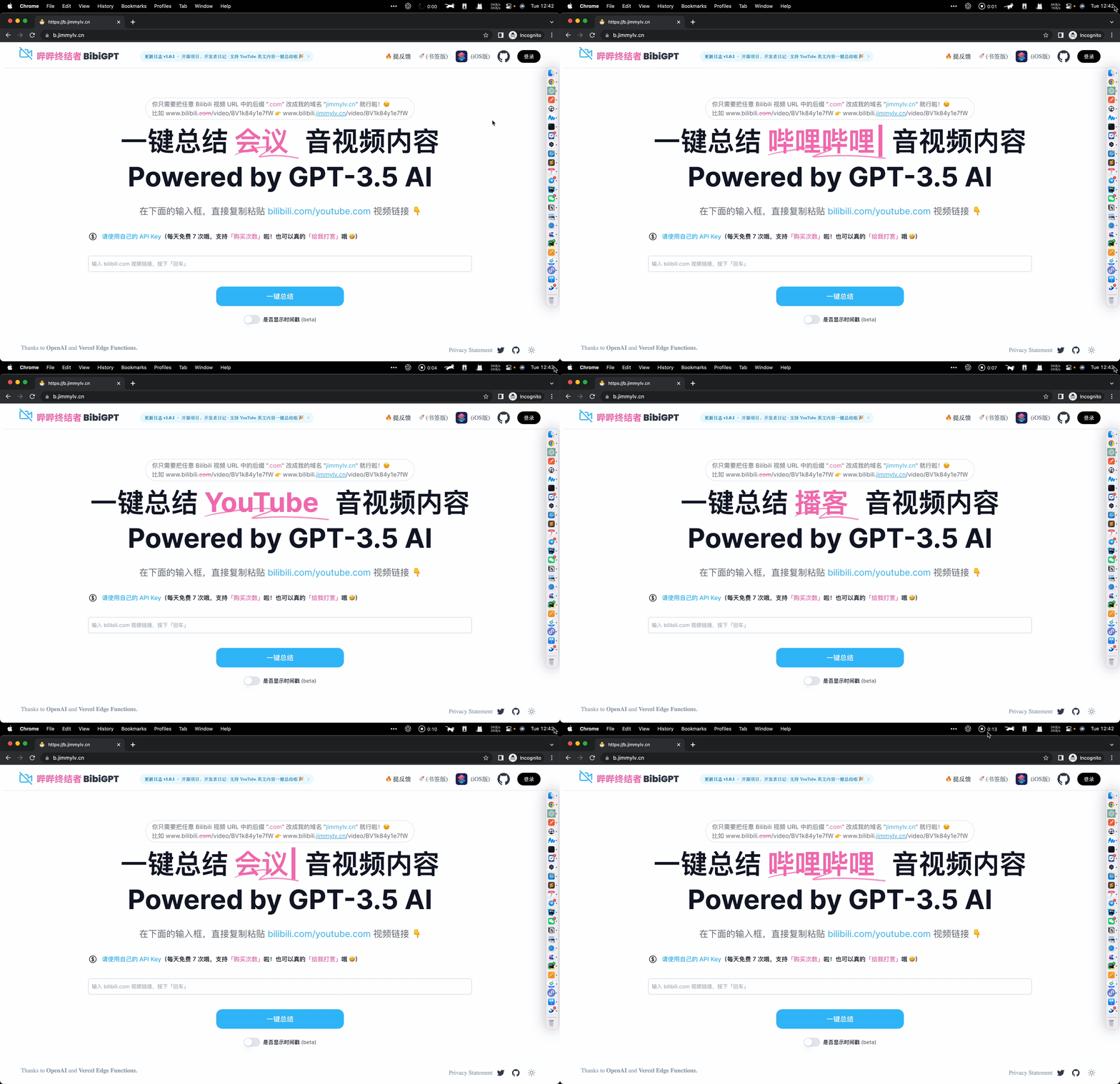
First Launch: 【BibiGPT】AI automatically summarizes B station video content, GPT-3 intelligently extracts and summarizes subtitles
This project uses the OpenAI ChatGPT API (specifically, gpt-3.5-turbo) and Vercel Edge functions with streaming and Upstash for Redis cache and rate limiting. It fetches the content on a Bilibili video, sends it in a prompt to the GPT-3 API to summarize it via a Vercel Edge function, then streams the response back to the application.
Projects like this can get expensive so in order to save costs if you want to make your own version and share it publicly, I recommend three things:
text-curie-001 instead of text-dacinci-003 in the summarize edge function After cloning the repo, go to OpenAI to make an account and put your API key in a file called .env .
Then, run the application in the command line and it will be available at http://localhost:3000 .
specific running procedure is described in this document - Chinese version
npm run devDeploy the example using Vercel
Setup the env variables, by following the ./example.env file.
#133
 # make sure setup .env file firstly
docker compose up -d
This project exists thanks to all the people who contribute.





