PandoraHelper
v1.3.4

This project is based on oaifree and fuccarde. Thanks to LinuxDo, you can contact me in LinuxDo: linux
Based on this project, I developed the Pandora Car project, which is a public welfare project. You can understand it as a hosted PandoraHelper. The purpose is to allow friends who cannot deploy or do not have VPS to drive a GPT Plus car with 0 threshold!
Address: https://www.oai2b.com
Detailed introduction: https://linux.do/t/topic/118652
You can visit the document site: https://wiki.oai2b.com to see how to deploy and use it.
config.json in the same directory to the parameters you need../PandoraHelper .PandoraHelper.exe on Windows system, of course you need to start in cmd. docker pull q11391/pandora-helper
docker run -d --name PandoraHelper --net=bridge
-p 9000:9000
-v ./data:/app/data
q11391/pandora-helperconfig.json will be saved in the ./data directory, modify the admin_password and then start Docker.data.db file will be automatically generated when the container is started for the first time. config.json configuration file into the ./data directory. And modify admin_password in it.docker-compose.yml file with the following content:docker-compose up -d Genshin Impact, start! . version : ' 3 '
services :
pandora-next :
image : q11391/pandora-helper
container_name : PandoraHelper
network_mode : bridge
restart : always
ports :
- " 9000:9000 "
volumes :
- ./data:/app/data pvc part in deploy/k8s/deploy.yaml to the parameters you need.config.json part in deploy/k8s/deploy.yaml to the parameters you need.kubectl apply -f deploy/k8s/deploy.yamlADMIN_PASSWORDnew.oaifree.com , you need to modify it to your anti-generation domain name.http.host can be written as HTTP_HOST {
"security" : {
"admin_password" : " "
},
"http" : {
"host" : " 0.0.0.0 " ,
"port" : 9000 ,
"title" : " Pandora " ,
"rate" : 100
},
"database" : {
"driver" : " sqlite " ,
"dsn" : " ./data/data.db "
},
"share" : {
"random" : true ,
"custom" : true
},
"pandora" : {
"domain" : {
"chat" : " https://chat.oaifree.com " ,
"token" : " https://token.oaifree.com " ,
"index" : " https://new.oaifree.com " ,
"claude" : " https://demo.fuclaude.com "
}
},
"log" : {
"level" : " info " ,
"encoding" : " console " ,
"output" : " console " ,
"log_file_name" : " ./logs/server.log " ,
"max_backups" : 30 ,
"max_age" : 7 ,
"max_size" : 1024 ,
"compress" : true
}
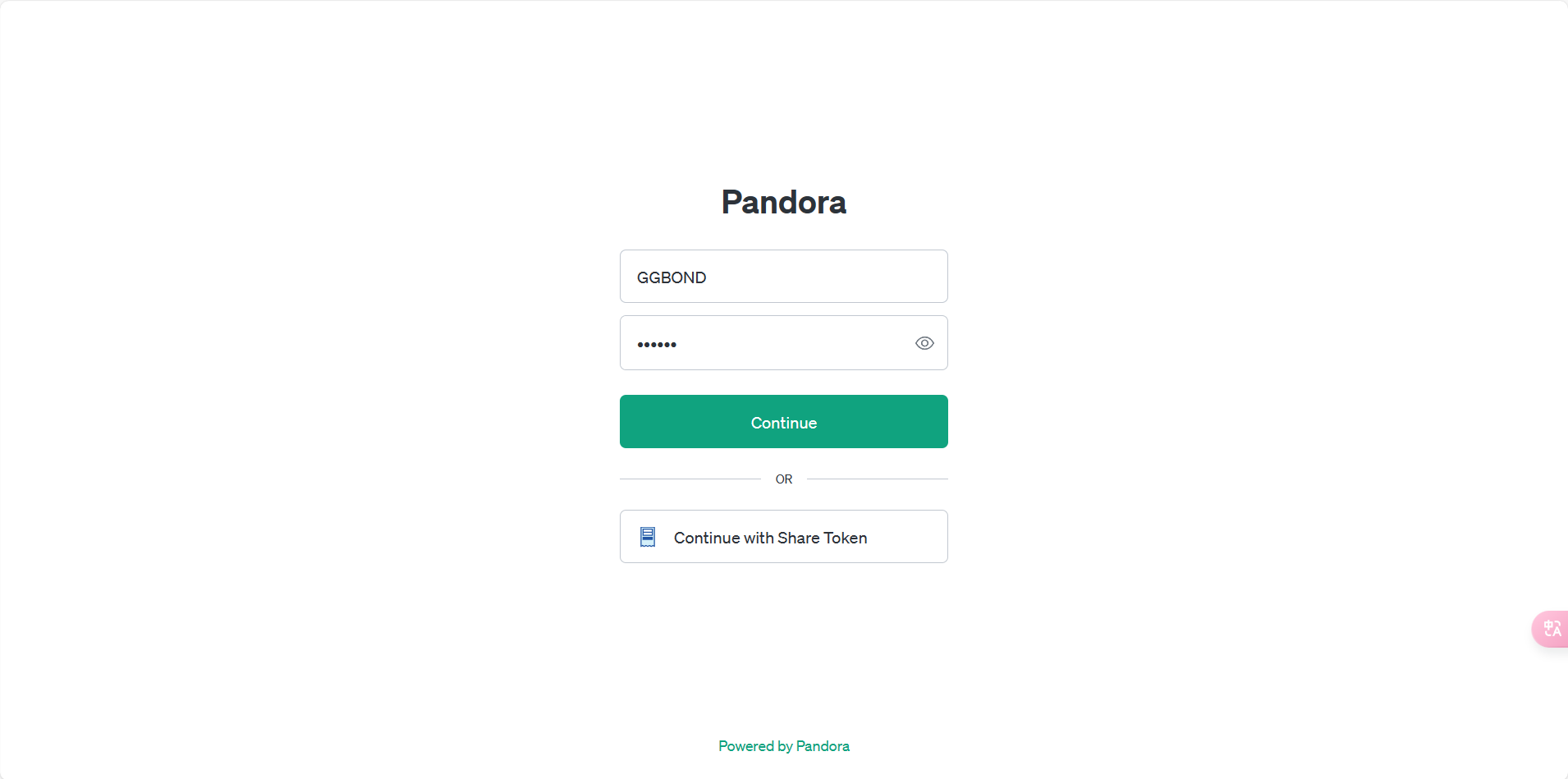
}/admin page, enter admin_password to log in.首页or /login page, enter Unique Name and密码to log in.账号管理you can view Refresh Token , Access Token , and Email of all accounts.刷新in账号管理to refresh Access Token . This feature can only be used if you fill in Refresh Token . The program will automatically refresh in the early hours of every day.新建in账号管理, enter Refresh Token or Access Token , and click保存Email . Please note that密码here has no practical effect.Share Token under this account. 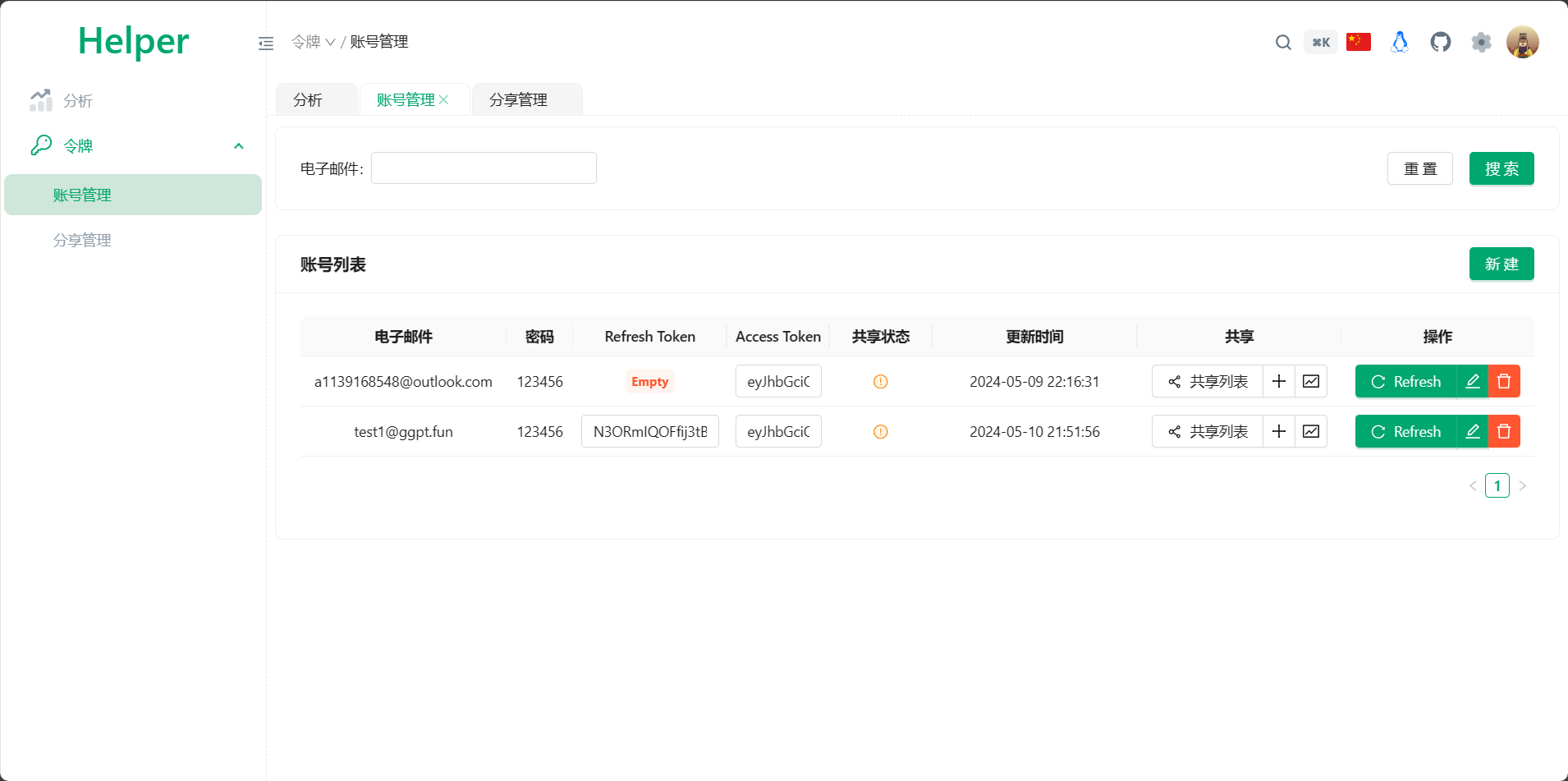
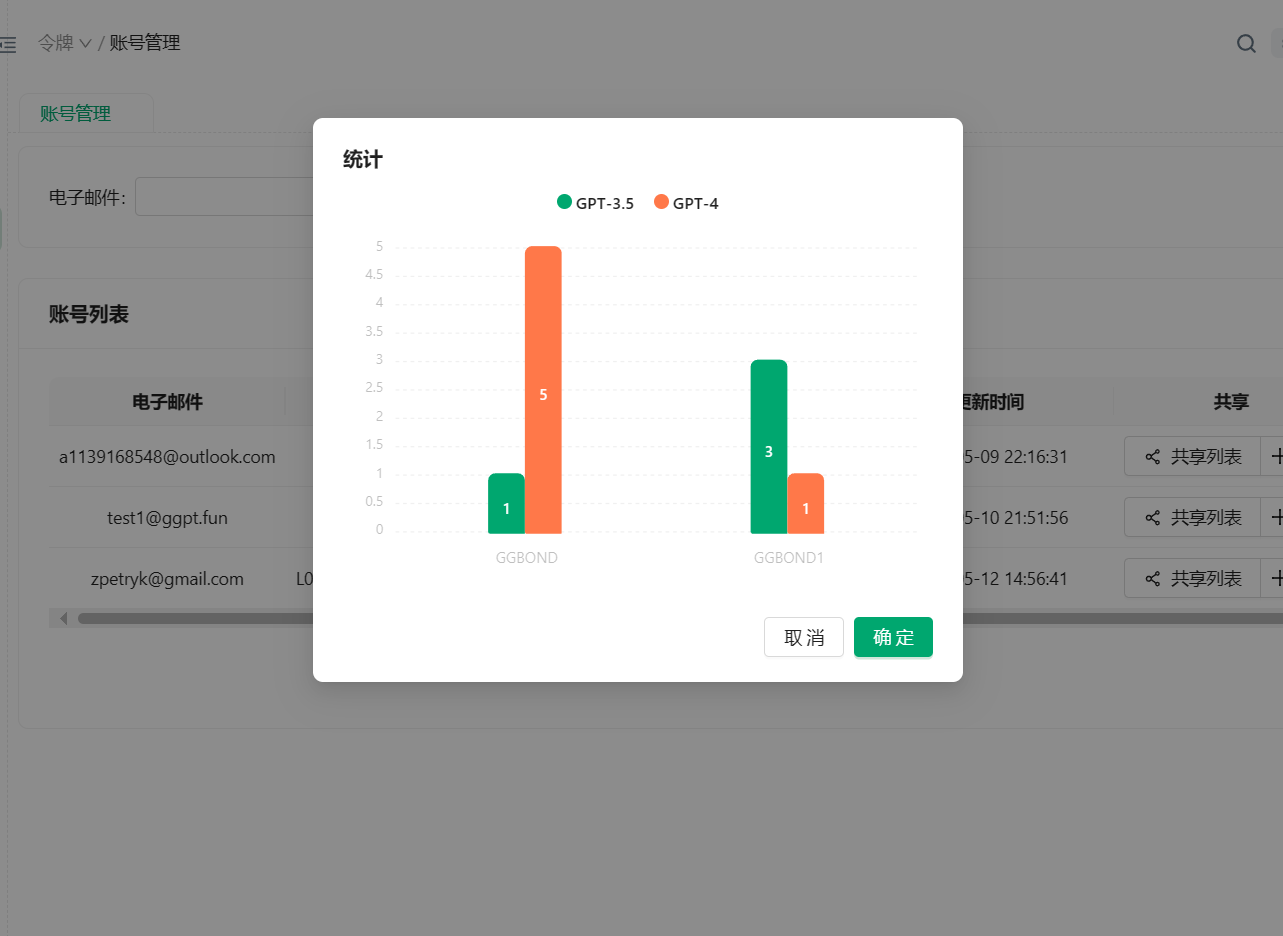
Share Token can be generated in账号管理. Click the + sign of共享column and enter information such as Email and限额. Click保存to generate Share Token .
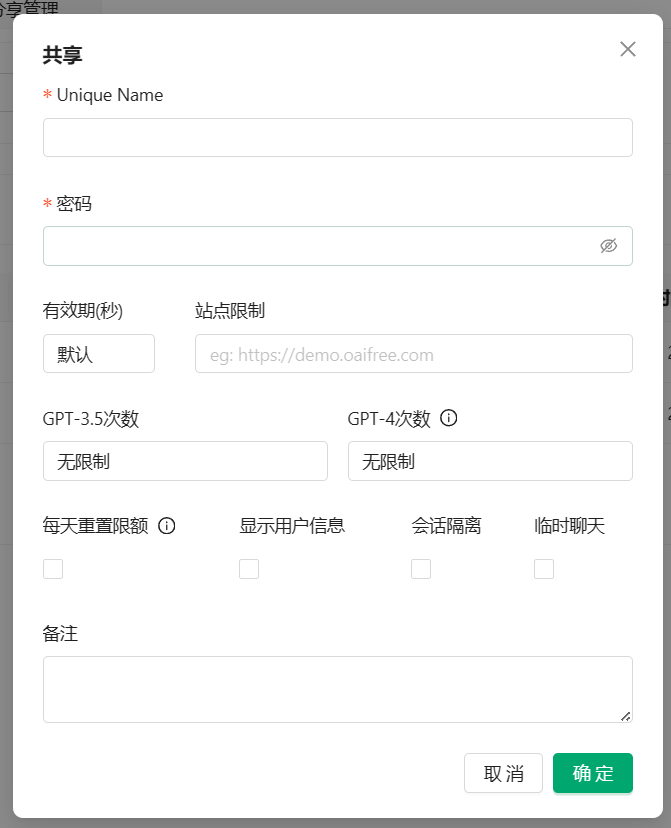
Share Token in分享管理. You can start a conversation directly with Share Token here. This system uses the native Pandora login page, you can log in with Unique Name and密码on the /login page.